






















HubSpot–Acumatica Sync for Personal Care Brands Selling to Salons and Retailers
Sales works salon groups and stylists in HubSpot while finance keeps the billing identity and terms in Acumatica, so no tester contact turns into a duplicate customer.
- Author
- Ruben Burdin · Founder & CEO
- Published
- Read time
- 4 min read

The operating decision
Connect personal-care sales relationships to the correct approved ERP customer while preserving salon locations and retail buying groups. HubSpot can own outreach and commercial activity; Acumatica owns the accepted customer record and finance-controlled fields. Confirm the exposed Acumatica entities and permitted writes in the tenant before mapping them.
Explore the complete personal care integration and automation hub for the systems and processes around this guide.
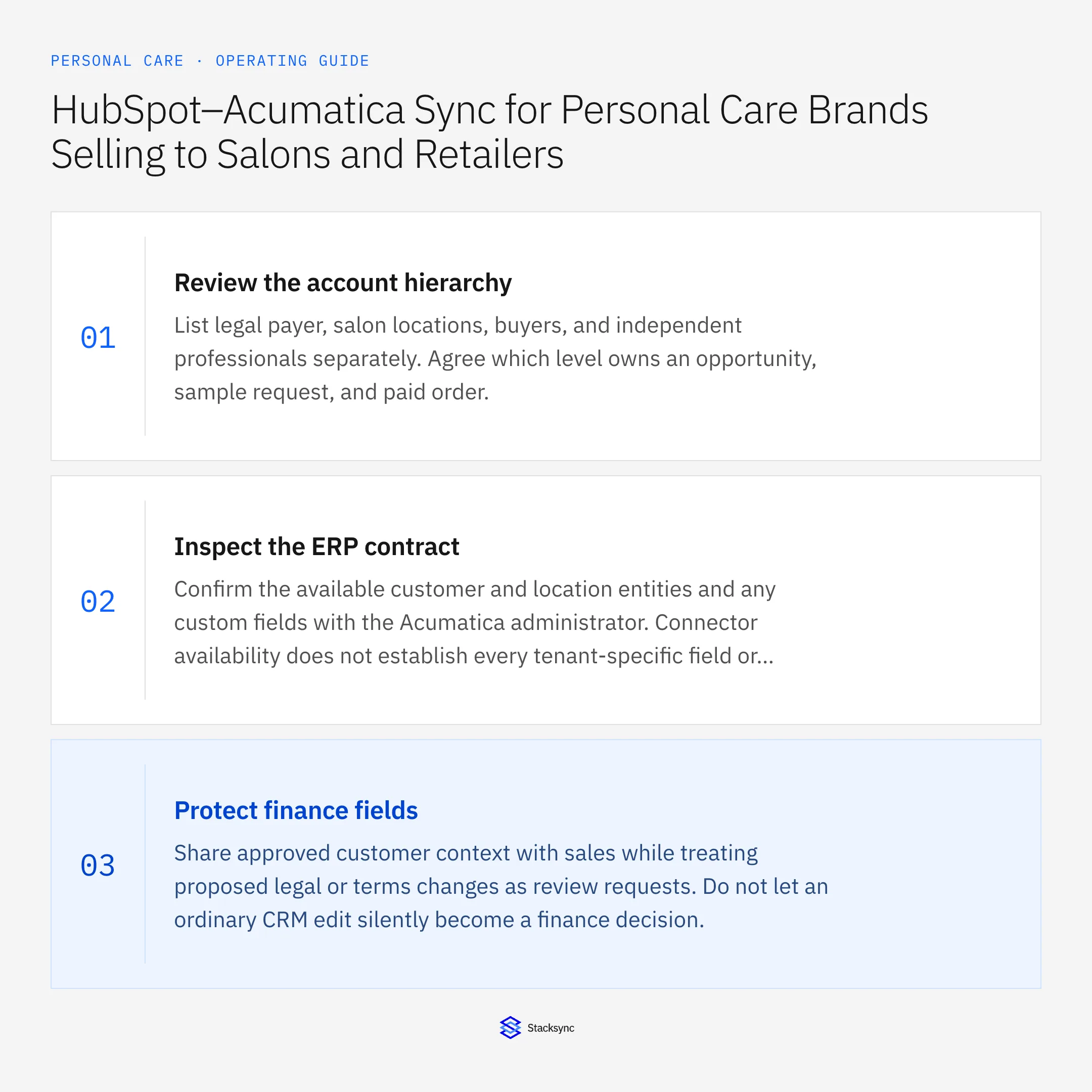
What this looks like in personal care
A salon group has a central payer, individual locations, and stylists requesting testers. Sales sees people and opportunities, while finance needs a stable customer hierarchy. Automatically creating a customer for each stylist would duplicate accounts and confuse which location can order under the group’s terms.
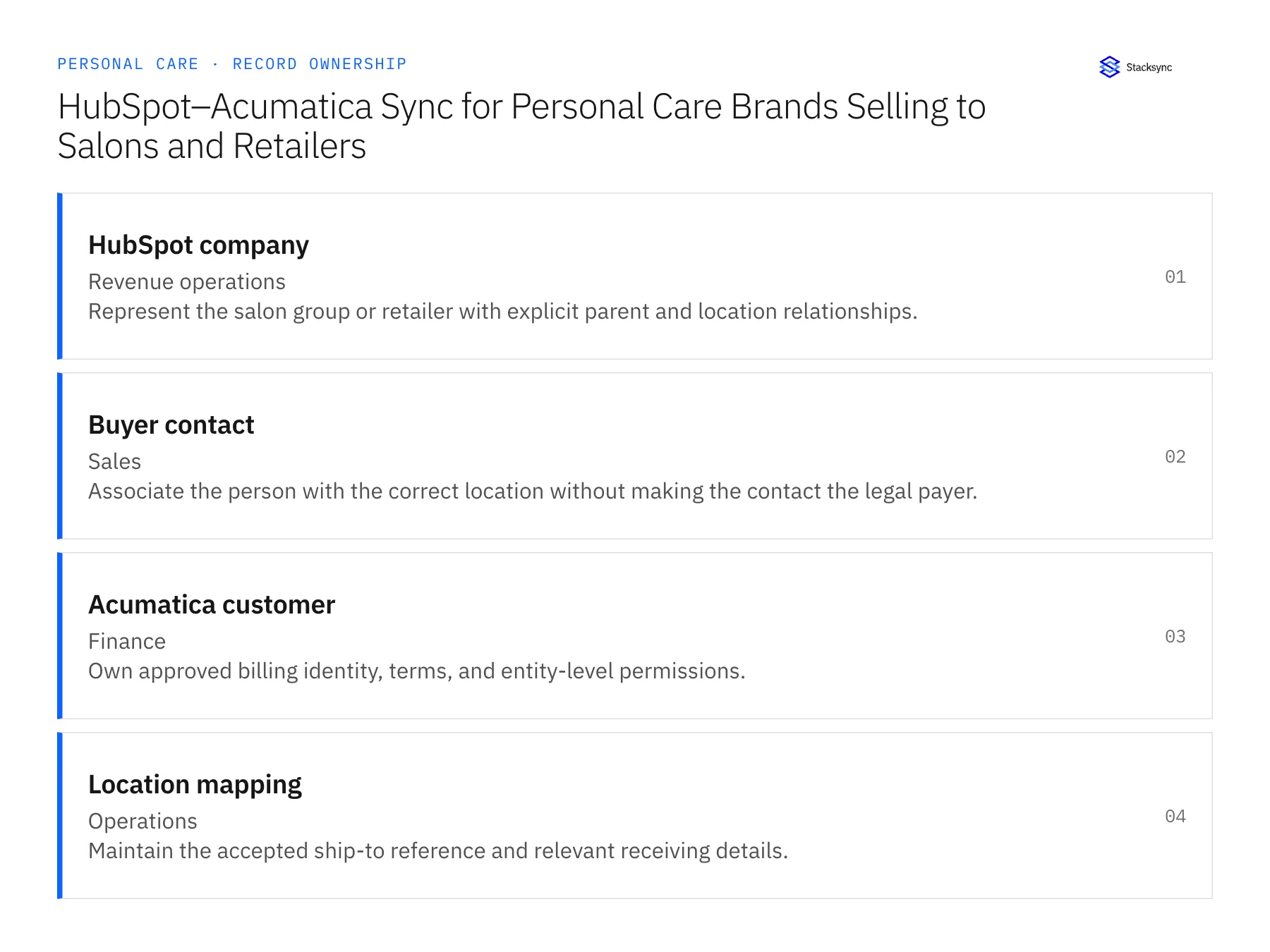
Records, ownership, and update rules
| Record | Owner | Operating rule |
|---|---|---|
| HubSpot company | Revenue operations | Represent the salon group or retailer with explicit parent and location relationships. |
| Buyer contact | Sales | Associate the person with the correct location without making the contact the legal payer. |
| Acumatica customer | Finance | Own approved billing identity, terms, and entity-level permissions. |
| Location mapping | Operations | Maintain the accepted ship-to reference and relevant receiving details. |
Work through the process
- 01Review the account hierarchyList legal payer, salon locations, buyers, and independent professionals separately. Agree which level owns an opportunity, sample request, and paid order.
- 02Inspect the ERP contractConfirm the available customer and location entities and any custom fields with the Acumatica administrator. Connector availability does not establish every tenant-specific field or action.
- 03Protect finance fieldsShare approved customer context with sales while treating proposed legal or terms changes as review requests. Do not let an ordinary CRM edit silently become a finance decision.
- 04Exercise new locationsTest adding a salon under an existing payer and moving a buyer between locations. Verify that historical orders retain the original customer and destination references.
- 05Add a stylist contact in HubSpot and watch what Acumatica doesCreate a HubSpot contact for a stylist who rents a chair at an existing salon customer and flag them as a tester requester. Then open the Acumatica customer list. No new customer should appear; the contact sits under the salon company with the payer question left open for finance. A fresh Acumatica customer created from that contact stops the rollout until the create permission is removed from the mapping. Next, move an existing buyer to a second location in HubSpot and reopen their earlier sales orders in Acumatica. Those orders must still show the original ship-to and payer. Rewritten history means location changes are overwriting rather than versioning.
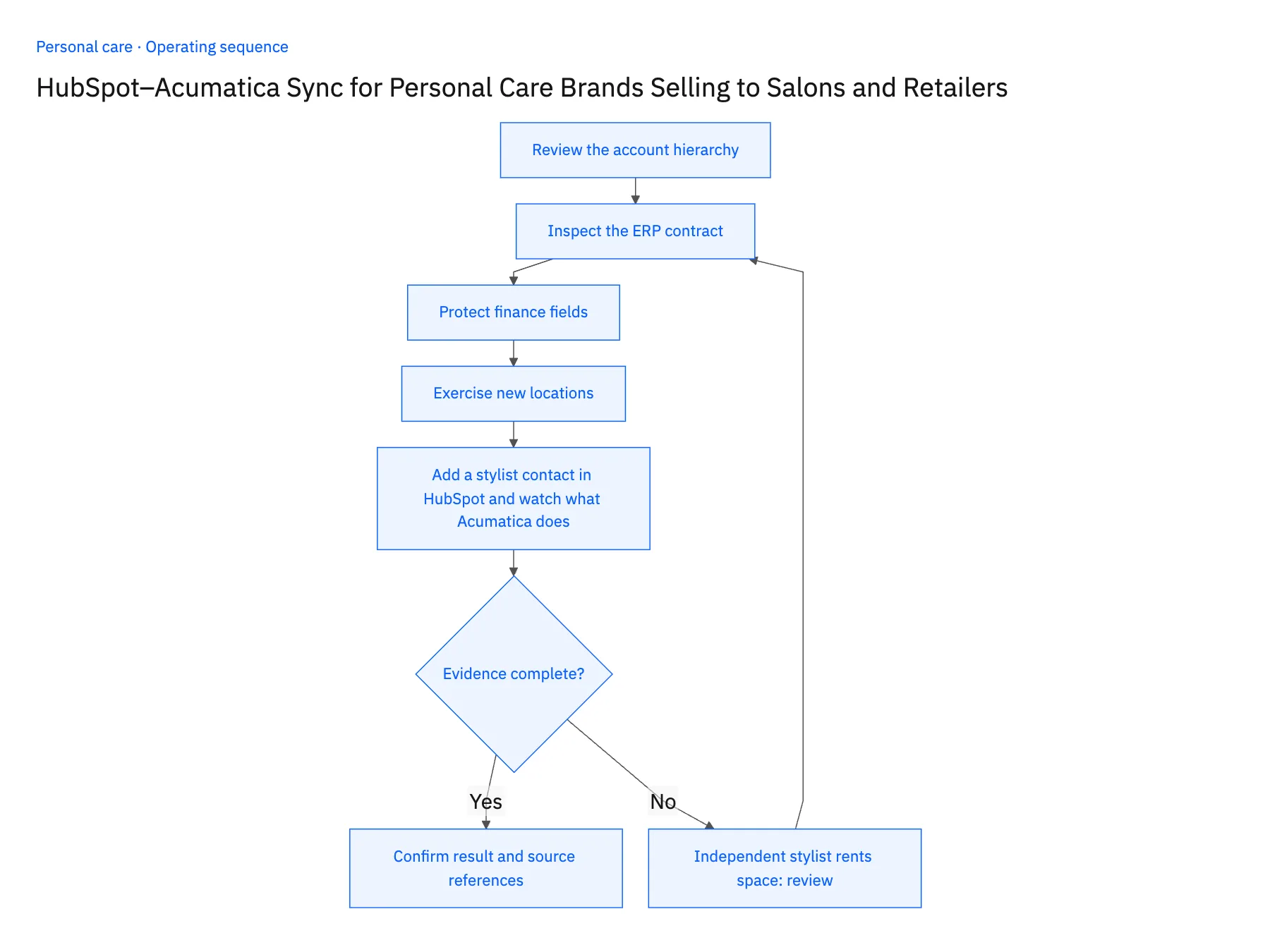
Handle the exceptions explicitly
Independent stylist rents space
Confirm whether the stylist or salon is the actual payer before mapping the account.
Salon group acquires a location
Review legal and location relationships rather than merging history by brand name.
ERP entity is customized
Scope the specific endpoint fields and operations before enabling writes.
What to verify before expanding
- A tester contact cannot automatically become a duplicate legal customer.
- Location changes preserve prior order and payer relationships.
- An independent stylist and the salon sharing a site retain distinct payer candidates until the actual buyer is confirmed.
- A salon acquisition triggers legal-customer review without automatically moving prior orders to the acquiring group's account.

Connect this process to the rest of your operation
Explore Stacksync two-way sync and scope the records and actions against your actual systems. Book a demo with a real hubSpot company example and the exception your team handles most often, for example independent stylist rents space.
- Shopify–NetSuite Integration for Personal Care and Beauty Brands
- Amazon–NetSuite Integration for Beauty Marketplace Operations
- Shopify–NetSuite Sync for Personal Care Brands: Align Shades, Sizes, and Gift Sets
- Personal Care Sample and Tester Workflows: Track Requests Through Warehouse Fulfillment
- Personal Care Returns Workflows Across Zendesk, NetSuite, and Extensiv
- EDI Compliance Issues with Retail Trading Partners (2026 Guide)
- How NetSuite for Retail Transforms Inventory, Finance & Sales
The shared architecture guide covers record matching, ownership, and recovery across systems.
Technical references
FAQ
Frequently asked questions










Explore these integrations and topics
- integrationHubSpot and Acumatica integration
- connectorHubSpot integrations
- connectorAcumatica integrations
- platformTwo-way sync
- platformCRM synchronization
- platformCRM and ERP integration
- Two-way sync guidesUnderstand two-way sync, record matching, field ownership, and production readiness.
- CRM synchronization guidesConnect customer records across sales, marketing, and operational systems.
Related articles





