






















Personal Care Returns Workflows Across Zendesk, NetSuite, and Extensiv
Support, warehouse receipt, disposition and refund stay as separate states with separate owners, so a closed ticket never stands in for a completed return.
- Author
- Ignacio Malpartida · GTM Engineer
- Published
- Read time
- 4 min read

The operating decision
Connect personal-care return conversations to the original shade, size, set, and approved remedy. A workflow should keep support authorization, warehouse receipt, disposition, and finance completion separate. It must not assume that returned personal-care goods can be restocked or that a closed ticket proves a refund was accepted.
Explore the complete personal care integration and automation hub for the systems and processes around this guide.
What this looks like in personal care
A shopper returns one item from a gift set and requests a different shade. Support sees the current product catalog, while the ERP records the original set. The process must recover the purchased configuration and apply the approved partial-return policy before warehouse or finance actions occur.
Records, ownership, and update rules
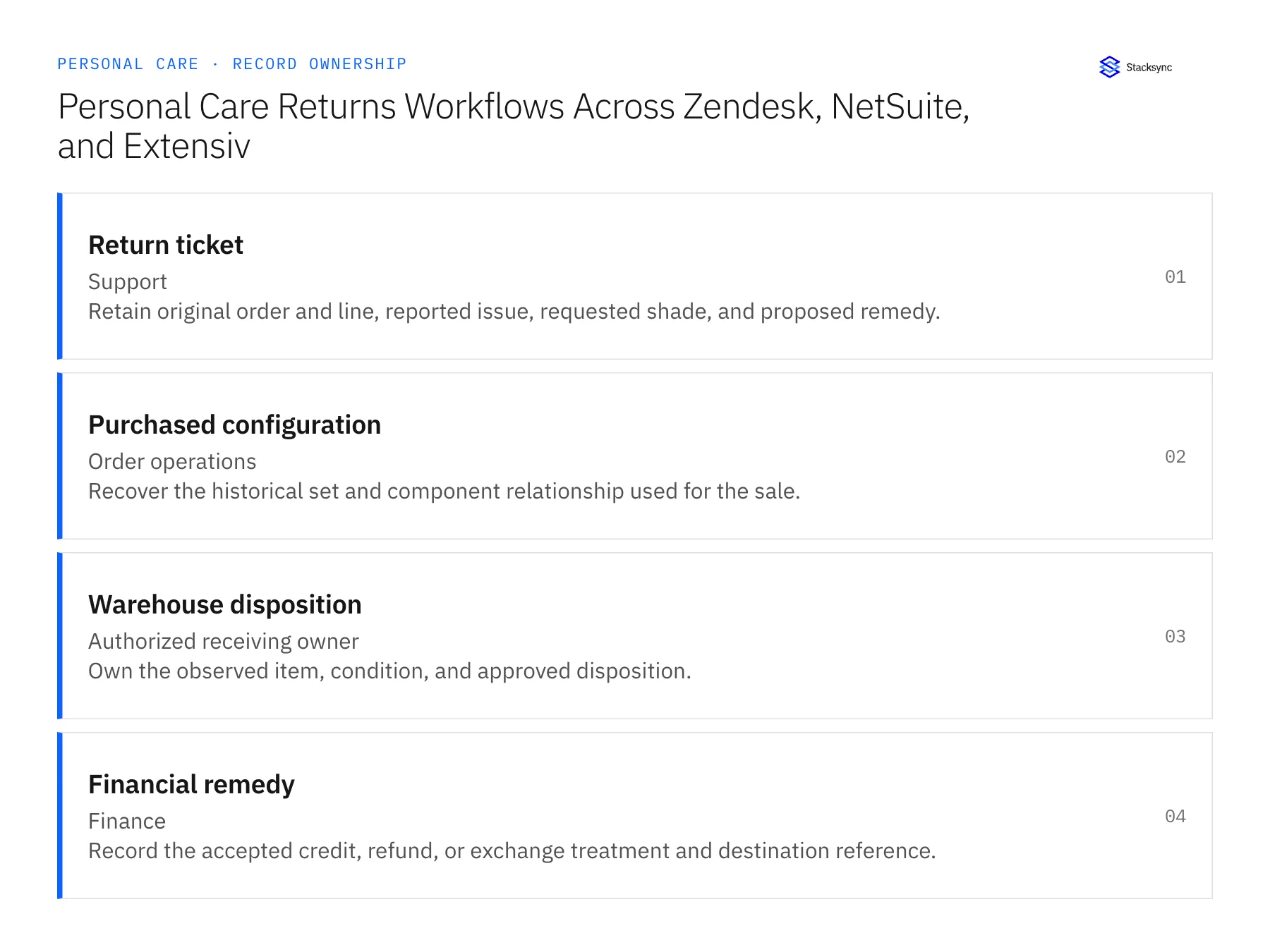
| Record | Owner | Operating rule |
|---|---|---|
| Return ticket | Support | Retain original order and line, reported issue, requested shade, and proposed remedy. |
| Purchased configuration | Order operations | Recover the historical set and component relationship used for the sale. |
| Warehouse disposition | Authorized receiving owner | Own the observed item, condition, and approved disposition. |
| Financial remedy | Finance | Record the accepted credit, refund, or exchange treatment and destination reference. |
Work through the process
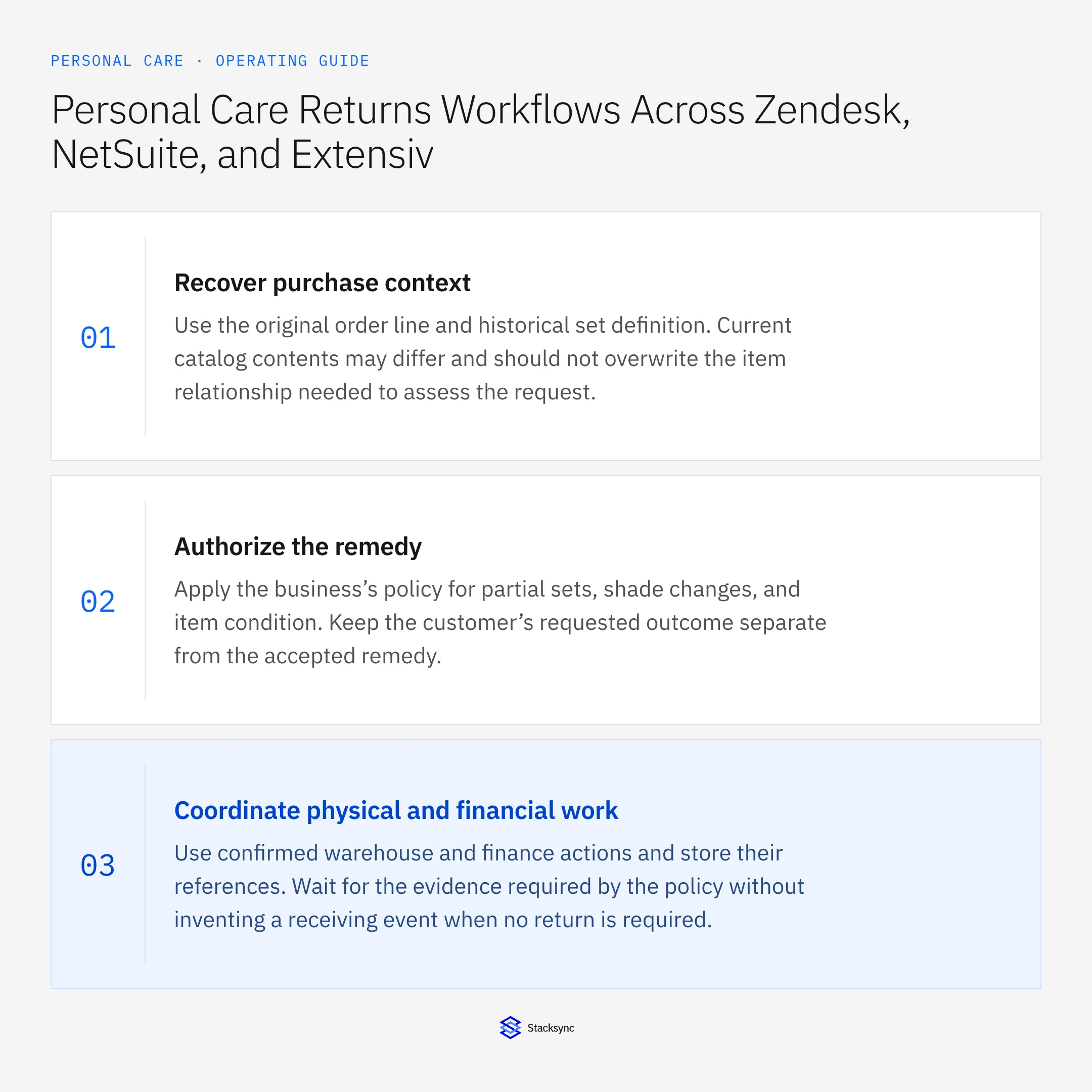
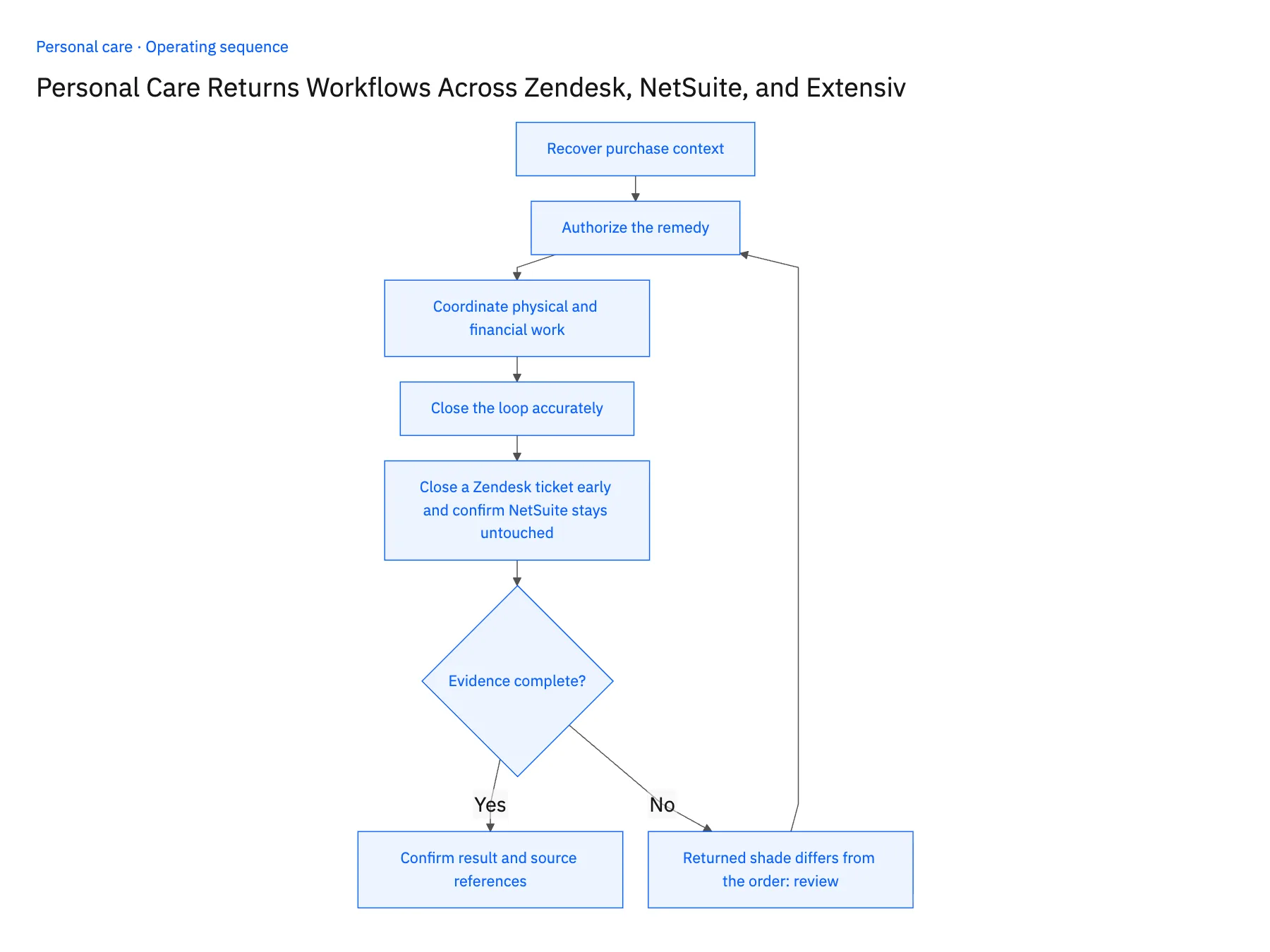
- 01Recover purchase contextUse the original order line and historical set definition. Current catalog contents may differ and should not overwrite the item relationship needed to assess the request.
- 02Authorize the remedyApply the business’s policy for partial sets, shade changes, and item condition. Keep the customer’s requested outcome separate from the accepted remedy.
- 03Coordinate physical and financial workUse confirmed warehouse and finance actions and store their references. Wait for the evidence required by the policy without inventing a receiving event when no return is required.
- 04Close the loop accuratelyTell support which steps completed and which remain pending. A received parcel, approved exchange, and accepted refund are different states with different owners.
- 05Close a Zendesk ticket early and confirm NetSuite stays untouchedOpen a Zendesk ticket for one item returned from last season's gift set. The workflow should attach the NetSuite order line and the set revision sold at the time; if it shows the current set contents instead, stop and fix the lookup. Then close the ticket before the parcel arrives. Nothing should change in NetSuite or Extensiv: no credit memo, no receipt, no stock movement. Any of those appearing on closure means the workflow treats a support status as evidence, and the rollout pauses. Have the warehouse record a different shade than the ticket names. The original sale line must remain as sold, with the mismatch queued for review.
Handle the exceptions explicitly
Returned shade differs from the order
Route the mismatch for review rather than updating the original sale to fit the return.
Set definition has changed
Use the purchased revision and preserve the difference from today’s catalog.
Goods cannot be restocked
Record the approved disposition and avoid increasing available inventory automatically.
What to verify before expanding
- Partial-set returns preserve the original component relationship.
- Ticket closure cannot imply warehouse or finance completion without evidence.
- Receiving goods with a different shade preserves the discrepancy and cannot rewrite the original purchased item to make it match.
- A non-restockable disposition produces no available-stock increase, regardless of ticket closure or the financial remedy.

Connect this process to the rest of your operation
Explore Stacksync workflows and scope the records and actions against your actual systems. Book a demo with a real return ticket example and the exception your team handles most often, for example returned shade differs from the order.
- Sample and Tester Fulfillment Automation for Personal Care Brands
- Personal Care Sample and Tester Workflows: Track Requests Through Warehouse Fulfillment
- AI Agents for Personal Care Retailer Onboarding: Assemble Product and Packaging Documents
- Conflicting Product Sheets and Missing Packaging Data: Personal Care Agent Exceptions
- Manage Shopify Exchanges Through Zendesk and NetSuite
- Product Exchange Checks: Refunds, Stock, and Customer Choice
The shared architecture guide covers record matching, ownership, and recovery across systems.
Technical references
FAQ
Frequently asked questions










Related articles






