






















Shopify–NetSuite Sync for Personal Care Brands: Align Shades, Sizes, and Gift Sets
Travel sizes, full sizes and seasonal sets stay separate NetSuite items, so a Shopify order or a partial set return still resolves to what the customer bought.
- Author
- Ruben Burdin · Founder & CEO
- Published
- Read time
- 5 min read

The operating decision
Personal-care two-way sync must preserve the exact shade, size, and set purchased on Shopify. Map stable variant IDs to approved ERP items or components, keeping merchandising names separate from product identity. A gift set needs its own versioned composition so orders and returns remain explainable after a seasonal assortment changes.
Explore the complete personal care integration and automation hub for the systems and processes around this guide.
What this looks like in personal care
A beauty brand offers a shade in travel and full sizes plus a holiday set containing both. The names share a product family, but the physical items and price differ. A loose catalog match can ship the wrong size and later make a partial gift-set return look like a standalone product return.
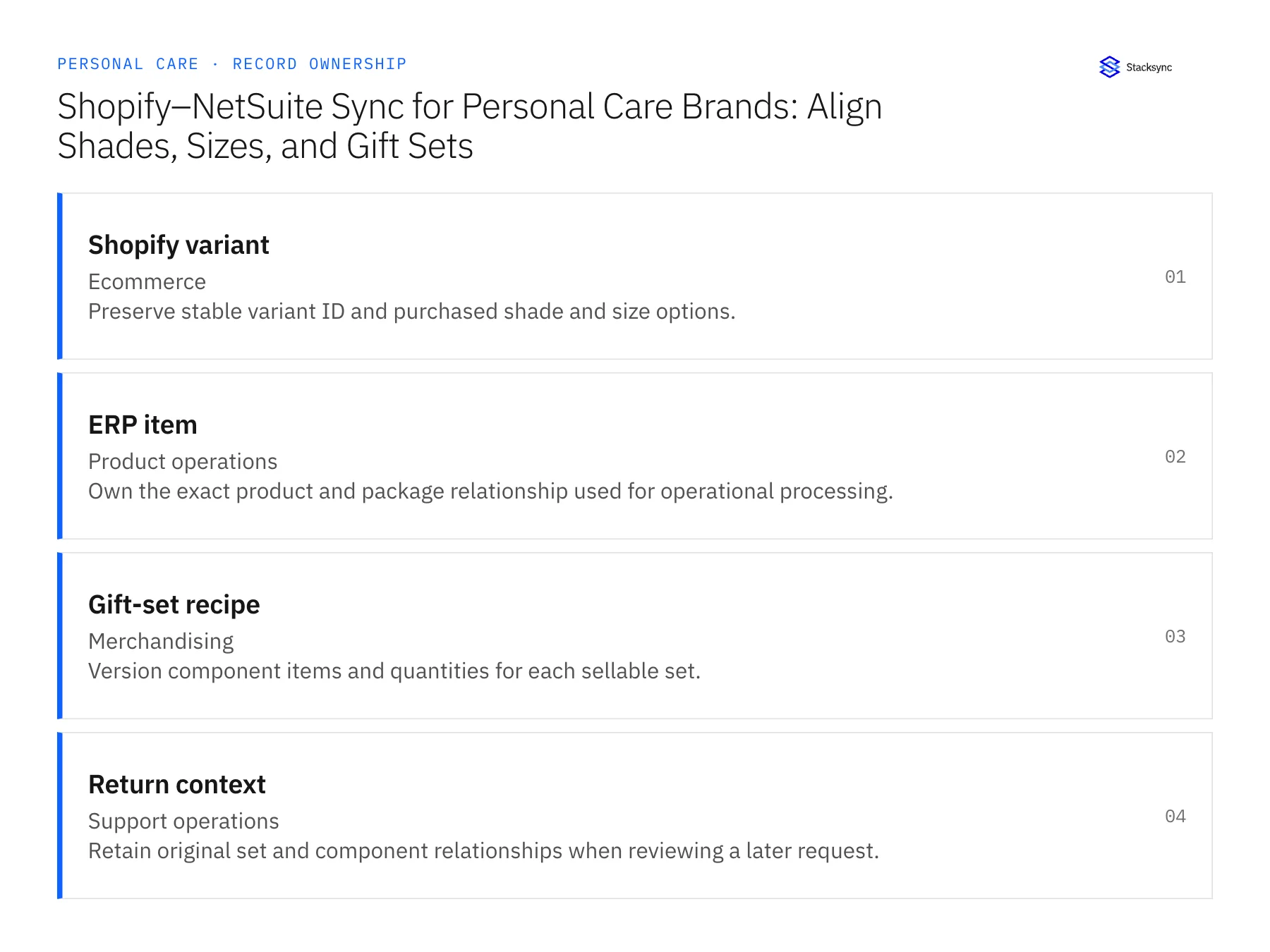
Records, ownership, and update rules
| Record | Owner | Operating rule |
|---|---|---|
| Shopify variant | Ecommerce | Preserve stable variant ID and purchased shade and size options. |
| ERP item | Product operations | Own the exact product and package relationship used for operational processing. |
| Gift-set recipe | Merchandising | Version component items and quantities for each sellable set. |
| Return context | Support operations | Retain original set and component relationships when reviewing a later request. |
Work through the process
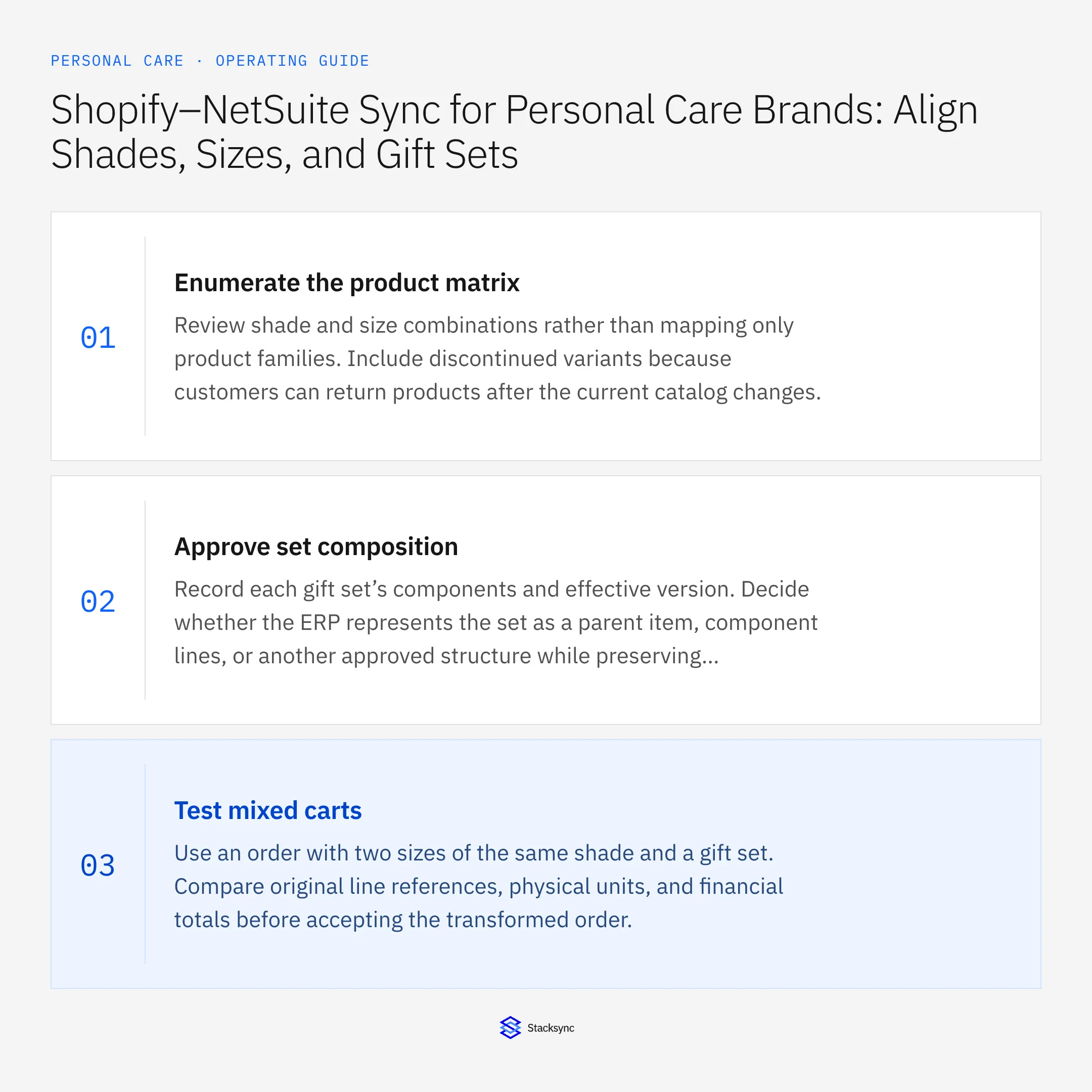
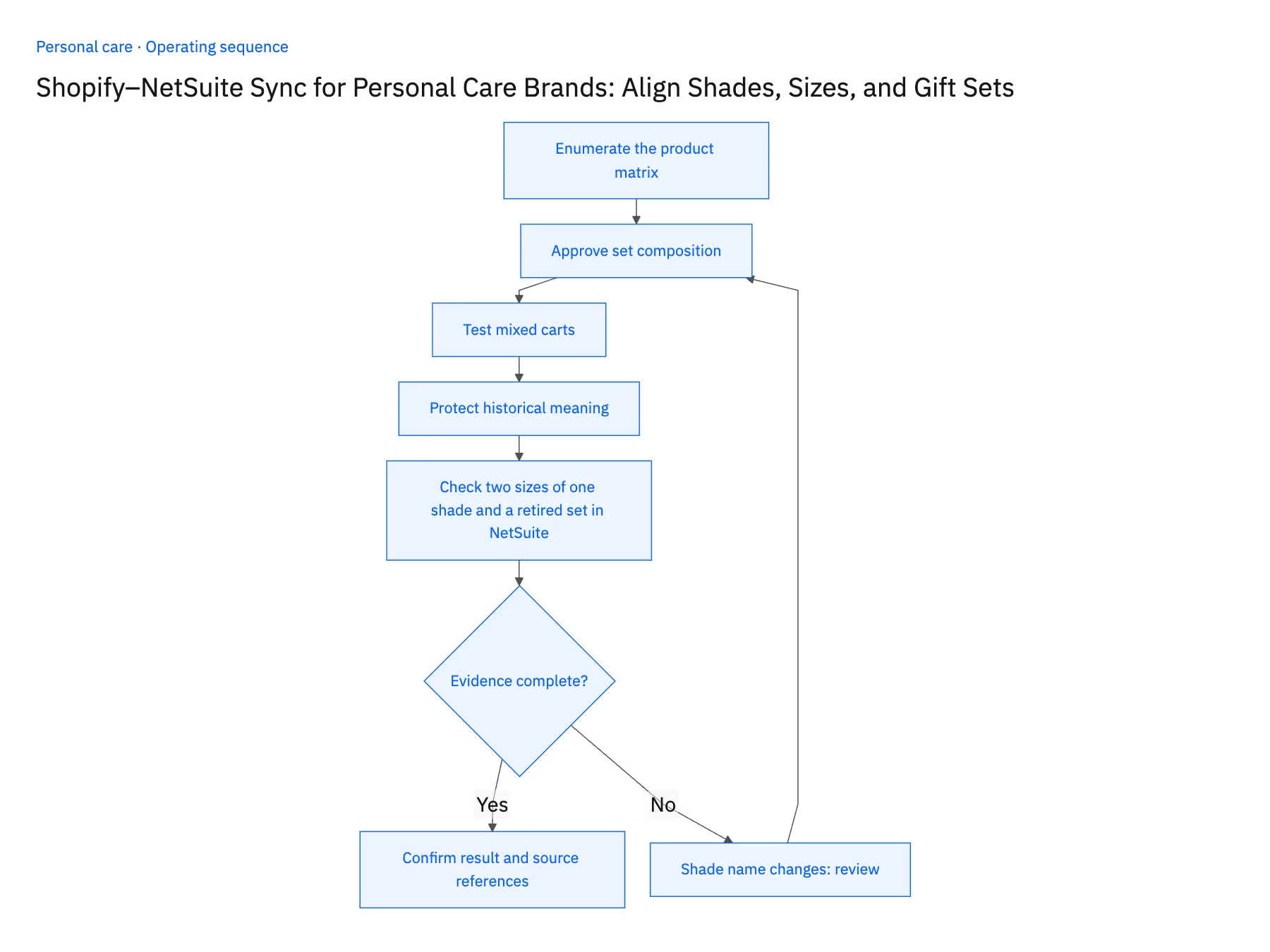
- 01Enumerate the product matrixReview shade and size combinations rather than mapping only product families. Include discontinued variants because customers can return products after the current catalog changes.
- 02Approve set compositionRecord each gift set’s components and effective version. Decide whether the ERP represents the set as a parent item, component lines, or another approved structure while preserving the original purchase.
- 03Test mixed cartsUse an order with two sizes of the same shade and a gift set. Compare original line references, physical units, and financial totals before accepting the transformed order.
- 04Protect historical meaningTreat a packaging or set-content change as a reviewed mapping event. Marketing can improve a display title without altering the product that a historical order represents.
- 05Check two sizes of one shade and a retired set in NetSuitePlace a Shopify test order with the travel and full size of one shade and open it in NetSuite. Each line must reference a different item record; if both point at the same item, stop and fix the variant mapping. Next, pull a gift-set order from a previous season and confirm the NetSuite lines name the components sold then, not the current assortment. Then rename a shade in Shopify. The NetSuite item should keep its internal ID with only the display name changed. A new item after a rename means identity is keyed on the name, and the rollout pauses until it is keyed on the variant ID.
Handle the exceptions explicitly
Shade name changes
Keep stable identity and review whether the underlying product actually changed.
Set contains a limited-edition item
Require the correct component mapping instead of substituting the nearest permanent item.
Customer returns part of a set
Use the original set context and approved return policy rather than treating it as a standalone sale.
What to verify before expanding
- The same shade in two sizes remains two distinct operational items.
- A historical gift set resolves to its purchased components.
- A partial gift-set return uses the purchased component revision after the current seasonal assortment changes.
- A limited-edition component without an approved ERP match stays unresolved instead of being replaced with a permanent-range item.

Connect this process to the rest of your operation
Explore Stacksync two-way sync and scope the records and actions against your actual systems. Book a demo with a real shopify variant example and the exception your team handles most often, for example shade name changes.
- Shopify–NetSuite Integration for Personal Care and Beauty Brands
- Amazon–NetSuite Integration for Beauty Marketplace Operations
- Amazon–NetSuite Sync for Beauty Brands: Match Variation Families to ERP Products
- HubSpot–Acumatica Sync for Personal Care Brands Selling to Salons and Retailers
- Personal Care Sample and Tester Workflows: Track Requests Through Warehouse Fulfillment
- Product Exchange Checks: Refunds, Stock, and Customer Choice
- Manage Shopify Exchanges Through Zendesk and NetSuite
The shared architecture guide covers record matching, ownership, and recovery across systems.
Technical references
FAQ
Frequently asked questions










Explore these integrations and topics
- integrationNetSuite and Shopify integration
- connectorShopify integrations
- connectorNetSuite integrations
- platformTwo-way sync
- platformCRM synchronization
- platformCRM and ERP integration
- Two-way sync guidesUnderstand two-way sync, record matching, field ownership, and production readiness.
- CRM synchronization guidesConnect customer records across sales, marketing, and operational systems.
Related articles






