






















HubSpot–Acumatica for Construction Services: Customers, Projects, and Invoice Status
Define customer, project and invoice-status ownership before connecting HubSpot with Acumatica for construction service operations.
- Author
- Ruben Burdin · Founder & CEO
- Published
- Read time
- 4 min read

The operating decision
HubSpot–Acumatica integration works best when sales context and accounting truth have clear responsibilities. HubSpot can carry the relationship, opportunity, and customer-facing project summary; Acumatica remains the owner of project accounting and released billing information. Use external identifiers to join companies, customers, and projects, then expose the status sales needs. Validate the Acumatica entities, endpoint fields, and allowed operations in your environment before treating a proposed mapping as an available write.
Explore the complete construction services and installation integration and automation hub for the systems and processes around this guide.
What this looks like in construction services and installation
A commercial installation business sells repeat projects to a property group. Sales tracks an opportunity in HubSpot, while finance creates an Acumatica customer and separate projects for each facility. A project manager later approves a scope change. The account team needs to see the correct project and billing status without copying financial values into a free-text deal note. The integration must distinguish the original opportunity from later approved project revisions.
Records, ownership, and update rules
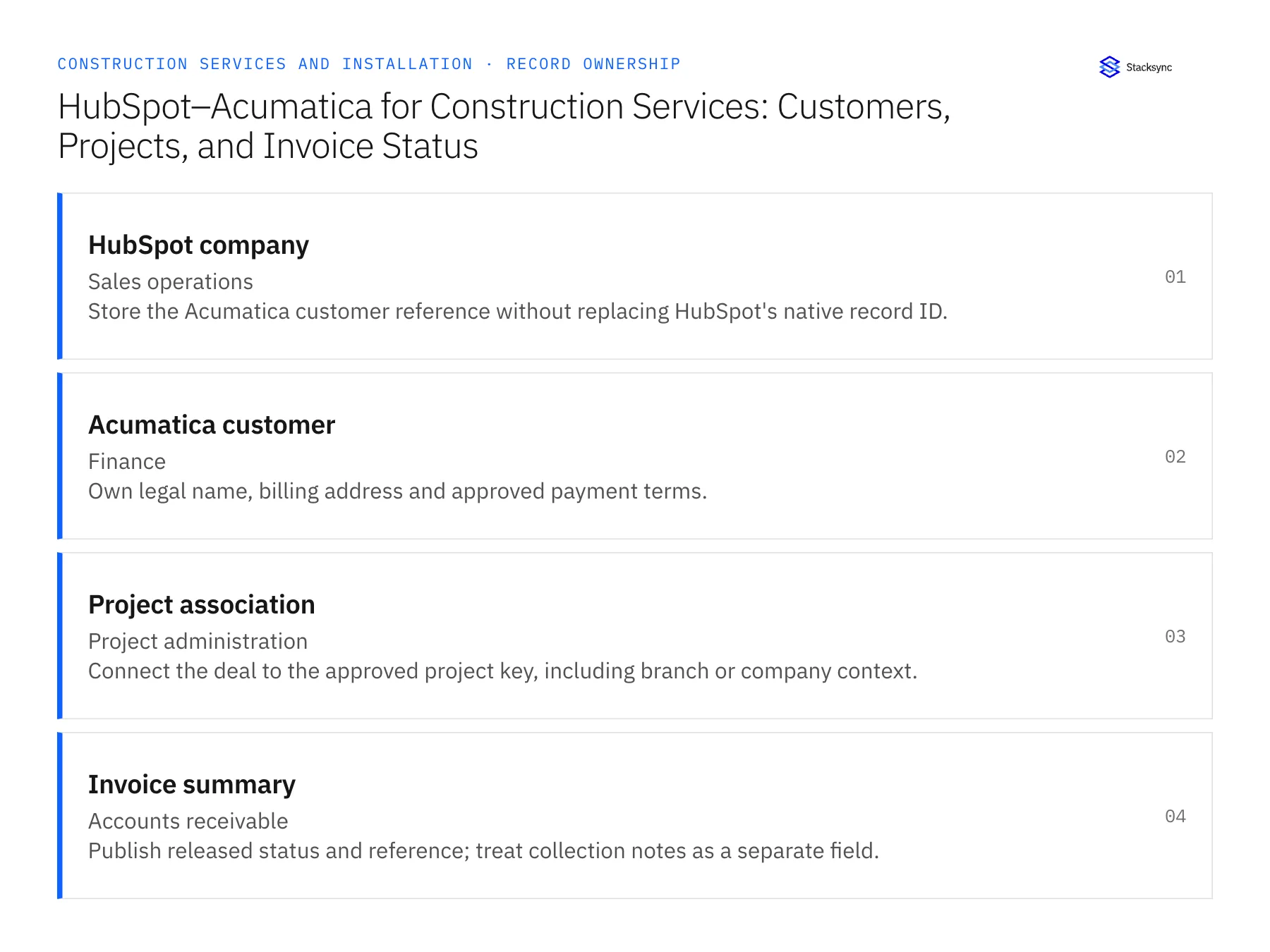
| Record | Owner | Operating rule |
|---|---|---|
| HubSpot company | Sales operations | Store the Acumatica customer reference without replacing HubSpot's native record ID. |
| Acumatica customer | Finance | Own legal name, billing address and approved payment terms. |
| Project association | Project administration | Connect the deal to the approved project key, including branch or company context. |
| Invoice summary | Accounts receivable | Publish released status and reference; treat collection notes as a separate field. |
Work through the process
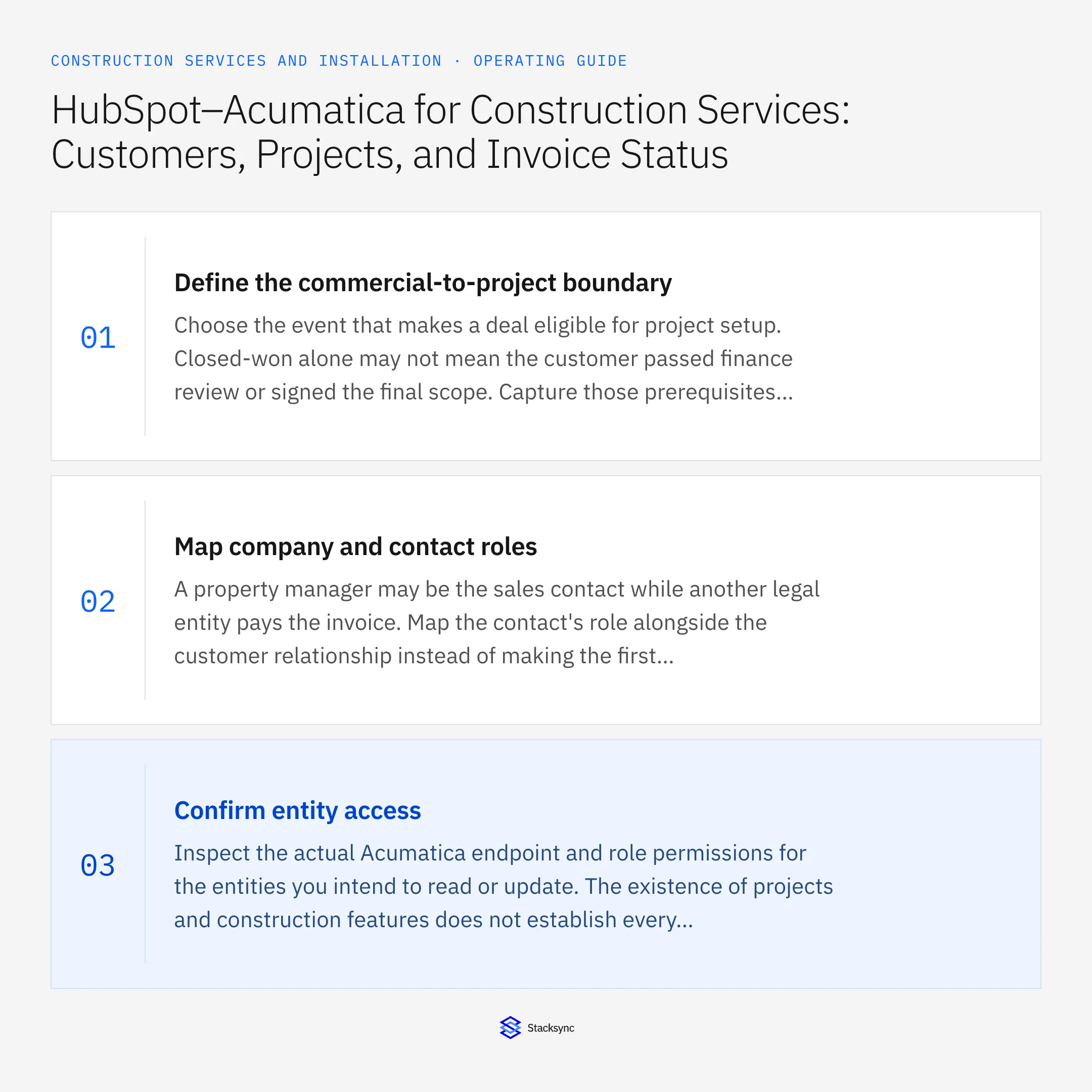
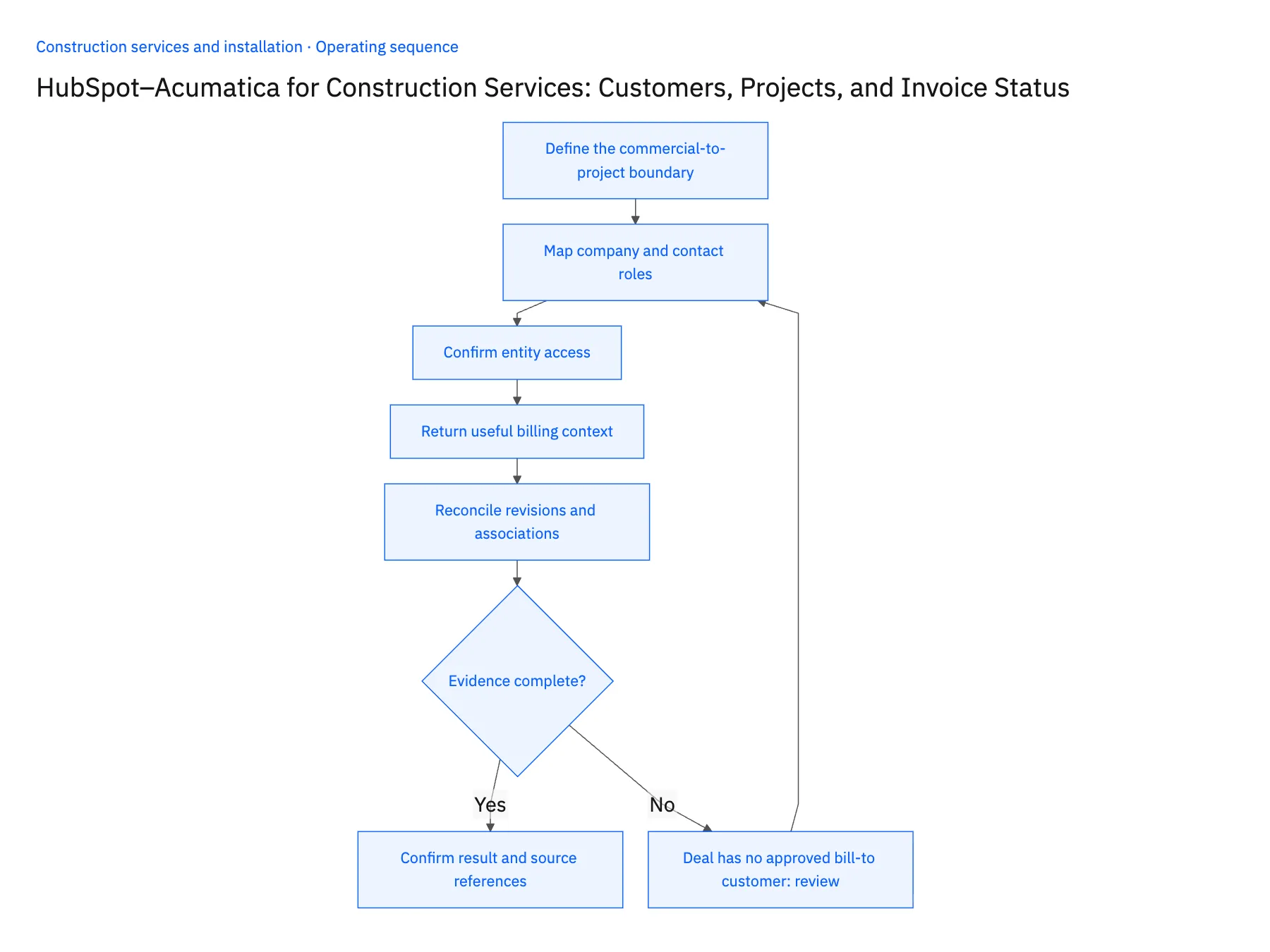
- 01Define the commercial-to-project boundaryChoose the event that makes a deal eligible for project setup. Closed-won alone may not mean the customer passed finance review or signed the final scope. Capture those prerequisites explicitly and agree whether the first integration release proposes a project setup task or performs a verified record operation.
- 02Map company and contact rolesA property manager may be the sales contact while another legal entity pays the invoice. Map the contact's role alongside the customer relationship instead of making the first associated company the automatic bill-to. Keep branch-specific addresses and project contacts available without changing the legal customer master.
- 03Confirm entity accessInspect the actual Acumatica endpoint and role permissions for the entities you intend to read or update. The existence of projects and construction features does not establish every connector action. On HubSpot, verify object availability and the account tier before choosing custom objects for sites or project summaries.
- 04Return useful billing contextSend invoice reference, released status, balance context where approved, and the finance-owned update time to a dedicated customer-facing summary. Keep draft billing separate from released invoices. If several invoices belong to one project, preserve their individual references rather than replacing the deal amount with the latest invoice amount.
- 05Reconcile revisions and associationsTest a customer merge, a project reassignment, and an invoice that is corrected after release. Confirm that the relationship is updated without creating a duplicate project. Because associations can arrive separately from ordinary records, the account team should see an explicit pending state until the related customer and project are joined.
Handle the exceptions explicitly
Deal has no approved bill-to customer
Route to finance with the missing legal entity; do not create a customer from an email domain.
Project changes branch
Review the cross-reference and permissions before moving associations; retain the historical source identifiers.
Invoice is voided or credited
Return the corrected finance state with its reference and preserve the original invoice history.
What to verify before expanding
- HubSpot shows the correct Acumatica customer for a multisite account.
- Project setup waits for the agreed commercial prerequisites.
- Draft invoice data cannot be mistaken for released billing.
- A corrected project association removes the stale customer-facing link.

Connect this process to the rest of your operation
Explore Stacksync two-way sync and scope the records and actions against your actual systems. Book a demo with a real hubSpot company example and the exception your team handles most often, for example deal has no approved bill-to customer.
- Salesforce–NetSuite for Construction Service Groups: Accounts, Jobs, and Approved Commercial Data
- HubSpot–Supabase for Construction Service Portals: Customers, Sites, and Request Status
- Construction Company Acquisitions: Unify Customer and Job IDs Across Branch Systems
- Acumatica to Salesforce & HubSpot Integration
- Real-Time HubSpot Database Integration and Salesforce Sync with Stacksync
The shared architecture guide covers record matching, ownership, and recovery across systems.
Technical references
FAQ
Frequently asked questions










Related articles




