






















Commercial Fencing Accounts: Align HubSpot Site Contacts With Acumatica Customer and Project Records
Connect fencing sales contacts to the right site, customer and project without confusing access with purchasing authority.
- Author
- Ruben Burdin · Founder & CEO
- Published
- Read time
- 5 min read

The operating decision
Commercial fencing companies should align HubSpot contacts and opportunities with Acumatica customer and project records using explicit roles and stable references. Site access, property ownership, purchasing authority and invoice delivery may belong to different people. Sales owns relationship context, project coordination owns site details, and finance owns billing identity. Two-way sync can keep approved changes visible while preserving the authority required for scope and financial decisions.
Explore the complete fencing fabrication and installation integration and automation hub for the systems and processes around this guide.
What this looks like in fencing fabrication and installation
A fencing contractor supplies and installs a perimeter for a distribution property. A facilities manager arranges site access, a general contractor issues the purchase order, and a central accounts-payable team receives invoices. HubSpot stores the conversation and contacts; Acumatica stores the approved customer and project. A late site-contact change should help the crew reach the property without redirecting invoices or granting that person authority to approve a gate redesign.
Records, ownership, and update rules
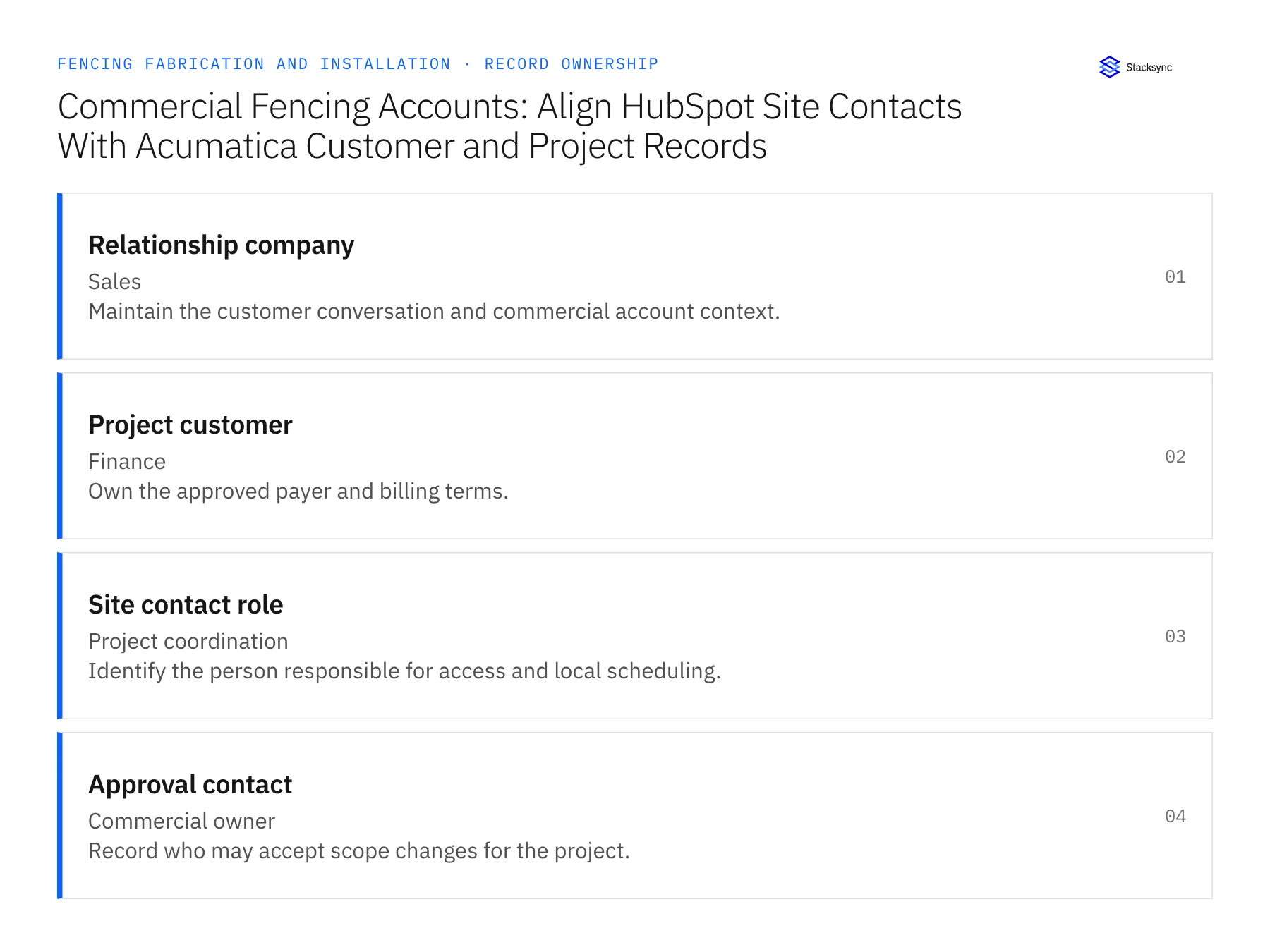
| Record | Owner | Operating rule |
|---|---|---|
| Relationship company | Sales | Maintain the customer conversation and commercial account context. |
| Project customer | Finance | Own the approved payer and billing terms. |
| Site contact role | Project coordination | Identify the person responsible for access and local scheduling. |
| Approval contact | Commercial owner | Record who may accept scope changes for the project. |
Work through the process
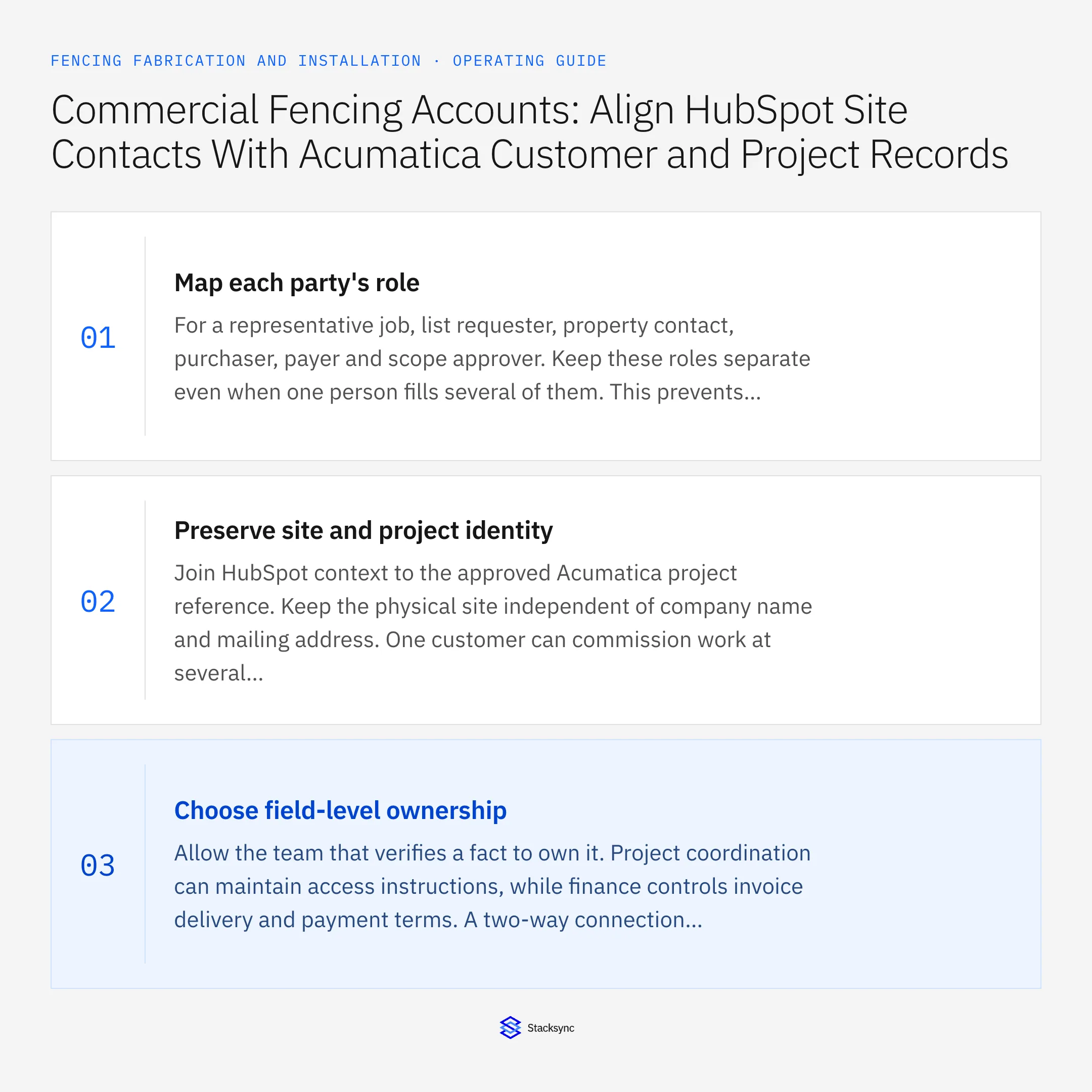
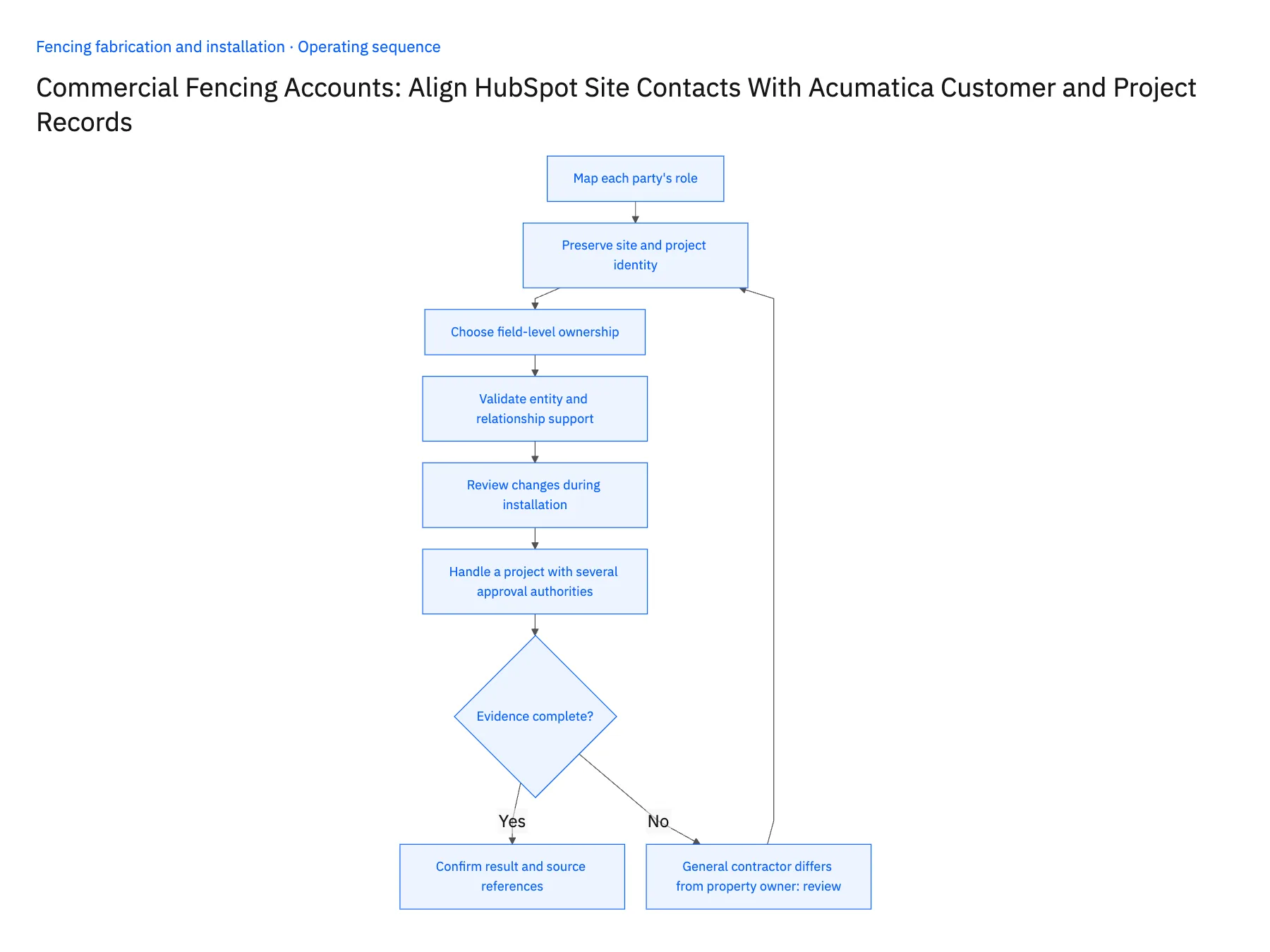
- 01Map each party's roleFor a representative job, list requester, property contact, purchaser, payer and scope approver. Keep these roles separate even when one person fills several of them. This prevents the integration from choosing a billing or approval contact based on the most recent CRM activity.
- 02Preserve site and project identityJoin HubSpot context to the approved Acumatica project reference. Keep the physical site independent of company name and mailing address. One customer can commission work at several locations, and a site can receive multiple fencing projects over time.
- 03Choose field-level ownershipAllow the team that verifies a fact to own it. Project coordination can maintain access instructions, while finance controls invoice delivery and payment terms. A two-way connection should not resolve a conflict about purchasing authority through whichever record was edited last.
- 04Validate entity and relationship supportCheck the HubSpot representation for project contacts and the Acumatica endpoint fields used for customer and project context. Confirm custom-object requirements where relevant. Test the selected updates and their associations with the permissions planned for production.
- 05Review changes during installationSimulate a new site superintendent, a revised customer PO and a changed approval contact. Confirm each reaches the right record and owner. Keep historical authorization references attached to the scope they covered instead of replacing them with the customer's current contact list.
- 06Handle a project with several approval authoritiesA customer may delegate routine coordination to a local contact while retaining scope or spending approval centrally. Record the role and approval limits required by the commercial process at the project level. Do not infer them from a contact's seniority or job title. The shared view should help the project team route the correct request while retaining the specific authorization evidence used for each accepted change.
Handle the exceptions explicitly
General contractor differs from property owner
Keep the commercial and site relationships separate and use the approved payer for billing.
Contact can grant access but not approve extras
Record that limitation in the role model and route scope changes elsewhere.
Customer supplies a new PO midproject
Have finance or project administration review the reference before applying it to future billing.
What to verify before expanding
- Crew access details resolve to the correct physical site.
- A site-contact edit cannot change the approved payer.
- Scope approvals retain the responsible contact and revision.
- Several projects for one customer remain distinguishable.

Connect this process to the rest of your operation
Explore Stacksync two-way sync and scope the records and actions against your actual systems. Book a demo with a real relationship company example and the exception your team handles most often, for example general contractor differs from property owner.
- Salesforce–NetSuite for Fence Fabricators and Installers
- NetSuite–Supabase for Fencing Production and Installation Boards
- Fence Fabricators and Installers: Align Salesforce Approved Configurations With NetSuite Sales Orders
- Custom Gate Orders: Route Approved Drawings Through Fabrication Release and Installation Scheduling
- Fence-Installation Scope Changes: Reconcile Linear Footage, Gate Counts, and Approved Billing
- How Stacksync Manages Schema Changes: Ensuring Continuous Data Flow Between CRM and Databases
- NetSuite Two-Way Sync Solutions: Enterprise Integration Guide
The shared architecture guide covers record matching, ownership, and recovery across systems.
Technical references
FAQ
Frequently asked questions










Related articles




