






















Inspection and Monitoring Contracts: Align HubSpot Renewal Status With Acumatica Billing Accounts
Separate inspection and monitoring agreement terms from sales renewal stages and finance-owned billing accounts.
- Author
- Ruben Burdin · Founder & CEO
- Published
- Read time
- 5 min read

The operating decision
Inspection and monitoring contract sync should connect the HubSpot renewal view to the correct Acumatica customer, agreement and term. Keep inspection scope, monitoring scope and other service obligations distinct when they have different dates or billing rules. Sales owns negotiation context; contract administration owns active coverage; finance owns the billing account. A renewal opportunity moving forward must not automatically change the operational or financial status of an existing agreement.
Explore the complete fire, life-safety and security integrators integration and automation hub for the systems and processes around this guide.
What this looks like in fire, life-safety and security integrators
A fire and security integrator provides periodic inspections and a separately billed monitoring service for a property portfolio. A customer wants to renew monitoring for all sites but consolidate inspections under a new purchasing entity. HubSpot needs a clear renewal opportunity, while Acumatica needs the correct billing relationships. Combining everything into one company-level renewal date would hide which obligation changes and which current service continues under the existing term.
Records, ownership, and update rules
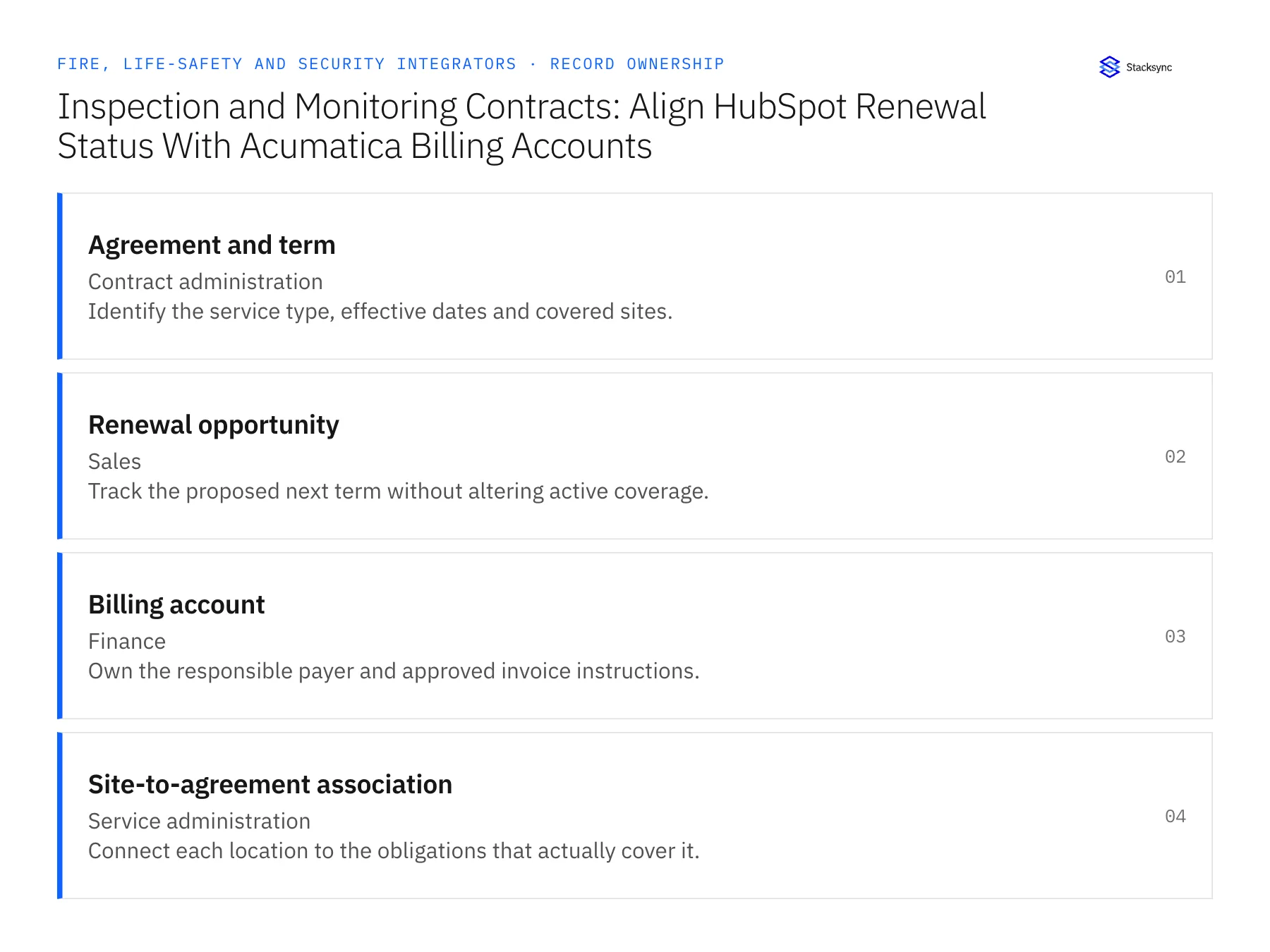
| Record | Owner | Operating rule |
|---|---|---|
| Agreement and term | Contract administration | Identify the service type, effective dates and covered sites. |
| Renewal opportunity | Sales | Track the proposed next term without altering active coverage. |
| Billing account | Finance | Own the responsible payer and approved invoice instructions. |
| Site-to-agreement association | Service administration | Connect each location to the obligations that actually cover it. |
Work through the process
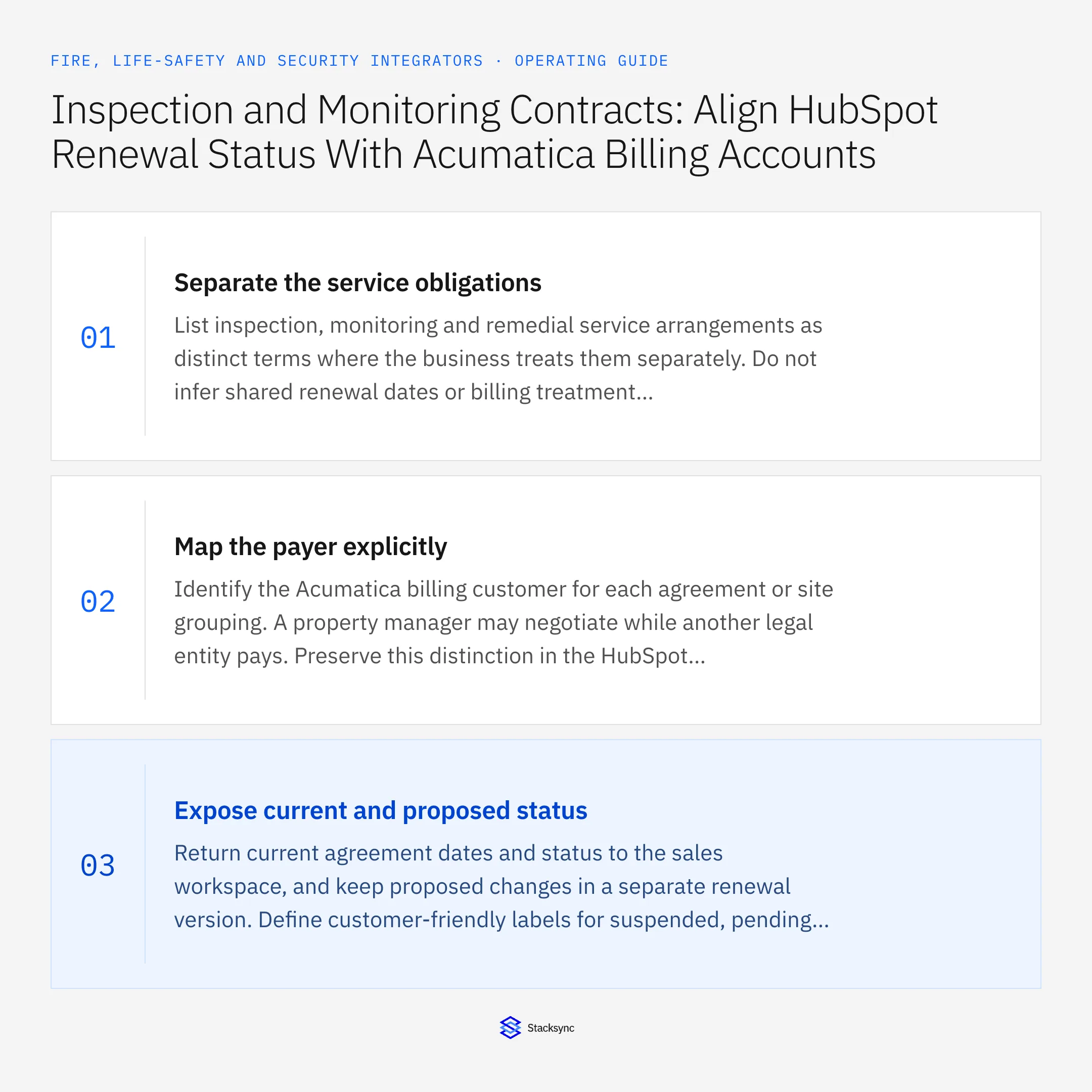
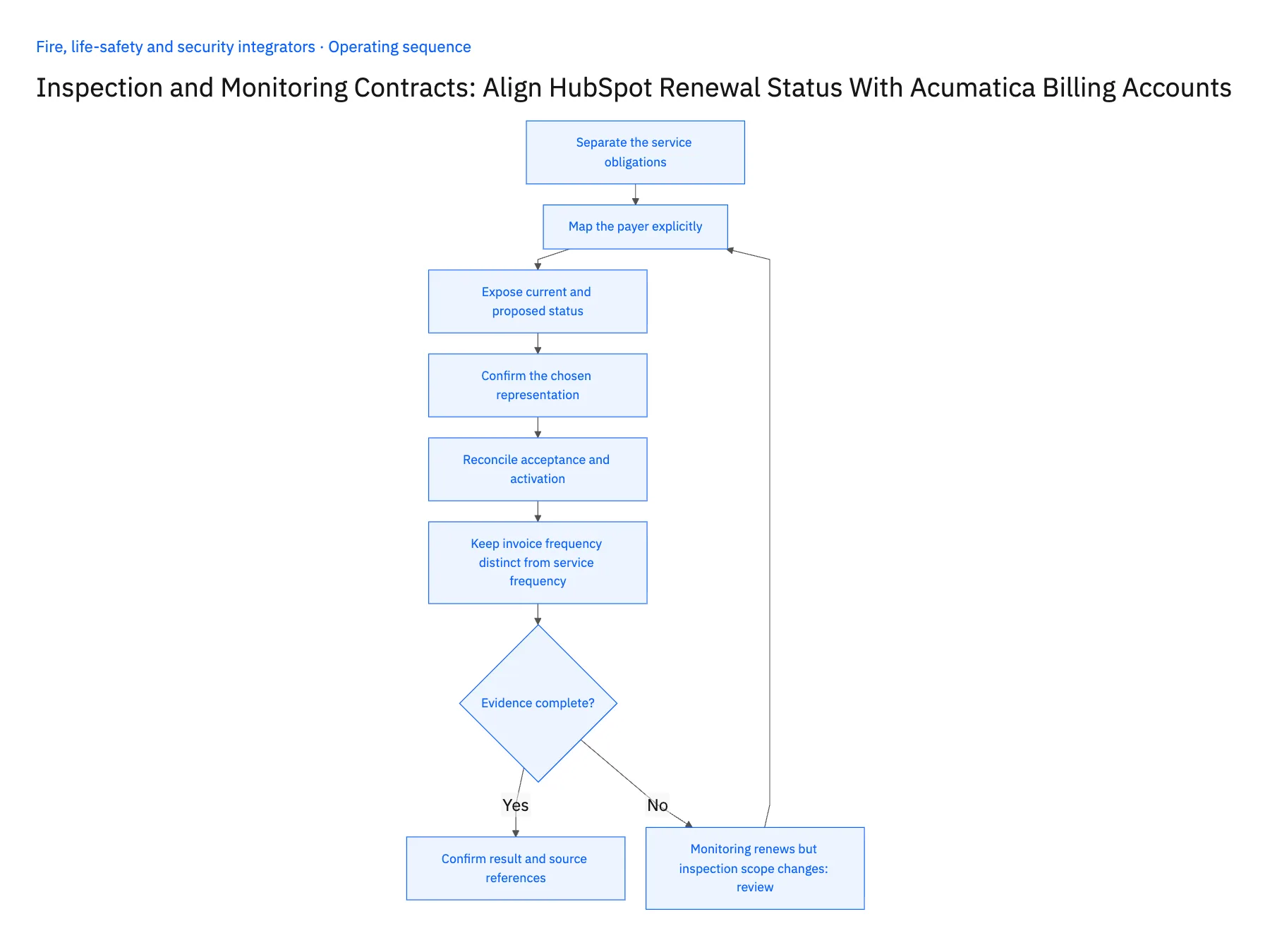
- 01Separate the service obligationsList inspection, monitoring and remedial service arrangements as distinct terms where the business treats them separately. Do not infer shared renewal dates or billing treatment because they belong to the same customer. This gives sales a correct starting point for the renewal conversation.
- 02Map the payer explicitlyIdentify the Acumatica billing customer for each agreement or site grouping. A property manager may negotiate while another legal entity pays. Preserve this distinction in the HubSpot context so a contact reassignment does not automatically move billing responsibility.
- 03Expose current and proposed statusReturn current agreement dates and status to the sales workspace, and keep proposed changes in a separate renewal version. Define customer-friendly labels for suspended, pending activation and expired states. The integration should make uncertainty visible instead of translating every nonactive status into a generic renewal task.
- 04Confirm the chosen representationValidate the Acumatica entities and fields available to the connection and the HubSpot objects needed for term summaries. Custom objects and associations require account-specific checks. Test a customer with several site groups and different service types before assuming one company record can represent the whole portfolio.
- 05Reconcile acceptance and activationAfter customer approval, route the accepted term through the contract owner's activation process. Return the verified result and keep prior terms available. Check changes in payer, site coverage and start date separately so the new agreement does not create an unnoticed gap or overlap.
- 06Keep invoice frequency distinct from service frequencyInspection visits, monitoring service and invoice cycles may follow different schedules. Store their meanings explicitly so a monthly invoice does not imply a monthly inspection and an annual visit does not imply one annual bill. Sales needs enough context to explain the proposed renewal, while contract administration retains the detailed obligation. Test a term whose service and billing frequencies differ to confirm that the customer-facing summary does not merge them.
Handle the exceptions explicitly
Monitoring renews but inspection scope changes
Keep separate term decisions and avoid applying one approval to both obligations.
New payer has not been approved by finance
Hold the billing reassignment while preserving the existing agreement context.
One site is removed from the portfolio
End the relevant association through a reviewed effective-date change without deleting its history.
What to verify before expanding
- Inspection and monitoring terms remain distinguishable.
- A sales-stage update cannot change active coverage.
- Every agreement resolves to an approved payer.
- The prior term remains traceable after renewal activation.

Connect this process to the rest of your operation
Explore Stacksync two-way sync and scope the records and actions against your actual systems. Book a demo with a real agreement and term example and the exception your team handles most often, for example monitoring renews but inspection scope changes.
- Salesforce–NetSuite for Fire and Security Integrators
- HubSpot–Acumatica for Inspection and Monitoring Contracts
- Multi-Site Alarm and Access-Control Service: Connect a Supabase Asset Register With Salesforce
- New Security Installations: Route Customer Acceptance Before Activating Recurring Billing
- Fire-System Inspection Follow-Ups: Route Deficiency Records to Approved Remedial Work
- Remove Duplicate HubSpot Contacts Fast with Stacksync
- Building Triggers and Workflows on Top of Your Bidirectional CRM Sync
The shared architecture guide covers record matching, ownership, and recovery across systems.
Technical references
FAQ
Frequently asked questions










Related articles




