






















Shopify–NetSuite Sync for Snack Brands: Match Single Units, Multipacks, and Cases
Snack brands selling bars, six-packs, and grocery cases need a dated pack recipe between each Shopify variant and its NetSuite line before orders reach ERP processing.
- Author
- Ruben Burdin · Founder & CEO
- Published
- Read time
- 5 min read

The operating decision
Snack-brand two-way sync needs an explicit sellable-pack crosswalk. A single bar, a six-pack, and a wholesale case may share a flavor but represent different quantities and prices. Preserve the purchased Shopify variant and map it to the approved NetSuite representation before any order, fulfillment, or finance process uses it.
Explore the complete packaged food and snacks integration and automation hub for the systems and processes around this guide.
What this looks like in packaged food and snacks
A customer orders two mixed-flavor six-packs. The warehouse stores individual bars and the ERP also has a 24-bar grocery case. A text match on the snack name selects the case SKU, turning twelve bars into forty-eight. The correct design preserves the customer’s two purchased packs and applies the approved component recipe for that exact variant revision.
Records, ownership, and update rules
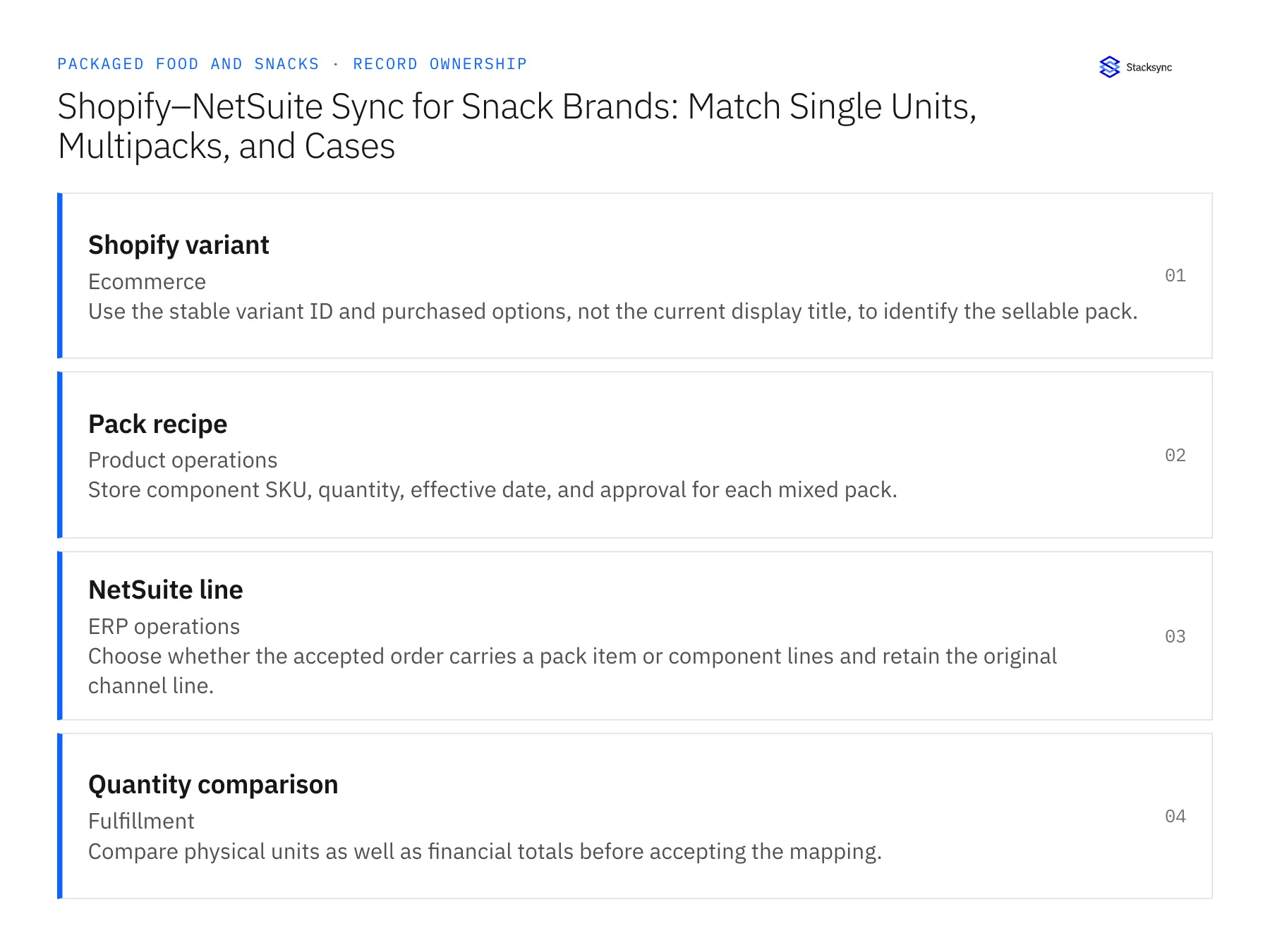
| Record | Owner | Operating rule |
|---|---|---|
| Shopify variant | Ecommerce | Use the stable variant ID and purchased options, not the current display title, to identify the sellable pack. |
| Pack recipe | Product operations | Store component SKU, quantity, effective date, and approval for each mixed pack. |
| NetSuite line | ERP operations | Choose whether the accepted order carries a pack item or component lines and retain the original channel line. |
| Quantity comparison | Fulfillment | Compare physical units as well as financial totals before accepting the mapping. |
Work through the process
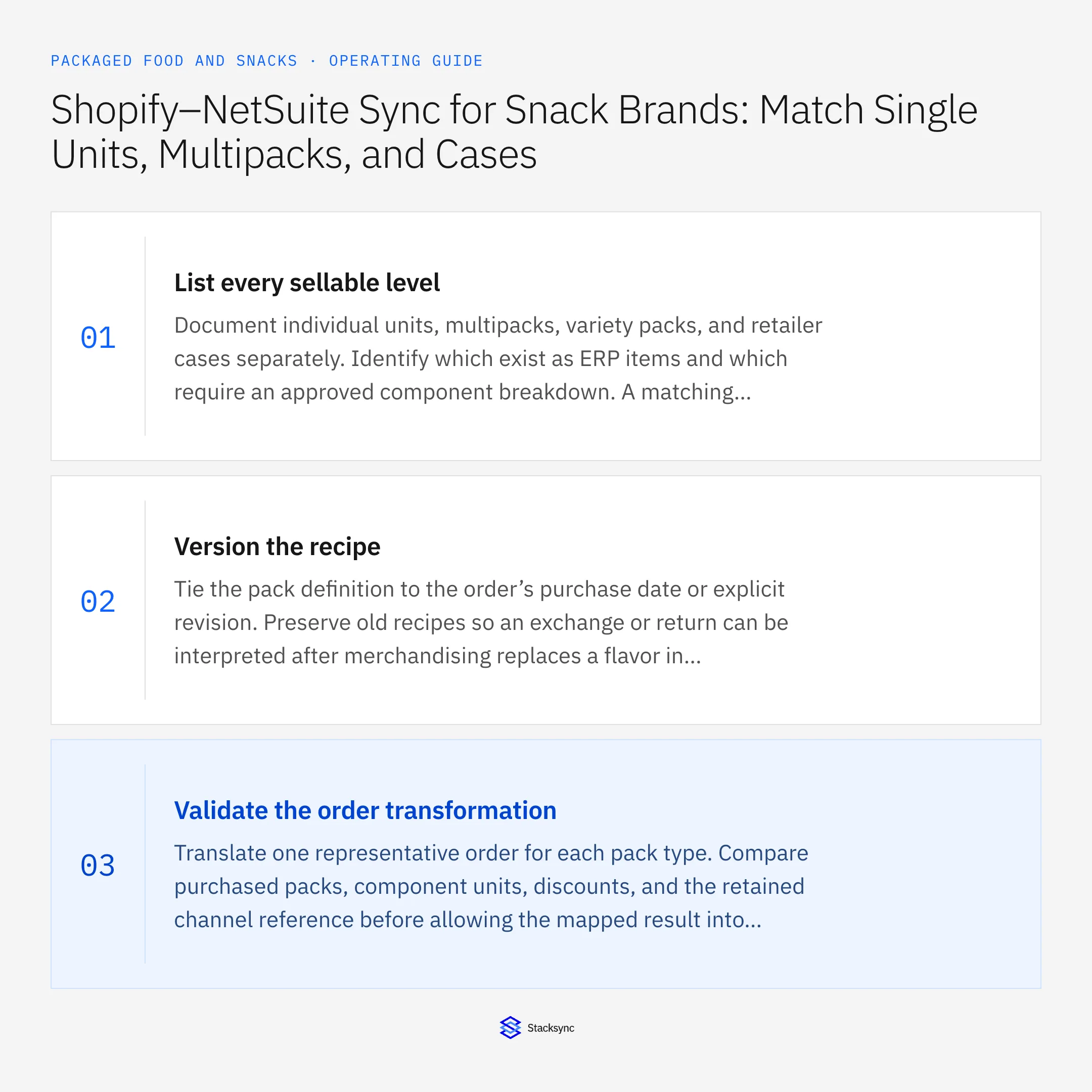
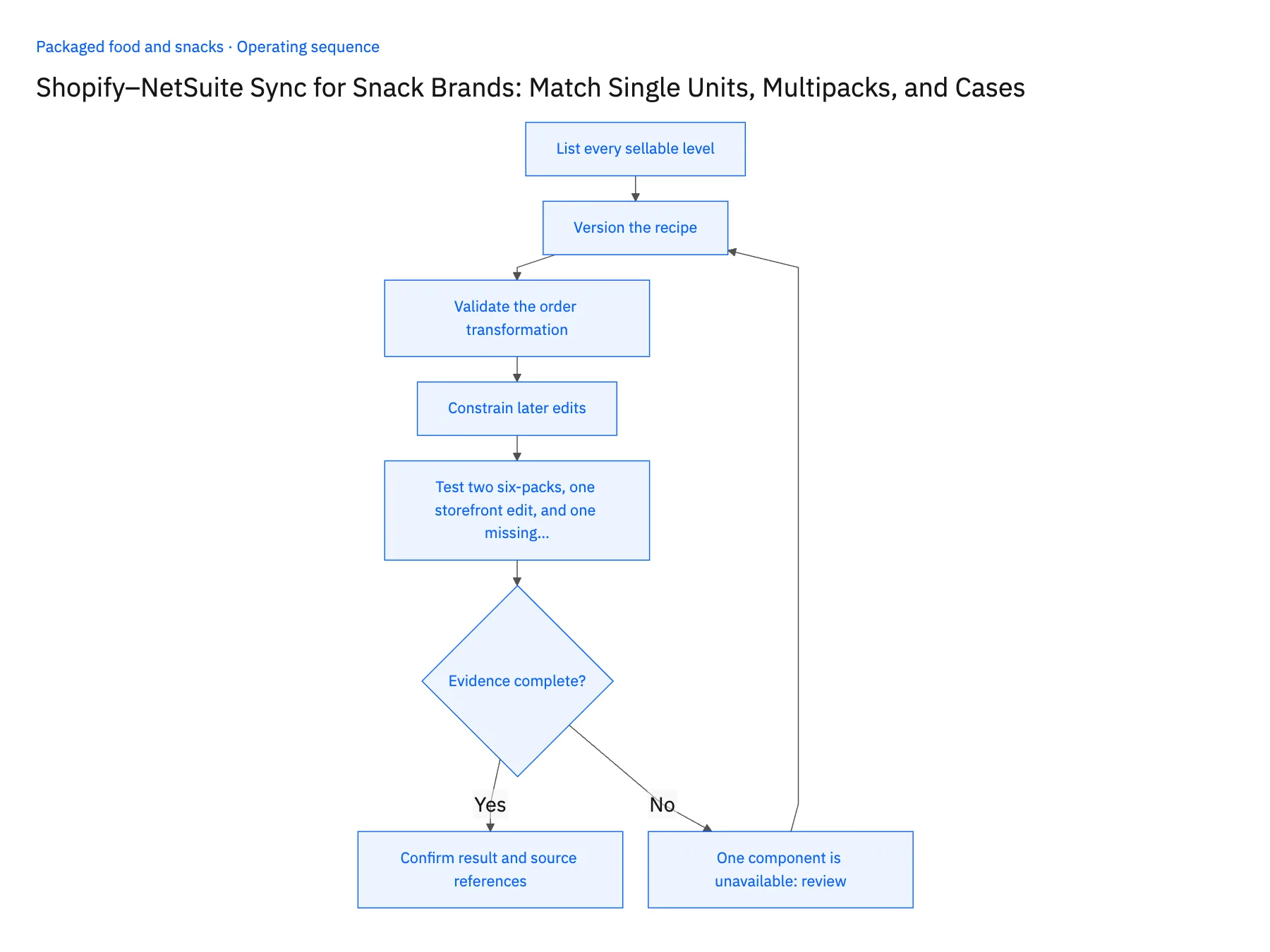
- 01List every sellable levelDocument individual units, multipacks, variety packs, and retailer cases separately. Identify which exist as ERP items and which require an approved component breakdown. A matching flavor is not sufficient identity.
- 02Version the recipeTie the pack definition to the order’s purchase date or explicit revision. Preserve old recipes so an exchange or return can be interpreted after merchandising replaces a flavor in the current bundle.
- 03Validate the order transformationTranslate one representative order for each pack type. Compare purchased packs, component units, discounts, and the retained channel reference before allowing the mapped result into ERP order processing.
- 04Constrain later editsAllow approved descriptive updates without changing historical quantities. A revised bundle definition should affect eligible future orders, while existing orders need an explicit operational decision before substitution.
- 05Test two six-packs, one storefront edit, and one missing componentPlace a test order for two mixed-flavor six-packs in Shopify and open the NetSuite order it creates. The lines should show twelve component units under the recipe revision in force on the order date. If NetSuite shows a 24-bar case, or any quantity other than twelve, stop the rollout and repair the crosswalk before live orders sync. Then change the bundle's flavor in the Shopify storefront and reopen an order placed last month; its NetSuite lines must still cite the earlier recipe. Last, mark one component out of stock and confirm the order pauses for the fulfillment owner instead of substituting a flavor on its own.
Handle the exceptions explicitly
One component is unavailable
Route substitution or partial fulfillment to the owner; do not quietly alter the purchased recipe.
Case conversion is missing
Hold the affected line and request the approved pack definition.
SKU is reused after a redesign
Use stable IDs and effective dates to separate the old and new product definitions.
What to verify before expanding
- Two six-packs resolve to twelve component units under the approved recipe.
- A historical order retains its original recipe after a storefront change.
- A missing case conversion blocks the affected physical-quantity comparison even when the order's monetary totals match.
- Reusing a SKU after redesign does not change the approved recipe used to explain an earlier order.

Connect this process to the rest of your operation
Explore Stacksync two-way sync and scope the records and actions against your actual systems. Book a demo with a real shopify variant example and the exception your team handles most often, for example one component is unavailable.
- Shopify–NetSuite Integration for Packaged Food and Snack Brands
- Amazon–NetSuite Integration for Packaged Food Marketplace Operations
- Amazon–NetSuite Sync for Packaged Food Brands: Separate FBA and Merchant-Fulfilled Orders
- NetSuite–Postgres Sync for Food Brands: Reconcile Co-Packer Receipts and Finished-Goods Records
- Packaged Food Promotion Workflows: Coordinate Retail Commitments and Ecommerce Launches
- Resolve Shopify Order Data Inconsistency with Real‑Time Sync
- EDI 850 855 856 Automation Challenges and Solutions | Stacksync
The shared architecture guide covers record matching, ownership, and recovery across systems.
Technical references
FAQ
Frequently asked questions










Explore these integrations and topics
- integrationNetSuite and Shopify integration
- connectorShopify integrations
- connectorNetSuite integrations
- platformTwo-way sync
- platformCRM synchronization
- platformCRM and ERP integration
- Two-way sync guidesUnderstand two-way sync, record matching, field ownership, and production readiness.
- CRM synchronization guidesConnect customer records across sales, marketing, and operational systems.
Related articles





