






















Packaged Food Promotion Workflows: Coordinate Retail Commitments and Ecommerce Launches
A promotion workflow gives the commercial owner one record showing committed grocery quantities, accepted supply evidence, and the Shopify launch window before go-live.
- Author
- Ignacio Malpartida · GTM Engineer
- Published
- Read time
- 5 min read

The operating decision
Coordinate a food promotion around approved commitments, item readiness, and channel launch decisions. A workflow should show when retail quantities are committed and what evidence supports the ecommerce launch, without treating all physically present stock as freely available. Keep commercial approval and any inventory action explicit.
Explore the complete packaged food and snacks integration and automation hub for the systems and processes around this guide.
What this looks like in packaged food and snacks
A snack brand plans a DTC variety-pack promotion in the same week a grocer expects a seasonal display order. Both teams use the same finished goods, but the retail commitment sits in a separate planning sheet. Launching the storefront offer from a gross inventory number can create a preventable allocation conflict.
Records, ownership, and update rules
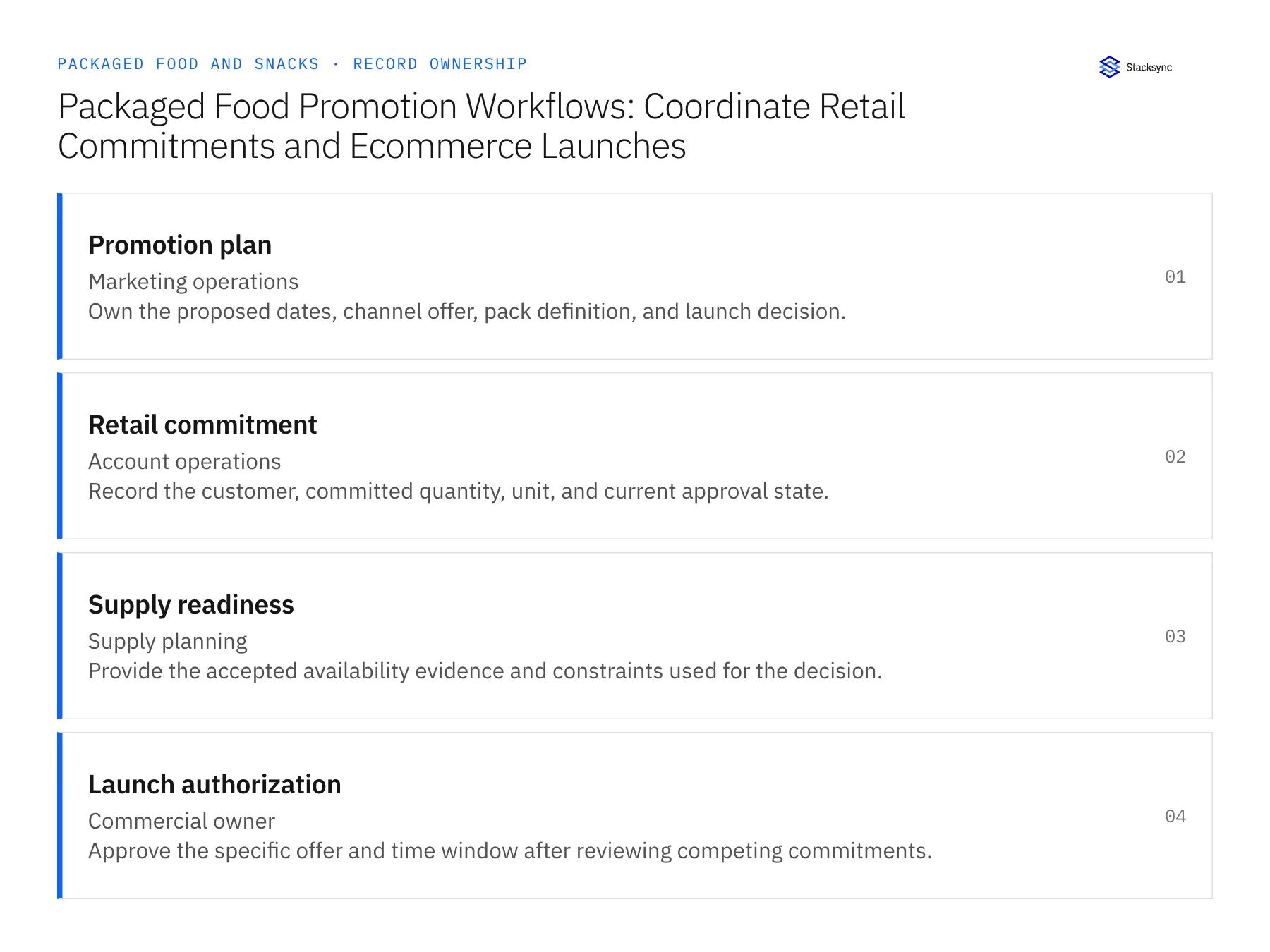
| Record | Owner | Operating rule |
|---|---|---|
| Promotion plan | Marketing operations | Own the proposed dates, channel offer, pack definition, and launch decision. |
| Retail commitment | Account operations | Record the customer, committed quantity, unit, and current approval state. |
| Supply readiness | Supply planning | Provide the accepted availability evidence and constraints used for the decision. |
| Launch authorization | Commercial owner | Approve the specific offer and time window after reviewing competing commitments. |
Work through the process
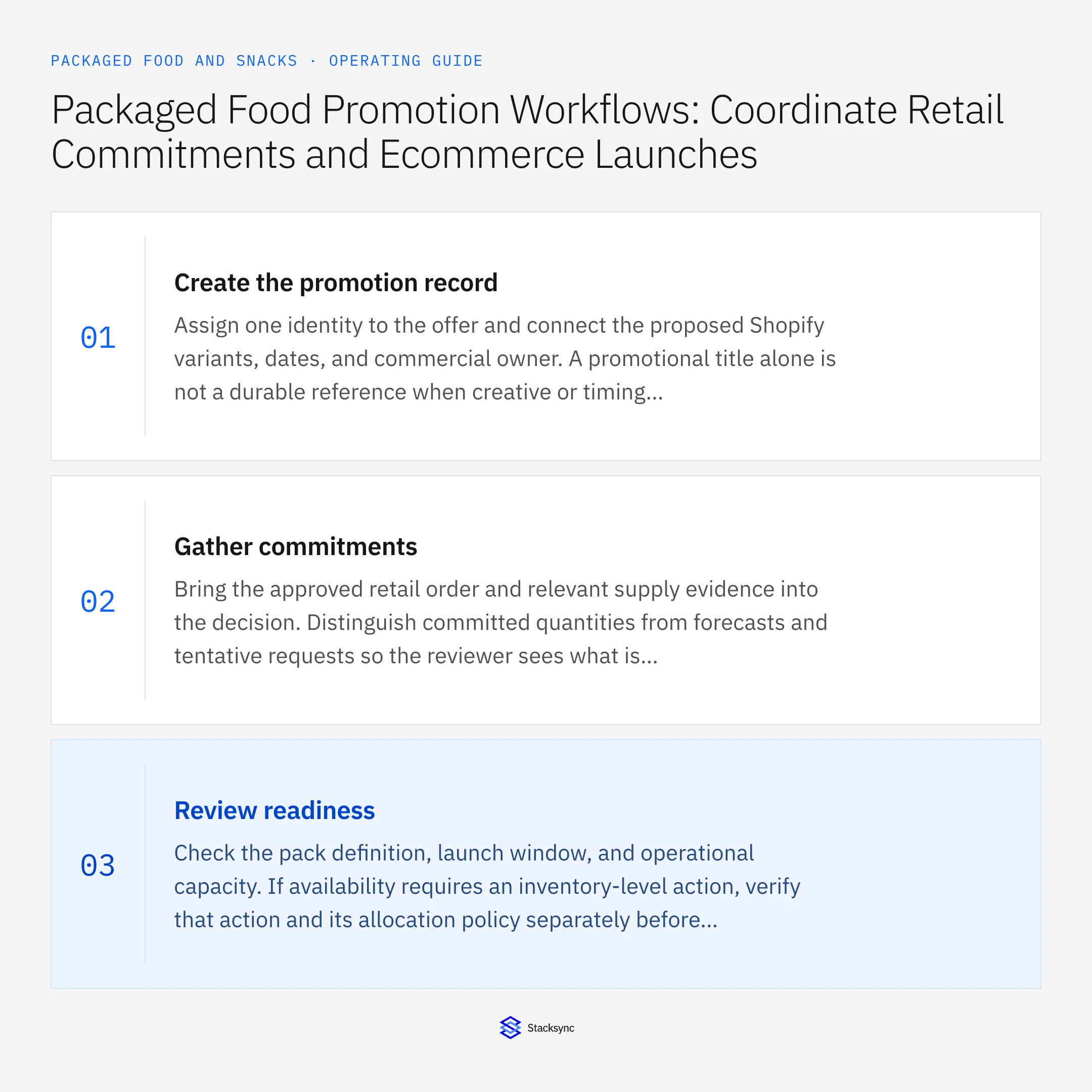
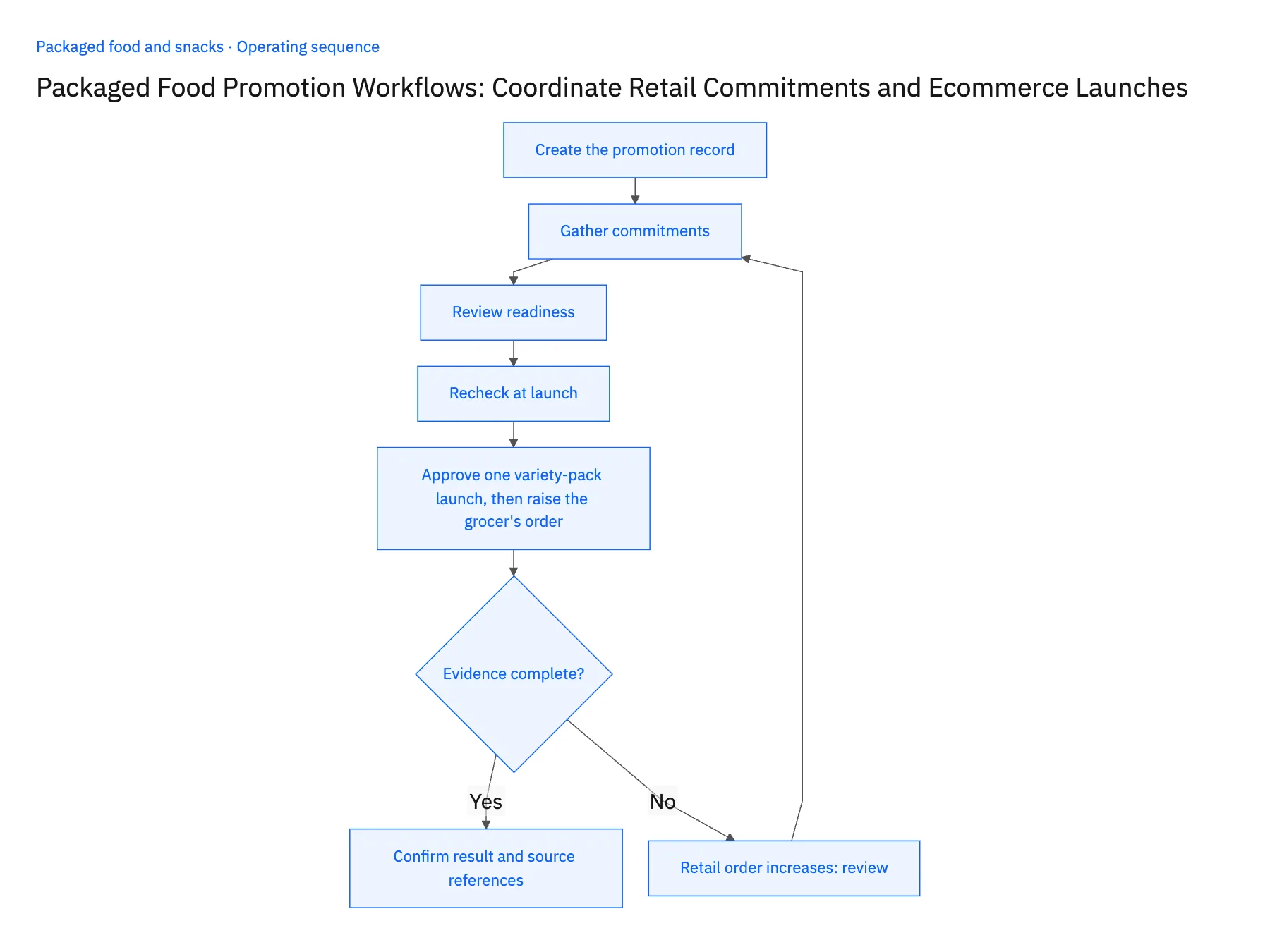
- 01Create the promotion recordAssign one identity to the offer and connect the proposed Shopify variants, dates, and commercial owner. A promotional title alone is not a durable reference when creative or timing changes.
- 02Gather commitmentsBring the approved retail order and relevant supply evidence into the decision. Distinguish committed quantities from forecasts and tentative requests so the reviewer sees what is already promised.
- 03Review readinessCheck the pack definition, launch window, and operational capacity. If availability requires an inventory-level action, verify that action and its allocation policy separately before execution.
- 04Recheck at launchCompare the latest commitment and supply revisions with the approval. A delayed receipt or increased retailer order should return the launch to review rather than reuse a stale green status.
- 05Approve one variety-pack launch, then raise the grocer's orderCreate a promotion record for the DTC variety pack and attach the grocer's display order from the Airtable commitment rows plus one forecast line. Open the record and check the labels: the display order must read as an accepted commitment and the forecast must not. If both carry the same label, or the workflow sums them into one available number, stop the rollout. Approve the launch, then open the launch authorization and confirm it names the supply evidence and the commercial owner behind it. Finally, raise the committed quantity on the grocer's row in Airtable. The promotion should drop back to review and the promotion owner should get a notice; a launch that stays green fails the check.
Handle the exceptions explicitly
Retail order increases
Recalculate the decision using the new approved commitment and notify the promotion owner.
Co-packer delivery slips
Invalidate the affected readiness evidence and seek a revised launch decision.
Offer dates change
Version the authorization so a previous time window cannot approve a later campaign.
What to verify before expanding
- Forecasts and accepted retailer commitments are labeled differently.
- The launch record identifies the evidence and owner behind its approval.
- A delayed co-packer receipt invalidates the affected supply-readiness decision before the promotion is released.
- Moving an offer outside its approved dates requires a revised launch authorization rather than reusing the earlier decision.

Connect this process to the rest of your operation
Explore Stacksync workflows and scope the records and actions against your actual systems. Book a demo with a real promotion plan example and the exception your team handles most often, for example retail order increases.
- Co-Packer Receipt Exception Automation for Snack Brands
- Automate Co-Packer Receipt Exceptions for Snack Brands Before Inventory Reconciliation
- AI Agents for Packaged Food Brands: Investigate Grocery Short-Shipment Claims
- Case Splits and Missing Receipts: Exception Handling for Snack-Brand Order Agents
- How to Explain Split Shipments and Missing Tracking
- Resolve Shopify Order Data Inconsistency with Real‑Time Sync
The shared architecture guide covers record matching, ownership, and recovery across systems.
Technical references
FAQ
Frequently asked questions










Related articles





