






















Shopify–NetSuite Sync for Nutrition Brands: Map Flavors, Serving Sizes, and Bundle SKUs
Why a title match picks the wrong tub, and how an approved variant-to-item crosswalk keeps flavors, sizes, and kit revisions distinct in NetSuite.
- Author
- Ruben Burdin · Founder & CEO
- Published
- Read time
- 5 min read

The operating decision
Nutrition-brand two-way sync should identify the exact sold variant: flavor, package size, serving count, and bundle revision. Map Shopify variant IDs to approved NetSuite item representations, retaining those distinctions even when marketing names look similar. Product identity must be correct before an order or return can be reconciled.
Explore the complete nutrition and supplements integration and automation hub for the systems and processes around this guide.
What this looks like in nutrition and supplements
A store sells vanilla powder in two tub sizes and a starter kit with a shaker. The ERP uses different items for each tub and component. A title match sees only vanilla protein and selects the smaller tub. The error changes both physical fulfillment and the meaning of a later customer return.
Records, ownership, and update rules
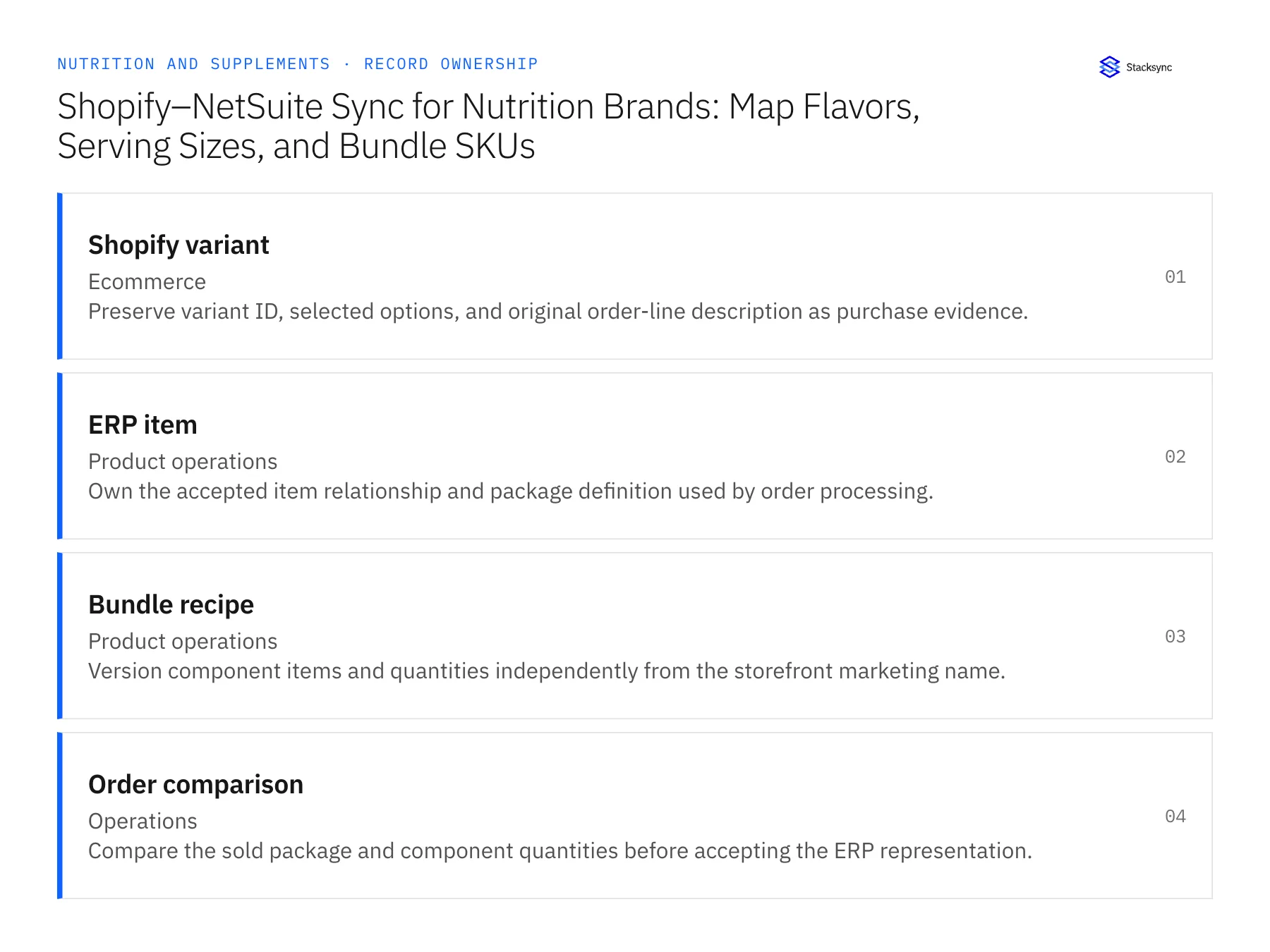
| Record | Owner | Operating rule |
|---|---|---|
| Shopify variant | Ecommerce | Preserve variant ID, selected options, and original order-line description as purchase evidence. |
| ERP item | Product operations | Own the accepted item relationship and package definition used by order processing. |
| Bundle recipe | Product operations | Version component items and quantities independently from the storefront marketing name. |
| Order comparison | Operations | Compare the sold package and component quantities before accepting the ERP representation. |
Work through the process
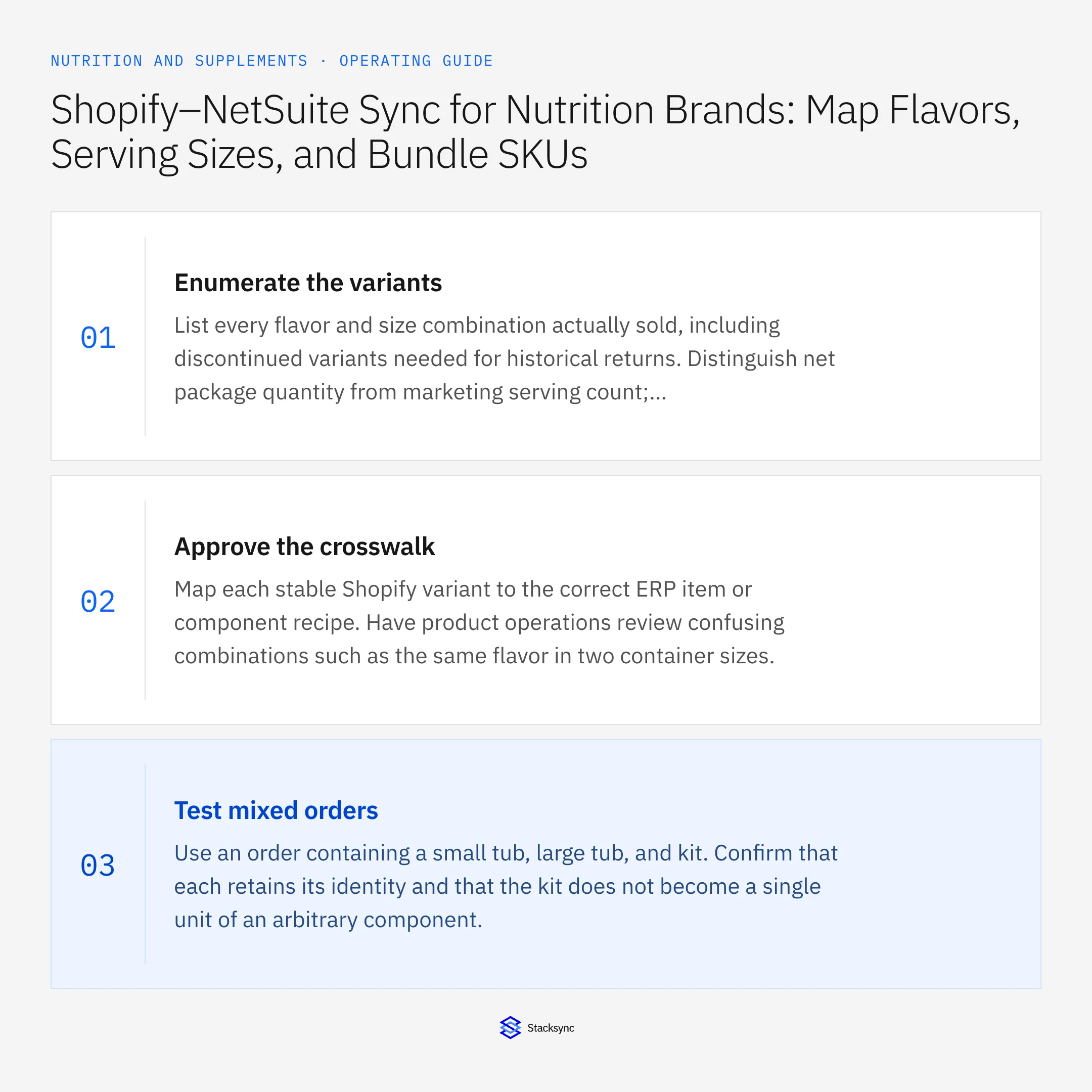
- 01Enumerate the variantsList every flavor and size combination actually sold, including discontinued variants needed for historical returns. Distinguish net package quantity from marketing serving count; neither should be inferred from a shortened title.
- 02Approve the crosswalkMap each stable Shopify variant to the correct ERP item or component recipe. Have product operations review confusing combinations such as the same flavor in two container sizes.
- 03Test mixed ordersUse an order containing a small tub, large tub, and kit. Confirm that each retains its identity and that the kit does not become a single unit of an arbitrary component.
- 04Preserve historyWhen formulas, package sizes, or bundle contents change, version the affected mapping. Existing orders must remain interpretable under the product definition that was actually sold.
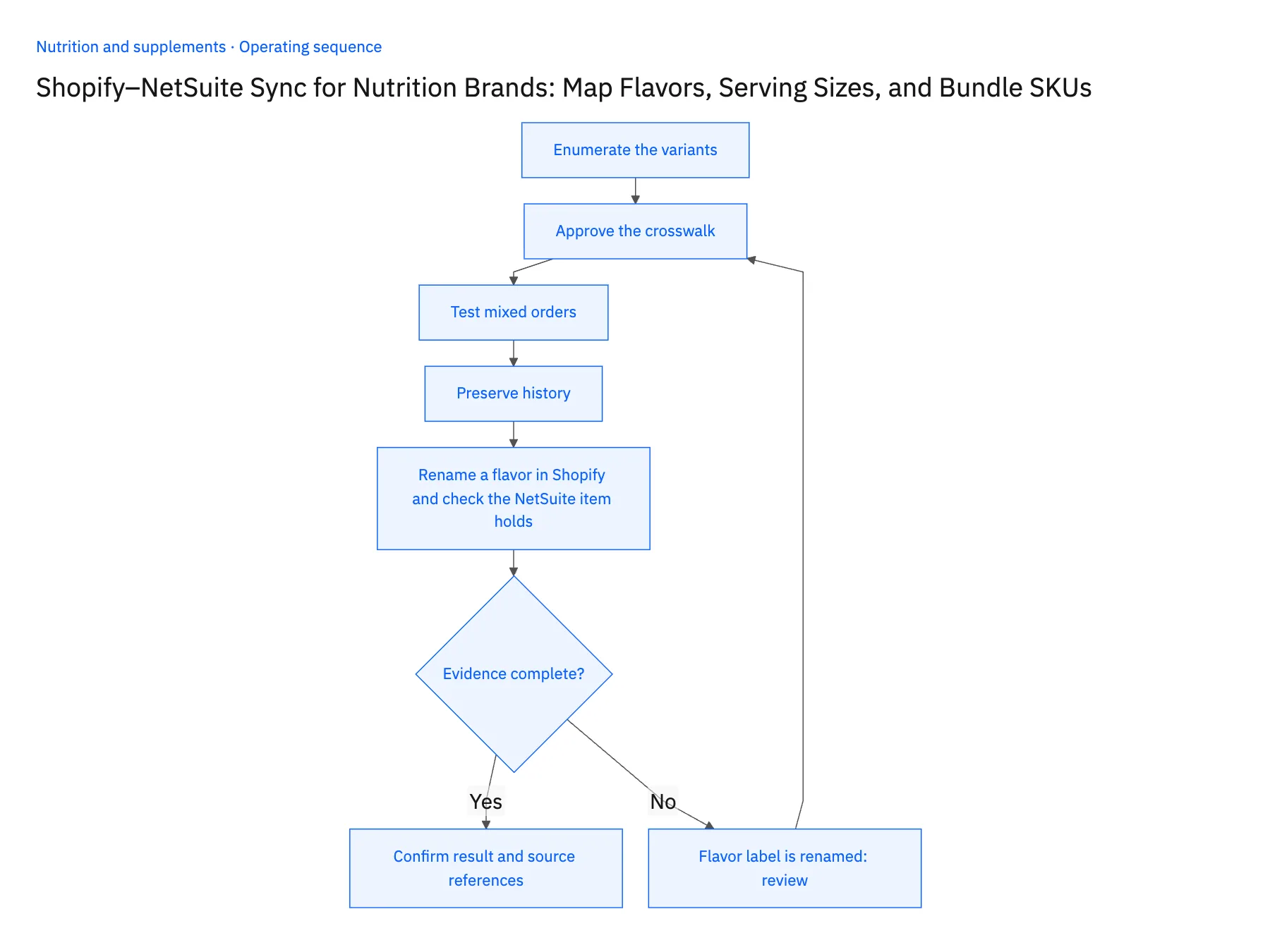
- 05Rename a flavor in Shopify and check the NetSuite item holdsTake the two vanilla tubs and rename the flavor label on the smaller one in Shopify. Open the NetSuite sales order for a pre-rename purchase of that tub and confirm it still points to the same item, with package size unchanged. Then look up a return against an older starter-kit order and confirm NetSuite resolves it to the kit revision that shipped, not the current recipe. Stop the rollout if the renamed variant now lands on the larger tub's item, if the two sizes have merged into one NetSuite item, or if the return references today's kit contents. Any of those means the crosswalk matched on text.
Handle the exceptions explicitly
Flavor label is renamed
Retain the stable variant relationship and review whether the actual product changed.
Serving count differs across documents
Ask product operations for the approved definition rather than rewriting the ERP item from marketing text.
Kit component is substituted
Require the approved fulfillment decision and preserve the original purchased configuration.
What to verify before expanding
- Similar flavor names cannot collapse distinct package sizes.
- Historical returns resolve to the originally sold variant and bundle revision.
- Renaming a flavor without changing the product preserves the stable variant-to-item relationship for existing orders.
- A changed serving-count description cannot silently change ERP package quantity; the product owner must approve its physical meaning.

Connect this process to the rest of your operation
Explore Stacksync two-way sync and scope the records and actions against your actual systems. Book a demo with a real shopify variant example and the exception your team handles most often, for example flavor label is renamed.
- Shopify–NetSuite Integration for Nutrition and Supplement Brands
- Amazon–NetSuite Integration for Supplement Marketplace Sales
- Amazon–NetSuite Sync for Supplement Brands: Match Seller SKUs, ASINs, and Order Lines
- HubSpot–NetSuite Sync for Nutrition Brands Selling to Practitioners and Retailers
- Wholesale Sample-to-Order Workflows for Nutrition Brands Using HubSpot and NetSuite
- Syncing Custom Fields From a Legacy NetSuite to HubSpot
- Automating Quote-to-Cash Between HubSpot and NetSuite
The shared architecture guide covers record matching, ownership, and recovery across systems.
Technical references
FAQ
Frequently asked questions










Explore these integrations and topics
- integrationNetSuite and Shopify integration
- connectorShopify integrations
- connectorNetSuite integrations
- platformTwo-way sync
- platformCRM synchronization
- platformCRM and ERP integration
- Two-way sync guidesUnderstand two-way sync, record matching, field ownership, and production readiness.
- CRM synchronization guidesConnect customer records across sales, marketing, and operational systems.
Related articles






