NetSuite–Postgres Sync for Food Brands: Reconcile Co-Packer Receipts and Finished-Goods Records
Food operations get one Postgres view of co-packer notices and NetSuite receipts, with each quantity kept apart and any ERP correction routed through an approved write path.
- Author
- Ruben Burdin · Founder & CEO
- Published
- Read time
- 5 min read

The operating decision
Give food operations a shared receipt-reconciliation view without letting supplier notices become accepted inventory automatically. Mirror the relevant NetSuite receipt evidence into Postgres and keep co-packer statements, expected receipts, and proposed corrections separately identified. An approved discrepancy resolution can then follow a controlled ERP write path.
Explore the complete packaged food and snacks integration and automation hub for the systems and processes around this guide.
What this looks like in packaged food and snacks
A co-packer reports 500 finished cases while the receiving team accepts 492 and holds eight for inspection. A spreadsheet currently changes the supplier figure to match the warehouse. That removes the reason for the difference. An operational view should retain all three quantities and distinguish received, accepted, and held states.
Records, ownership, and update rules
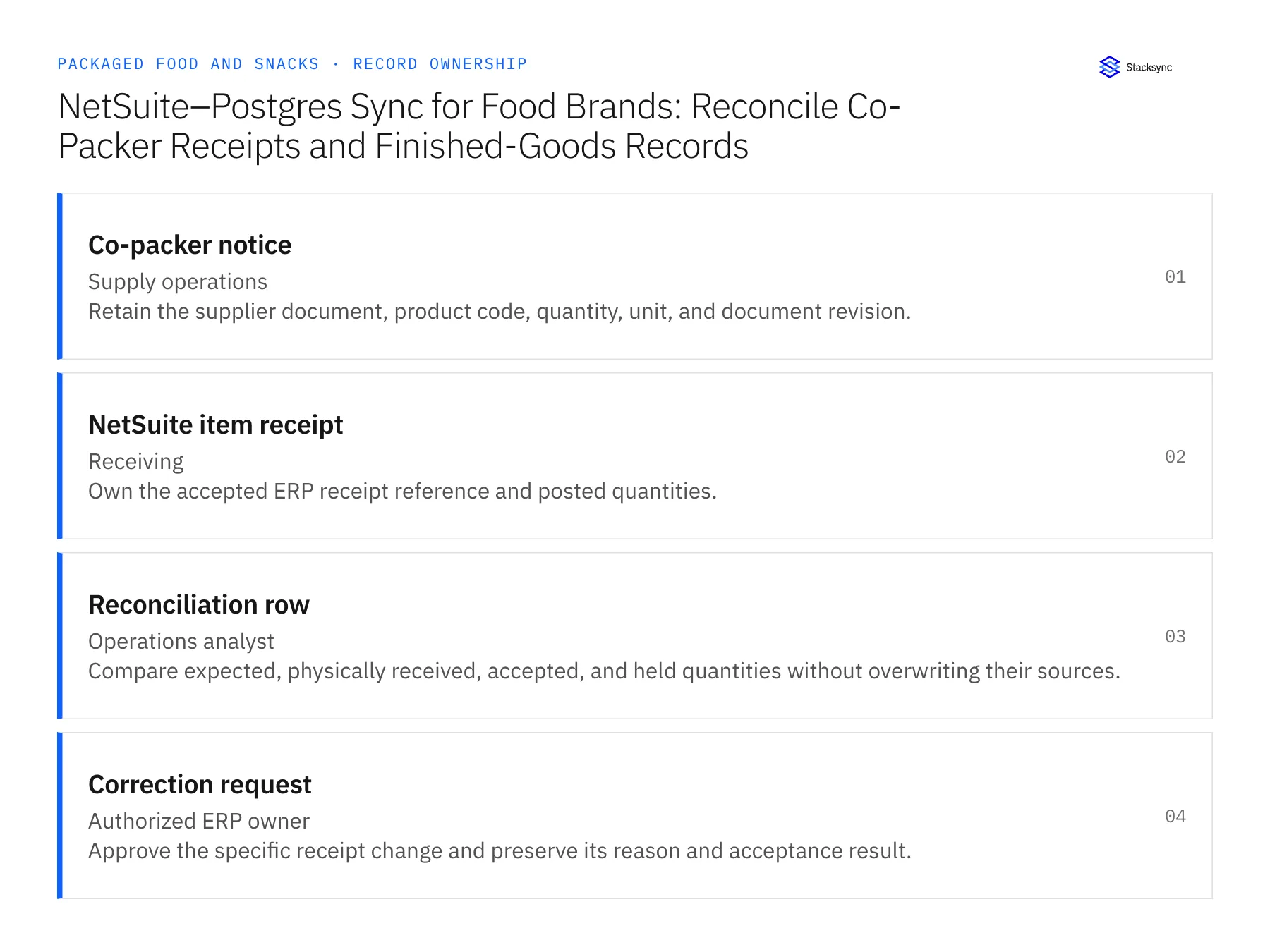
| Record | Owner | Operating rule |
|---|---|---|
| Co-packer notice | Supply operations | Retain the supplier document, product code, quantity, unit, and document revision. |
| NetSuite item receipt | Receiving | Own the accepted ERP receipt reference and posted quantities. |
| Reconciliation row | Operations analyst | Compare expected, physically received, accepted, and held quantities without overwriting their sources. |
| Correction request | Authorized ERP owner | Approve the specific receipt change and preserve its reason and acceptance result. |
Work through the process
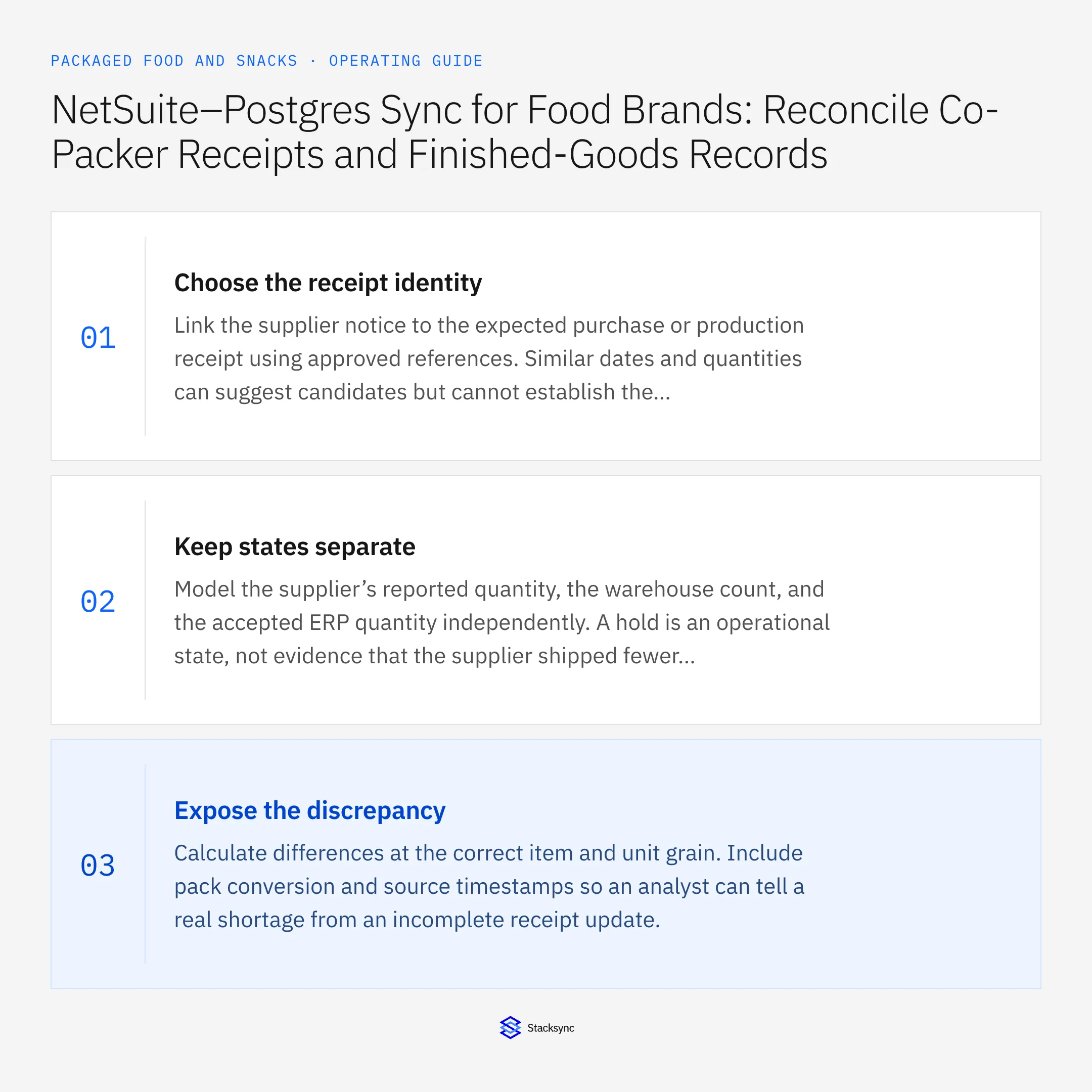
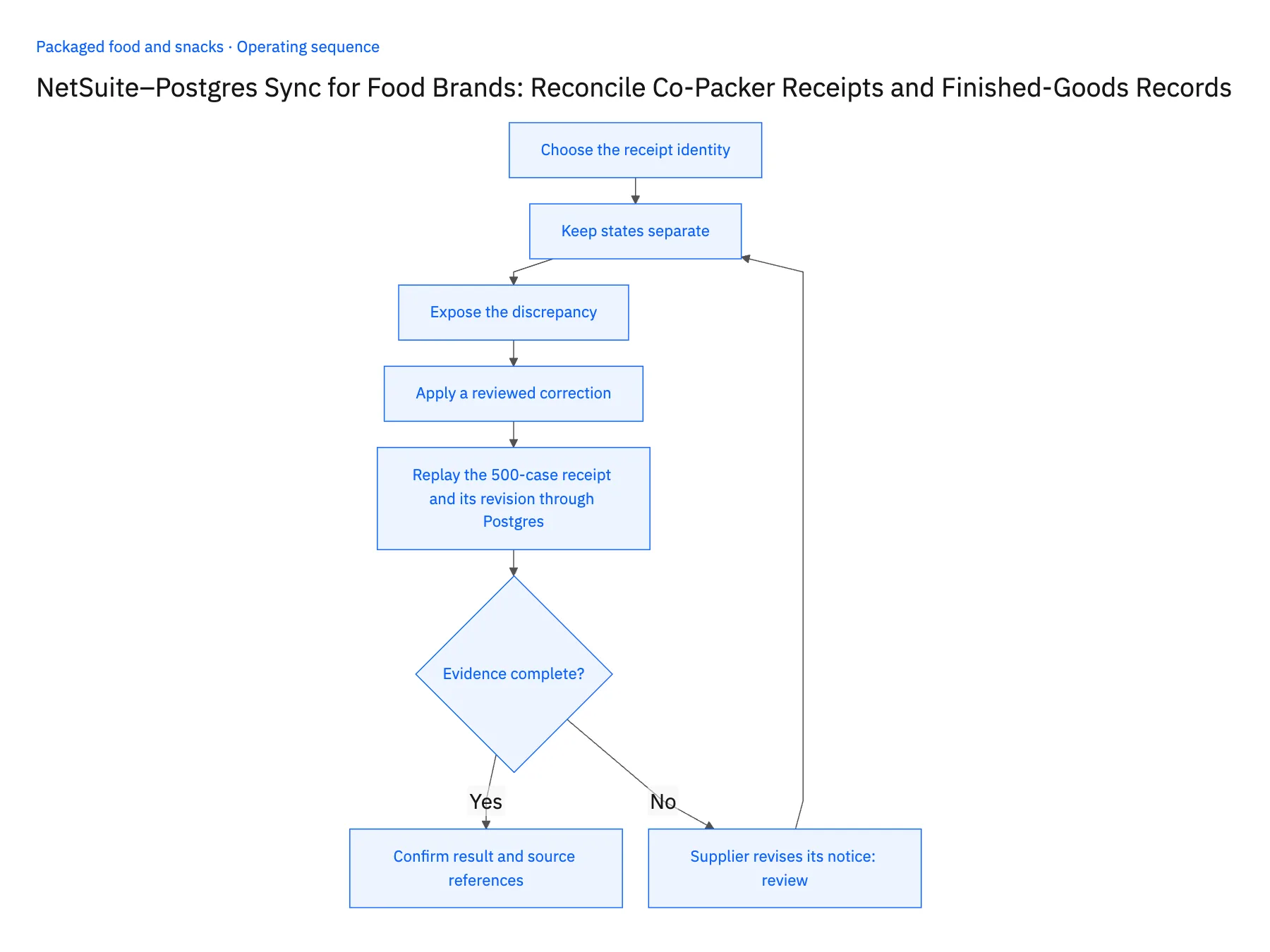
- 01Choose the receipt identityLink the supplier notice to the expected purchase or production receipt using approved references. Similar dates and quantities can suggest candidates but cannot establish the business relationship alone.
- 02Keep states separateModel the supplier’s reported quantity, the warehouse count, and the accepted ERP quantity independently. A hold is an operational state, not evidence that the supplier shipped fewer goods.
- 03Expose the discrepancyCalculate differences at the correct item and unit grain. Include pack conversion and source timestamps so an analyst can tell a real shortage from an incomplete receipt update.
- 04Apply a reviewed correctionLet receiving or the authorized ERP owner decide whether to correct a record, accept a partial receipt, or request supplier evidence. Read back the result and retain the original discrepancy history.
- 05Replay the 500-case receipt and its revision through PostgresStart with the scenario: a co-packer notice for 500 cases, 492 accepted in NetSuite, eight held. Query the Postgres reconciliation row and confirm four separate columns carry those values with a source timestamp each. If a column has been merged into another, or the supplier figure now reads 492, stop the rollout. Next, insert a correction proposal in Postgres against the accepted quantity and reread the NetSuite item receipt; it must still show 492 until the authorized ERP owner approves. Then load a revised co-packer notice for the same shipment. Postgres should keep both revisions side by side, and the accepted receipt must remain untouched.
Handle the exceptions explicitly
Supplier revises its notice
Version the document and compare the revision with the accepted receipt before changing the case.
Warehouse counts units, supplier sends cases
Use the approved conversion and preserve both original quantities.
Held goods are later accepted
Append the approved release and receipt evidence rather than rewriting the earlier inspection state.
What to verify before expanding
- Supplier, received, accepted, and held quantities remain distinguishable.
- A database correction proposal cannot silently change an accepted receipt.
- A revised co-packer notice remains distinguishable from the original notice and does not overwrite an accepted ERP receipt.
- Releasing previously held goods adds the new approval and receipt evidence while preserving their earlier held state.

Connect this process to the rest of your operation
Explore Stacksync two-way sync and scope the records and actions against your actual systems. Book a demo with a real co-packer notice example and the exception your team handles most often, for example supplier revises its notice.
- Shopify–NetSuite Integration for Packaged Food and Snack Brands
- Amazon–NetSuite Integration for Packaged Food Marketplace Operations
- Shopify–NetSuite Sync for Snack Brands: Match Single Units, Multipacks, and Cases
- Packaged Food Promotion Workflows: Coordinate Retail Commitments and Ecommerce Launches
- Automate Co-Packer Receipt Exceptions for Snack Brands Before Inventory Reconciliation
- Identify At-Risk Orders Using Inventory and Incoming Purchase Orders
- How to Explain Split Shipments and Missing Tracking
The shared architecture guide covers record matching, ownership, and recovery across systems.
Technical references
FAQ
Frequently asked questions










Explore these integrations and topics
- integrationNetSuite and PostgreSQL integration
- connectorNetSuite integrations
- connectorPostgreSQL integrations
- platformTwo-way sync
- platformDatabase synchronization
- Two-way sync guidesUnderstand two-way sync, record matching, field ownership, and production readiness.
- Database synchronization guidesWork through database change capture, application writes, and reliable record reconciliation.
Related articles