






















Amazon–NetSuite Sync for Packaged Food Brands: Separate FBA and Merchant-Fulfilled Orders
Keep FBA and merchant-fulfilled Amazon orders classified all the way into NetSuite so finance gets sales evidence and the warehouse only receives work the brand owns.
- Author
- Ruben Burdin · Founder & CEO
- Published
- Read time
- 5 min read

The operating decision
Separate Amazon-fulfilled and merchant-fulfilled food orders before creating any downstream fulfillment work. Both can supply useful sales evidence to NetSuite, but they carry different operational responsibility. Retain the marketplace fulfillment channel and original line identifiers so an imported FBA order cannot accidentally instruct the brand’s warehouse to ship again.
Explore the complete packaged food and snacks integration and automation hub for the systems and processes around this guide.
What this looks like in packaged food and snacks
A snack brand sells the same multipack through FBA and from its own 3PL. An imported order looks valid in either channel. If the integration only checks the SKU and paid status, operations may send an FBA order to its warehouse even though Amazon is already fulfilling it. The classification must survive every subsequent handoff.
Records, ownership, and update rules
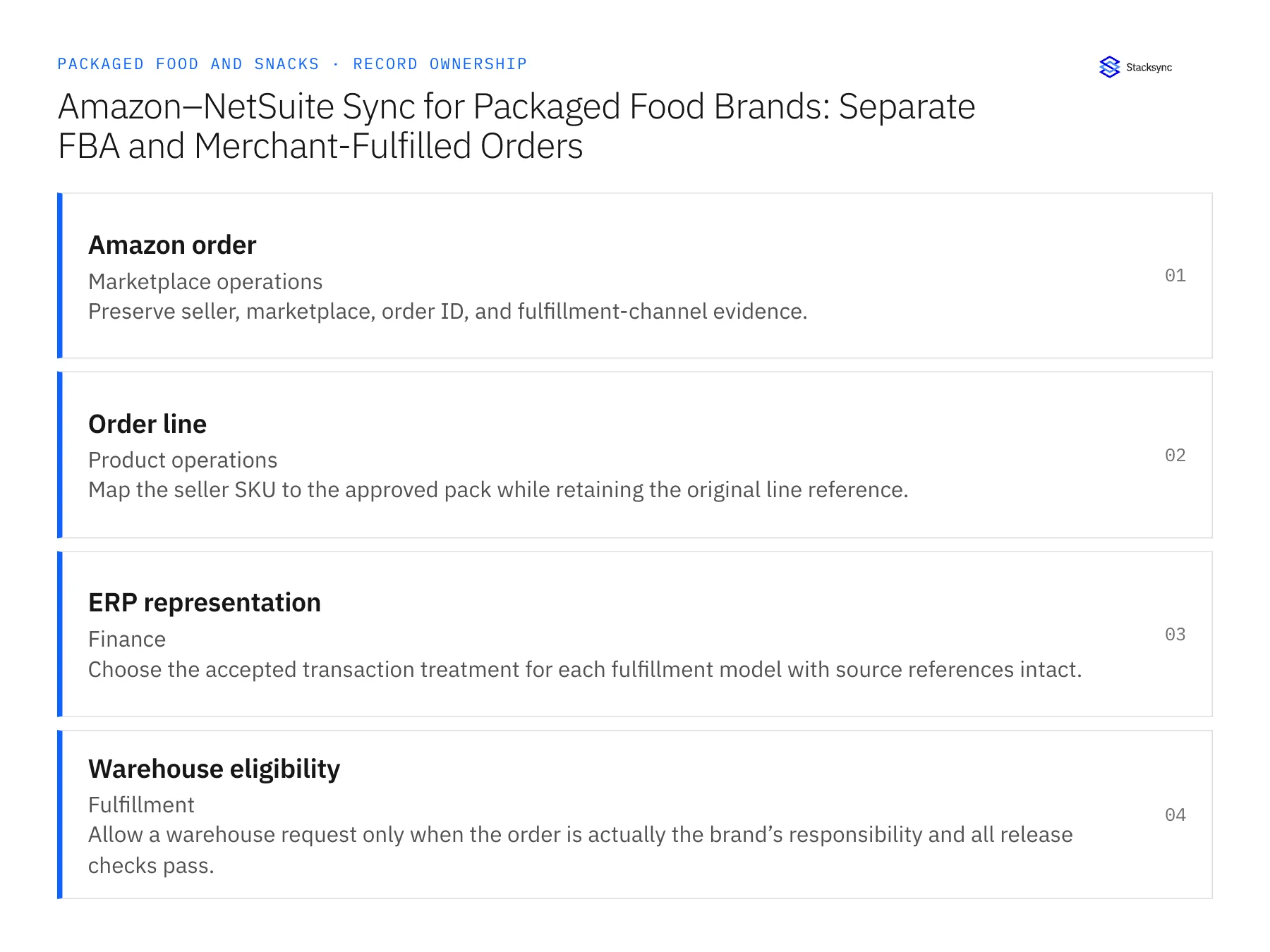
| Record | Owner | Operating rule |
|---|---|---|
| Amazon order | Marketplace operations | Preserve seller, marketplace, order ID, and fulfillment-channel evidence. |
| Order line | Product operations | Map the seller SKU to the approved pack while retaining the original line reference. |
| ERP representation | Finance | Choose the accepted transaction treatment for each fulfillment model with source references intact. |
| Warehouse eligibility | Fulfillment | Allow a warehouse request only when the order is actually the brand’s responsibility and all release checks pass. |
Work through the process
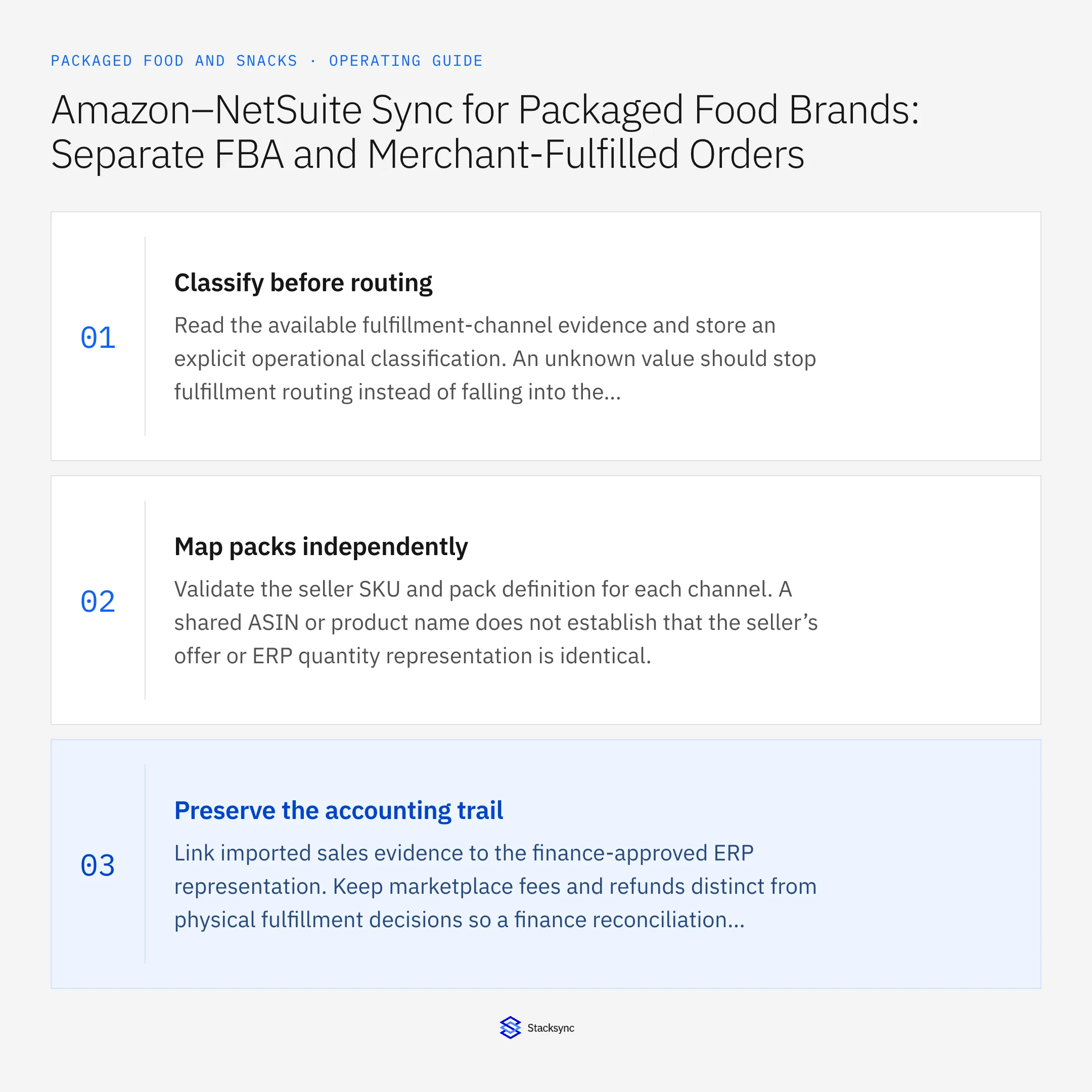
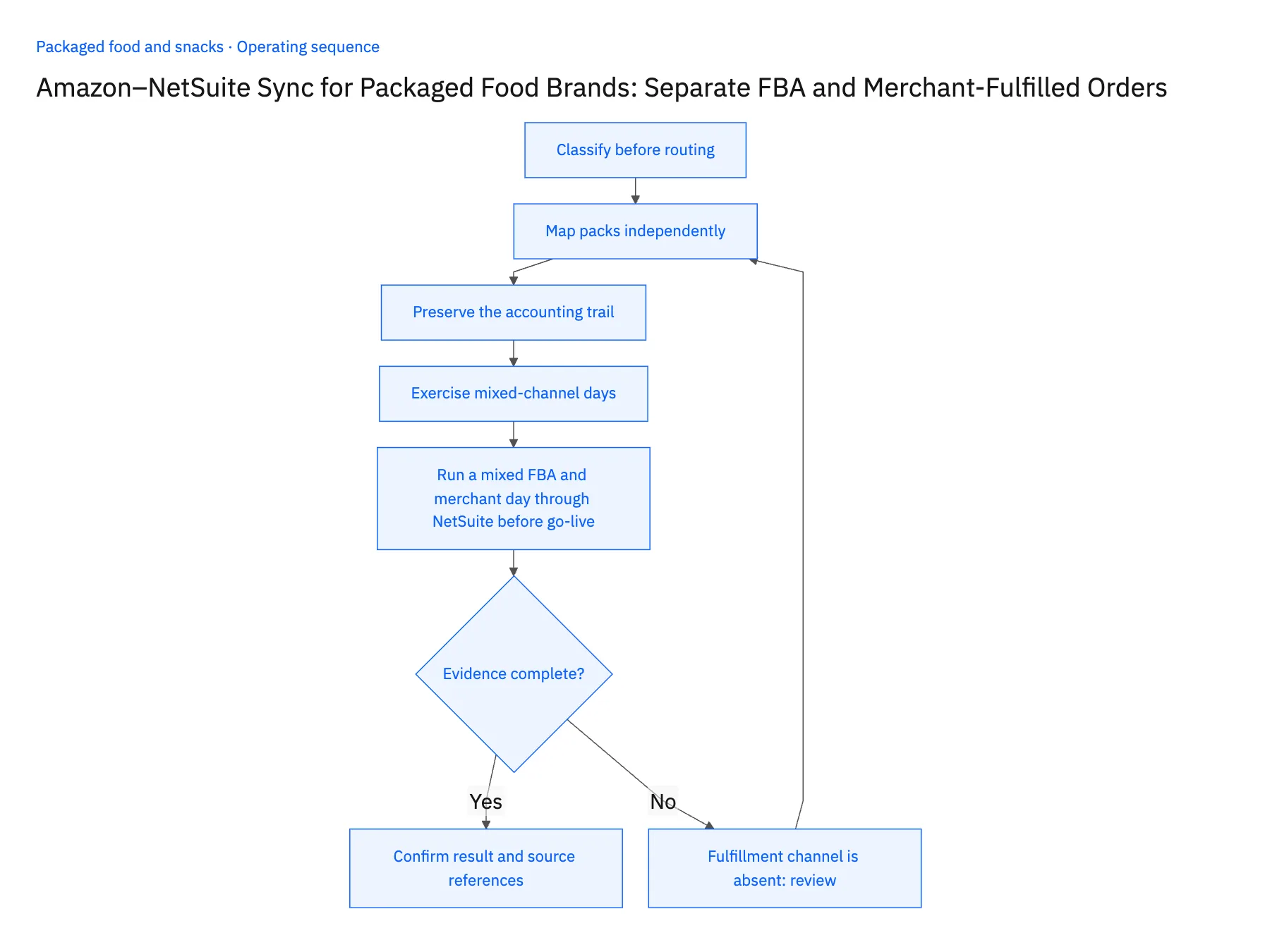
- 01Classify before routingRead the available fulfillment-channel evidence and store an explicit operational classification. An unknown value should stop fulfillment routing instead of falling into the merchant-fulfilled default.
- 02Map packs independentlyValidate the seller SKU and pack definition for each channel. A shared ASIN or product name does not establish that the seller’s offer or ERP quantity representation is identical.
- 03Preserve the accounting trailLink imported sales evidence to the finance-approved ERP representation. Keep marketplace fees and refunds distinct from physical fulfillment decisions so a finance reconciliation cannot trigger another shipment.
- 04Exercise mixed-channel daysTest a day containing both channels, a canceled order, and a repeated import. Confirm that only eligible merchant-fulfilled orders enter the brand’s fulfillment workflow.
- 05Run a mixed FBA and merchant day through NetSuite before go-livePick one day of Amazon Seller Central orders that includes at least one FBA order and one merchant-fulfilled order, and sync it into NetSuite. Open each imported order and read the fulfillment-channel field: FBA orders must carry no warehouse instruction, and every order must display its classification after reconciliation. If any FBA order appears in the warehouse queue, or an order arrives with the channel blank, stop the rollout. Then strip the channel value from one test order and rerun the import. The order should sit in a held state until marketplace operations supplies the evidence. A held order that drifts into merchant routing is a failed check.
Handle the exceptions explicitly
Fulfillment channel is absent
Hold routing and obtain the missing evidence rather than assume warehouse responsibility.
Order appears in overlapping reports
Resolve to the same order and line references to avoid duplicate ERP work.
FBA return arrives later
Attach it to the original marketplace trail; do not create a warehouse return receipt without actual receiving evidence.
What to verify before expanding
- An FBA order creates no merchant warehouse instruction.
- The fulfillment classification remains visible on every reconciled order.
- An order with no confirmed fulfillment channel stays out of merchant warehouse routing until marketplace operations resolves it.
- An FBA refund or return report alone creates no receipt at the brand's warehouse and no returned inventory.

Connect this process to the rest of your operation
Explore Stacksync two-way sync and scope the records and actions against your actual systems. Book a demo with a real amazon order example and the exception your team handles most often, for example fulfillment channel is absent.
- Shopify–NetSuite Integration for Packaged Food and Snack Brands
- Amazon–NetSuite Integration for Packaged Food Marketplace Operations
- NetSuite–Postgres Sync for Food Brands: Reconcile Co-Packer Receipts and Finished-Goods Records
- Packaged Food Promotion Workflows: Coordinate Retail Commitments and Ecommerce Launches
- Automate Co-Packer Receipt Exceptions for Snack Brands Before Inventory Reconciliation
- EDI 850 855 856 Automation Challenges and Solutions | Stacksync
- Identify At-Risk Orders Using Inventory and Incoming Purchase Orders
The shared architecture guide covers record matching, ownership, and recovery across systems.
Technical references
FAQ
Frequently asked questions










Related articles





