






















Shopify–NetSuite Sync for Beverage Brands: Align Bottles, Cases, and Variety Packs
Map each Shopify variant to an approved NetSuite item recipe with an effective date, so a twelve-bottle variety pack never turns into two cases of one flavor.
- Author
- Ruben Burdin · Founder & CEO
- Published
- Read time
- 5 min read

The operating decision
Beverage two-way sync needs an approved relationship between the purchased Shopify pack and the ERP item or components. Keep bottles, single-flavor cases, and mixed variety packs distinct. Preserve the original variant and pack revision so fulfillment, returns, and finance can explain the same purchase without converting units by product-name guesswork.
Explore the complete beverages integration and automation hub for the systems and processes around this guide.
What this looks like in beverages
A beverage store sells a twelve-bottle variety pack containing three flavors. NetSuite has individual bottles and full single-flavor cases. A customer buys two variety packs. The integration must retain two purchased packs and the approved twenty-four-bottle component recipe, while avoiding a substitution with two cases of one flavor.
Records, ownership, and update rules
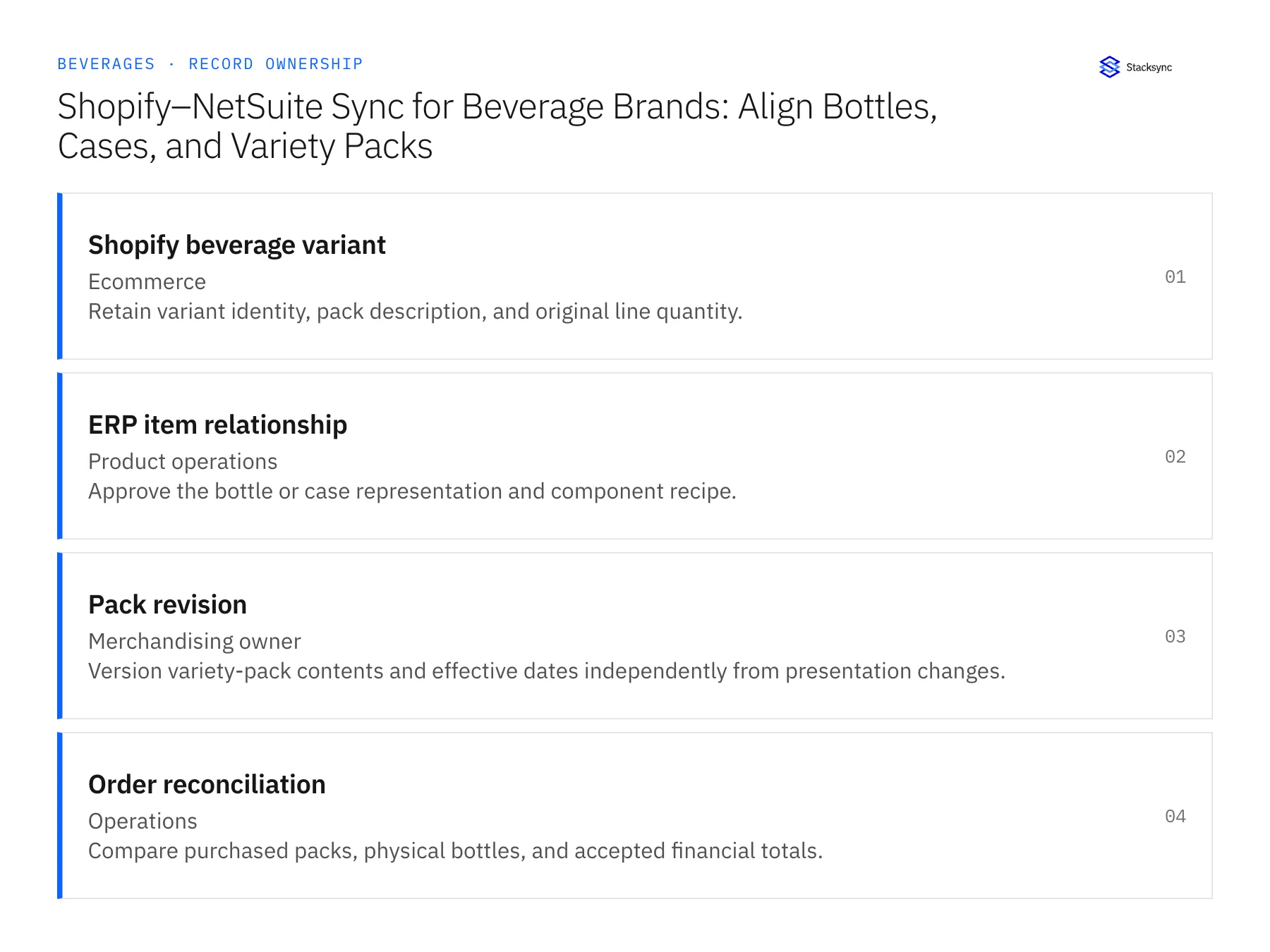
| Record | Owner | Operating rule |
|---|---|---|
| Shopify beverage variant | Ecommerce | Retain variant identity, pack description, and original line quantity. |
| ERP item relationship | Product operations | Approve the bottle or case representation and component recipe. |
| Pack revision | Merchandising owner | Version variety-pack contents and effective dates independently from presentation changes. |
| Order reconciliation | Operations | Compare purchased packs, physical bottles, and accepted financial totals. |
Work through the process
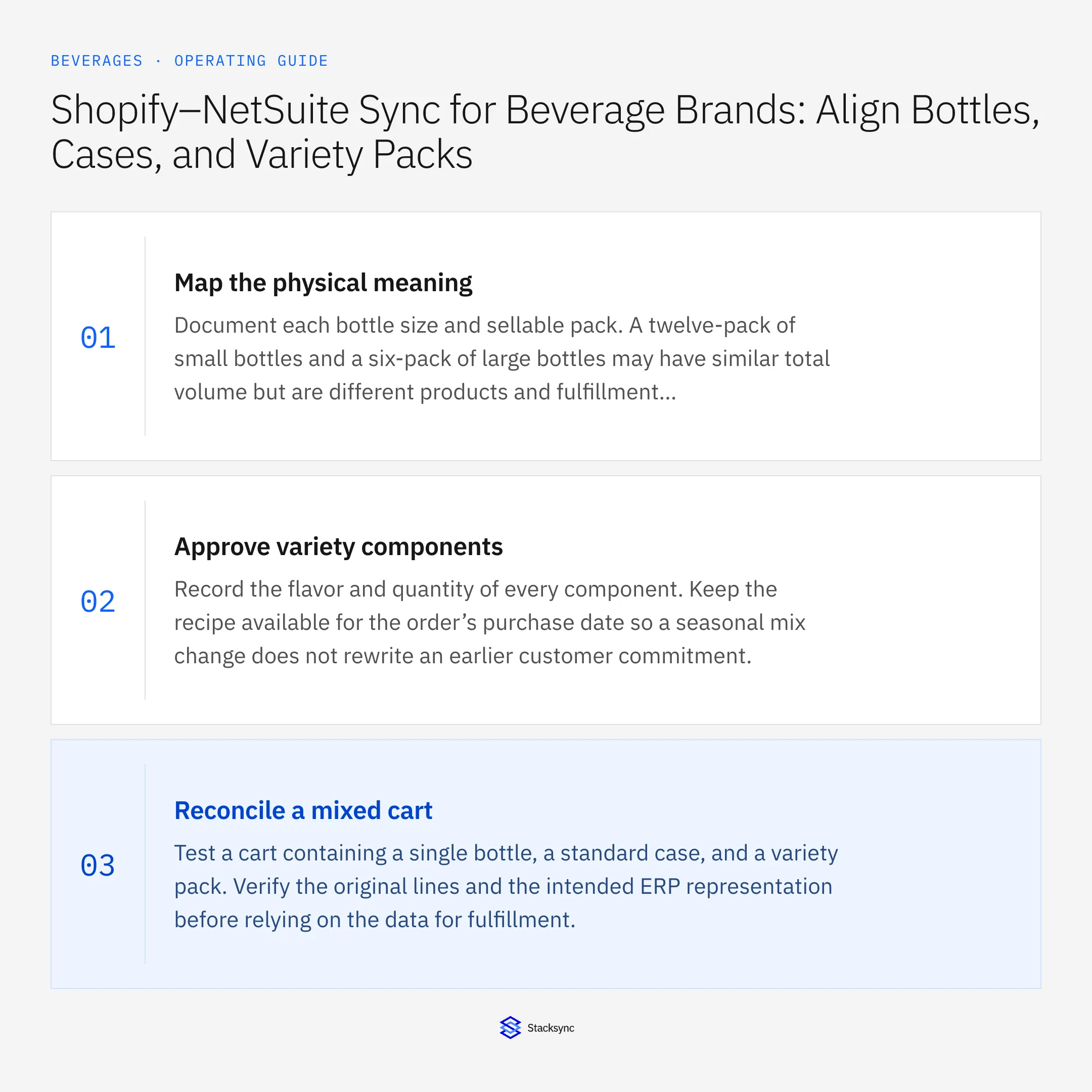
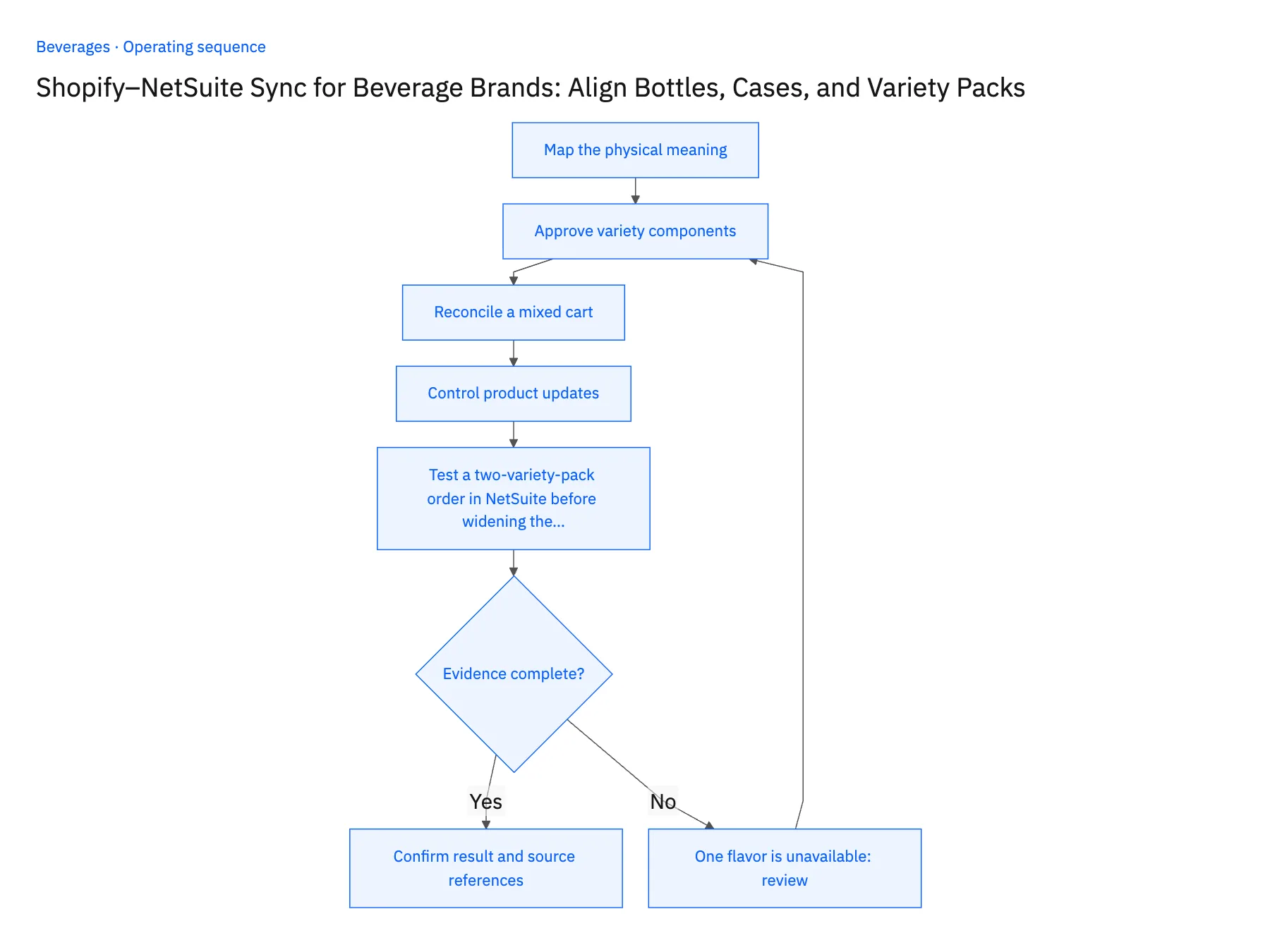
- 01Map the physical meaningDocument each bottle size and sellable pack. A twelve-pack of small bottles and a six-pack of large bottles may have similar total volume but are different products and fulfillment instructions.
- 02Approve variety componentsRecord the flavor and quantity of every component. Keep the recipe available for the order’s purchase date so a seasonal mix change does not rewrite an earlier customer commitment.
- 03Reconcile a mixed cartTest a cart containing a single bottle, a standard case, and a variety pack. Verify the original lines and the intended ERP representation before relying on the data for fulfillment.
- 04Control product updatesPermit approved catalog changes while protecting stable identity and historical pack definitions. Recheck mappings when a bottle size, case count, or product formulation actually changes.
- 05Test a two-variety-pack order in NetSuite before widening the syncPlace a Shopify test order for two twelve-bottle variety packs and open the resulting NetSuite sales order. It should carry two pack lines, and the approved recipe should expand to twenty-four bottles with each flavor's count visible on the line detail rather than folded into a total. Then repeat the order while one flavor is out of stock. The expected result is a substitution request routed to the merchandising owner with the original pack intact. Stop the rollout if the order arrives as two single-flavor cases, if a flavor count is missing, or if the sync swapped the flavor on its own.
Handle the exceptions explicitly
One flavor is unavailable
Route the substitution decision to the authorized team rather than silently changing the variety pack.
Pack name remains but contents change
Create a new effective recipe and preserve prior order interpretation.
Warehouse reports cases instead of bottles
Apply only the approved unit conversion and retain the original warehouse quantity.
What to verify before expanding
- Two twelve-bottle packs resolve to the intended twenty-four bottles.
- Flavor-level component quantities remain visible for a variety pack.
- Changing variety-pack contents preserves the purchased recipe on earlier orders, even when the marketing name stays unchanged.
- A warehouse quantity in cases remains visible alongside the bottle conversion, allowing a reviewer to reproduce both totals.

Connect this process to the rest of your operation
Explore Stacksync two-way sync and scope the records and actions against your actual systems. Book a demo with a real shopify beverage variant example and the exception your team handles most often, for example one flavor is unavailable.
- Shopify–NetSuite Integration for Beverage Brands
- Salesforce–NetSuite Integration for Beverage Distributor Accounts
- Salesforce–NetSuite Sync for Beverage Brands: Connect Distributor Accounts and Delivery Locations
- Acumatica–Postgres Sync for Beverage Operations: Match Case and Pallet Records Across Warehouses
- Beverage Distributor Order Workflows: Check Freight Thresholds and Delivery Windows
- Investigate Freight Invoice Disputes Across NetSuite and Postgres
- Reconcile Freight Rates and Dwell Times Before Issuing Credits
The shared architecture guide covers record matching, ownership, and recovery across systems.
Technical references
FAQ
Frequently asked questions










Explore these integrations and topics
- integrationNetSuite and Shopify integration
- connectorShopify integrations
- connectorNetSuite integrations
- platformTwo-way sync
- platformCRM synchronization
- platformCRM and ERP integration
- Two-way sync guidesUnderstand two-way sync, record matching, field ownership, and production readiness.
- CRM synchronization guidesConnect customer records across sales, marketing, and operational systems.
Related articles






