






















Shopify–NetSuite Sync for Household Brands: Map Refills, Concentrates, and Multipacks
Two refills ordered on Shopify stay two concentrate packages in NetSuite, and a starter kit keeps its approved bottle and refill components through fulfillment and returns.
- Author
- Ruben Burdin · Founder & CEO
- Published
- Read time
- 5 min read

The operating decision
Household-brand two-way sync should preserve the difference between a refill, concentrate, ready-to-use product, and multipack. Map each Shopify variant to an approved ERP sellable definition. Similar intended use or advertised yield does not establish product equivalence, so keep actual package quantities separate from marketing claims about the amount a concentrate can produce.
Explore the complete household consumables integration and automation hub for the systems and processes around this guide.
What this looks like in household consumables
A cleaning brand sells a spray bottle, a concentrate refill, and a starter kit containing both. The storefront emphasizes the finished-use yield, while NetSuite records physical containers. An order for two refills must remain two concentrate packages rather than becoming the number of spray bottles suggested by the marketing description.
Records, ownership, and update rules
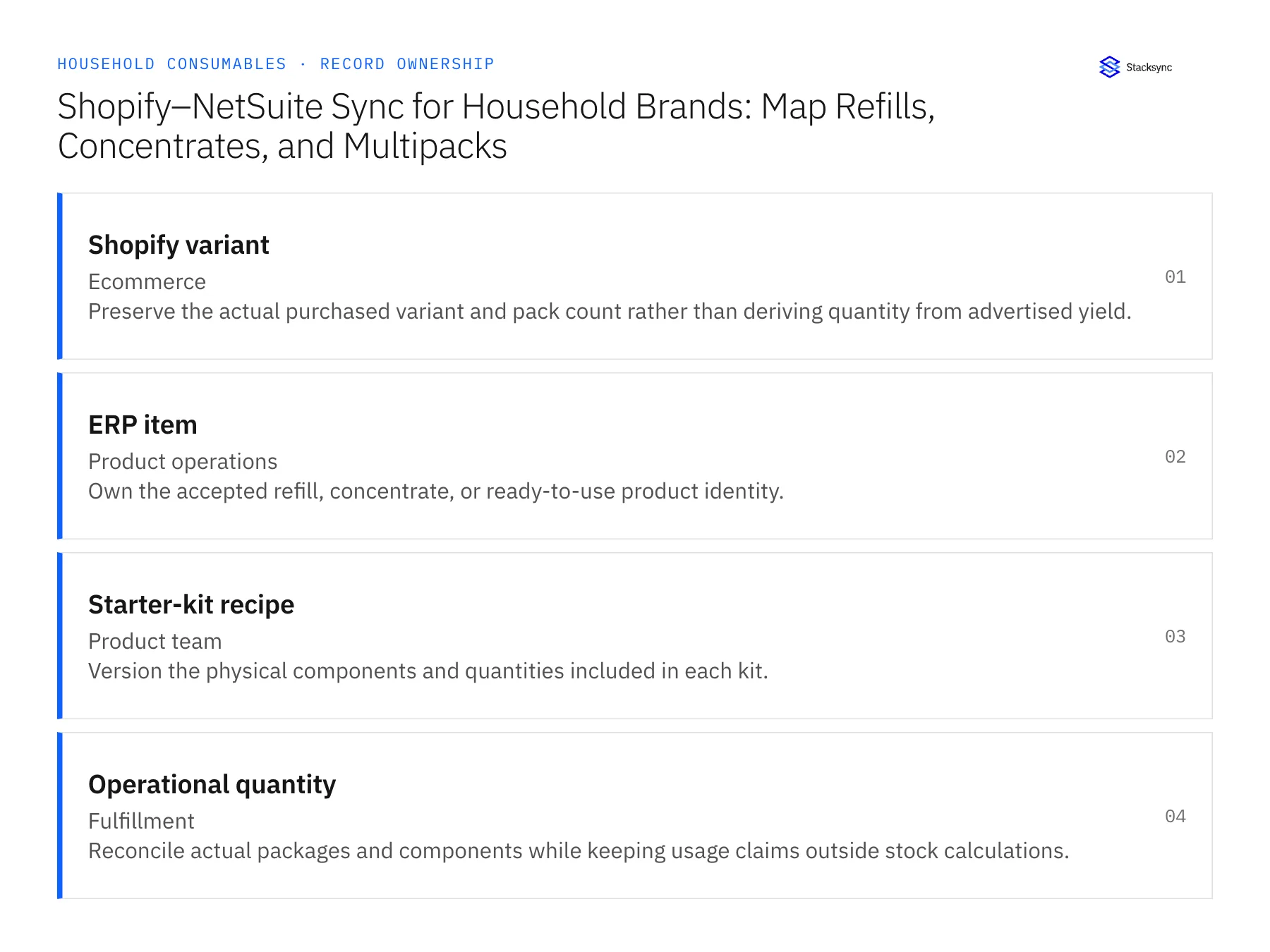
| Record | Owner | Operating rule |
|---|---|---|
| Shopify variant | Ecommerce | Preserve the actual purchased variant and pack count rather than deriving quantity from advertised yield. |
| ERP item | Product operations | Own the accepted refill, concentrate, or ready-to-use product identity. |
| Starter-kit recipe | Product team | Version the physical components and quantities included in each kit. |
| Operational quantity | Fulfillment | Reconcile actual packages and components while keeping usage claims outside stock calculations. |
Work through the process
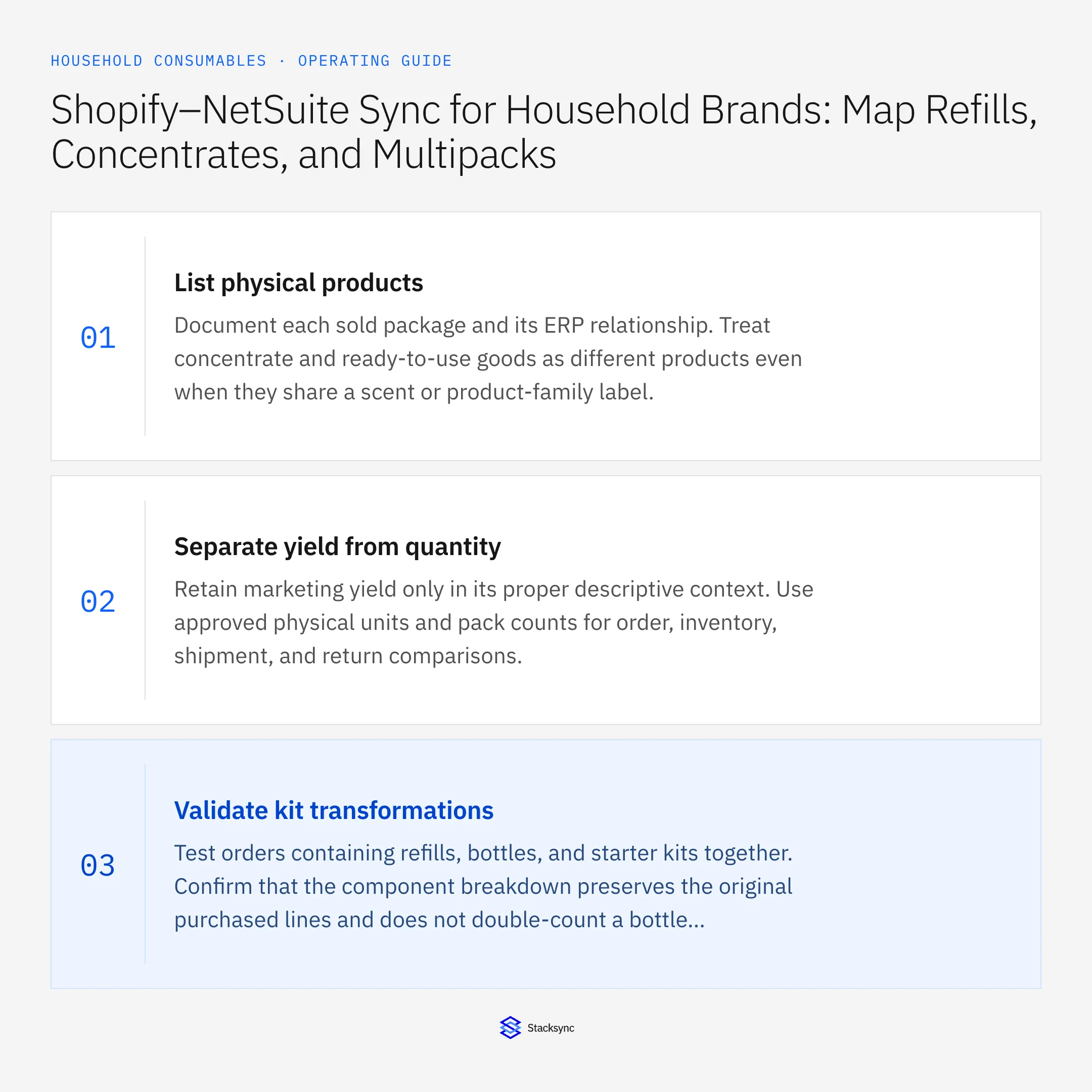
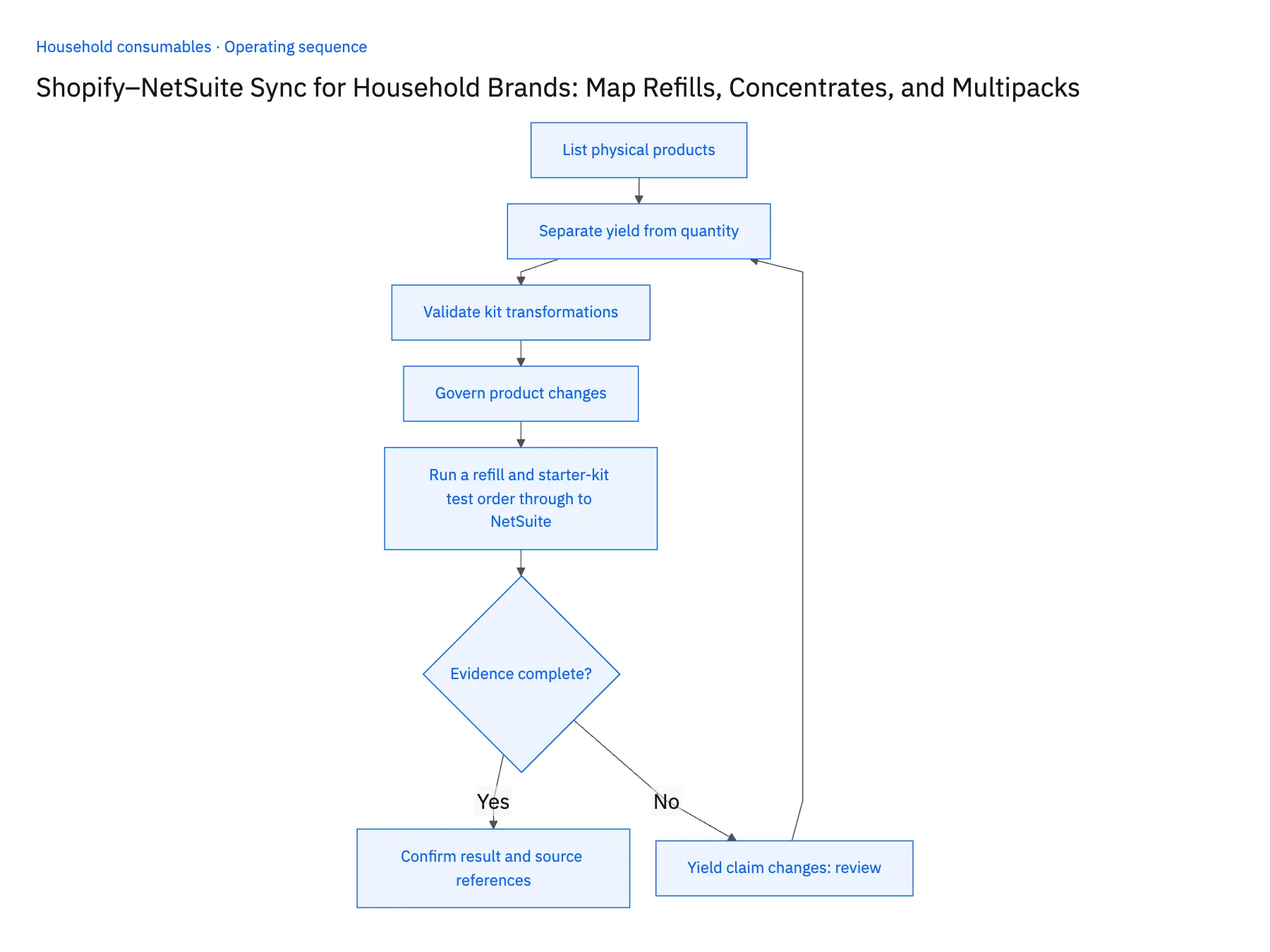
- 01List physical productsDocument each sold package and its ERP relationship. Treat concentrate and ready-to-use goods as different products even when they share a scent or product-family label.
- 02Separate yield from quantityRetain marketing yield only in its proper descriptive context. Use approved physical units and pack counts for order, inventory, shipment, and return comparisons.
- 03Validate kit transformationsTest orders containing refills, bottles, and starter kits together. Confirm that the component breakdown preserves the original purchased lines and does not double-count a bottle included in a kit.
- 04Govern product changesVersion package and kit changes while preserving past purchases. A revised concentration or container size needs product-owner review rather than a silent update to every historical mapping.
- 05Run a refill and starter-kit test order through to NetSuitePlace a Shopify test order for two concentrate refills and one starter kit, then open the sales order it creates in NetSuite. The refill line should read two of the refill item, with no quantity inferred from how many bottles the concentrate could fill. The kit line should resolve to its approved recipe, one bottle and one refill, without a second bottle appearing because bottles are also sold on their own. Next, change only the yield claim in the Shopify product description. If any NetSuite line quantity moves, or the item record changes before product operations confirms the physical product is the same, stop the rollout and correct the mapping.
Handle the exceptions explicitly
Yield claim changes
Do not alter physical order quantities; ask product operations whether the actual item changed.
Refill packaging is redesigned
Review stable item identity and effective mapping before accepting new orders.
Kit component is replaced
Require the approved recipe or substitution decision and preserve the original purchase.
What to verify before expanding
- A refill order maps to physical refill packages rather than implied finished-use volume.
- Starter kits preserve their approved component counts.
- Changing an advertised dilution or yield claim leaves the physical order and inventory quantities unchanged.
- A starter-kit component substitution preserves the purchased recipe and records the separate approved fulfillment decision.

Connect this process to the rest of your operation
Explore Stacksync two-way sync and scope the records and actions against your actual systems. Book a demo with a real shopify variant example and the exception your team handles most often, for example yield claim changes.
- Shopify–NetSuite Integration for Household Consumable Brands
- Amazon–NetSuite Integration for Household Marketplace Quantities
- Amazon–NetSuite Sync for Household Consumables: Reconcile Marketplace Order Quantities
- Salesforce–NetSuite Sync for Household Brands Serving Janitorial Distributors
- Household Product Replenishment Workflows: Prevent Duplicate Wholesale Orders
- Beat Shopify API Rate Limits with Stacksync Real‑Time Sync
- Real-Time Data Integration for Accurate Logistics Ops
The shared architecture guide covers record matching, ownership, and recovery across systems.
Technical references
FAQ
Frequently asked questions










Explore these integrations and topics
- integrationNetSuite and Shopify integration
- connectorShopify integrations
- connectorNetSuite integrations
- platformTwo-way sync
- platformCRM synchronization
- platformCRM and ERP integration
- Two-way sync guidesUnderstand two-way sync, record matching, field ownership, and production readiness.
- CRM synchronization guidesConnect customer records across sales, marketing, and operational systems.
Related articles






