






















Salesforce–NetSuite Sync for Beverage Brands: Connect Distributor Accounts and Delivery Locations
Sales manages the distributor relationship in Salesforce while NetSuite keeps the payer and every depot as separate records, so a new site never becomes a new customer.
- Author
- Ruben Burdin · Founder & CEO
- Published
- Read time
- 5 min read

The operating decision
Connect the beverage distributor’s commercial account to the correct NetSuite payer and receiving locations. Salesforce can own relationship activity while finance owns billing identity and operations owns accepted delivery details. A parent account and a warehouse destination should remain different records even when they share a distributor brand name.
Explore the complete beverages integration and automation hub for the systems and processes around this guide.
What this looks like in beverages
A distributor adds a new depot with different receiving hours while retaining its central payer. Sales creates a location under the parent account. If the integration copies the headquarters address into every order, a truck can arrive at the wrong site or miss the receiving window despite an otherwise valid customer match.
Records, ownership, and update rules
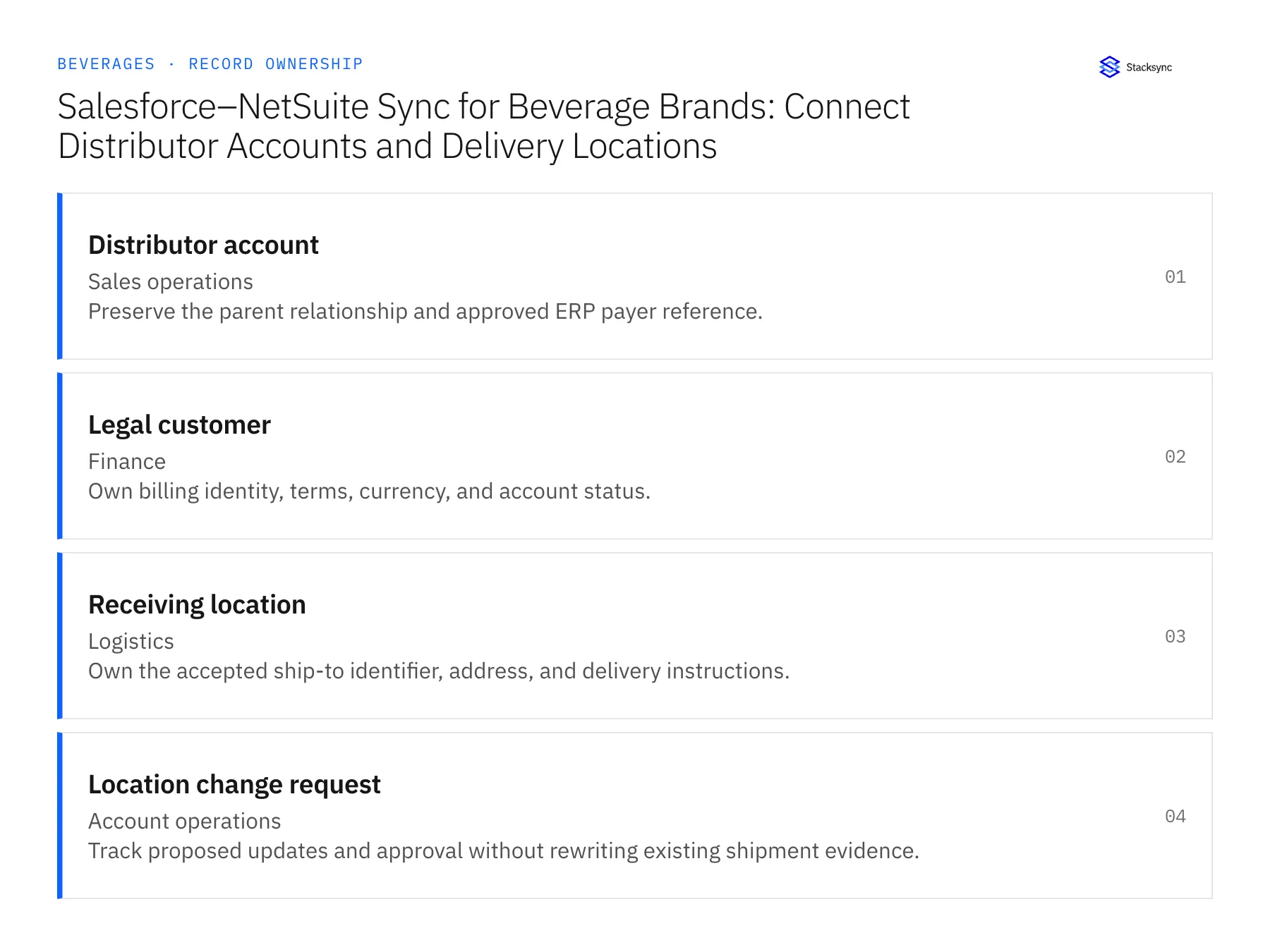
| Record | Owner | Operating rule |
|---|---|---|
| Distributor account | Sales operations | Preserve the parent relationship and approved ERP payer reference. |
| Legal customer | Finance | Own billing identity, terms, currency, and account status. |
| Receiving location | Logistics | Own the accepted ship-to identifier, address, and delivery instructions. |
| Location change request | Account operations | Track proposed updates and approval without rewriting existing shipment evidence. |
Work through the process
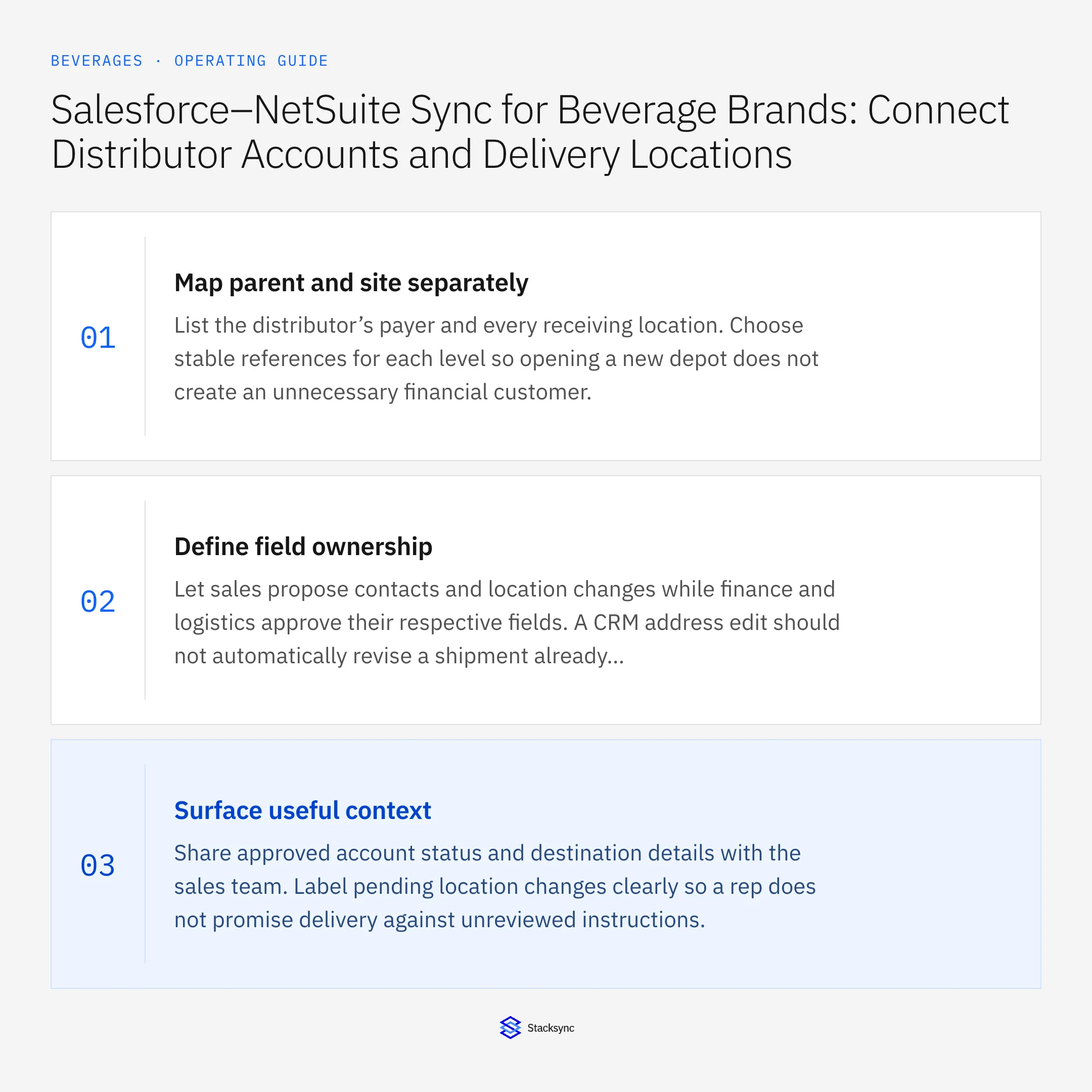
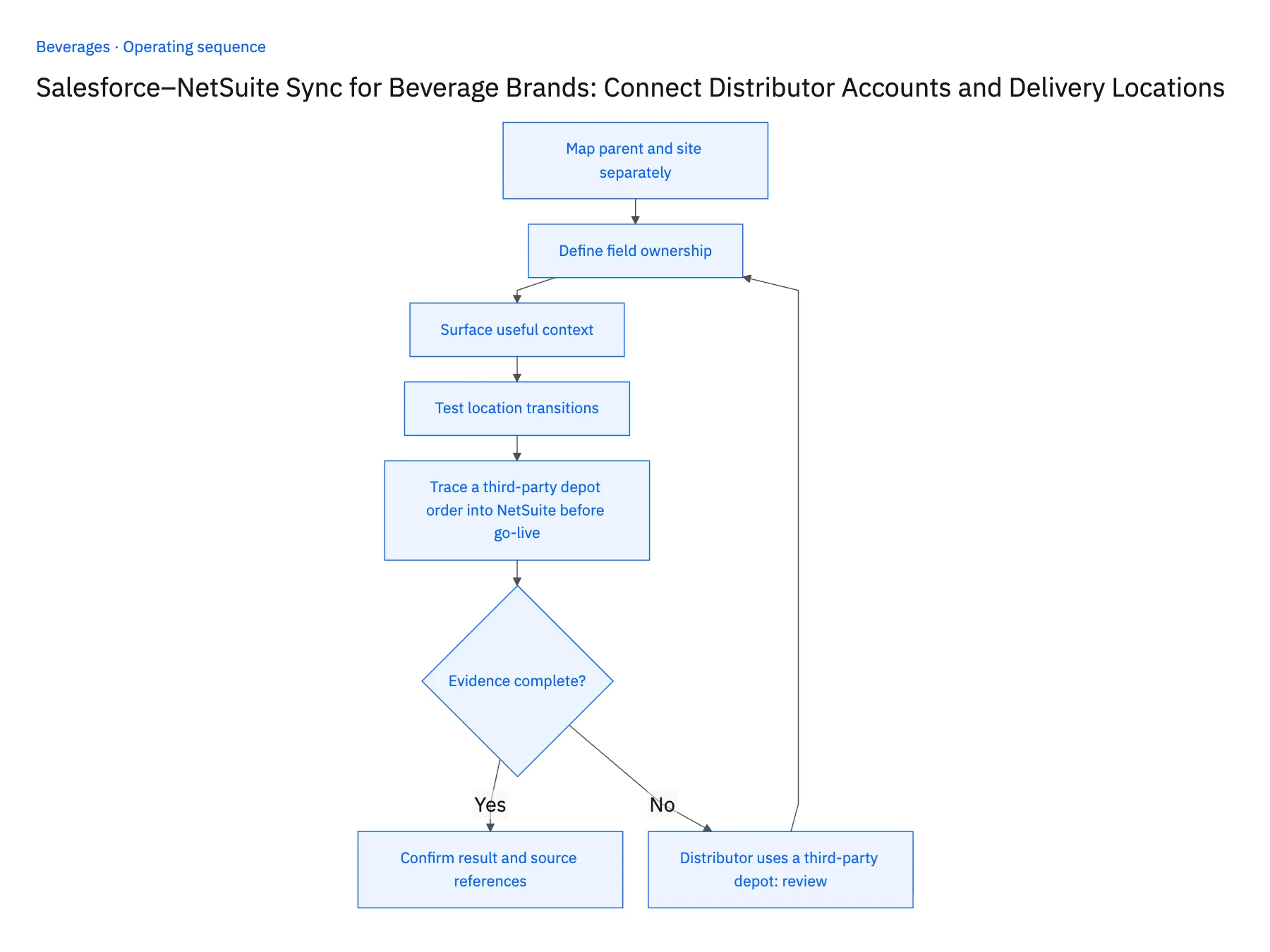
- 01Map parent and site separatelyList the distributor’s payer and every receiving location. Choose stable references for each level so opening a new depot does not create an unnecessary financial customer.
- 02Define field ownershipLet sales propose contacts and location changes while finance and logistics approve their respective fields. A CRM address edit should not automatically revise a shipment already released to a carrier.
- 03Surface useful contextShare approved account status and destination details with the sales team. Label pending location changes clearly so a rep does not promise delivery against unreviewed instructions.
- 04Test location transitionsExercise a new depot, an address correction, and a closed location. Confirm that open orders use the approved policy and historical shipments keep their original destination evidence.
- 05Trace a third-party depot order into NetSuite before go-liveCreate a test order in Salesforce for a distributor that receives at a third-party depot. Open the sales order in NetSuite and check that the payer is the distributor's legal customer and the destination is the depot's own ship-to identifier, with the payer unchanged from before the test. Then edit that depot's address in Salesforce and reopen a shipment already released to the site. The historical shipment must still show its original destination. Stop the rollout if the order carries the headquarters address, if the third-party depot was created as a new customer, or if the released shipment picked up the edited address.
Handle the exceptions explicitly
Distributor uses a third-party depot
Confirm the actual receiver and ship-to relationship without changing the legal payer.
Address changes after release
Route a logistics decision and retain the original shipment instructions.
Two depots have similar names
Require stable location identifiers rather than choosing by display name.
What to verify before expanding
- Every distributor order resolves to both a payer and a receiving location.
- A site update cannot erase the destination on a historical shipment.
- Two similarly named distributor depots resolve through distinct location identifiers while retaining the approved payer relationship.
- An address edit after release enters logistics review and cannot silently replace the shipment's accepted instructions.

Connect this process to the rest of your operation
Explore Stacksync two-way sync and scope the records and actions against your actual systems. Book a demo with a real distributor account example and the exception your team handles most often, for example distributor uses a third-party depot.
- Shopify–NetSuite Integration for Beverage Brands
- Salesforce–NetSuite Integration for Beverage Distributor Accounts
- Acumatica–Postgres Sync for Beverage Operations: Match Case and Pallet Records Across Warehouses
- Beverage Distributor Order Workflows: Check Freight Thresholds and Delivery Windows
- Beverage Returns Workflows: Route Breakage Claims From Support to Finance
- Unify Customer and Financial Data in NetSuite | Step-by-Step Guide
- Reconcile Freight Rates and Dwell Times Before Issuing Credits
The shared architecture guide covers record matching, ownership, and recovery across systems.
Technical references
FAQ
Frequently asked questions










Explore these integrations and topics
- integrationSalesforce and NetSuite integration
- connectorSalesforce integrations
- connectorNetSuite integrations
- platformTwo-way sync
- platformCRM synchronization
- platformCRM and ERP integration
- Two-way sync guidesUnderstand two-way sync, record matching, field ownership, and production readiness.
- CRM synchronization guidesConnect customer records across sales, marketing, and operational systems.
Related articles






