






















Investigate Freight Invoice Disputes Across NetSuite and Postgres
A freight invoice dispute investigation should connect each contested NetSuite invoice line to its agreed rate and operational evidence.
- Author
- Ignacio Malpartida · GTM Engineer
- Published
- Updated
- Read time
- 8 min read

Reconstruct the disputed charge before proposing a remedy
A freight invoice dispute investigation should connect each contested NetSuite invoice line to its agreed rate and operational evidence. Identify the invoice, shipment, charge type, amount, currency, and customer objection from Zendesk. Investigating a specific line is more useful than declaring the whole invoice inaccurate because one amount looks unexpected.
Retrieve the rate agreement that applied to the shipment and service date. Preserve its version and reference. A current rate card may differ from the agreement in force when the service occurred. If the applicable agreement is unclear, ask for clarification before calculating a supposedly definitive adjustment.
Systems and prerequisites
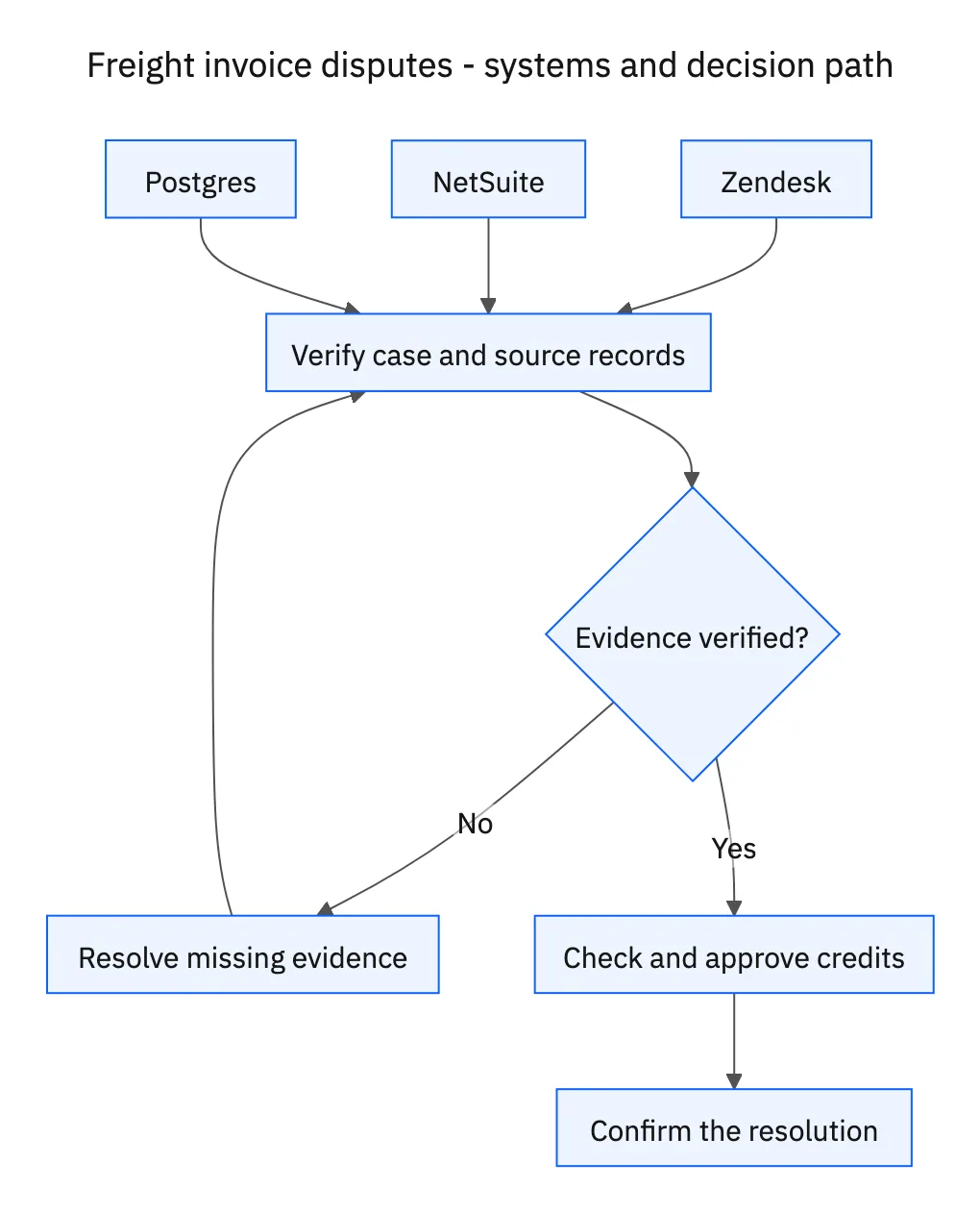
This is a workflow design to configure with Stacksync Genies and your existing systems. Connecting an application does not by itself establish the permissions, record mappings, approval routing, or operational process described here. Before enabling the job, confirm which records the Genie can read, which actions it can take, and who receives clarification or approval requests.
| System or owner | Evidence and responsibility |
|---|---|
| Zendesk | Disputed charges, requests for clarification, and the confirmed resolution. |
| NetSuite | Invoice lines, existing customer credits, and finance-approved credit memos. |
| Postgres | Agreed rate records and shipment arrival/departure evidence. |
| Finance | Approval of any new credit memo and its accounting treatment. |
Required context for this workflow design.
Calculate from documented timing and terms
Compare arrival and departure records in Postgres using a consistent timezone. Establish which events the agreement uses, such as gate arrival versus appointment start. Use the documented free-time allowance, chargeable increments, and rate. Do not assume that every elapsed minute is billable or that every detention policy rounds in the same way.
Show the calculation as agreed amount, invoiced amount, and proposed difference. Keep taxes, currencies, and other charges separate for finance to review. Missing departure evidence or contradictory event times should appear as unresolved inputs. A precise-looking number derived from guessed time is not a documented resolution.
Check credits before asking finance to approve another
Search for existing credits against the disputed invoice and shipment, including a remedy another agent may have entered. Compare the covered lines and amounts, not just the customer name. A credit already addressing the discrepancy may require a ticket explanation rather than another memo.
Submit the calculation and source references to finance. Only create a new credit memo after finance approves the specific adjustment and accounting treatment. Confirm the returned record and any application outcome before updating Zendesk. If creation succeeds but the response is lost, search for that result before retrying. The final message should describe the confirmed resolution, not an unapproved proposal.
A five-step operating sequence
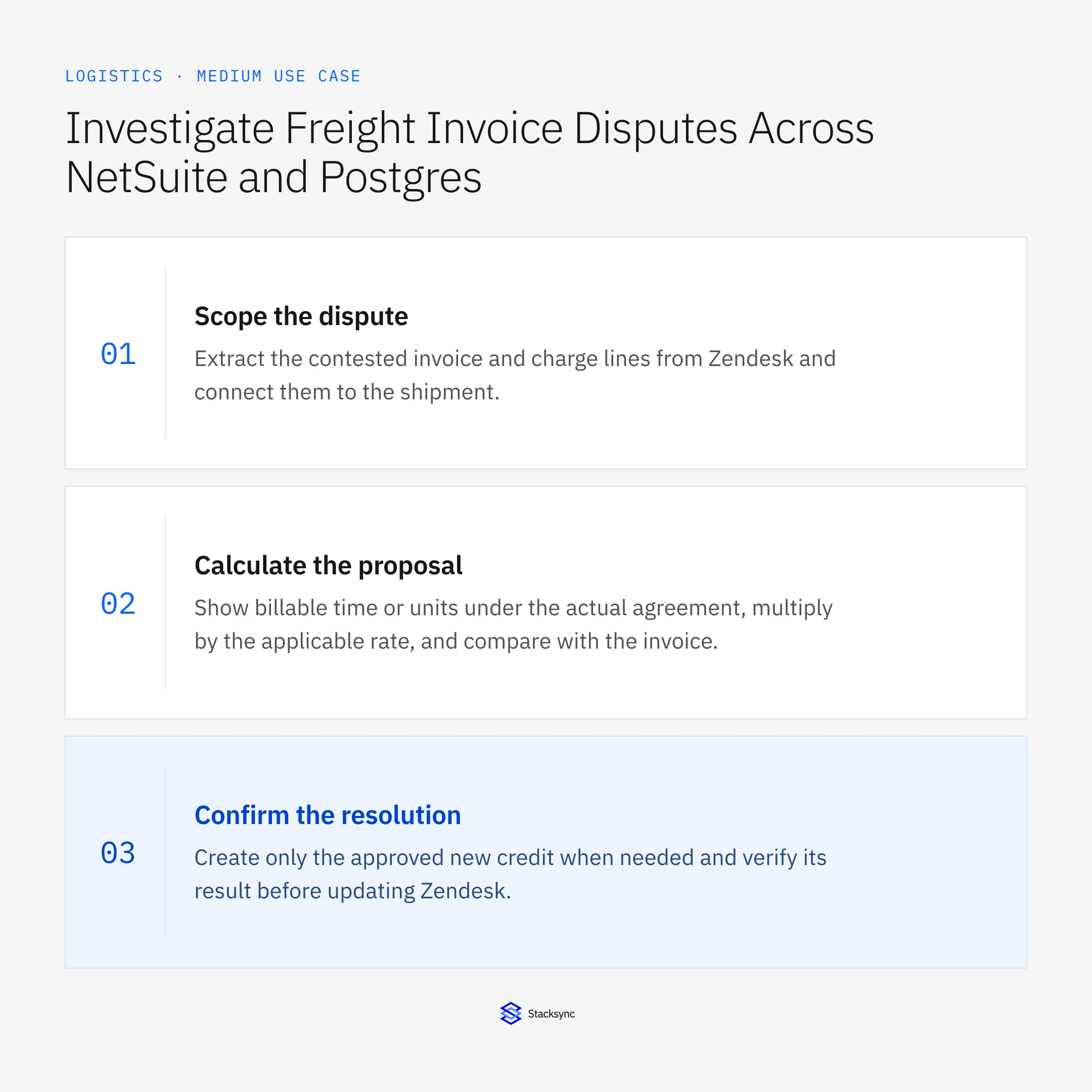
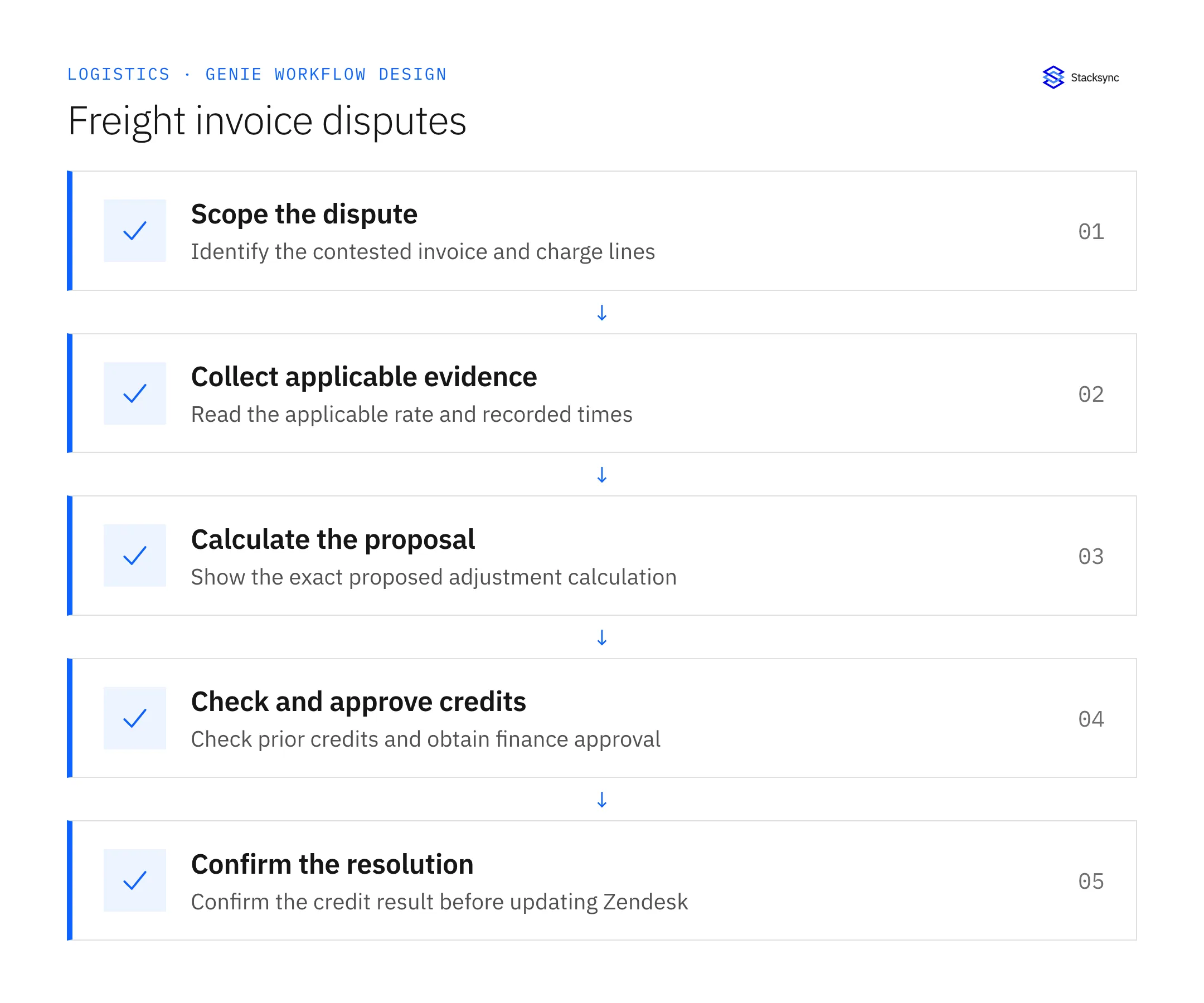
- 01Scope the disputeExtract the contested invoice and charge lines from Zendesk and connect them to the shipment. Preserve the customer’s specific objection. A disagreement about detention requires different evidence from a disagreement about the base freight rate.
- 02Collect applicable evidenceRead the agreement that applied to the service and the arrival/departure events in Postgres. Normalize timestamps consistently and retain originals. If the agreement or a required event is missing, request it rather than calculating a definitive amount.
- 03Calculate the proposalShow billable time or units under the actual agreement, multiply by the applicable rate, and compare with the invoice. Keep currency and tax questions explicit for finance. Include the calculation inputs so a reviewer can reproduce the result.
- 04Check and approve creditsSearch existing credits covering the same discrepancy before requesting a new one. Submit the proposed adjustment and accounting context to finance. Wait for approval of the specific memo, rather than treating the customer’s complaint as financial authorization.
- 05Confirm the resolutionCreate only the approved new credit when needed and verify its result before updating Zendesk. Explain the confirmed amount and record reference. Distinguish an issued credit from an applied credit if the accounting process has separate steps.
Illustrative workflow example
An invoice includes two billable detention blocks. The applicable agreement and timestamps support one block at thirty dollars. The proposal shows a thirty-dollar discrepancy, checks for prior credits, and waits for finance approval before creating a memo.
This example uses fictional records to show the decision logic. It is not a customer case study or a claim of measured results. In a live case, retain the actual record IDs and evidence behind each statement, and replace all illustrative quantities or timing assumptions with the approved operational inputs.
What the handoff should contain
A finance review packet with invoice lines, applicable rate clauses, normalized event times, a reproducible adjustment calculation, existing-credit checks, and the confirmed resolution.
Keep the evidence reference, observation time, current owner, and outstanding decision with the case. A colleague taking over should be able to distinguish a proposal from a confirmed result without reading every previous message. If a source value changes while the case is waiting, recheck the affected decision before proceeding.
Approval and completion checklist
- Use the rate agreement applicable to the shipment and service date.
- Calculate proposed adjustments from recorded events, with no invented free-time rule.
- Check existing credits and require finance approval before any new credit memo.
- Update Zendesk only with the confirmed resolution and record references.
Validate the job before enabling it
Start with a small reviewed set of cases from the systems above. Include a complete case, an ambiguous match, a missing source record, and an interrupted action where the result is uncertain. Use a draft or test environment for validation and compare the output with the source records before allowing the configured production actions.
For this job, the most important checks are use the rate agreement applicable to the shipment and service date. Update Zendesk only with the confirmed resolution and record references. Record the expected result before the trial, then compare both the proposed action and the final evidence. A fluent message is not a passing result if it skips one of these conditions.
- Disputes with reproducible line-level calculations
- New credits with explicit finance approval
- Duplicate credits prevented or detected
Use these as operating measures, not promised performance improvements. Establish the current baseline and review exceptions with the team that owns the process. Investigate an increase in incorrect matches, unauthorized actions, or premature closure before expanding the job’s scope.

Give your Genie a job description
Copy the job description below. It preserves the scope and decision boundaries of this use case. Configure the referenced systems, record relationships, policies, and approval owners in your workspace before enabling the job.
Paste this into “Give your Genie a job description.” Explore Stacksync Genies.
Apply this in beverages: delivery claim and accepted commitment
Beverage distributor claims need the same sourced freight timeline, with the accepted delivery window and receiving evidence kept explicit. Preserve original time zones and separate timing, damage, and shortage questions before finance accepts a claim position.
| Record to reconcile | Responsible owner | Rule to preserve |
|---|---|---|
| Delivery claim | Accounts receivable | Retain claim ID, reason, amount, shipment, and distributor location. |
| Accepted commitment | Logistics | Own the agreed appointment or window and its approved revisions. |
| Shipment and receipt timeline | Logistics | Preserve original timestamps, time zones, and source documents. |
An exception to plan for: Receipt timestamp lacks a time zone. Ask the record owner to establish it before making a timing conclusion. Acceptance check for the pilot: the timeline distinguishes requested, accepted, estimated, and observed events.
The beverages hub connects the broader operating context. These guides develop the specific record mappings and decisions for this application:
Implementation references
These first-party references document the underlying records and interfaces. The cross-system sequence, approvals, and completion rules in this article are a proposed operational configuration; validate them against your connected workspace before enabling it.

FAQ
Frequently asked questions










Related articles





