






















Amazon–NetSuite Sync for Beauty Brands: Match Variation Families to ERP Products
Read-only Amazon order evidence keeps seller SKU, marketplace and child offer intact, so finance and support can identify the exact shade and size a shopper bought.
- Author
- Ruben Burdin · Founder & CEO
- Published
- Read time
- 5 min read

The operating decision
Import beauty marketplace evidence at the sellable offer and order-line level, retaining variation-family context without using it as the ERP product key. A parent catalog grouping can contain many shades and sizes. The NetSuite relationship must identify the exact purchased item and preserve seller and marketplace scope.
Explore the complete personal care integration and automation hub for the systems and processes around this guide.
What this looks like in personal care
A beauty listing groups several shades and two bottle sizes. Finance needs order evidence and support needs to identify a returned item. Mapping the entire family to one ERP SKU would make the data look consistent while losing the very attributes that distinguish what the customer bought.
Records, ownership, and update rules
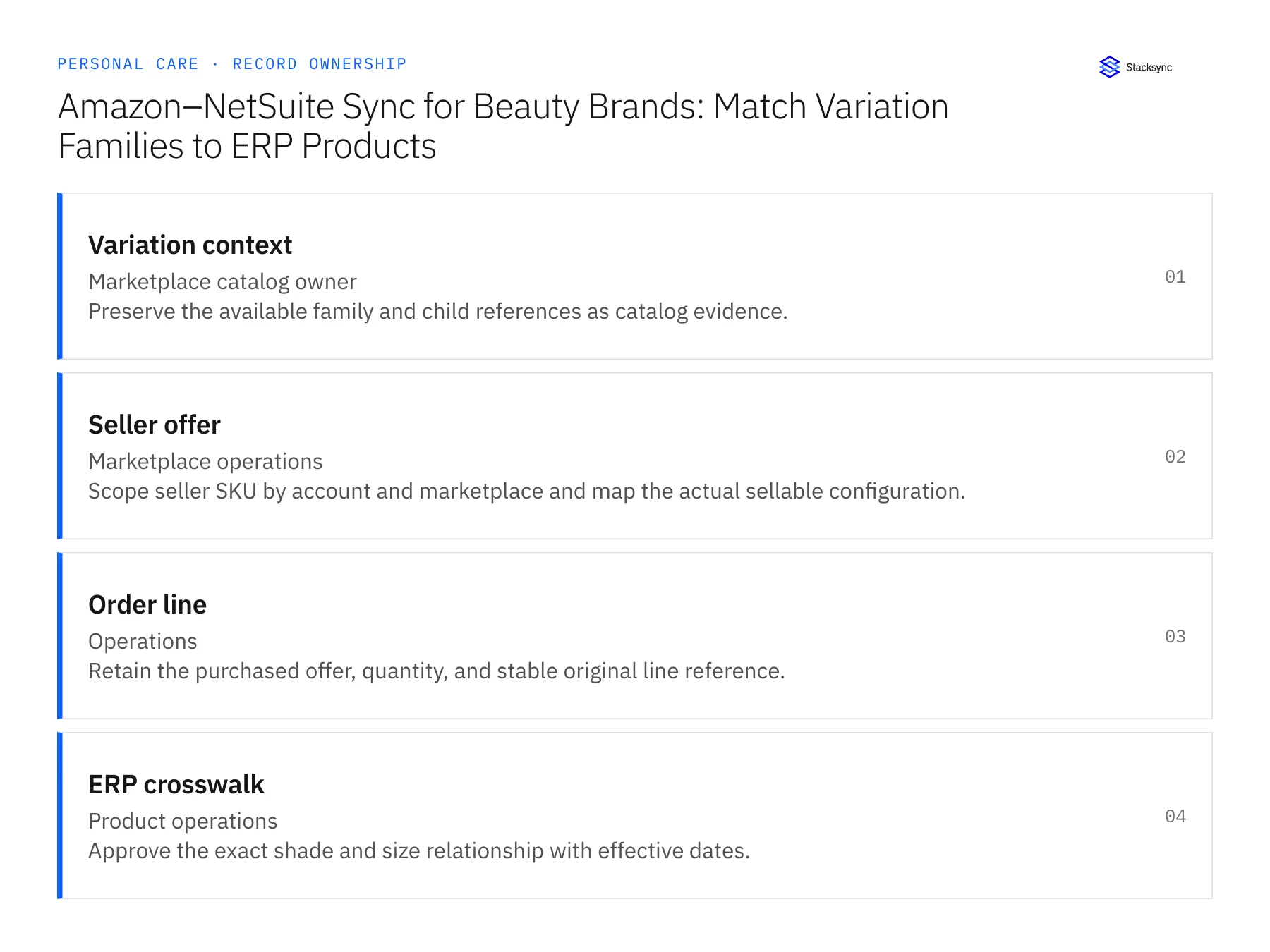
| Record | Owner | Operating rule |
|---|---|---|
| Variation context | Marketplace catalog owner | Preserve the available family and child references as catalog evidence. |
| Seller offer | Marketplace operations | Scope seller SKU by account and marketplace and map the actual sellable configuration. |
| Order line | Operations | Retain the purchased offer, quantity, and stable original line reference. |
| ERP crosswalk | Product operations | Approve the exact shade and size relationship with effective dates. |
Work through the process
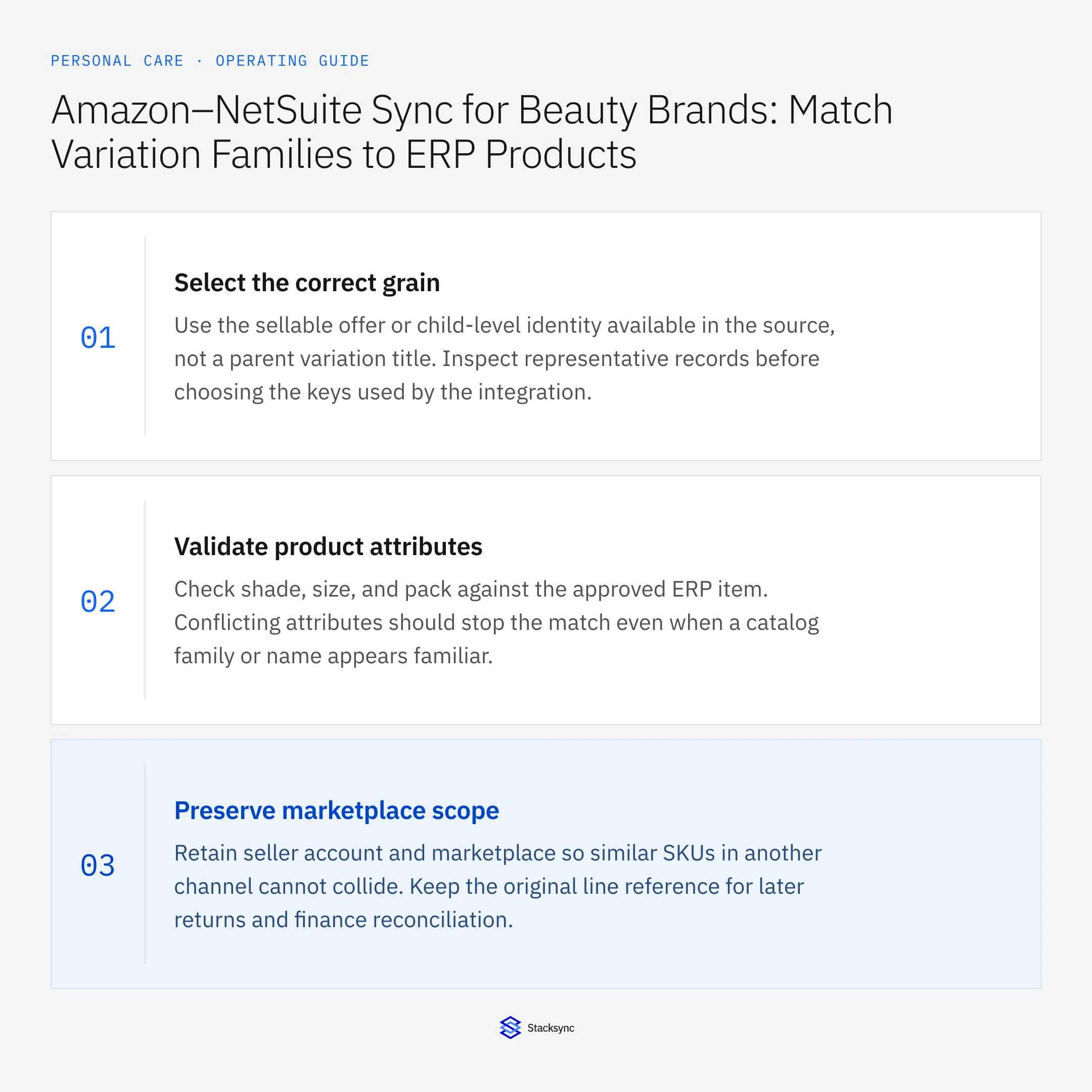
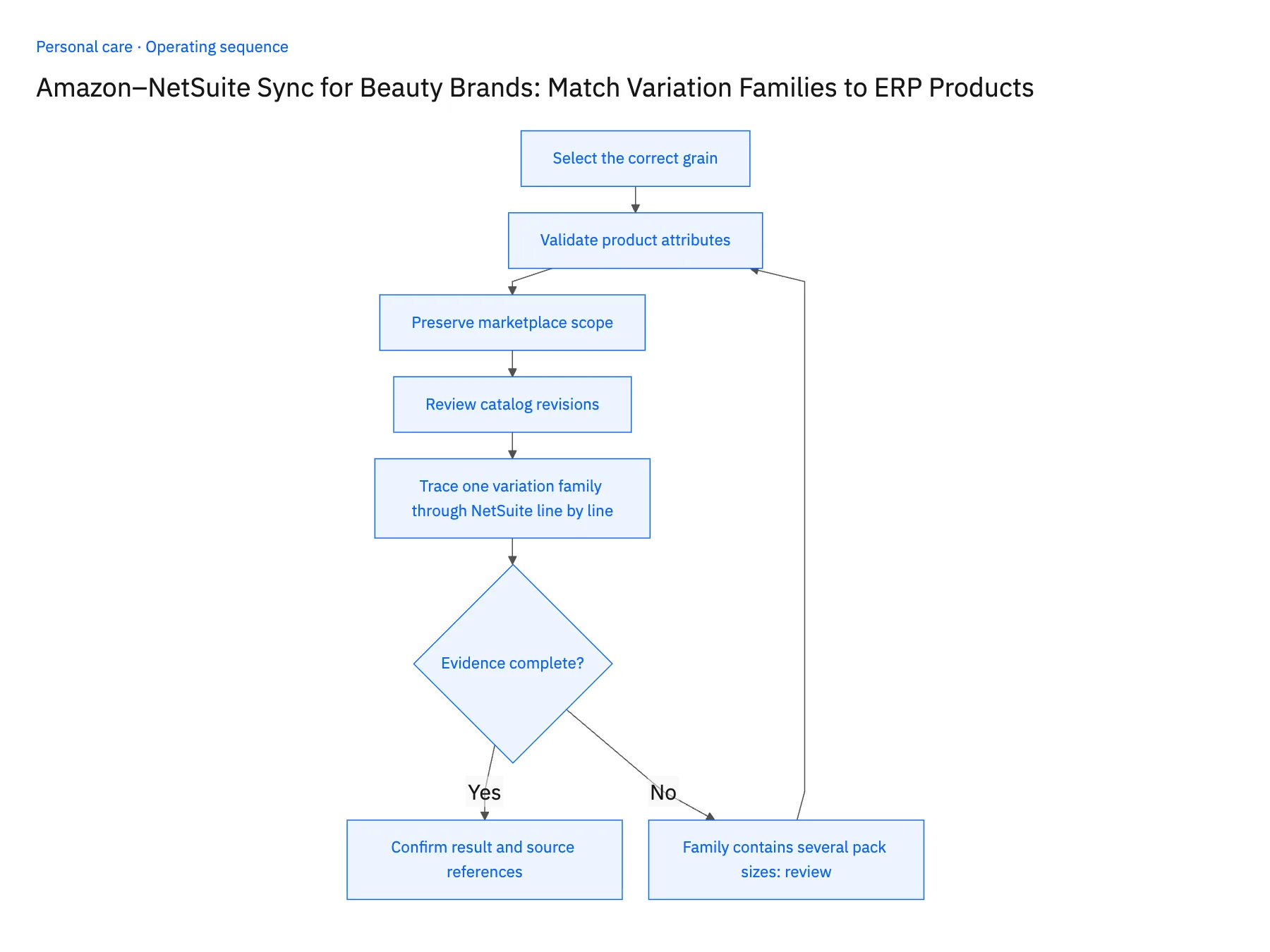
- 01Select the correct grainUse the sellable offer or child-level identity available in the source, not a parent variation title. Inspect representative records before choosing the keys used by the integration.
- 02Validate product attributesCheck shade, size, and pack against the approved ERP item. Conflicting attributes should stop the match even when a catalog family or name appears familiar.
- 03Preserve marketplace scopeRetain seller account and marketplace so similar SKUs in another channel cannot collide. Keep the original line reference for later returns and finance reconciliation.
- 04Review catalog revisionsVersion changes to offers and product mappings. Historical order evidence must continue to resolve to the sold item after a listing family is reorganized.
- 05Trace one variation family through NetSuite line by linePick a live Amazon listing family with at least two shades and two pack sizes. Import one day of its orders, then query the resulting NetSuite records grouped by ERP item. You should see one item per child offer sold. A single item absorbing the whole family, or a two-pack showing as two units of the single, means the crosswalk is keyed too high and the rollout stops there. Then take a return from that batch and walk it back from the NetSuite line to the Amazon order-line ID and seller SKU. If any step requires guessing the shade from a title, fix the mapping before importing further history.
Handle the exceptions explicitly
Family contains several pack sizes
Map each sellable configuration independently rather than applying one shared quantity factor.
Child offer disappears
Keep historical mapping evidence and route new unmatched orders for review.
Return names only the family
Request or retrieve the original order-line relationship before choosing the affected item.
What to verify before expanding
- A variation family cannot collapse several ERP items into one.
- Each returned line can resolve to the originally sold shade and size.
- A return naming only a variation family remains unmatched until the original sellable child offer and order line are resolved.
- Removing a child offer from the current catalog leaves the historical shade, size, and pack mapping available for earlier sales.

Connect this process to the rest of your operation
Explore Stacksync two-way sync and scope the records and actions against your actual systems. Book a demo with a real variation context example and the exception your team handles most often, for example family contains several pack sizes.
- Shopify–NetSuite Integration for Personal Care and Beauty Brands
- Amazon–NetSuite Integration for Beauty Marketplace Operations
- HubSpot–Acumatica Sync for Personal Care Brands Selling to Salons and Retailers
- Personal Care Sample and Tester Workflows: Track Requests Through Warehouse Fulfillment
- Personal Care Returns Workflows Across Zendesk, NetSuite, and Extensiv
- Product Exchange Checks: Refunds, Stock, and Customer Choice
- EDI Compliance Issues with Retail Trading Partners (2026 Guide)
The shared architecture guide covers record matching, ownership, and recovery across systems.
Technical references
FAQ
Frequently asked questions










Related articles





