






















Amazon–NetSuite Sync for Supplement Brands: Match Seller SKUs, ASINs, and Order Lines
A single bottle and a two-bottle promo share one product name on Amazon; keeping seller-scoped offers apart in NetSuite is what lets finance and returns agree on bottle counts.
- Author
- Ruben Burdin · Founder & CEO
- Published
- Read time
- 5 min read

The operating decision
Keep seller SKU, ASIN, marketplace, and order-line identity separate when importing supplement sales into NetSuite. An ASIN is useful catalog context, but it should not replace the seller’s scoped offer and pack mapping. The documented Amazon sync access is read-only, so this design concentrates on accurate downstream records and reconciliation.
Explore the complete nutrition and supplements integration and automation hub for the systems and processes around this guide.
What this looks like in nutrition and supplements
A supplement brand has two seller offers associated with a familiar product name: one bottle and a promotional two-bottle pack. Finance imports marketplace sales, while operations investigates a return. If both offers map through a loose catalog-name match, the ERP cannot explain how many bottles were sold or which pack the customer returned.
Records, ownership, and update rules
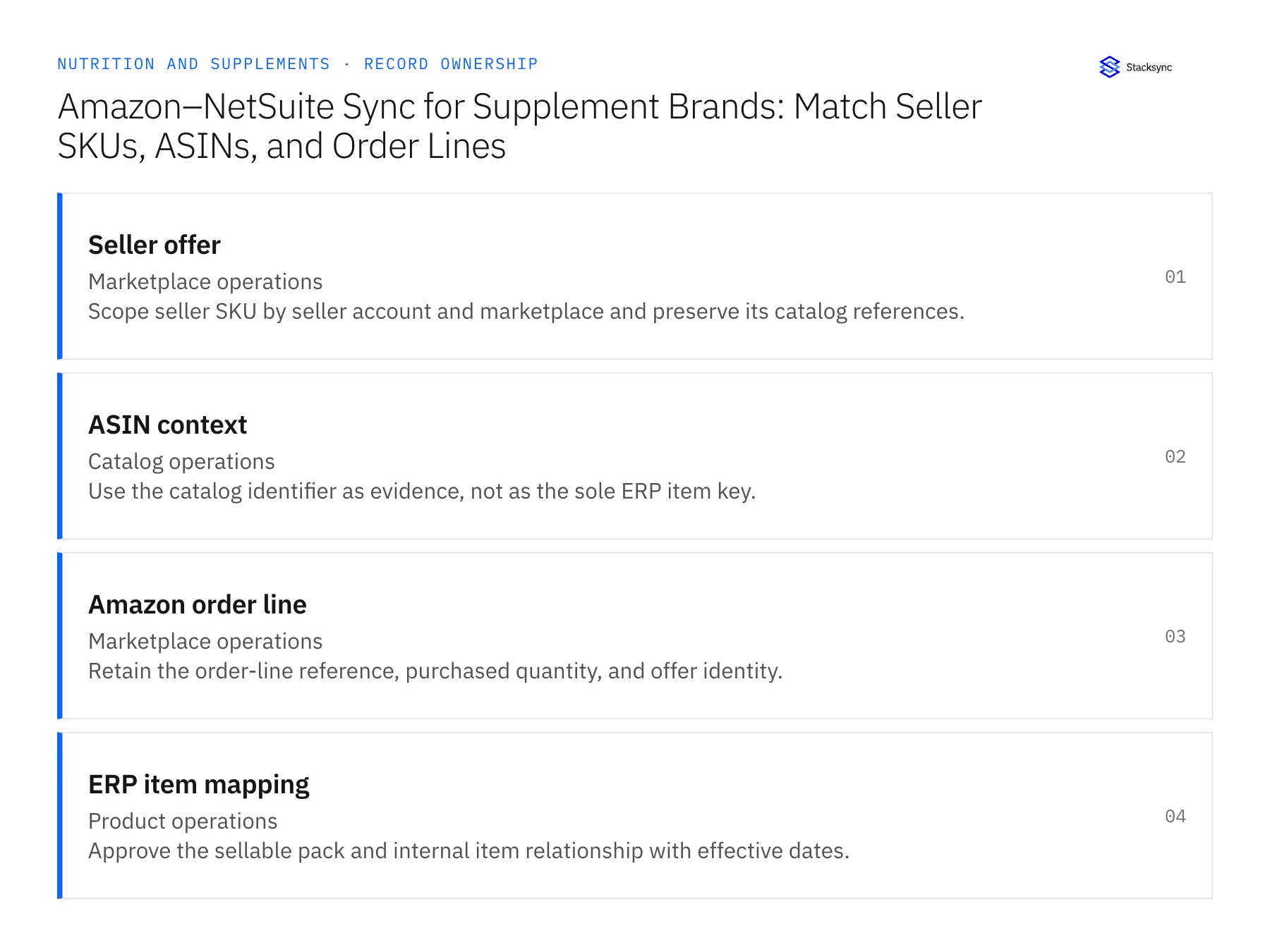
| Record | Owner | Operating rule |
|---|---|---|
| Seller offer | Marketplace operations | Scope seller SKU by seller account and marketplace and preserve its catalog references. |
| ASIN context | Catalog operations | Use the catalog identifier as evidence, not as the sole ERP item key. |
| Amazon order line | Marketplace operations | Retain the order-line reference, purchased quantity, and offer identity. |
| ERP item mapping | Product operations | Approve the sellable pack and internal item relationship with effective dates. |
Work through the process
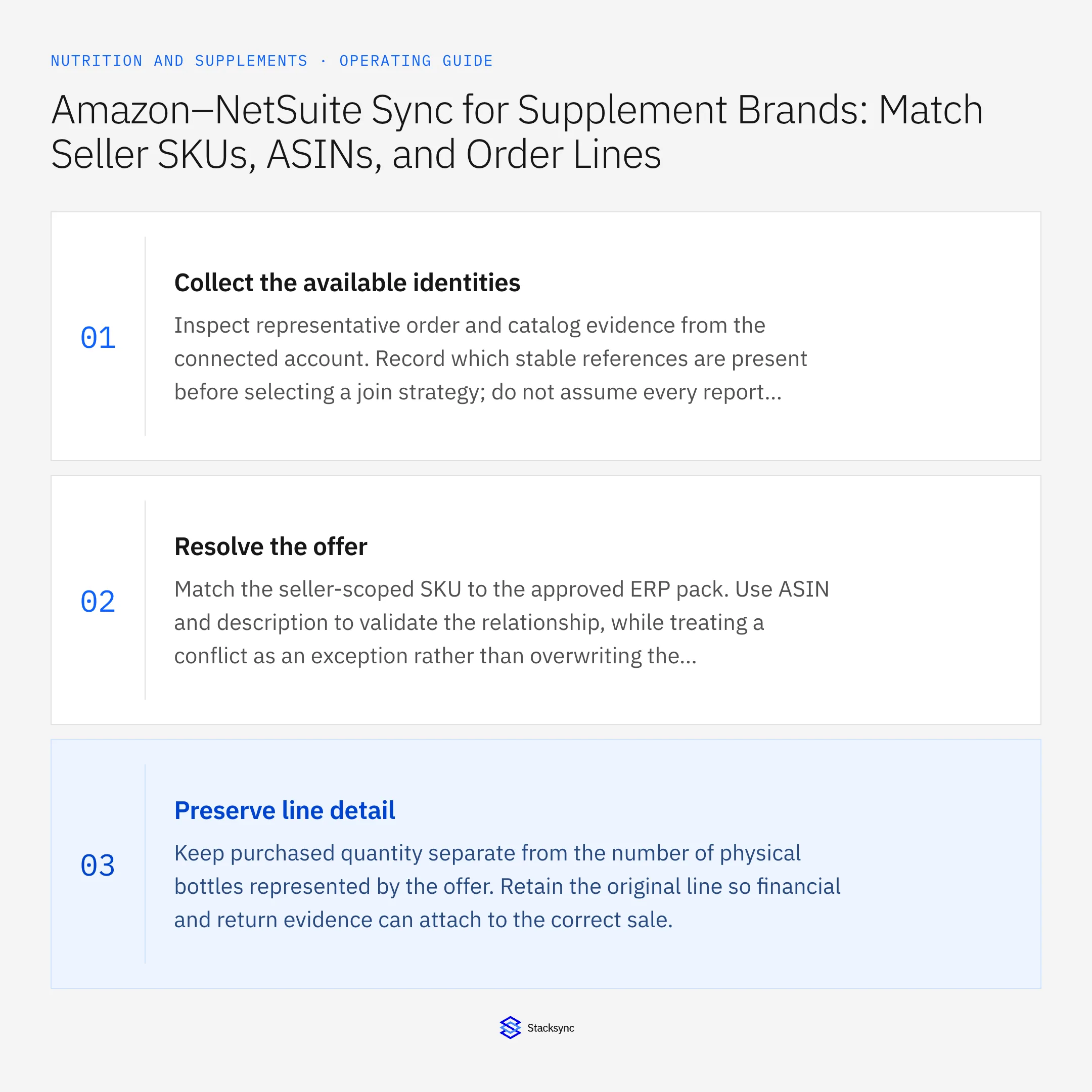
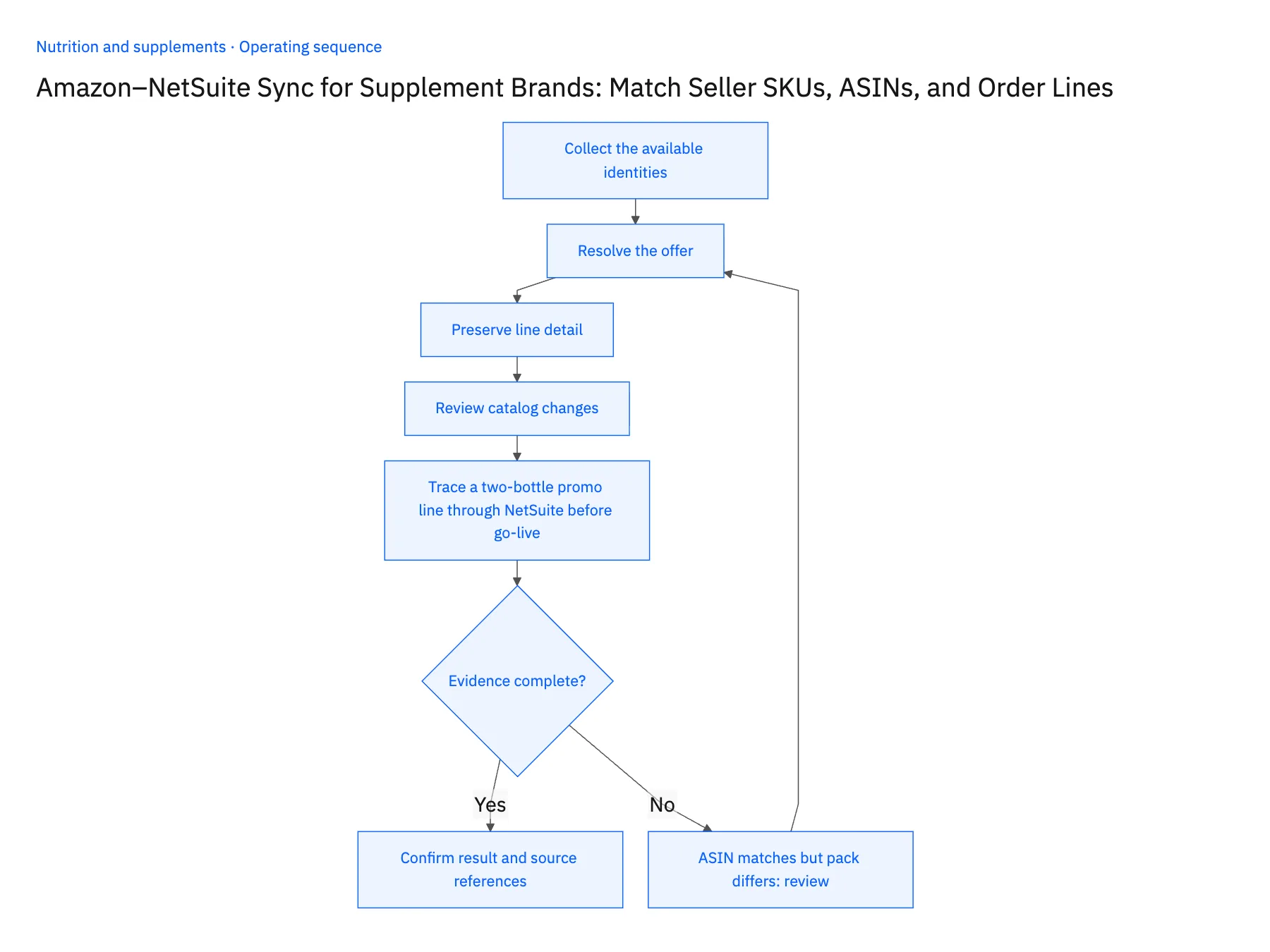
- 01Collect the available identitiesInspect representative order and catalog evidence from the connected account. Record which stable references are present before selecting a join strategy; do not assume every report exposes the same fields.
- 02Resolve the offerMatch the seller-scoped SKU to the approved ERP pack. Use ASIN and description to validate the relationship, while treating a conflict as an exception rather than overwriting the mapping.
- 03Preserve line detailKeep purchased quantity separate from the number of physical bottles represented by the offer. Retain the original line so financial and return evidence can attach to the correct sale.
- 04Review catalog changesWhen an offer is replaced or a pack changes, version the relationship. Check open and historical orders before applying a new mapping to imported evidence.
- 05Trace a two-bottle promo line through NetSuite before go-livePick one Amazon order that bought the two-bottle promotional pack and one that bought two single bottles. In NetSuite, open both imported lines and confirm each carries its seller account, marketplace, Amazon order ID, and seller SKU, and that the promo line maps to the two-bottle pack item while the other shows quantity two of the single-bottle item. Then import a line whose ASIN matches but whose seller SKU points to a different pack. Stop the rollout if that line posts to an item instead of waiting in the pending state for catalog operations, or if the promo and the singles land on the same item and quantity.
Handle the exceptions explicitly
ASIN matches but pack differs
Hold the line and ask catalog operations to confirm the seller offer.
Seller SKU is reused
Use the effective mapping period and preserve the prior relationship for older orders.
Return lacks a line link
Keep it unresolved until a reliable original-order relationship is established.
What to verify before expanding
- Each imported line retains seller, marketplace, order, and offer identity.
- A two-bottle offer is distinguishable from two single-bottle order units.
- A shared ASIN with different seller-pack definitions leaves the unmatched line pending until catalog operations confirms the offer.
- Reusing a seller SKU preserves the effective mapping for earlier orders instead of reassigning their item history.

Connect this process to the rest of your operation
Explore Stacksync two-way sync and scope the records and actions against your actual systems. Book a demo with a real seller offer example and the exception your team handles most often, for example ASIN matches but pack differs.
- Shopify–NetSuite Integration for Nutrition and Supplement Brands
- Amazon–NetSuite Integration for Supplement Marketplace Sales
- HubSpot–NetSuite Sync for Nutrition Brands Selling to Practitioners and Retailers
- Wholesale Sample-to-Order Workflows for Nutrition Brands Using HubSpot and NetSuite
- Supplement Return Workflows: Connect Zendesk Requests to Warehouse and Finance Review
- Automating Quote-to-Cash Between HubSpot and NetSuite
- NetSuite Returns Dashboard via SuiteQL Query
The shared architecture guide covers record matching, ownership, and recovery across systems.
Technical references
FAQ
Frequently asked questions










Related articles




