






















Building-products manufacturing: build a Dynamics-to-SQL Server ready-to-ship view
Why a single completed flag misleads shipping, and how a Dynamics-fed SQL Server view separates production, quality release, packaging and delivery approval per release.
- Author
- Ruben Burdin · Founder & CEO
- Published
- Read time
- 4 min read

The operating decision
A ready-to-ship view for building products should connect accepted order lines to eligible finished goods, packaging readiness and approved delivery requirements. Dynamics data can support a SQL Server operational projection when identity and grain are explicit. Two-way sync should preserve the ownership of each readiness input. Avoid a single completed flag that treats production completion, quality release, loading readiness and delivery approval as the same decision.
Explore the complete building products manufacturing integration and automation hub for the systems and processes around this guide.
What this looks like in building products manufacturing
A manufacturer produces panels for several project deliveries. One order is finished but awaits packaging; another is packaged but lacks an accepted delivery window. The shipping team’s SQL report currently marks both ready because the manufacturing status is complete. A better view shows the specific unmet prerequisite and owner for each delivery release. Customer service can then discuss the actual blocker instead of repeatedly asking the warehouse why a finished order has not shipped.
Records, ownership, and update rules
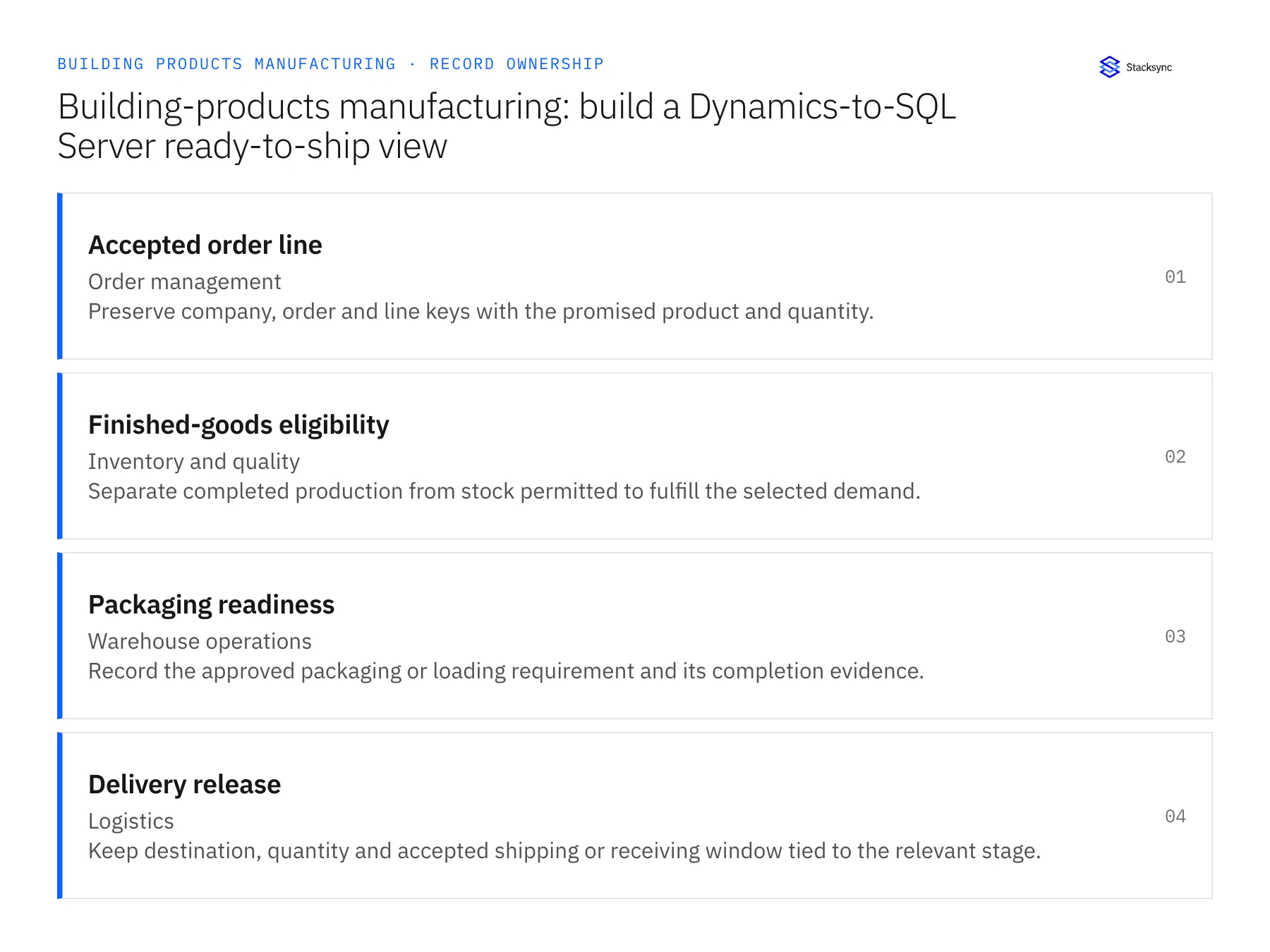
| Record | Owner | Operating rule |
|---|---|---|
| Accepted order line | Order management | Preserve company, order and line keys with the promised product and quantity. |
| Finished-goods eligibility | Inventory and quality | Separate completed production from stock permitted to fulfill the selected demand. |
| Packaging readiness | Warehouse operations | Record the approved packaging or loading requirement and its completion evidence. |
| Delivery release | Logistics | Keep destination, quantity and accepted shipping or receiving window tied to the relevant stage. |
Work through the process
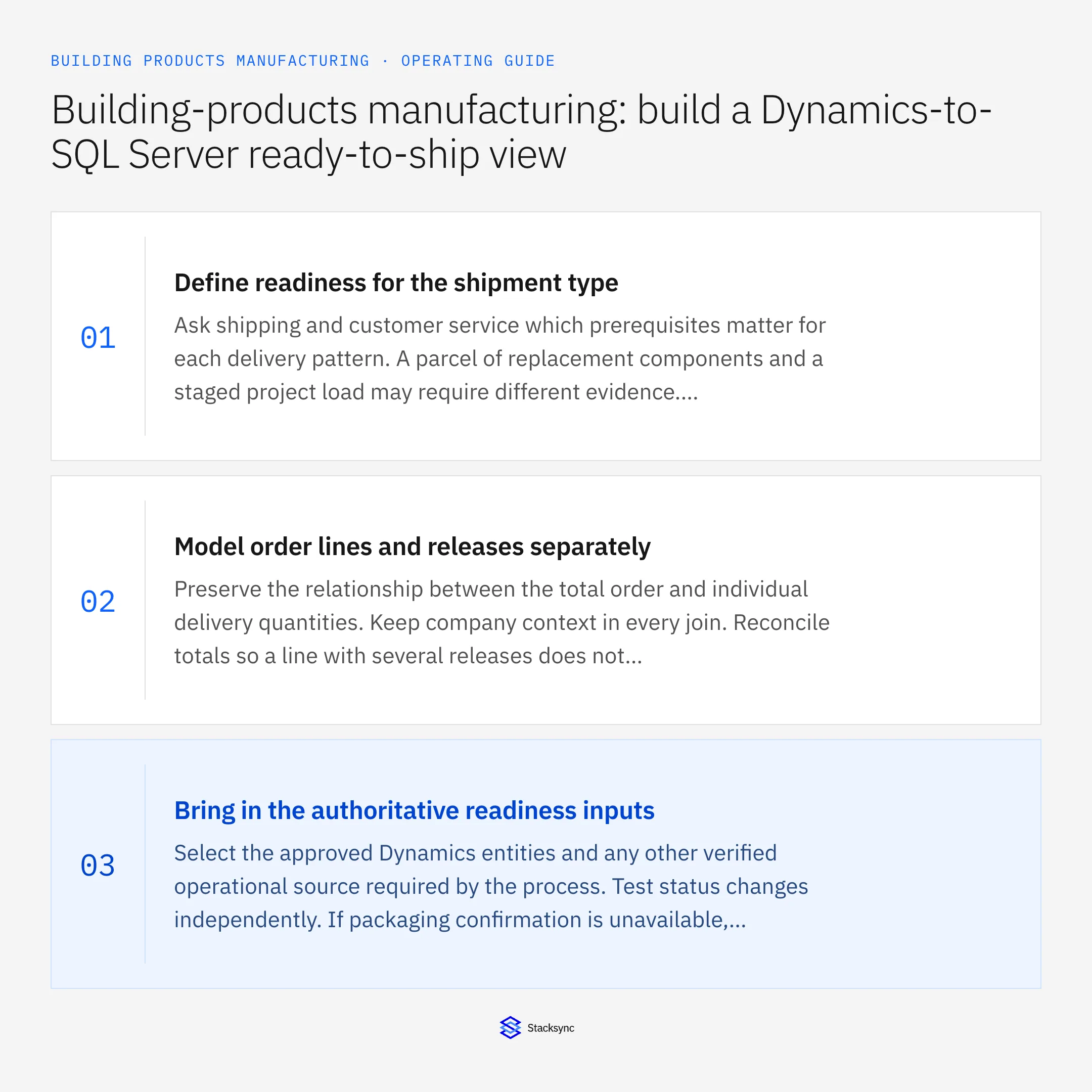
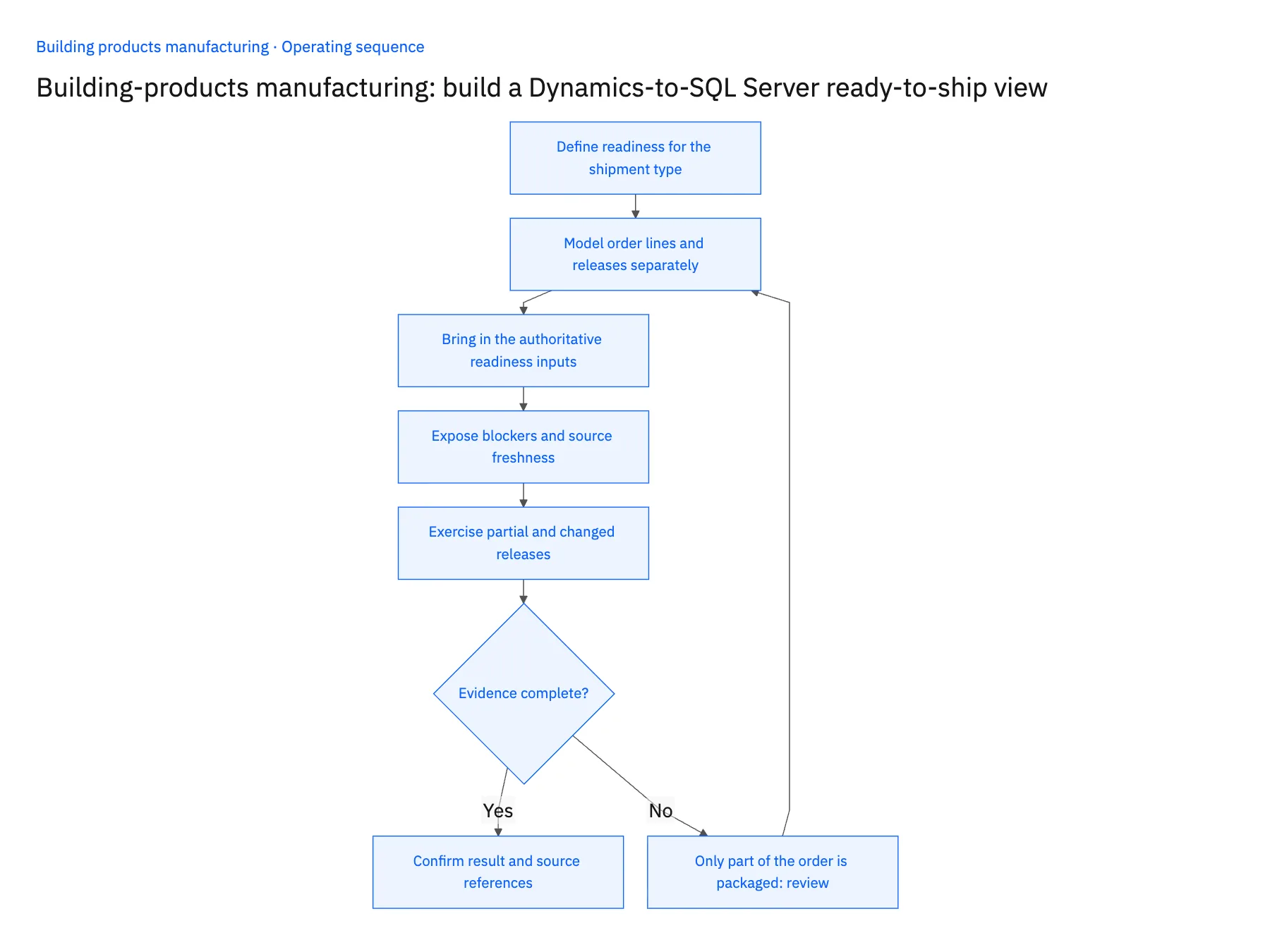
- 01Define readiness for the shipment typeAsk shipping and customer service which prerequisites matter for each delivery pattern. A parcel of replacement components and a staged project load may require different evidence. Document the conditions instead of using a universal ready label.
- 02Model order lines and releases separatelyPreserve the relationship between the total order and individual delivery quantities. Keep company context in every join. Reconcile totals so a line with several releases does not appear to have several times its actual available stock.
- 03Bring in the authoritative readiness inputsSelect the approved Dynamics entities and any other verified operational source required by the process. Test status changes independently. If packaging confirmation is unavailable, label it missing rather than assuming production completion satisfies that requirement.
- 04Expose blockers and source freshnessShow the unmet condition, its owner and the age of the underlying data. The warehouse needs to distinguish a real blocked load from a stale report. Keep the derived readiness rule readable enough that the operational team can challenge an incorrect result.
- 05Exercise partial and changed releasesTest a partial project load, a changed destination and a late hold. Confirm that only the affected release changes readiness. Any return update into the application should use its verified operation and retain the accepted response.
Handle the exceptions explicitly
Only part of the order is packaged
Mark the relevant release quantity rather than the entire order ready or blocked.
A delivery window changes after loading begins
Route the operational change to logistics and preserve the prior accepted instruction until a new plan is approved.
The report cannot retrieve a required input
Display unknown readiness with the missing source identified. Missing evidence is not a passing condition.
What to verify before expanding
- Production complete and ready to ship remain separate observable states.
- Partial delivery releases do not multiply order or stock quantities.
- A changed prerequisite affects only the applicable load or release.
- Users can see which source and rule produced the readiness result.

Connect this process to the rest of your operation
Explore Stacksync two-way sync and scope the records and actions against your actual systems. Book a demo with a real accepted order line example and the exception your team handles most often, for example only part of the order is packaged.
- Salesforce and Acumatica two-way sync for building-products manufacturers
- NetSuite and Shopify two-way sync for building-products brands
- Building-products manufacturers: connect Salesforce dealer quotes to Acumatica orders
- Building-products staged deliveries: coordinate project releases without losing the original order
- Building-products damage claims: connect shipment evidence, replacements and credit review
- Build a Daily Shopify Delivery-Risk Report in Slack
- NetSuite NSIP Alternatives: A Real-Time Sync Guide
The shared architecture guide covers record matching, ownership, and recovery across systems.
Technical references
FAQ
Frequently asked questions










Related articles





