






















Automotive suppliers: separate firm releases and forecasts in Dynamics and SQL Server
A planning view that shows forecast, requested and accepted quantities side by side, with the accepted total explained from documented customer rules rather than a SQL sum.
- Author
- Ruben Burdin · Founder & CEO
- Published
- Read time
- 4 min read

The operating decision
An automotive supplier’s Dynamics-to-SQL Server planning view should preserve whether a quantity represents forecast context, a requested release or an accepted commitment. Keep customer plant, part, period and version in the identity. Two-way sync should transport the selected records without changing their demand meaning. A consolidated dashboard is useful only when planners can tell which numbers may drive execution and which require interpretation or approval under the customer’s agreed process.
Explore the complete automotive components integration and automation hub for the systems and processes around this guide.
What this looks like in automotive components
A supplier receives a broad demand outlook and separate near-term releases. A SQL report currently joins both to the same customer part and date bucket, then adds their quantities. The resulting total overstates demand and obscures a revised release that reduced the firm requirement. The improved model retains each source category and version, presents them separately, and shows the accepted planning view as an explicit business calculation. The team can compare outlook and commitment without accidentally manufacturing the sum of both.
Records, ownership, and update rules
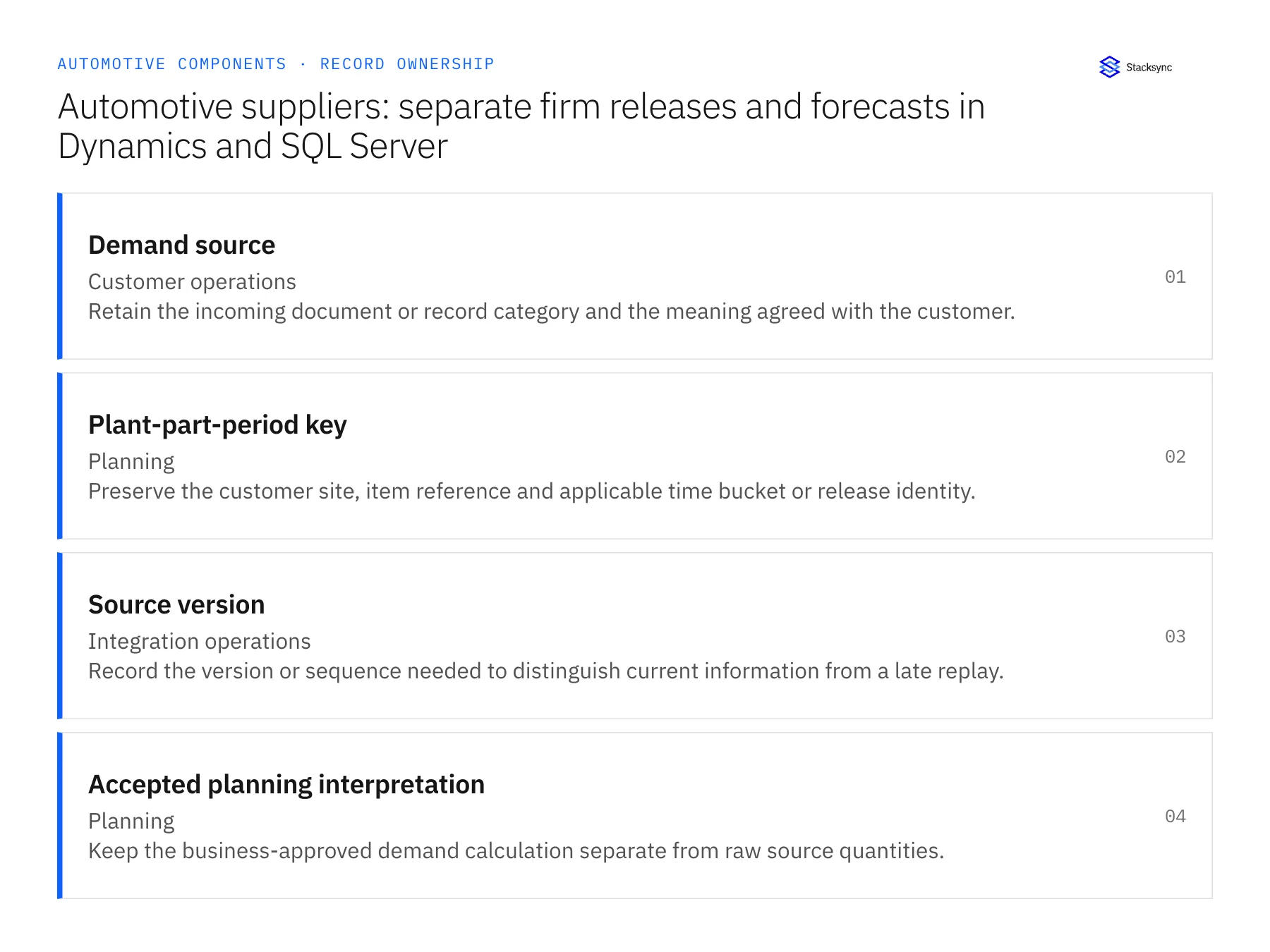
| Record | Owner | Operating rule |
|---|---|---|
| Demand source | Customer operations | Retain the incoming document or record category and the meaning agreed with the customer. |
| Plant-part-period key | Planning | Preserve the customer site, item reference and applicable time bucket or release identity. |
| Source version | Integration operations | Record the version or sequence needed to distinguish current information from a late replay. |
| Accepted planning interpretation | Planning | Keep the business-approved demand calculation separate from raw source quantities. |
Work through the process
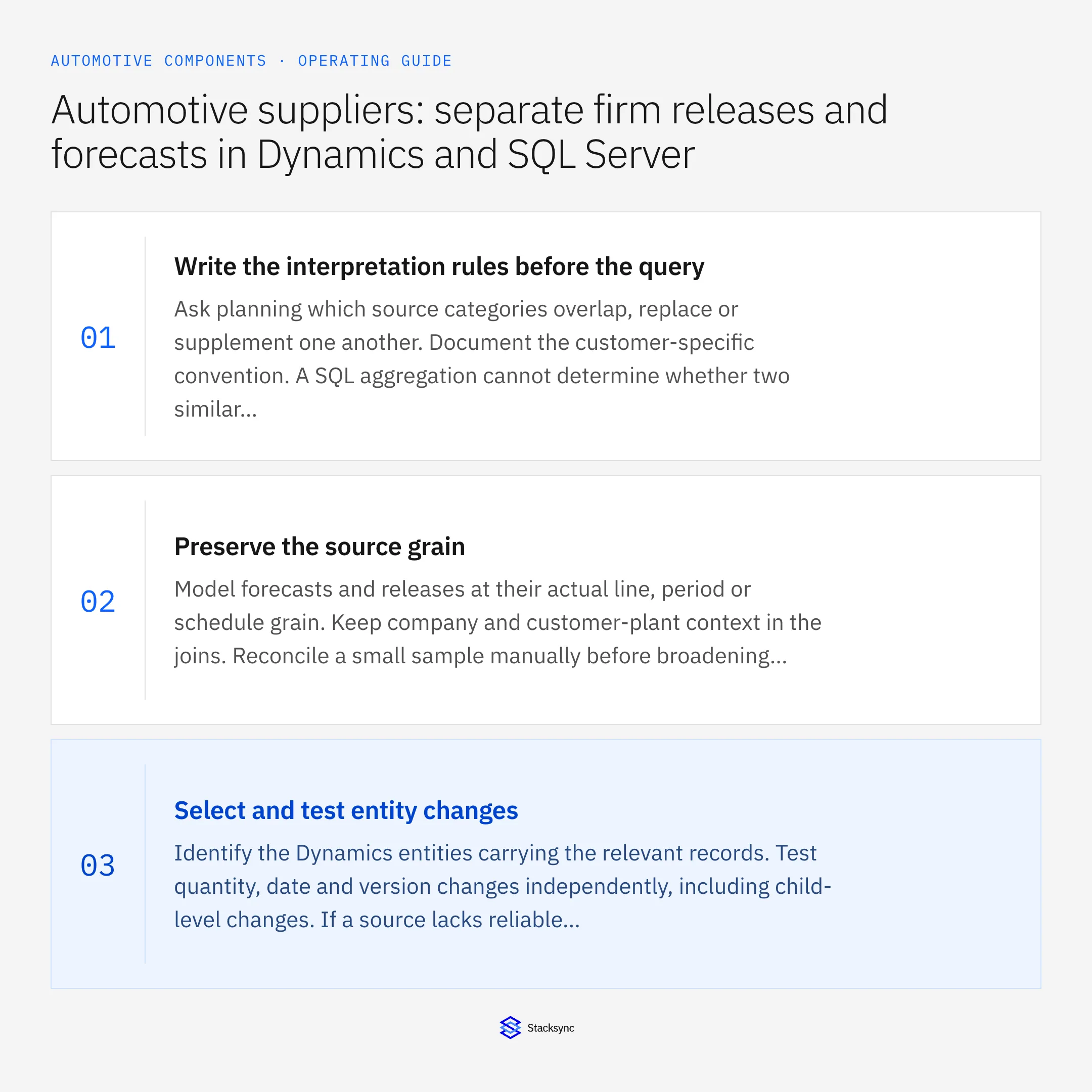
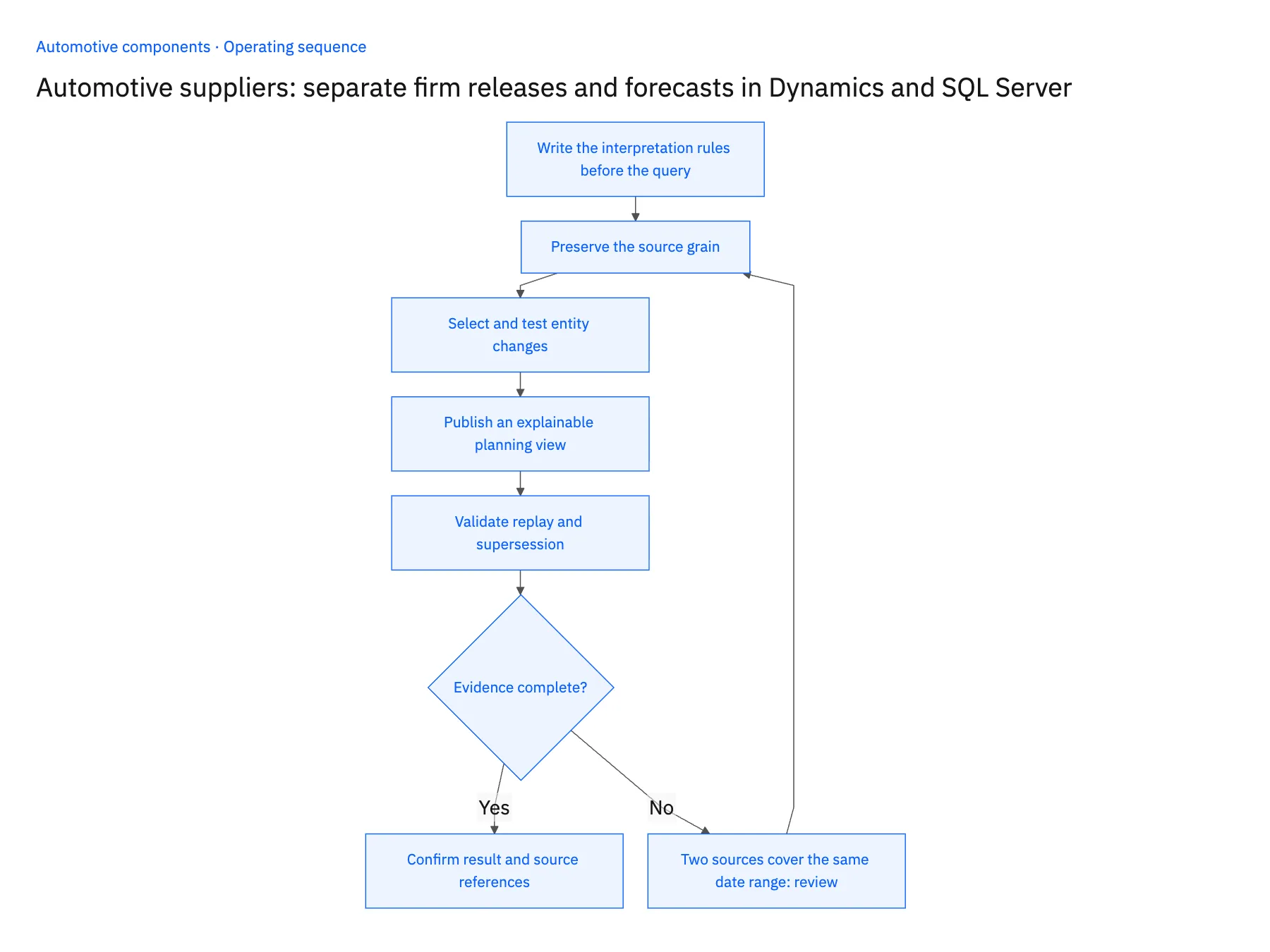
- 01Write the interpretation rules before the queryAsk planning which source categories overlap, replace or supplement one another. Document the customer-specific convention. A SQL aggregation cannot determine whether two similar quantities are independent demand or different views of the same requirement.
- 02Preserve the source grainModel forecasts and releases at their actual line, period or schedule grain. Keep company and customer-plant context in the joins. Reconcile a small sample manually before broadening the dataset so duplicate joins do not become accepted planning totals.
- 03Select and test entity changesIdentify the Dynamics entities carrying the relevant records. Test quantity, date and version changes independently, including child-level changes. If a source lacks reliable incremental coverage for the required field, define the approved refresh and freshness expectation explicitly.
- 04Publish an explainable planning viewShow raw source categories, accepted interpretation and source age. Let planners inspect why a quantity is actionable. A proposed interpretation change should have an owner and effective scope rather than silently changing all historical comparisons.
- 05Validate replay and supersessionDeliver an older version after a newer accepted one and confirm that the current view does not regress. Reconcile the selected period after a restart. Keep superseded source evidence available so the team can explain why the active commitment changed.
Handle the exceptions explicitly
Two sources cover the same date range
Apply the reviewed customer rule; do not sum them simply because their labels differ.
A plant code cannot be resolved
Hold the affected demand for mapping review instead of assigning it to the default customer site.
An older release arrives after a correction
Retain it in history while protecting the newer accepted state from rollback.
What to verify before expanding
- Forecast and firm quantities remain separately visible before any business calculation.
- The accepted planning total can be explained from documented source rules.
- A late older version cannot replace the current accepted release.
- Plant and period joins do not multiply the source quantities.

Connect this process to the rest of your operation
Explore Stacksync two-way sync and scope the records and actions against your actual systems. Book a demo with a real demand source example and the exception your team handles most often, for example two sources cover the same date range.
- Dynamics 365 Finance and SQL Server two-way sync for automotive suppliers
- NetSuite and Postgres two-way sync for automotive component evidence
- Automotive components: connect NetSuite shipments to Postgres lot evidence
- Automotive component engineering cutovers: coordinate open demand and existing inventory
- Automotive supplier delays: build recovery plans around firm customer releases
- Keeping Dynamics 365 Finance & Operations and PostgreSQL in Step
- Bi-Directional Sync vs CDC Duplicates: Reliability Guide
The shared architecture guide covers record matching, ownership, and recovery across systems.
Technical references
FAQ
Frequently asked questions










Related articles





