






















Building-products manufacturers: connect Salesforce dealer quotes to Acumatica orders
How a building-products manufacturer carries accepted dealer quote lines from Salesforce into Acumatica orders and shows sales which delivery stages operations confirmed.
- Author
- Ruben Burdin · Founder & CEO
- Published
- Read time
- 4 min read

The operating decision
Building-products manufacturers need a Salesforce–Acumatica quote handoff that preserves the dealer, project, exact product variant and accepted delivery scope. Two-way sync should connect the approved commercial record to the ERP order and return operational status. Keep requested project dates separate from accepted manufacturing or shipping commitments. A dealer quote can include several finishes, lengths or stages; its description and total value alone are insufficient to identify the order that operations must fulfill.
Explore the complete building products manufacturing integration and automation hub for the systems and processes around this guide.
What this looks like in building products manufacturing
A manufacturer sells exterior products through regional dealers. One project quote includes two finishes and separate deliveries for different buildings. The dealer accepts most of the quote but changes one finish and asks to combine the final delivery. If the integration copies only the latest opportunity total and a single ship-to, customer service loses the accepted line detail. The order handoff should retain the approved variant and stage for each line, surface the changed scope, and return what order management accepted before sales confirms the project schedule.
Records, ownership, and update rules
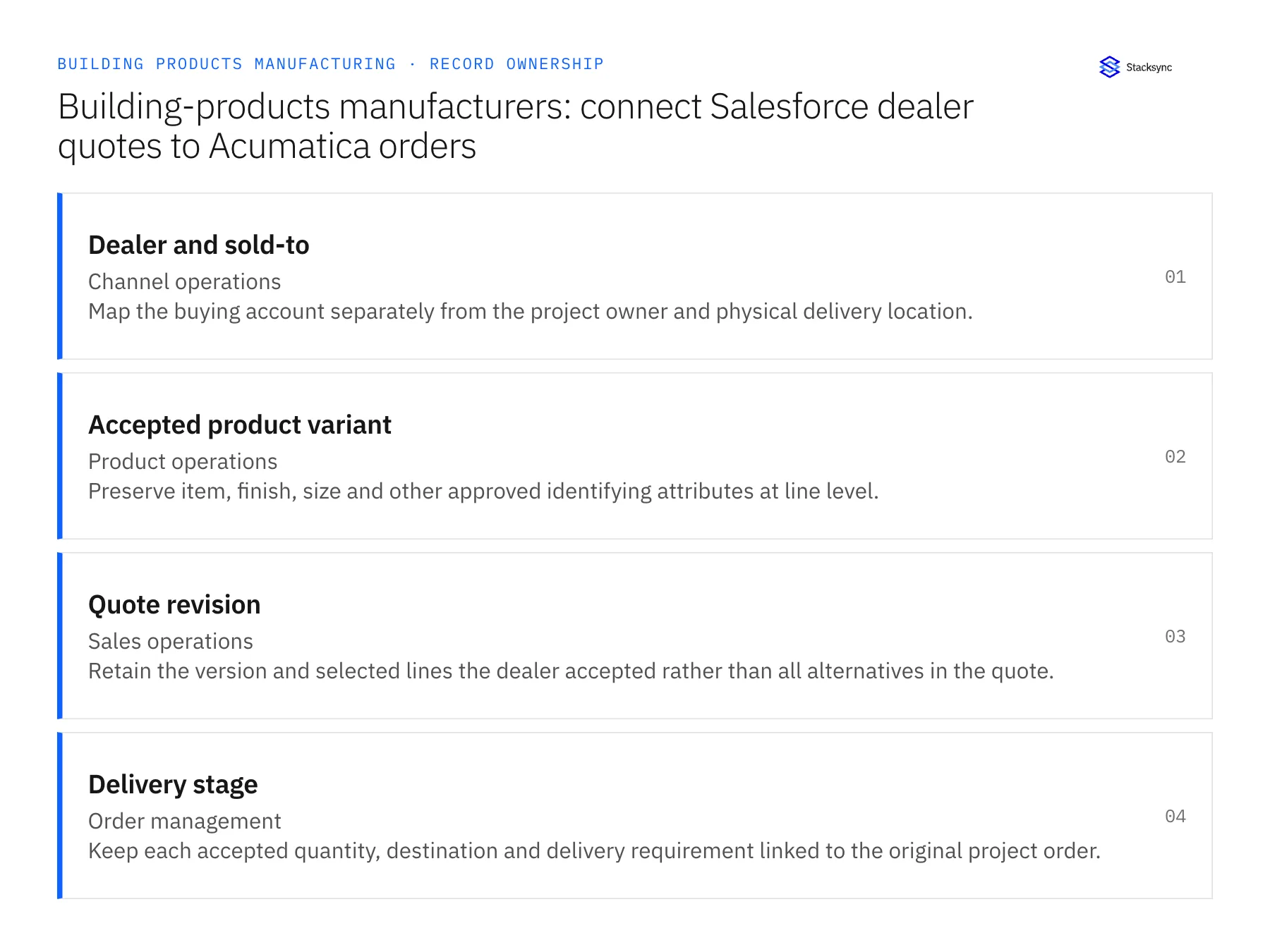
| Record | Owner | Operating rule |
|---|---|---|
| Dealer and sold-to | Channel operations | Map the buying account separately from the project owner and physical delivery location. |
| Accepted product variant | Product operations | Preserve item, finish, size and other approved identifying attributes at line level. |
| Quote revision | Sales operations | Retain the version and selected lines the dealer accepted rather than all alternatives in the quote. |
| Delivery stage | Order management | Keep each accepted quantity, destination and delivery requirement linked to the original project order. |
Work through the process
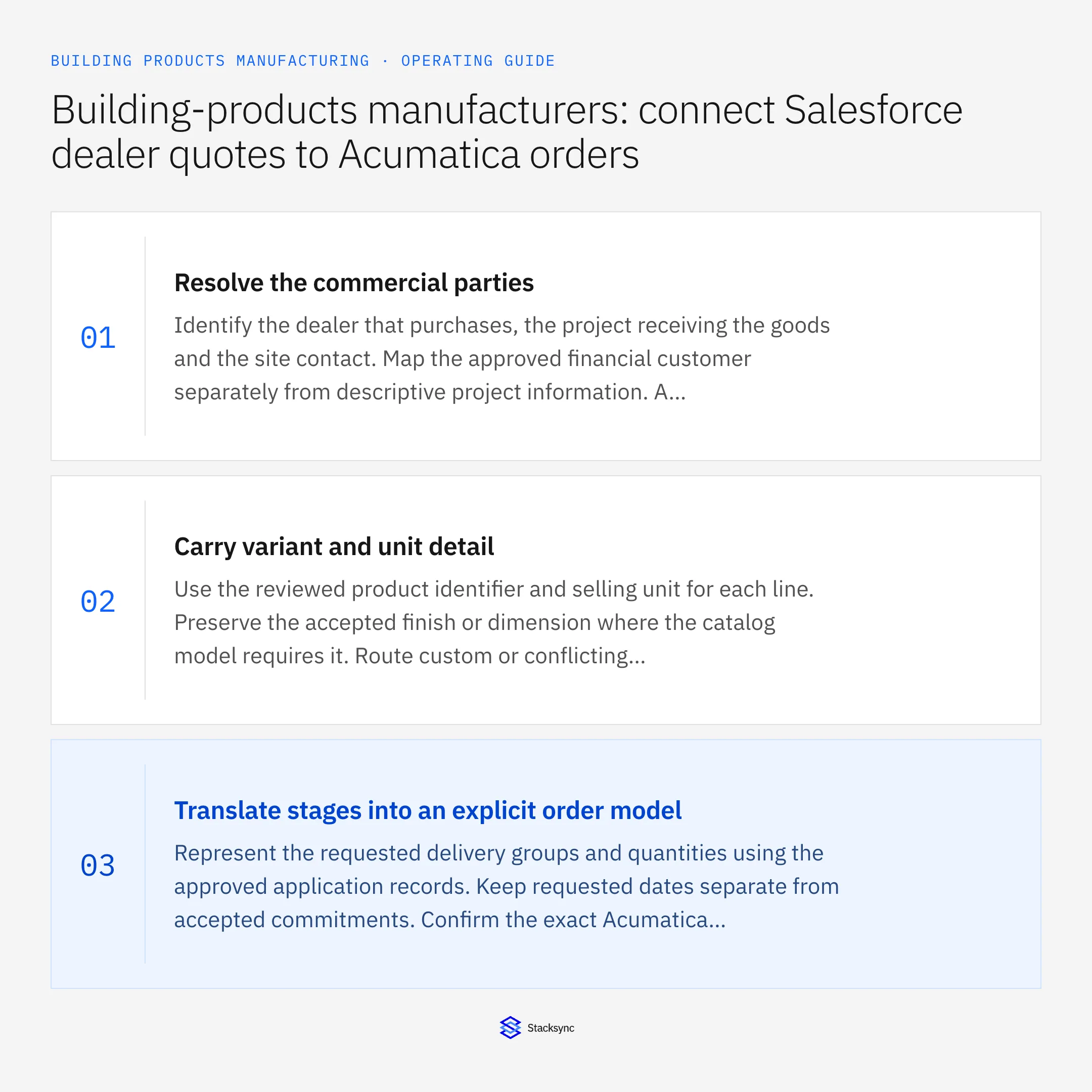
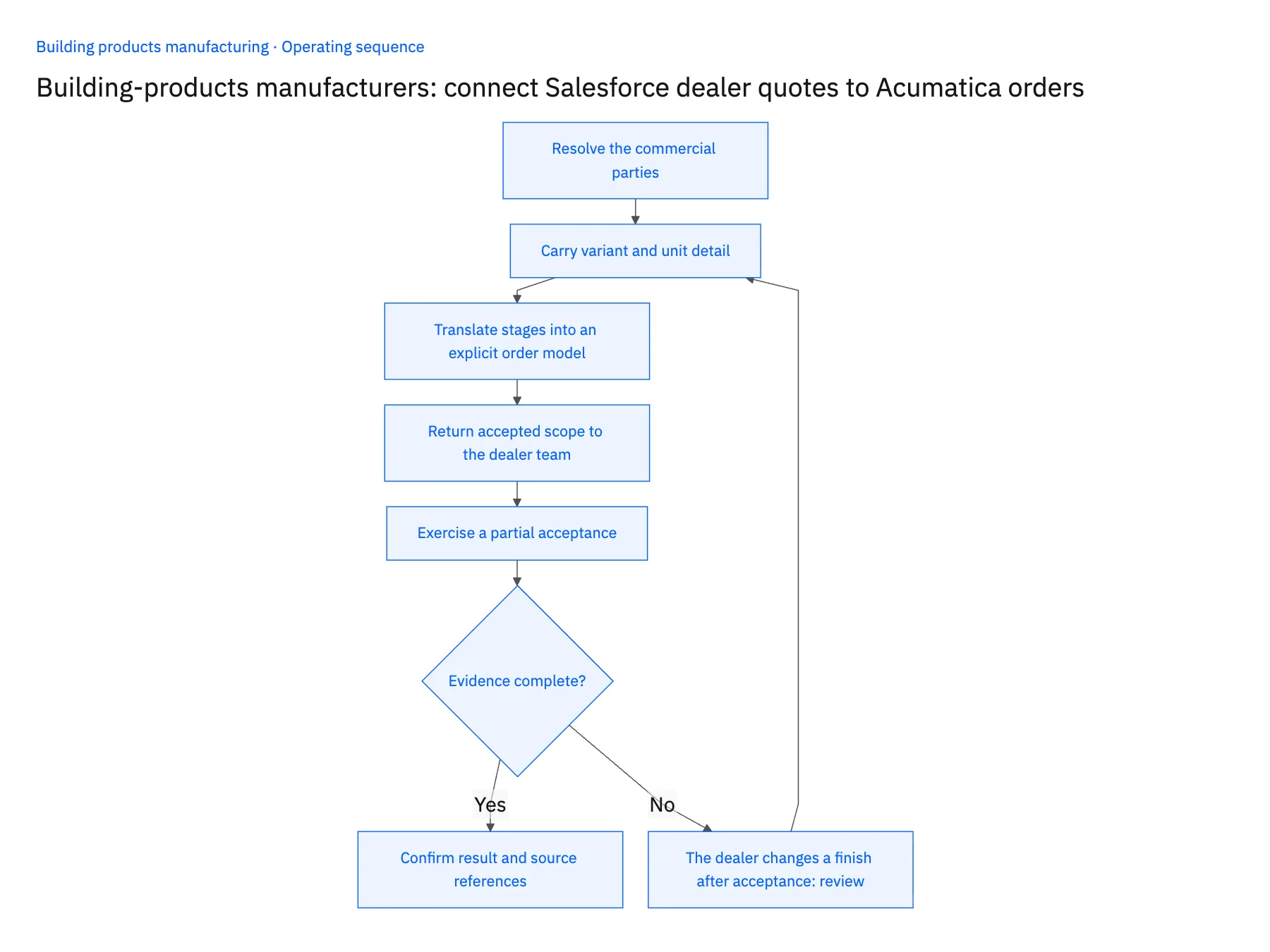
- 01Resolve the commercial partiesIdentify the dealer that purchases, the project receiving the goods and the site contact. Map the approved financial customer separately from descriptive project information. A project name or contractor email should not create a new customer automatically.
- 02Carry variant and unit detailUse the reviewed product identifier and selling unit for each line. Preserve the accepted finish or dimension where the catalog model requires it. Route custom or conflicting specifications to product operations rather than selecting a similarly named standard item.
- 03Translate stages into an explicit order modelRepresent the requested delivery groups and quantities using the approved application records. Keep requested dates separate from accepted commitments. Confirm the exact Acumatica endpoint entities and operations needed for the chosen order and schedule structure.
- 04Return accepted scope to the dealer teamPublish the accepted order reference, line status and unresolved conditions in Salesforce. The account manager should see which part of the project is confirmed and which request still needs review.
- 05Exercise a partial acceptanceTest a quote where one variant changes and one delivery stage remains unchanged. Replay the accepted handoff and verify stable references. Then request another revision to prove that the existing order becomes a review context rather than a duplicate transaction.
Handle the exceptions explicitly
The dealer changes a finish after acceptance
Preserve the prior accepted variant and route the effect on manufacturing and price for review.
The same project has several dealers
Keep each commercial customer and order distinct while linking the common project context where appropriate.
The site address changes for one stage
Apply the approved destination only to the affected delivery scope, not every line on the project.
What to verify before expanding
- Each accepted line retains its specific product variant and selling unit.
- Dealer identity remains distinct from project and ship-to identity.
- Partial quote acceptance does not create demand for unselected alternatives.
- Sales sees confirmed and review-required delivery stages separately.

Connect this process to the rest of your operation
Explore Stacksync two-way sync and scope the records and actions against your actual systems. Book a demo with a real dealer and sold-to example and the exception your team handles most often, for example the dealer changes a finish after acceptance.
- Salesforce and Acumatica two-way sync for building-products manufacturers
- NetSuite and Shopify two-way sync for building-products brands
- Building products on Shopify: sync NetSuite bundles, pieces and saleable stock
- Building-products manufacturing: build a Dynamics-to-SQL Server ready-to-ship view
- Building-products staged deliveries: coordinate project releases without losing the original order
- Fast Shopify API Integration via Bi‑Directional Sync
- EDI Integration for Ecommerce: Scale Without Chargebacks
The shared architecture guide covers record matching, ownership, and recovery across systems.
Technical references
FAQ
Frequently asked questions










Related articles






