






















Metal fabrication: link Dynamics order demand and material certificates in SQL Server
A material-evidence view tells planners which received heat each certificate covers and which order demand uses it, so a file on record never stands in for a quality decision.
- Author
- Ruben Burdin · Founder & CEO
- Published
- Read time
- 4 min read

The operating decision
For metal fabricators, a Dynamics-to-SQL Server material-evidence view should connect order demand, received material and reviewed certificate references at the correct lot or heat grain. A certificate attachment is not proof that the material assigned to a job is approved. Two-way sync can keep selected records aligned, while quality retains authority over evidence acceptance. Preserve the material identity and review state before exposing a readiness indicator to planners or customer service.
Explore the complete metal fabrication and machining integration and automation hub for the systems and processes around this guide.
What this looks like in metal fabrication and machining
A fabricator buys the same alloy from two suppliers and stores certificates in a shared document location. A planner sees a certificate against the purchase order and assumes every received bundle is covered. One bundle actually belongs to a different heat, and another document is still awaiting review. The operational view needs to show which received material each document supports and which demand uses that material. The goal is a traceable review queue, not an integration-generated assertion that a part complies with a customer requirement.
Records, ownership, and update rules
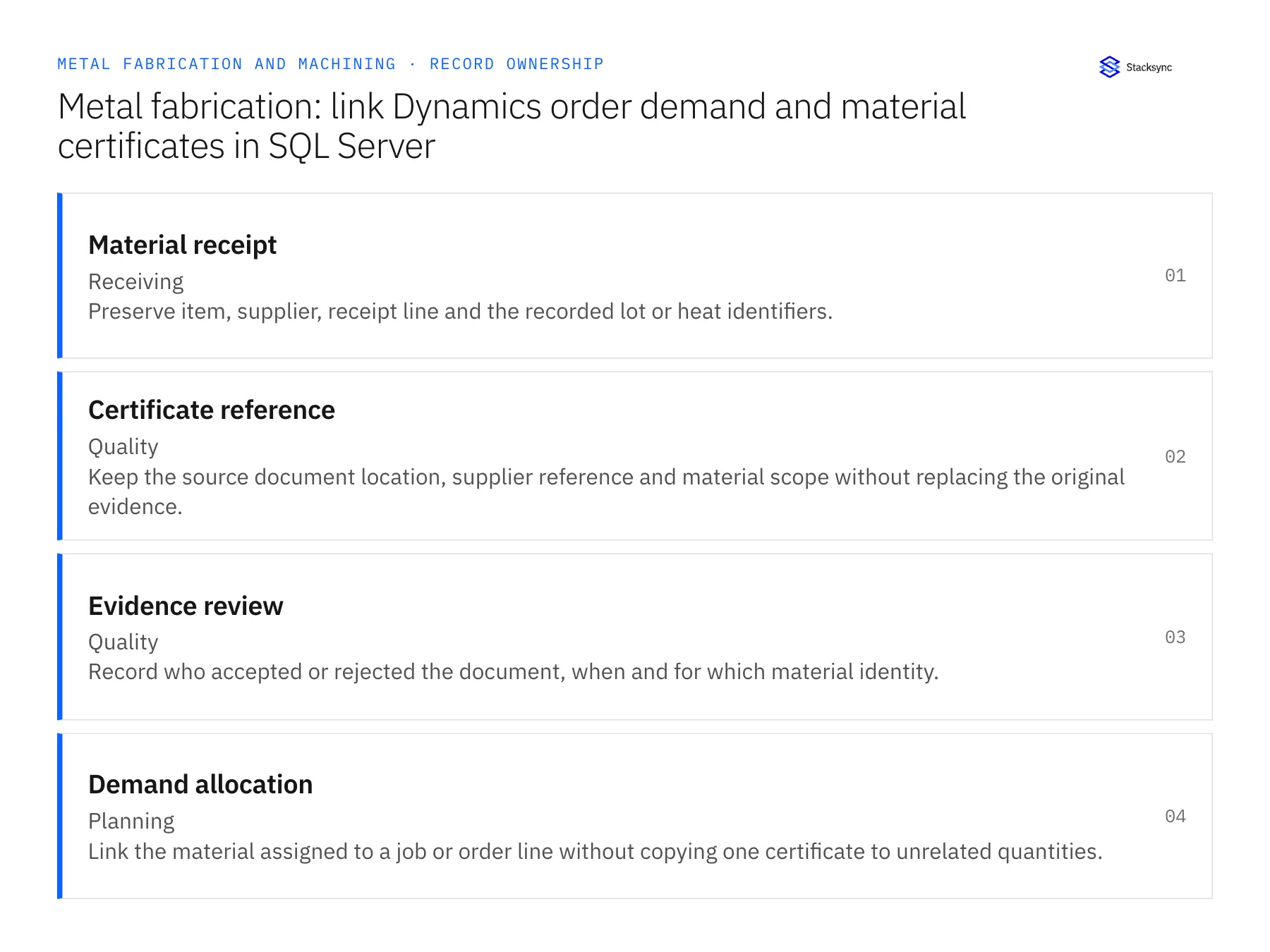
| Record | Owner | Operating rule |
|---|---|---|
| Material receipt | Receiving | Preserve item, supplier, receipt line and the recorded lot or heat identifiers. |
| Certificate reference | Quality | Keep the source document location, supplier reference and material scope without replacing the original evidence. |
| Evidence review | Quality | Record who accepted or rejected the document, when and for which material identity. |
| Demand allocation | Planning | Link the material assigned to a job or order line without copying one certificate to unrelated quantities. |
Work through the process
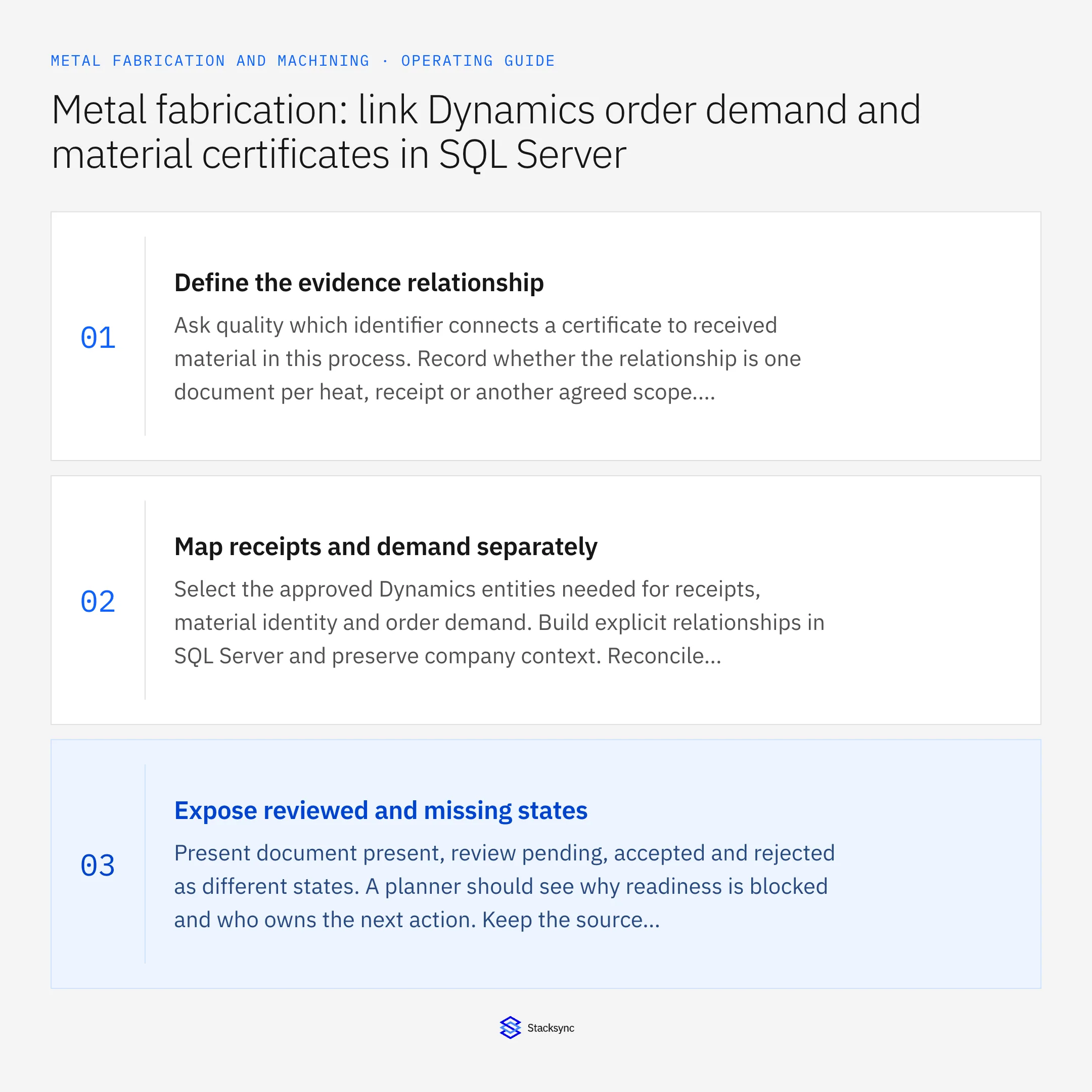
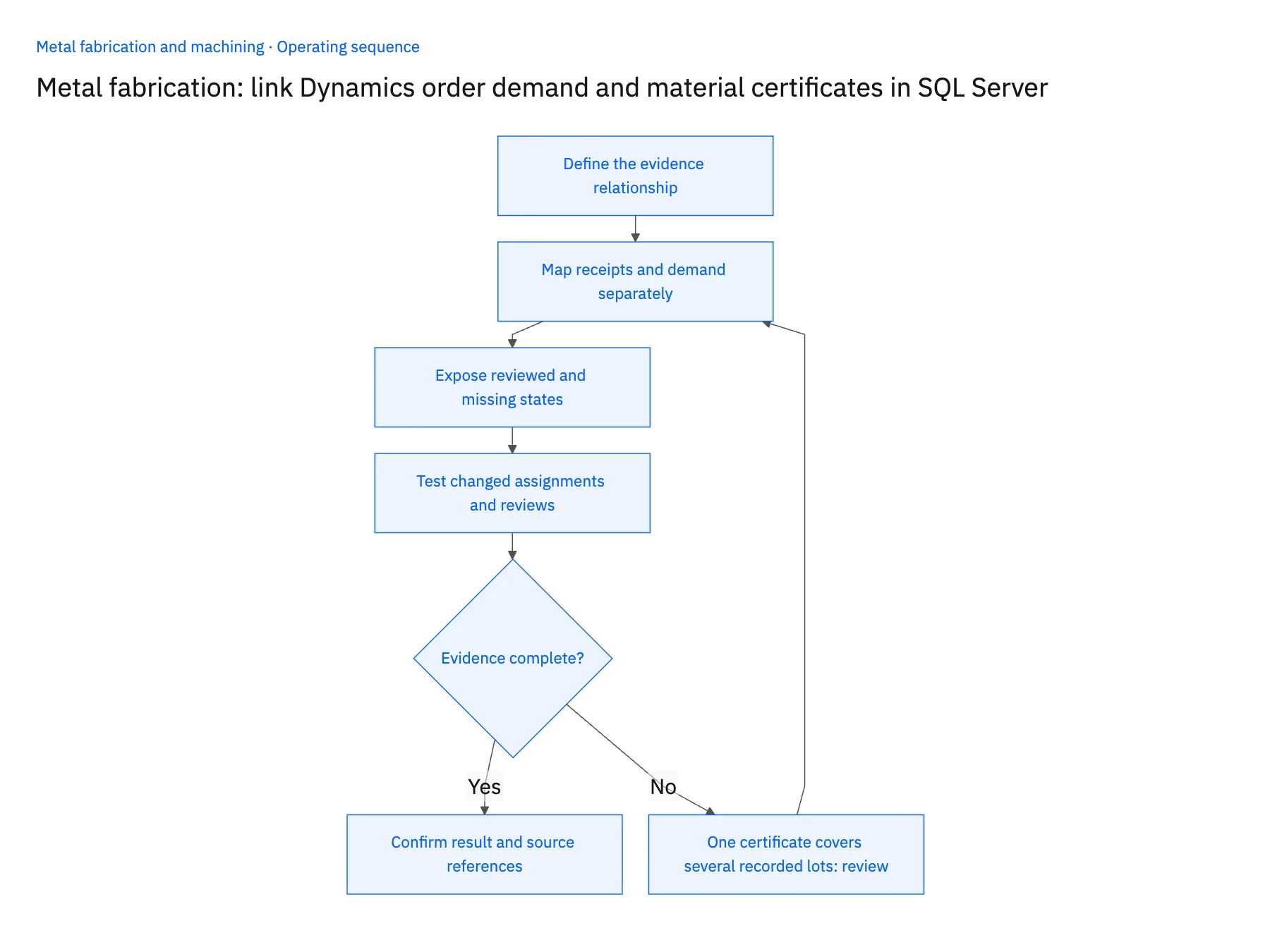
- 01Define the evidence relationshipAsk quality which identifier connects a certificate to received material in this process. Record whether the relationship is one document per heat, receipt or another agreed scope. Avoid adopting a convenient file-folder structure as the business identity.
- 02Map receipts and demand separatelySelect the approved Dynamics entities needed for receipts, material identity and order demand. Build explicit relationships in SQL Server and preserve company context. Reconcile quantities before joining documents so a many-to-many join does not make one receipt appear to cover several independent lots.
- 03Expose reviewed and missing statesPresent document present, review pending, accepted and rejected as different states. A planner should see why readiness is blocked and who owns the next action. Keep the source evidence accessible to authorized reviewers without inventing a certification conclusion from parsed text.
- 04Test changed assignments and reviewsMove an allocation to another recorded lot in the test process and verify that the evidence view follows the new relationship. Then reject a previously pending document. Confirm that derived readiness changes while historical assignments and decisions remain traceable.
Handle the exceptions explicitly
One certificate covers several recorded lots
Require quality to confirm its scope and represent the approved relationships explicitly. Do not infer coverage from similar supplier descriptions.
The receipt lacks a heat identifier
Route the material to the defined identification process and keep evidence readiness unresolved.
A document is replaced with a corrected version
Retain the superseded reference and review the new document’s applicable scope before updating the current evidence status.
What to verify before expanding
- An order line shows evidence for its assigned material rather than any matching item.
- A missing heat or lot reference remains visible as an exception.
- Document presence and quality acceptance appear as separate states.
- Changing the assigned material changes the required evidence without erasing earlier review history.

Connect this process to the rest of your operation
Explore Stacksync two-way sync and scope the records and actions against your actual systems. Book a demo with a real material receipt example and the exception your team handles most often, for example one certificate covers several recorded lots.
- Salesforce and Acumatica two-way sync for metal fabricators
- NetSuite and Postgres two-way sync for machining operations
- Metal fabrication: connect Salesforce quotes to Acumatica job-ready orders
- Metal fabrication outside-processing delays: route late returns to the right job owner
- Machining drawing revisions: review a change against work already released
- How to Parse EDI Files Into a SQL Database
- Acumatica API Integration: A Practical Guide
The shared architecture guide covers record matching, ownership, and recovery across systems.
Technical references
FAQ
Frequently asked questions










Related articles





