






















Building-products staged deliveries: coordinate project releases without losing the original order
When a dealer moves a project phase forward or to a new unloading point, this workflow keeps the parent order intact and gives logistics the final say on the release.
- Author
- Ignacio Malpartida · GTM Engineer
- Published
- Read time
- 4 min read

The operating decision
A staged-delivery workflow should preserve the original project order while managing each approved release’s quantity, destination and delivery requirement. Automate the collection of stock readiness, site information and open changes, then route the commitment to logistics and order management. A customer’s request for an earlier stage is not permission to consume stock allocated elsewhere. Keep remaining order obligations visible after every partial shipment.
Explore the complete building products manufacturing integration and automation hub for the systems and processes around this guide.
What this looks like in building products manufacturing
A building-products manufacturer serves a project in three phases. The dealer asks to bring the second phase forward and move the third to another unloading point. Customer service currently updates a spreadsheet, while the warehouse works from the ERP’s original dates. A connected release case can show the request, available eligible stock, existing allocations and site requirements. Logistics accepts the revised plan for specific quantities, and sales receives a clear answer without replacing the original order or losing the balance still owed.
Records, ownership, and update rules
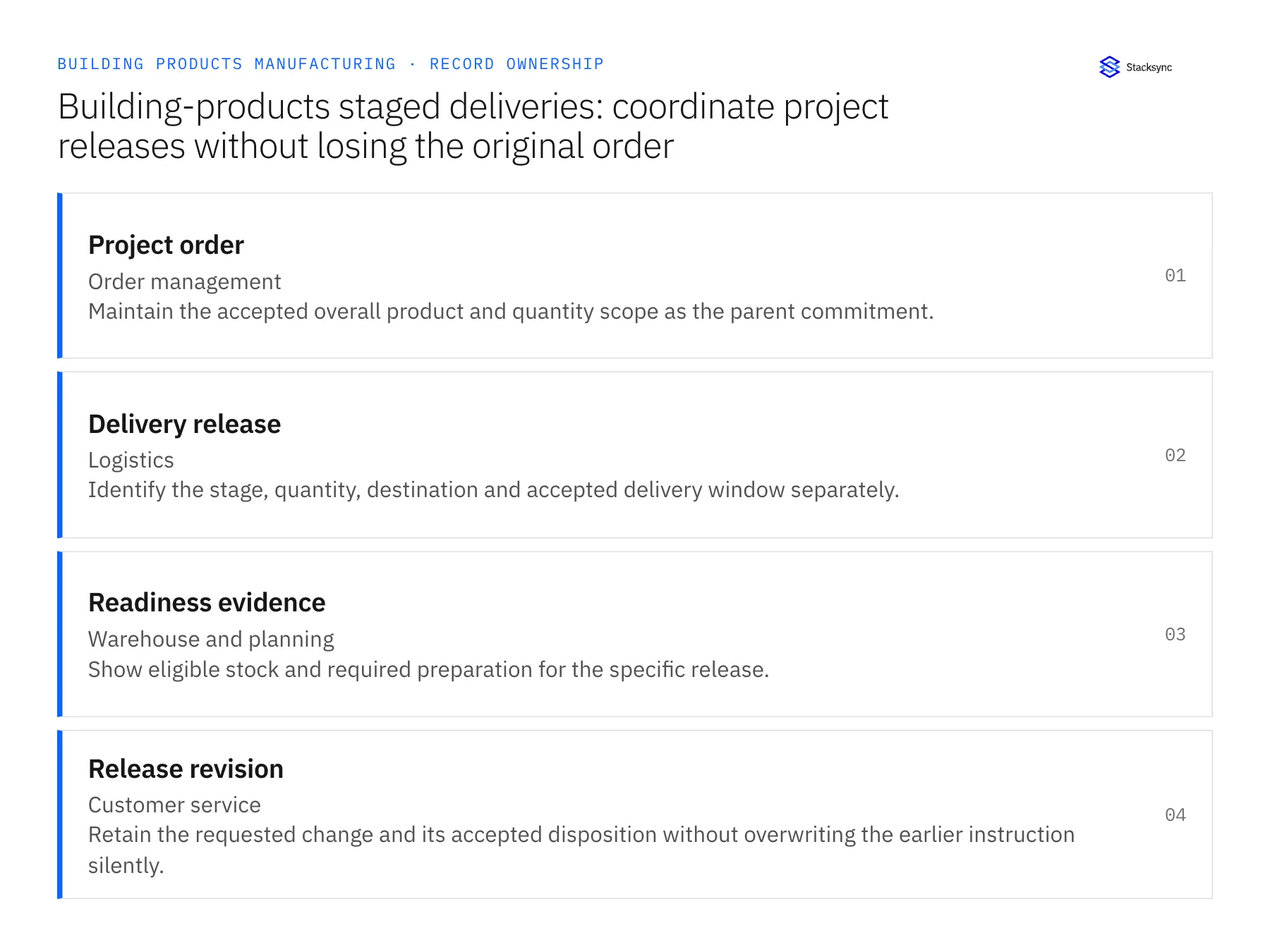
| Record | Owner | Operating rule |
|---|---|---|
| Project order | Order management | Maintain the accepted overall product and quantity scope as the parent commitment. |
| Delivery release | Logistics | Identify the stage, quantity, destination and accepted delivery window separately. |
| Readiness evidence | Warehouse and planning | Show eligible stock and required preparation for the specific release. |
| Release revision | Customer service | Retain the requested change and its accepted disposition without overwriting the earlier instruction silently. |
Work through the process
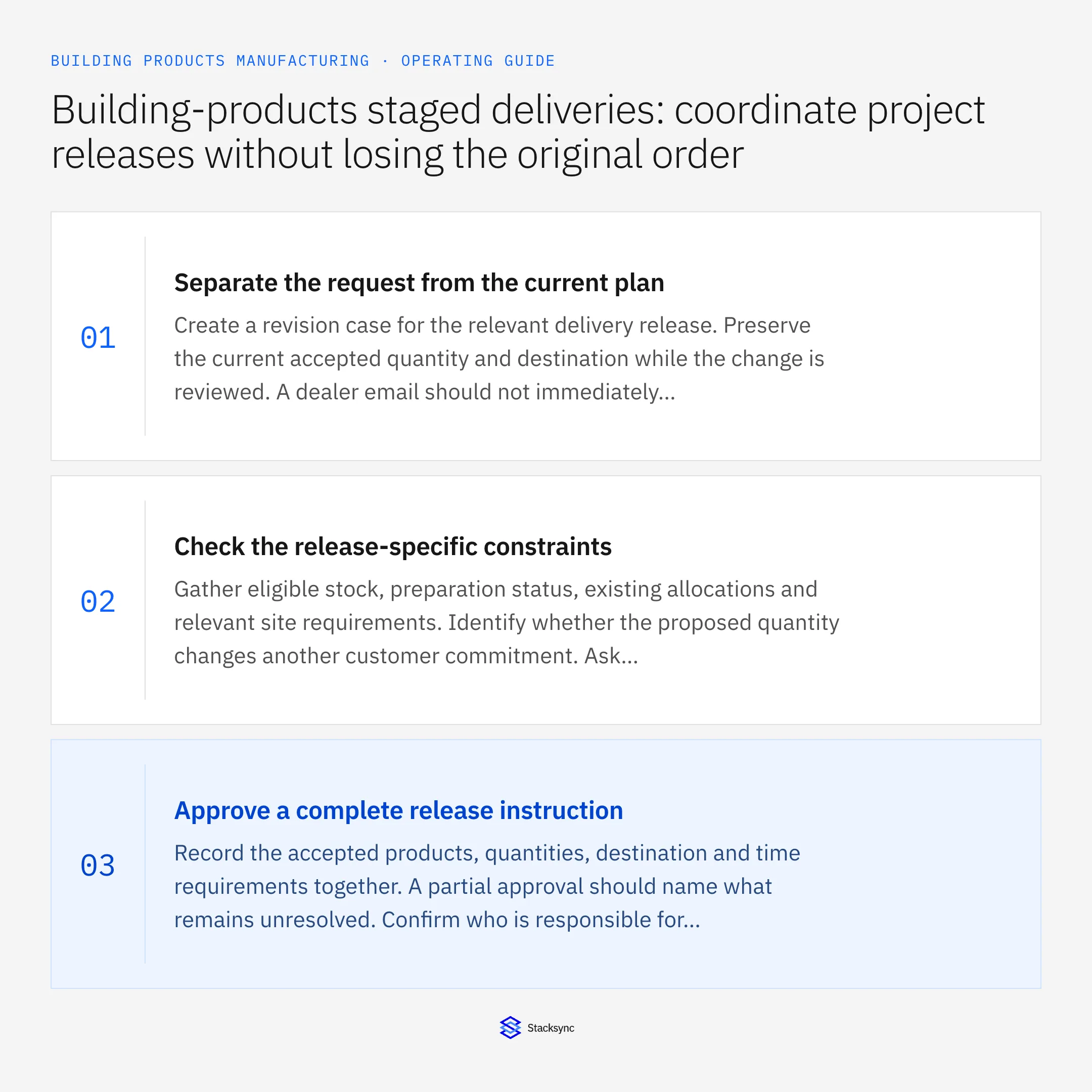
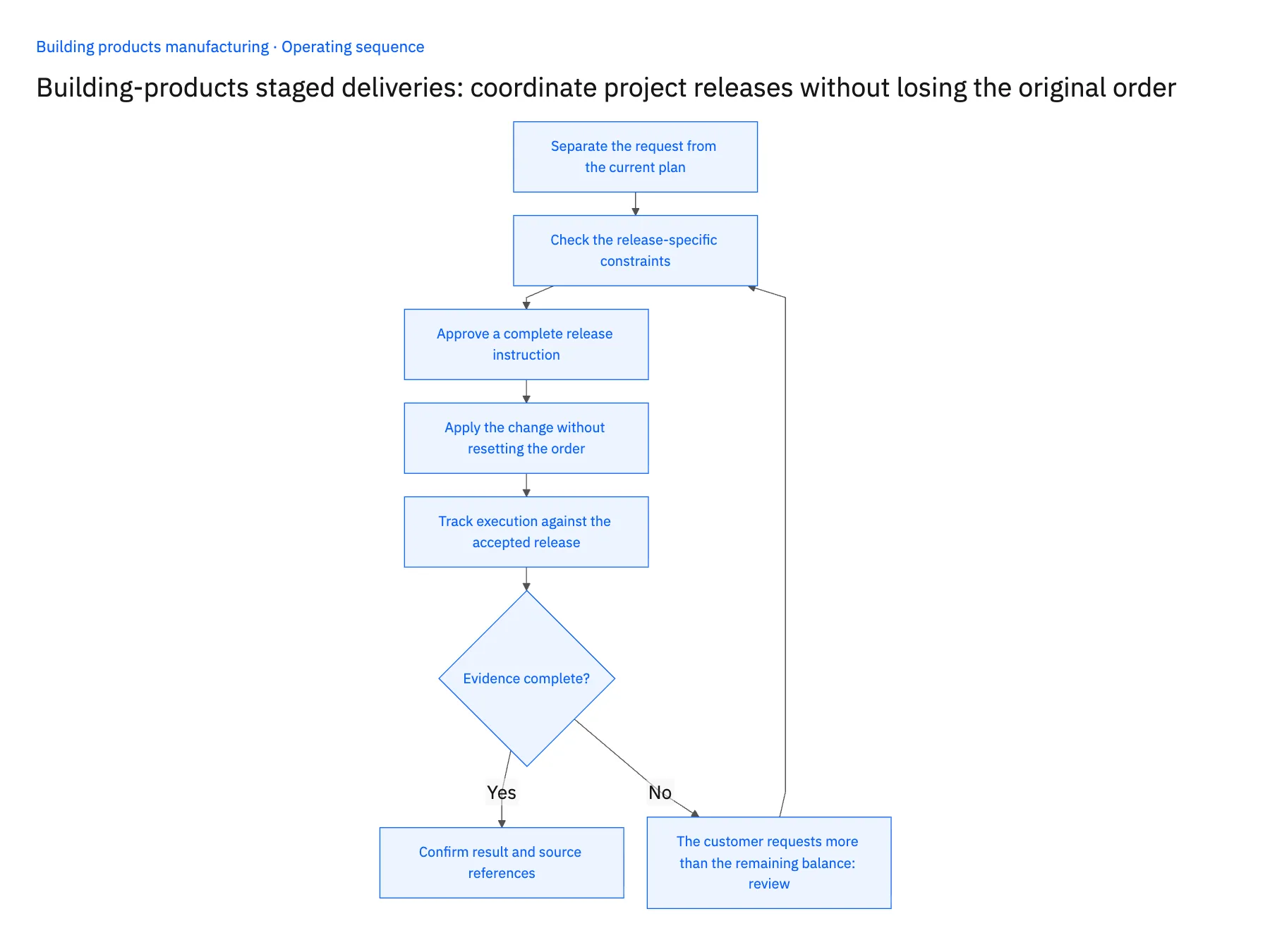
- 01Separate the request from the current planCreate a revision case for the relevant delivery release. Preserve the current accepted quantity and destination while the change is reviewed. A dealer email should not immediately replace loading instructions already in use.
- 02Check the release-specific constraintsGather eligible stock, preparation status, existing allocations and relevant site requirements. Identify whether the proposed quantity changes another customer commitment. Ask logistics to review delivery feasibility rather than inferring it from warehouse availability alone.
- 03Approve a complete release instructionRecord the accepted products, quantities, destination and time requirements together. A partial approval should name what remains unresolved. Confirm who is responsible for communicating the accepted change to the dealer and warehouse.
- 04Apply the change without resetting the orderUpdate the verified operational records and preserve the relationship to the parent order. Reconcile already shipped quantities and the remaining obligation. Do not create a new order merely because the customer wants a different staging schedule.
- 05Track execution against the accepted releaseFollow loading and shipment evidence through the agreed completion point. Reopen the release if the actual shipment differs from the accepted scope. Keep shortages and undelivered balances owned until their disposition is confirmed.
Handle the exceptions explicitly
The customer requests more than the remaining balance
Route the excess as a commercial change rather than hiding it inside a delivery-stage edit.
A new destination has incomplete access information
Keep the release awaiting logistics review and request the specific missing information.
One product is unavailable for the stage
Ask the owner to approve a partial release or revised plan; do not substitute another finish or product automatically.
What to verify before expanding
- Each shipment traces to one accepted delivery release and parent order.
- Changing one stage leaves other accepted stages intact.
- Shipped and remaining quantities reconcile to the approved order scope.
- The warehouse sees the same accepted destination and quantity that customer service communicated.

Connect this process to the rest of your operation
Explore Stacksync workflows and scope the records and actions against your actual systems. Book a demo with a real project order example and the exception your team handles most often, for example the customer requests more than the remaining balance.
- Staged-delivery automation for building-products manufacturers
- Building-products damage claims: connect shipment evidence, replacements and credit review
- AI agents for building-products dealer orders: prepare product and delivery drafts
- Building-products AI order exceptions: dimensions, finishes and selling units
- Build a Daily Shopify Delivery-Risk Report in Slack
- Fast Shopify API Integration via Bi‑Directional Sync
The shared architecture guide covers record matching, ownership, and recovery across systems.
Technical references
FAQ
Frequently asked questions










Related articles





