






















Dynamics 365 Finance and SQL Server: keep manufacturing order lines current
Multi-plant manufacturers exposing Dynamics 365 Finance orders in SQL Server need company-scoped keys, line-level change capture and a separate route for any approved write back.
- Author
- Ruben Burdin · Founder & CEO
- Published
- Read time
- 4 min read

The operating decision
A Dynamics 365 Finance and SQL Server integration for manufacturing should preserve legal entity, document identity and line identity while distinguishing application data from operational reporting. Choose the public data entities and database tables that represent the actual process. Two-way sync is useful only where the intended write is supported and its owner is clear. A reporting table containing a proposed production date must not be treated as permission to update a financial or supply-chain transaction.
Explore the complete manufacturing integration and automation hub for the systems and processes around this guide.
What this looks like in manufacturing
A multi-plant manufacturer exposes open orders in SQL Server so planners can compare commitments with local production information. A customer changes one line’s quantity without changing the header fields the report currently watches. The next planning meeting still sees the old demand. Another plant uses the same visible order number, making a document-number-only join even more dangerous. The useful integration preserves company and line keys, detects the relevant line changes, and labels the freshness of both the source extract and the planning calculation.
Records, ownership, and update rules
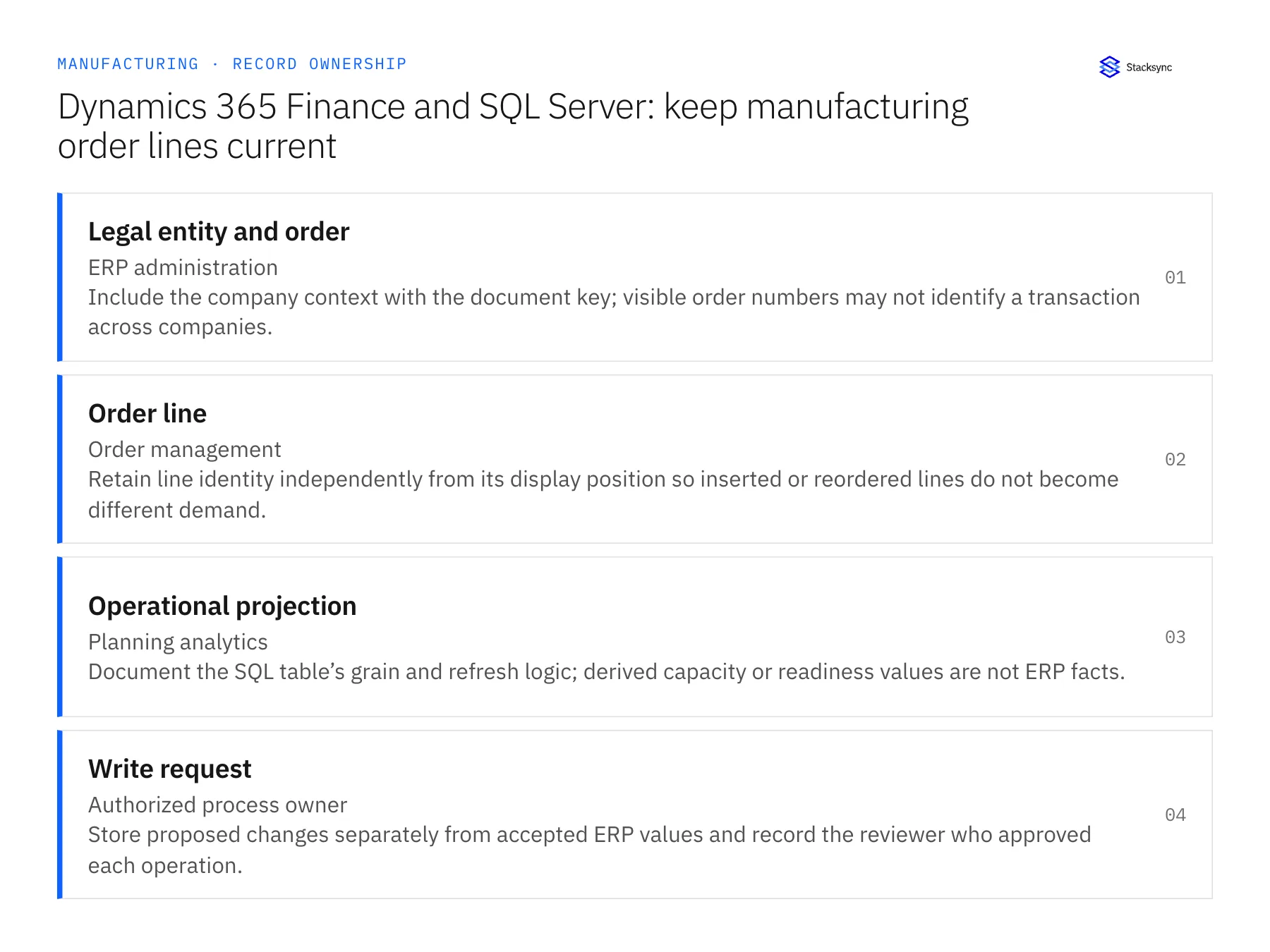
| Record | Owner | Operating rule |
|---|---|---|
| Legal entity and order | ERP administration | Include the company context with the document key; visible order numbers may not identify a transaction across companies. |
| Order line | Order management | Retain line identity independently from its display position so inserted or reordered lines do not become different demand. |
| Operational projection | Planning analytics | Document the SQL table’s grain and refresh logic; derived capacity or readiness values are not ERP facts. |
| Write request | Authorized process owner | Store proposed changes separately from accepted ERP values and record the reviewer who approved each operation. |
Work through the process
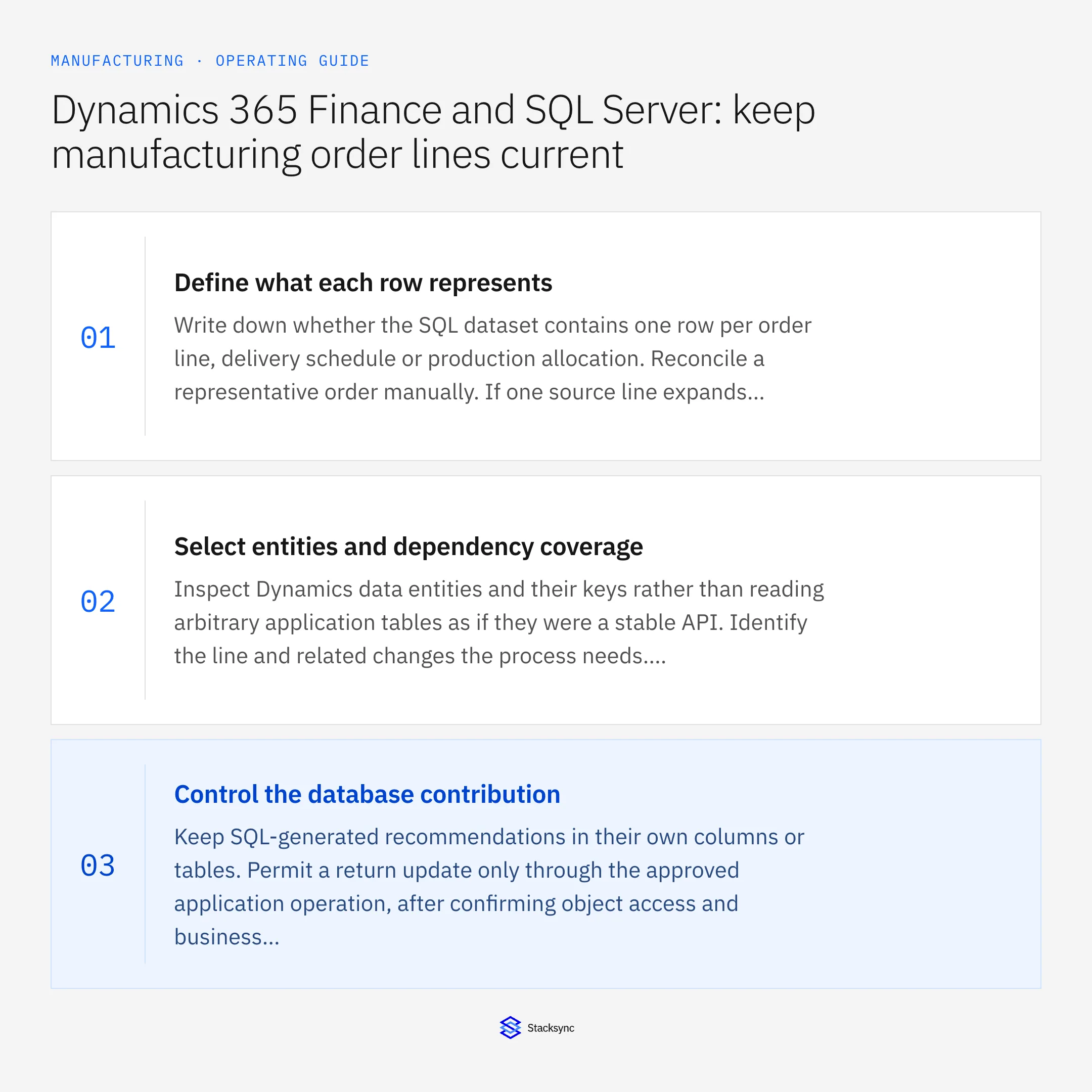
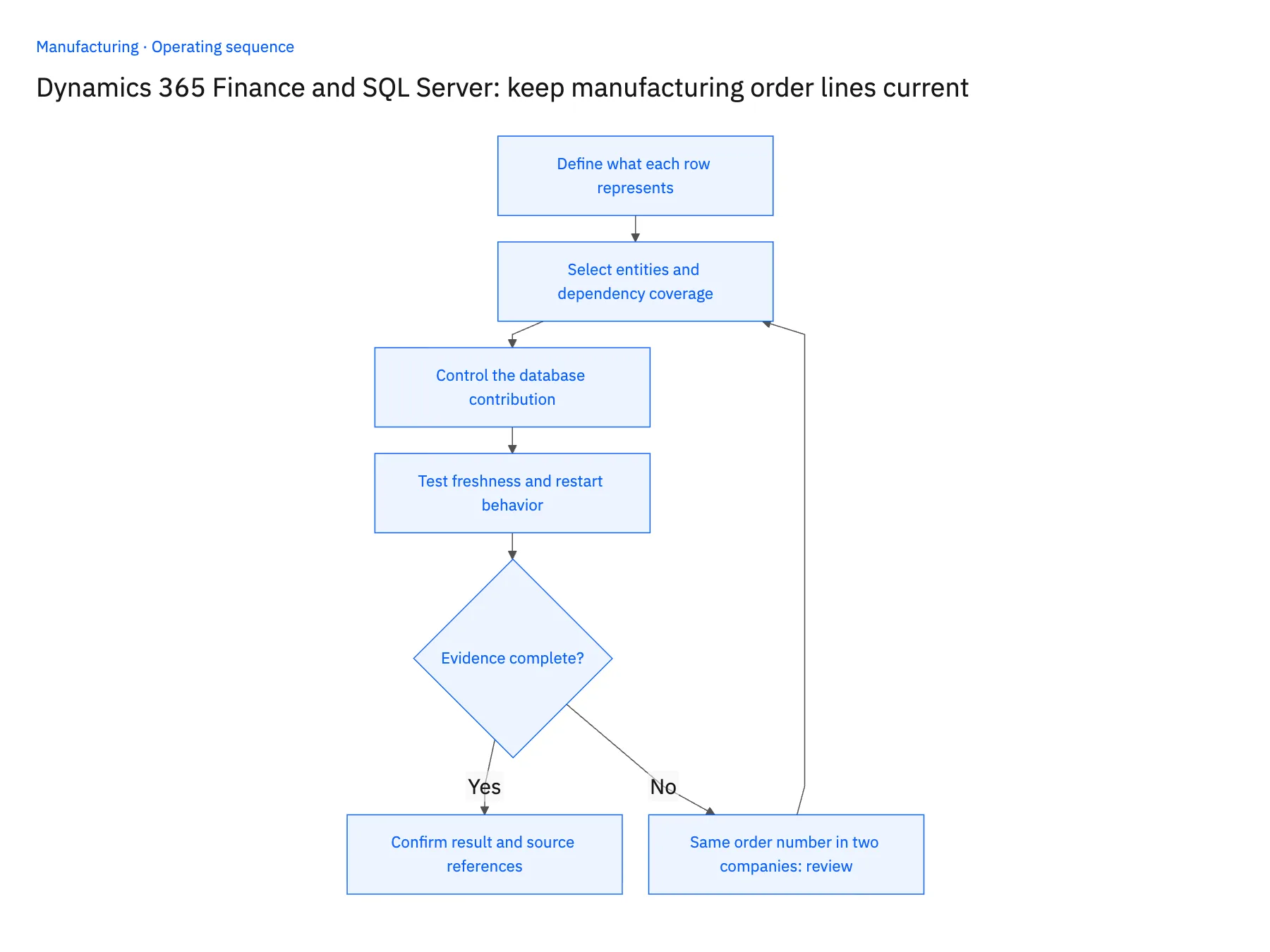
- 01Define what each row representsWrite down whether the SQL dataset contains one row per order line, delivery schedule or production allocation. Reconcile a representative order manually. If one source line expands into several rows, specify how quantities aggregate before anyone uses the result for planning.
- 02Select entities and dependency coverageInspect Dynamics data entities and their keys rather than reading arbitrary application tables as if they were a stable API. Identify the line and related changes the process needs. Validate that the configured extraction path captures those changes independently of a header update.
- 03Control the database contributionKeep SQL-generated recommendations in their own columns or tables. Permit a return update only through the approved application operation, after confirming object access and business validation. Direct edits to a reporting projection should never masquerade as accepted ERP instructions.
- 04Test freshness and restart behaviorChange a line quantity, a delivery date and a relevant child reference separately. Record when each arrives in SQL. Interrupt the test connection, resume it and reconcile the selected period. Confirm that database capture and upstream extraction each have an observable health signal.
Handle the exceptions explicitly
Same order number in two companies
Use company plus document and line identity. Quarantine ambiguous historical rows until their legal-entity context can be recovered.
A child value changes without its parent
Treat the missing update as a coverage problem. Review entity configuration or an explicit refresh process before advertising the projection as current.
A reporting user edits a recommendation
Retain the edit as a proposal with an author and timestamp. Do not propagate it into ERP without the required application approval.
What to verify before expanding
- Two companies with an identical displayed order number remain separate in SQL.
- A line-only quantity change appears without requiring a manual header edit.
- Repeated extraction leaves one row per declared business key, including after a restart.
- The report exposes source freshness separately from the age of the derived planning calculation.

Connect this process to the rest of your operation
Explore Stacksync two-way sync and scope the records and actions against your actual systems. Book a demo with a real legal entity and order example and the exception your team handles most often, for example same order number in two companies.
- NetSuite and Shopify for manufacturers: publish saleable finished goods
- Salesforce and NetSuite for manufacturers: share credit and order status without conflicting ownership
- NetSuite and Postgres for manufacturing: model production status without losing order identity
- Choosing an Enterprise iPaaS for Dynamics 365 Finance & Operations
- Real-Time Data Integration for Accurate Manufacturing
The shared architecture guide covers record matching, ownership, and recovery across systems.
Technical references
FAQ
Frequently asked questions










Related articles





