






















Solar Installer Customer Handoffs: Align HubSpot Opportunities With Acumatica Project Accounts
Connect solar sales opportunities to approved Acumatica project customers without losing site, payer or scope identity.
- Author
- Ruben Burdin · Founder & CEO
- Published
- Read time
- 5 min read

The operating decision
Solar installation companies should align HubSpot opportunities with approved Acumatica customers and projects through stable external references. Keep the sales relationship, property or site, legal customer and project distinct. HubSpot can supply approved commercial context and receive project status, while finance and project administration own customer setup and project accounting. Validate the Acumatica entities and operations actually exposed in your environment before enabling automatic project or financial changes.
Explore the complete solar installation and O&M services integration and automation hub for the systems and processes around this guide.
What this looks like in solar installation and O&M services
A commercial solar installer wins a project through a property manager, but the project customer is a separate ownership entity. Sales has the site and main contact in HubSpot; finance needs the approved payer and project information in Acumatica. The customer later changes the installation scope. If the deal is copied as an undifferentiated customer record, the project team loses the distinction between sales contact, site owner and the entity responsible for the agreement.
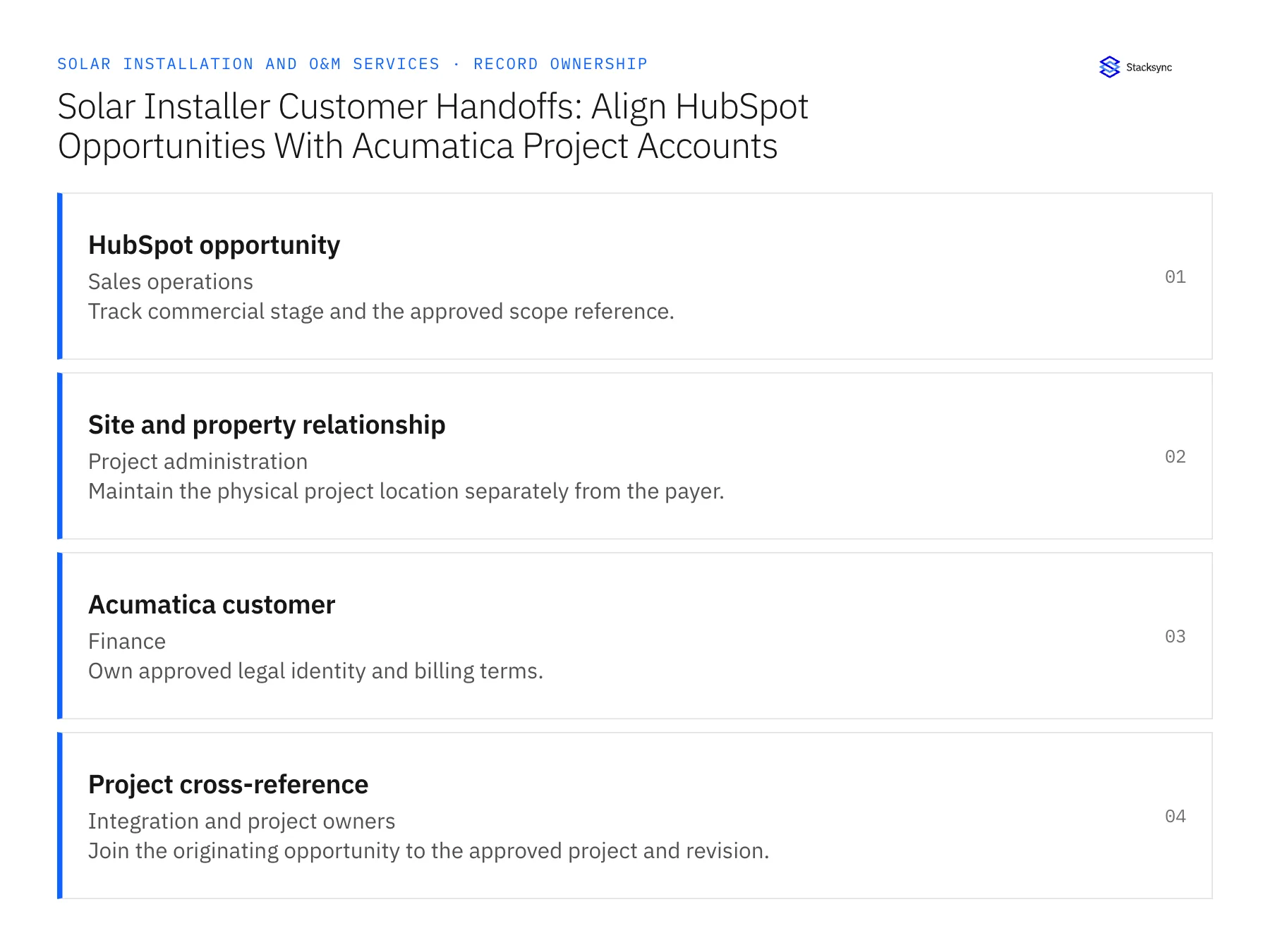
Records, ownership, and update rules
| Record | Owner | Operating rule |
|---|---|---|
| HubSpot opportunity | Sales operations | Track commercial stage and the approved scope reference. |
| Site and property relationship | Project administration | Maintain the physical project location separately from the payer. |
| Acumatica customer | Finance | Own approved legal identity and billing terms. |
| Project cross-reference | Integration and project owners | Join the originating opportunity to the approved project and revision. |
Work through the process
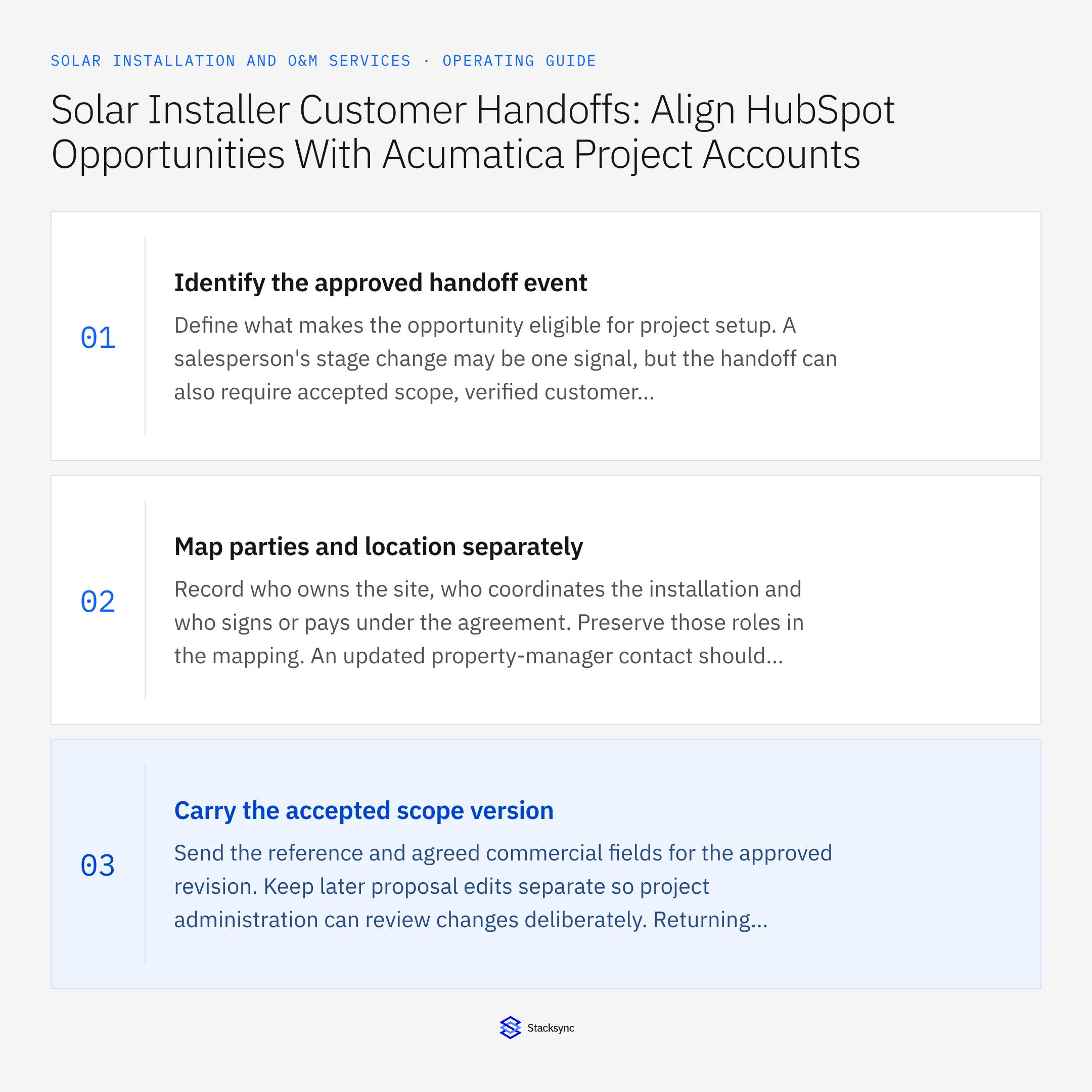
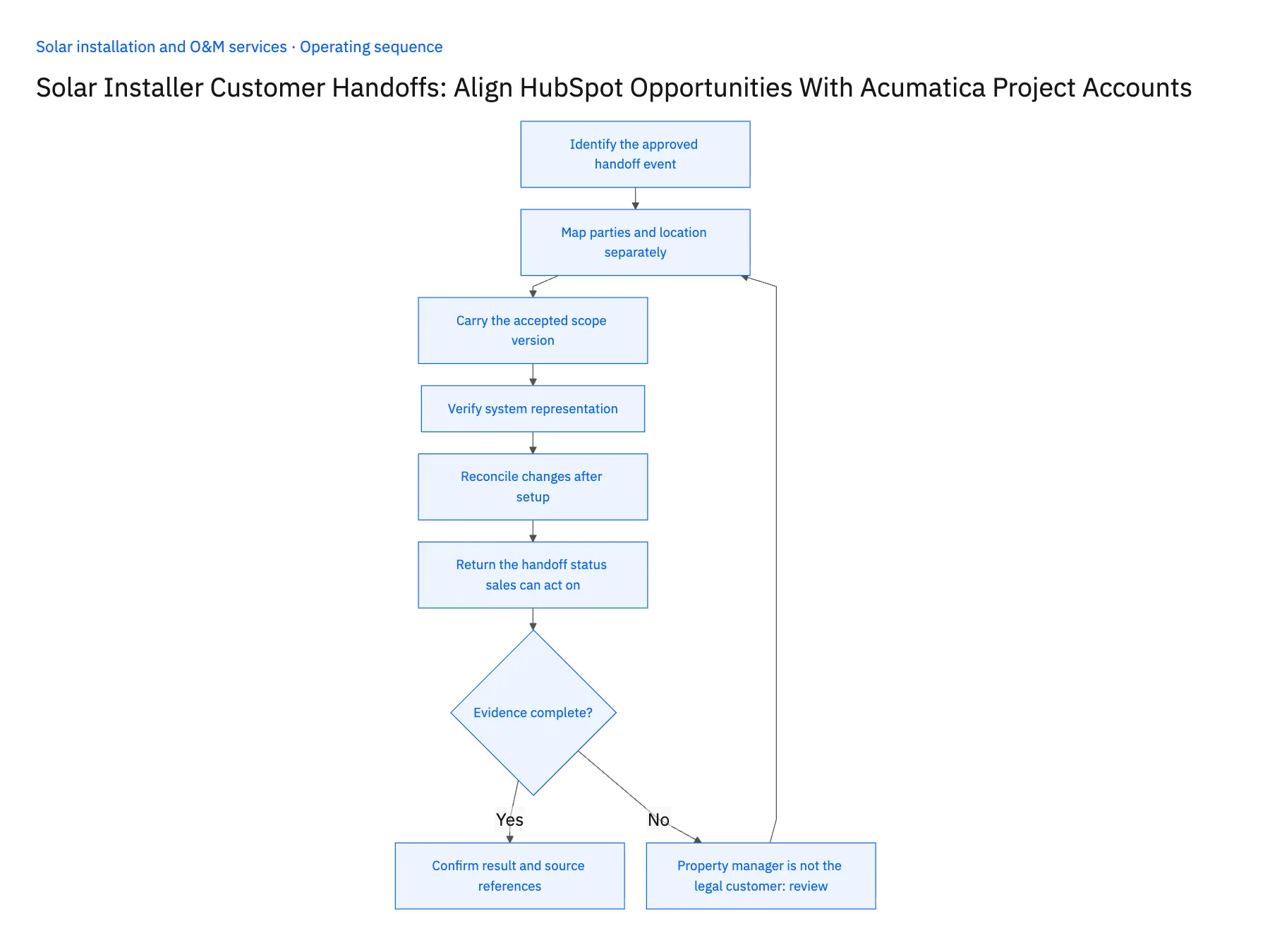
- 01Identify the approved handoff eventDefine what makes the opportunity eligible for project setup. A salesperson's stage change may be one signal, but the handoff can also require accepted scope, verified customer identity and internal review. Make these prerequisites visible before the workflow acts on the synchronized record.
- 02Map parties and location separatelyRecord who owns the site, who coordinates the installation and who signs or pays under the agreement. Preserve those roles in the mapping. An updated property-manager contact should not replace the approved legal customer or change the project billing relationship.
- 03Carry the accepted scope versionSend the reference and agreed commercial fields for the approved revision. Keep later proposal edits separate so project administration can review changes deliberately. Returning project status to sales is useful, but it should not allow a forecast adjustment to alter an already accepted project amount.
- 04Verify system representationConfirm the HubSpot objects and associations used for site and opportunity context, including any plan-specific custom objects. Review Acumatica endpoint fields, permissions and the intended project actions. Use supported reads and writes only, with a review task for any action not yet verified.
- 05Reconcile changes after setupTest a corrected customer, a second project at the same site and a scope change after the project exists. Keep the original opportunity-to-project link and route changes as revisions. Record destination identifiers so a retried setup event cannot create another project.
- 06Return the handoff status sales can act onUse separate states for awaiting customer setup, project created and commercial revision pending. A single synced flag tells the salesperson little about why the project team has not started. Include the destination reference and the next decision owner so account management can answer the customer accurately. Keep technical project detail in its owning workspace while exposing the specific administrative blocker that sales can help resolve.
Handle the exceptions explicitly
Property manager is not the legal customer
Preserve the relationship contact and request finance approval for the actual project customer.
One opportunity covers several installations
Create explicit project relationships rather than forcing all sites into one record.
Deal amount changes after acceptance
Keep the accepted amount and route the new value for commercial revision review.
What to verify before expanding
- Each project resolves to an approved customer and physical site.
- Retries reuse the established project cross-reference.
- Sales forecast edits cannot overwrite accepted project scope.
- A repeat installation at the same site remains a distinct project.

Connect this process to the rest of your operation
Explore Stacksync two-way sync and scope the records and actions against your actual systems. Book a demo with a real hubSpot opportunity example and the exception your team handles most often, for example property manager is not the legal customer.
- HubSpot–Acumatica Two-Way Sync for Solar Installers
- Salesforce–NetSuite for Solar Installation and O&M
- Solar Fleet Ownership Changes: Align Salesforce Asset Owners With NetSuite Billing Customers
- Solar Customer Portals: Connect HubSpot Milestones With Supabase Customer Access
- Solar Project Change Orders: Route Equipment Swaps Through Approval and Revised Billing
- Qualify and Route Commercial Solar Inquiries in HubSpot
- Distinguish Solar End Customers from Installation Partners
The shared architecture guide covers record matching, ownership, and recovery across systems.
Technical references
FAQ
Frequently asked questions










Related articles





