






















Qualify and Route Commercial Solar Inquiries in HubSpot
Commercial solar inquiry qualification should establish the business identity, existing account relationship, and whether the requester is an end customer or an installation partner.
- Author
- Ignacio Malpartida · GTM Engineer
- Published
- Updated
- Read time
- 8 min read

Qualify the relationship before assigning the inquiry
Commercial solar inquiry qualification should establish the business identity, existing account relationship, and whether the requester is an end customer or an installation partner. These determine who should respond and which questions will advance the conversation. A company name or industry label alone does not establish the requester’s role in a specific project.
Start from the inquiry in HubSpot and search existing accounts and contacts. An installation partner may already have an owner, while an existing end customer may be asking about another facility. Preserve those relationships instead of creating a new prospect and routing it as an unrelated inbound lead.
Systems and prerequisites
This is a workflow design to configure with Stacksync Genies and your existing systems. Connecting an application does not by itself establish the permissions, record mappings, approval routing, or operational process described here. Before enabling the job, confirm which records the Genie can read, which actions it can take, and who receives clarification or approval requests.
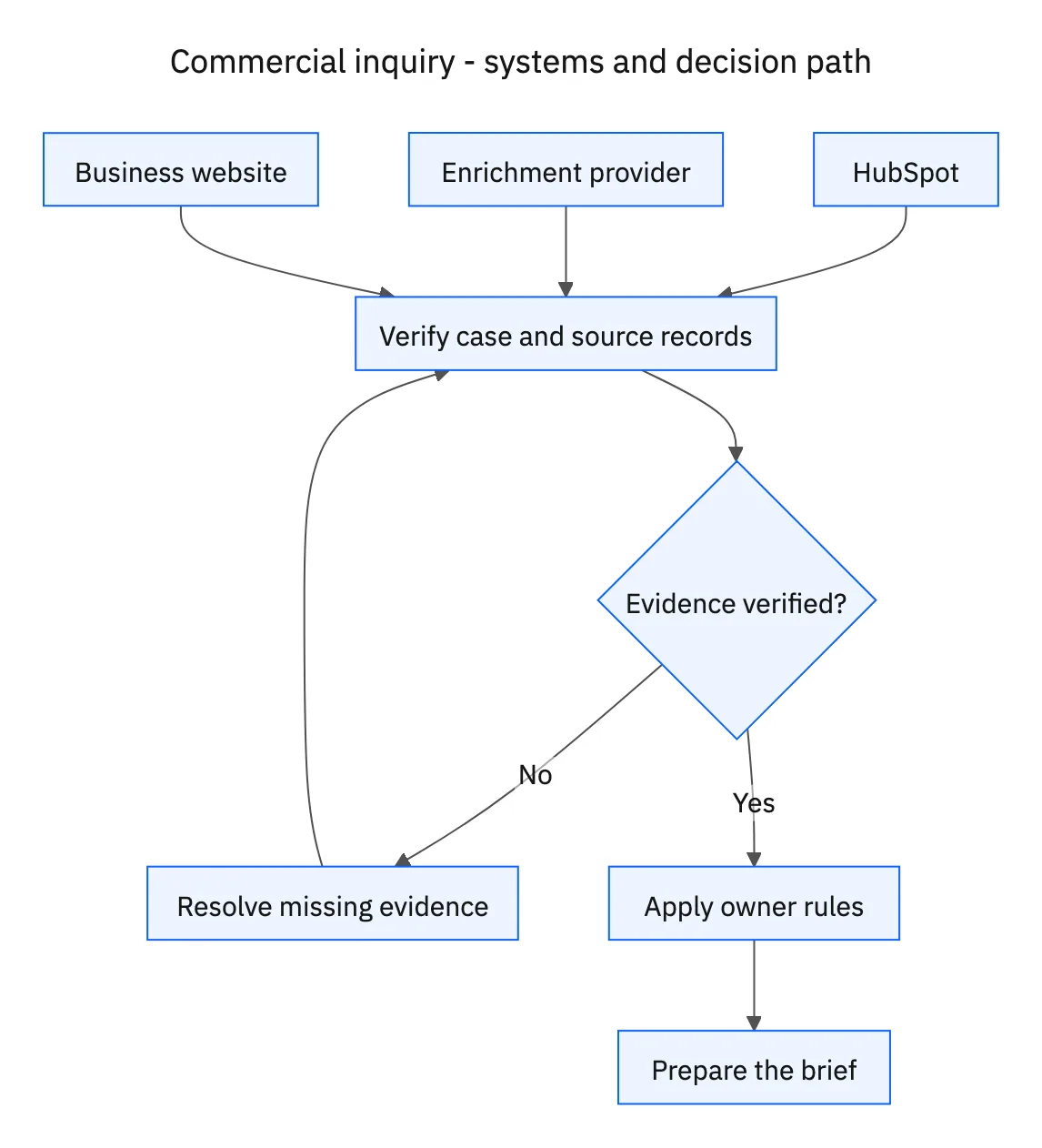
| System or owner | Evidence and responsibility |
|---|---|
| HubSpot | Inquiry, existing account relationships, sourced enrichment, and owner routing. |
| Enrichment provider | Business attributes and their source references. |
| Business website | Public company context and evidence for the project brief. |
Required context for this workflow design.
Research the business and separate facts from project unknowns
Use the configured enrichment provider and business website to add sourced company information. Record source links and observation dates, and preserve verified CRM values when enrichment conflicts. Public information can establish what the business does, but it may not establish site ownership, project authority, financing, or procurement timing.
Read the actual inquiry for the requester’s role. Language about installing for clients suggests a partner conversation, while a request about the company’s own facility suggests an end-customer conversation. Treat those as evidence to interpret, not hard-coded conclusions that override an ambiguous message. Ask whether they are buying for their own operation or working on behalf of a customer when unclear.
Route with a brief that prepares the first response
Apply existing account ownership and the organization’s approved end-customer or partner routing rules. Prepare a brief covering the requester, sourced company context, stated project, known relationship, unresolved role questions, and suggested follow-up. Keep a request awaiting clarification visible to an owner rather than silently assigning it to the wrong queue.
Tailor the questions to the role once established. An end-customer brief might ask which facility is in scope and who coordinates the project. A partner brief might ask the service area and whether the inquiry concerns a specific customer installation. Do not invent project capacity, incentives, estimated savings, or technical suitability from general company enrichment.
A five-step operating sequence
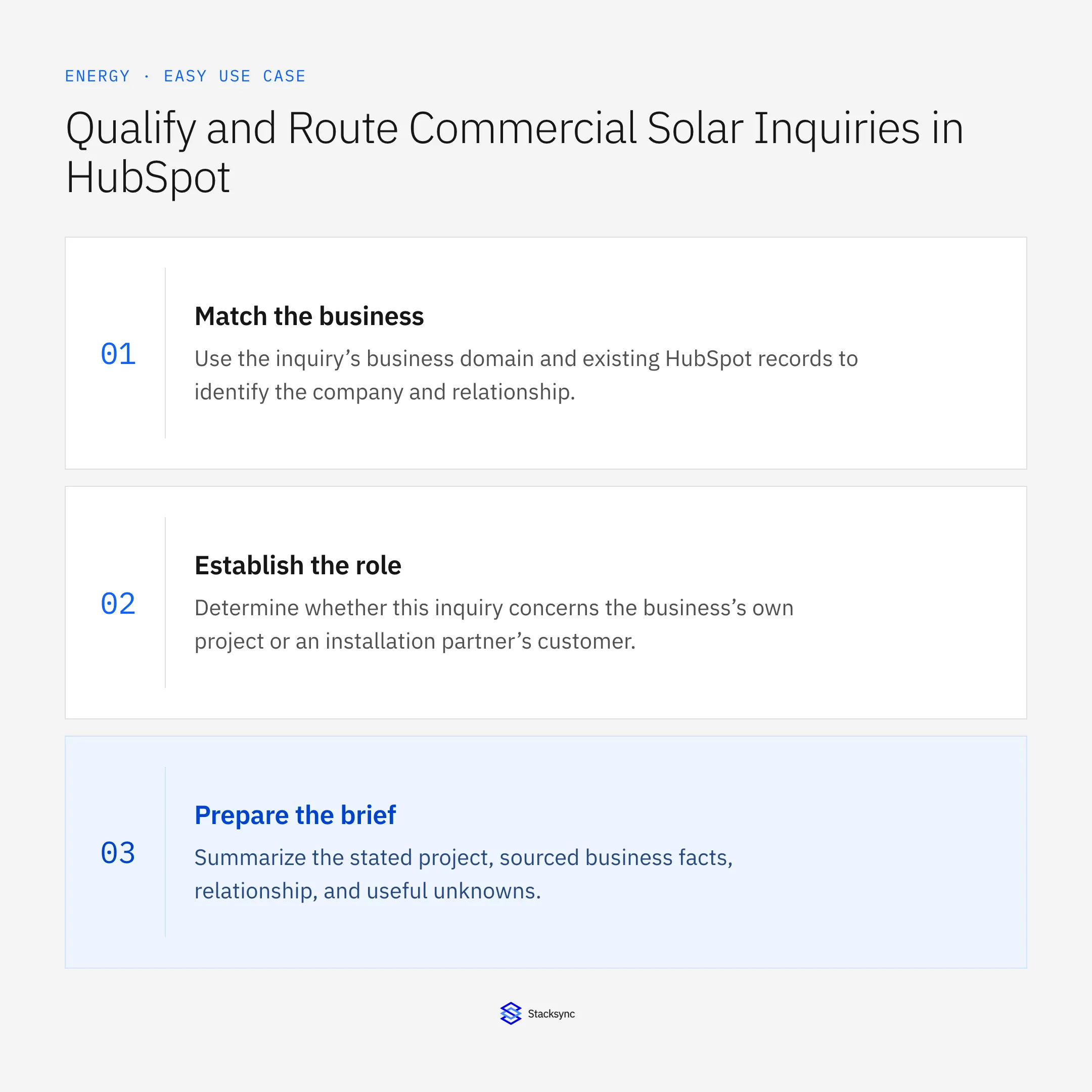
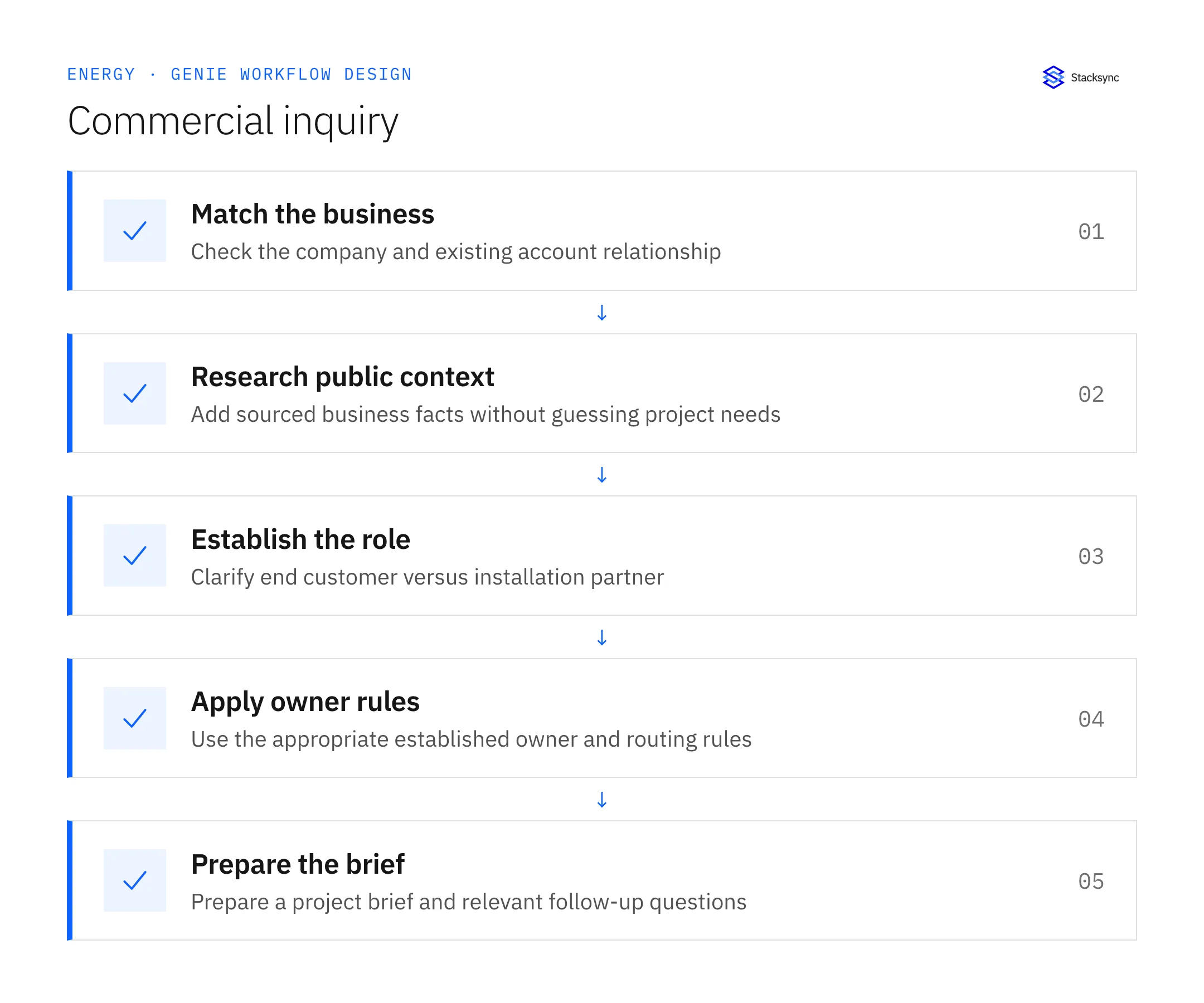
- 01Match the businessUse the inquiry’s business domain and existing HubSpot records to identify the company and relationship. Preserve customer or partner ownership. A new project question should not erase a long-standing commercial relationship.
- 02Research public contextRead the configured enrichment provider and business website, adding sources for allowed company fields. Preserve verified values and distinguish estimates. Public context should prepare discovery, not establish unverified budget, project capacity, or purchasing authority.
- 03Establish the roleDetermine whether this inquiry concerns the business’s own project or an installation partner’s customer. Ask for clarification when the message is ambiguous. A company’s industry classification is a clue, not a substitute for the requester’s project role.
- 04Apply owner rulesRoute the inquiry using established account ownership and the approved end-customer or partner path. Keep any unresolved routing decision visible to the responsible team. Do not invent a territory or assign an unrelated owner to force completion.
- 05Prepare the briefSummarize the stated project, sourced business facts, relationship, and useful unknowns. Choose discovery questions appropriate to the confirmed role. Avoid unsupported savings estimates, incentive eligibility, or technical conclusions about the proposed installation.
Illustrative workflow example
An inquiry says the business wants equipment for a client’s warehouse. Existing HubSpot records show an installation-partner relationship. The workflow routes it to the partner owner with the project statement and questions about the customer installation scope.
This example uses fictional records to show the decision logic. It is not a customer case study or a claim of measured results. In a live case, retain the actual record IDs and evidence behind each statement, and replace all illustrative quantities or timing assumptions with the approved operational inputs.
What the handoff should contain
A sourced HubSpot project brief with the requester’s confirmed role, existing relationship, correct owner, and role-specific follow-up questions.
Keep the evidence reference, observation time, current owner, and outstanding decision with the case. A colleague taking over should be able to distinguish a proposal from a confirmed result without reading every previous message. If a source value changes while the case is waiting, recheck the affected decision before proceeding.
Approval and completion checklist
- Check existing account relationships before enrichment or routing.
- Add sourced business information without treating estimates as verified project facts.
- Determine end customer versus installation partner from the inquiry and clarify ambiguity.
- Route to the appropriate owner with a brief and relevant follow-up questions.
Validate the job before enabling it
Start with a small reviewed set of cases from the systems above. Include a complete case, an ambiguous match, a missing source record, and an interrupted action where the result is uncertain. Use a draft or test environment for validation and compare the output with the source records before allowing the configured production actions.
For this job, the most important checks are check existing account relationships before enrichment or routing. Route to the appropriate owner with a brief and relevant follow-up questions. Record the expected result before the trial, then compare both the proposed action and the final evidence. A fluent message is not a passing result if it skips one of these conditions.
- Inquiries routed with an established requester role
- Ambiguous roles clarified before final routing
- Company attributes with recorded sources
Use these as operating measures, not promised performance improvements. Establish the current baseline and review exceptions with the team that owns the process. Investigate an increase in incorrect matches, unauthorized actions, or premature closure before expanding the job’s scope.

Give your Genie a job description
Copy the job description below. It preserves the scope and decision boundaries of this use case. Configure the referenced systems, record relationships, policies, and approval owners in your workspace before enabling the job.
Paste this into “Give your Genie a job description.” Explore Stacksync Genies.
Apply this in solar installation and O&M services: hubSpot opportunity and site and property relationship
Once a commercial solar inquiry has been qualified and routed in HubSpot, the next handoff is the approved project account. The linked HubSpot–Acumatica guide preserves customer and project identity without treating a qualified inquiry as a finance-approved customer or installation commitment.
| Record to reconcile | Responsible owner | Rule to preserve |
|---|---|---|
| HubSpot opportunity | Sales operations | Track commercial stage and the approved scope reference. |
| Site and property relationship | Project administration | Maintain the physical project location separately from the payer. |
| Acumatica customer | Finance | Own approved legal identity and billing terms. |
An exception to plan for: Property manager is not the legal customer. Preserve the relationship contact and request finance approval for the actual project customer. Acceptance check for the pilot: each project resolves to an approved customer and physical site.
The solar installation and O&M services hub connects the broader operating context. These guides develop the specific record mappings and decisions for this application:
Implementation references
These first-party references document the underlying records and interfaces. The cross-system sequence, approvals, and completion rules in this article are a proposed operational configuration; validate them against your connected workspace before enabling it.

FAQ
Frequently asked questions










Related articles






