






















Solar Fleet Ownership Changes: Align Salesforce Asset Owners With NetSuite Billing Customers
Handle solar asset ownership changes without moving historical service obligations or invoices to the wrong customer.
- Author
- Ruben Burdin · Founder & CEO
- Published
- Read time
- 5 min read

The operating decision
Solar service organizations should model asset ownership, site contacts, service agreements and billing customers as separate effective-dated relationships. Salesforce–NetSuite two-way sync can distribute approved updates, but a change in the current asset owner must not rewrite historical invoices or automatically transfer an agreement. Finance and contract administration should review the commercial transition, while asset administration preserves the equipment and service history at the site.
Explore the complete solar installation and O&M services integration and automation hub for the systems and processes around this guide.
What this looks like in solar installation and O&M services
A solar O&M provider services a commercial installation after the property changes ownership. Salesforce needs the new customer relationship, dispatch needs new site-access contacts, and NetSuite must retain outstanding invoices for the previous customer. The installed equipment remains in place. A single overwrite of customer ID would blur who requested earlier service and who is responsible for future work. The handoff needs an effective date and a decision about the service agreement.
Records, ownership, and update rules
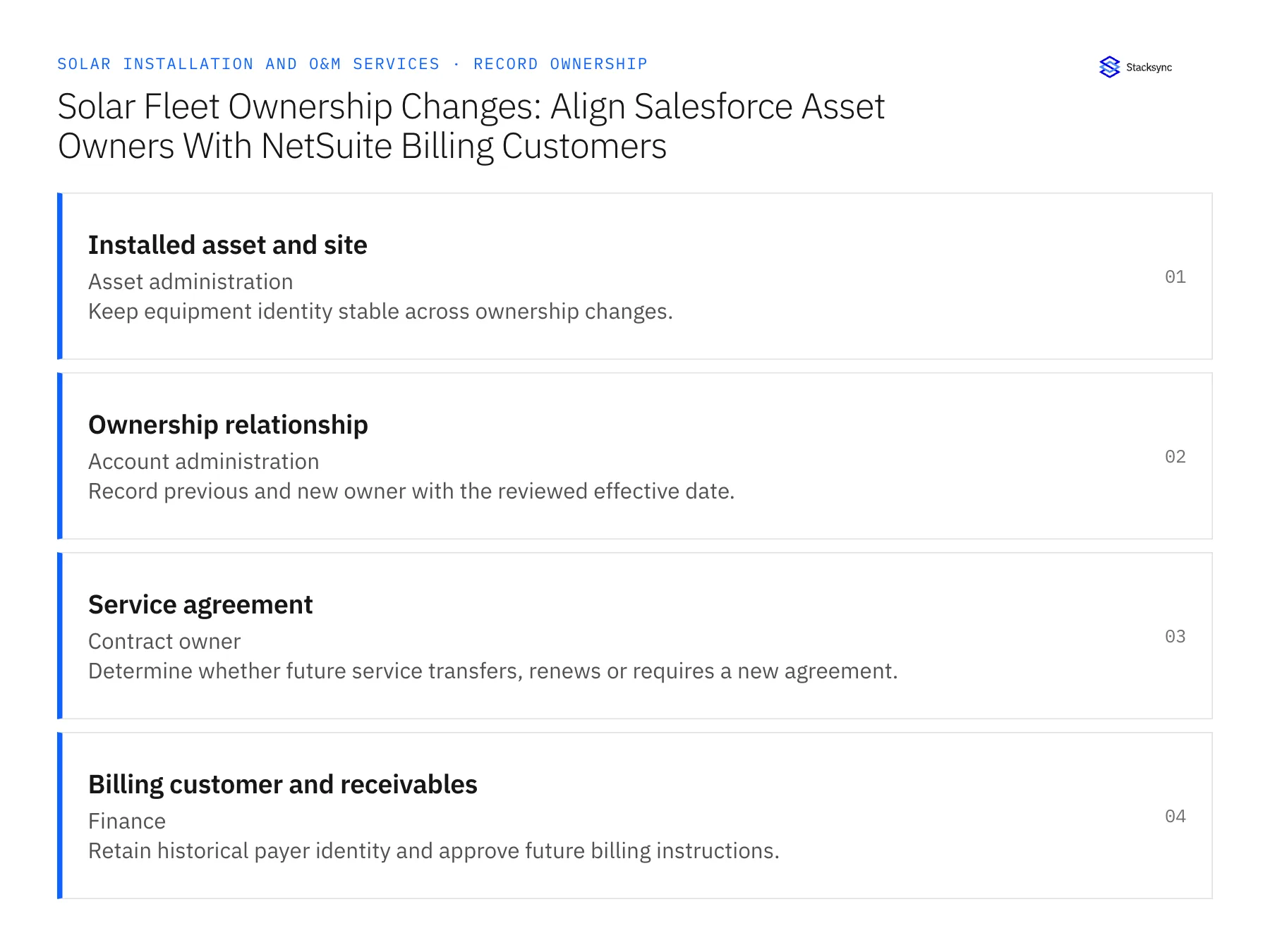
| Record | Owner | Operating rule |
|---|---|---|
| Installed asset and site | Asset administration | Keep equipment identity stable across ownership changes. |
| Ownership relationship | Account administration | Record previous and new owner with the reviewed effective date. |
| Service agreement | Contract owner | Determine whether future service transfers, renews or requires a new agreement. |
| Billing customer and receivables | Finance | Retain historical payer identity and approve future billing instructions. |
Work through the process
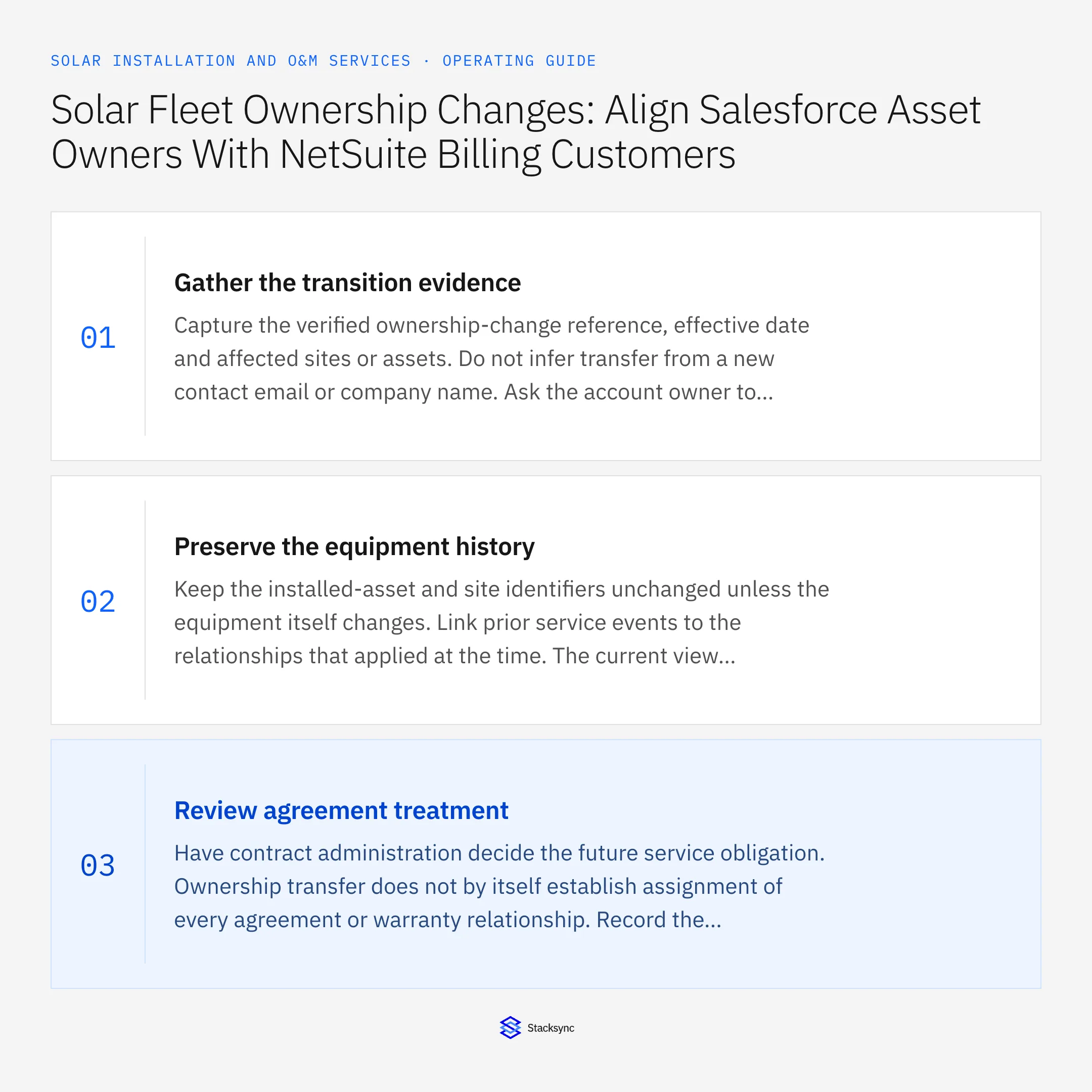
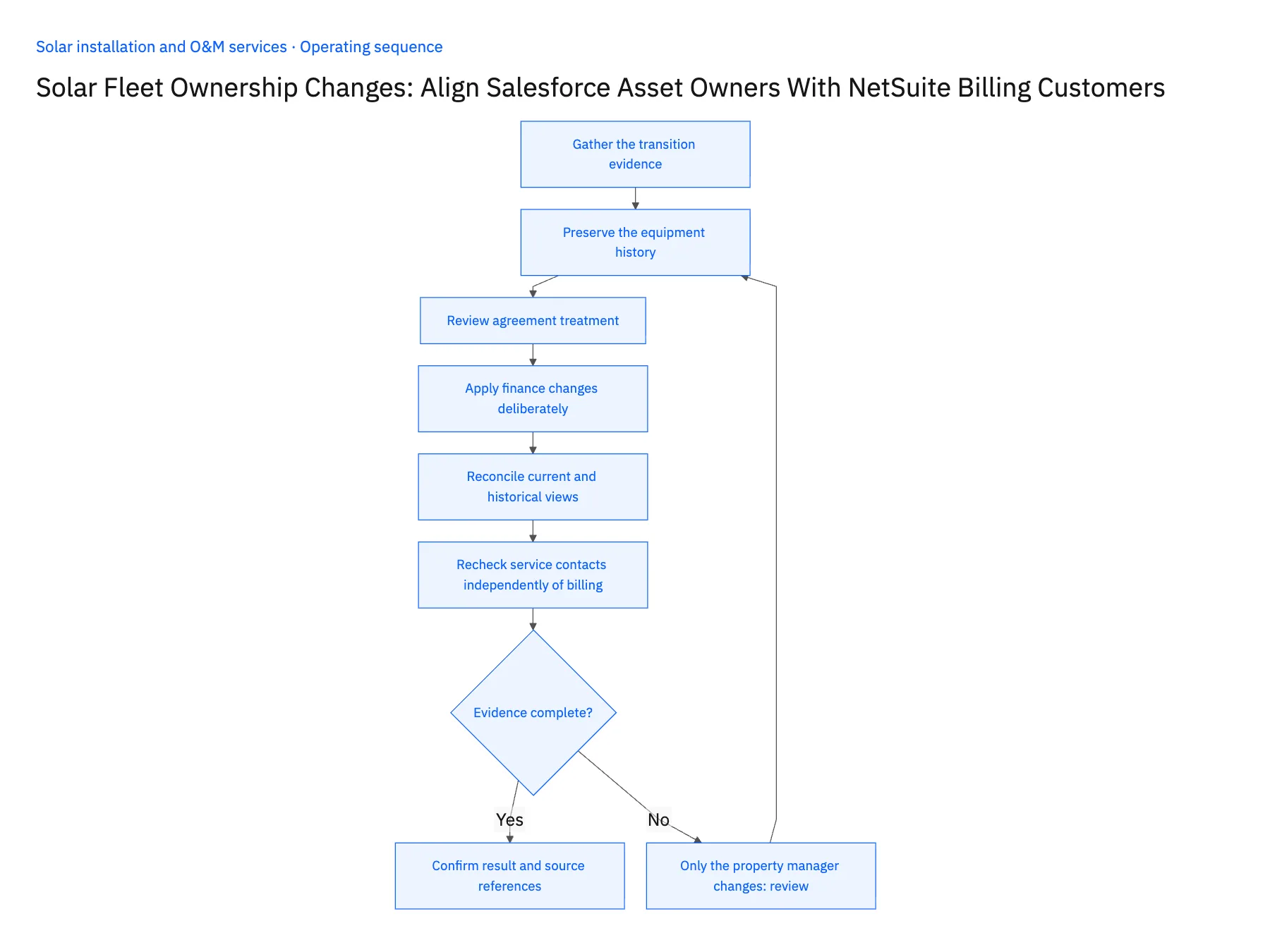
- 01Gather the transition evidenceCapture the verified ownership-change reference, effective date and affected sites or assets. Do not infer transfer from a new contact email or company name. Ask the account owner to identify whether the change applies to one installation, a property portfolio or only the management contact.
- 02Preserve the equipment historyKeep the installed-asset and site identifiers unchanged unless the equipment itself changes. Link prior service events to the relationships that applied at the time. The current view can highlight the new owner while historical visits remain attributable to the customer that authorized them.
- 03Review agreement treatmentHave contract administration decide the future service obligation. Ownership transfer does not by itself establish assignment of every agreement or warranty relationship. Record the approved agreement reference and effective dates, and leave unresolved coverage visible to dispatch and account management.
- 04Apply finance changes deliberatelyCreate or approve the new billing relationship using the supported NetSuite customer operations. Preserve open receivables and previously issued invoices under their correct historical customer. A CRM update should not automatically reassign debt or change financial document ownership.
- 05Reconcile current and historical viewsTest a visit before the transfer, a visit after it and a correction to an older invoice. Confirm the correct customer context for each date. Validate the selected Salesforce asset model and NetSuite record operations so the mapping respects both object capability and business authority.
- 06Recheck service contacts independently of billingOwnership transitions often change site access and reporting contacts before finance completes the new customer relationship. Record those updates under their own verified roles and dates. Dispatch may need the new facilities contact immediately, while future billing still waits for contract review. Keeping these paths separate lets operations use current access information without implying that a new payer, agreement transfer or outstanding-balance decision has already been approved.
Handle the exceptions explicitly
Only the property manager changes
Update coordination contacts without assuming the owner or payer changed.
Transfer date is disputed
Keep the proposed relationship pending and route the decision to the account and contract owners.
Old customer has an unpaid invoice
Preserve the finance record and handle any reassignment only through the authorized financial process.
What to verify before expanding
- The installation keeps its equipment and service history.
- Past visits retain the customer context applicable at the time.
- Future billing begins only under the approved relationship.
- A contact change alone cannot transfer a service agreement.

Connect this process to the rest of your operation
Explore Stacksync two-way sync and scope the records and actions against your actual systems. Book a demo with a real installed asset and site example and the exception your team handles most often, for example only the property manager changes.
- HubSpot–Acumatica Two-Way Sync for Solar Installers
- Salesforce–NetSuite for Solar Installation and O&M
- Solar Customer Portals: Connect HubSpot Milestones With Supabase Customer Access
- Solar Project Change Orders: Route Equipment Swaps Through Approval and Revised Billing
- Solar Service Visits: Route Confirmed Repair Completion Into O&M Billing
- Distinguish Solar End Customers from Installation Partners
- Check Solar Installation Readiness Across Salesforce and NetSuite
The shared architecture guide covers record matching, ownership, and recovery across systems.
Technical references
FAQ
Frequently asked questions










Related articles






