






















Shopify–NetSuite Sync for Pet Food Brands: Match Recipes, Bag Sizes, and Variety Packs
One recipe in two bag sizes plus a trial pack should reach NetSuite as the same distinct products the customer chose in Shopify.
- Author
- Ruben Burdin · Founder & CEO
- Published
- Read time
- 5 min read

The operating decision
Pet-food two-way sync must preserve recipe, bag size, and variety-pack identity from Shopify to the approved ERP representation. Stable variant references and effective component definitions matter more than product-family names. Correct product identity supports fulfillment and later complaint tracing without implying that order data alone proves the production lot shipped.
Explore the complete pet food and treats integration and automation hub for the systems and processes around this guide.
What this looks like in pet food and treats
A pet brand sells one recipe in two bag sizes and a trial variety pack containing several recipes. A customer buys the larger bag and a trial pack. Mapping by recipe name alone can select the small bag and erase the trial pack’s components, leaving support unable to explain the exact products purchased.
Records, ownership, and update rules
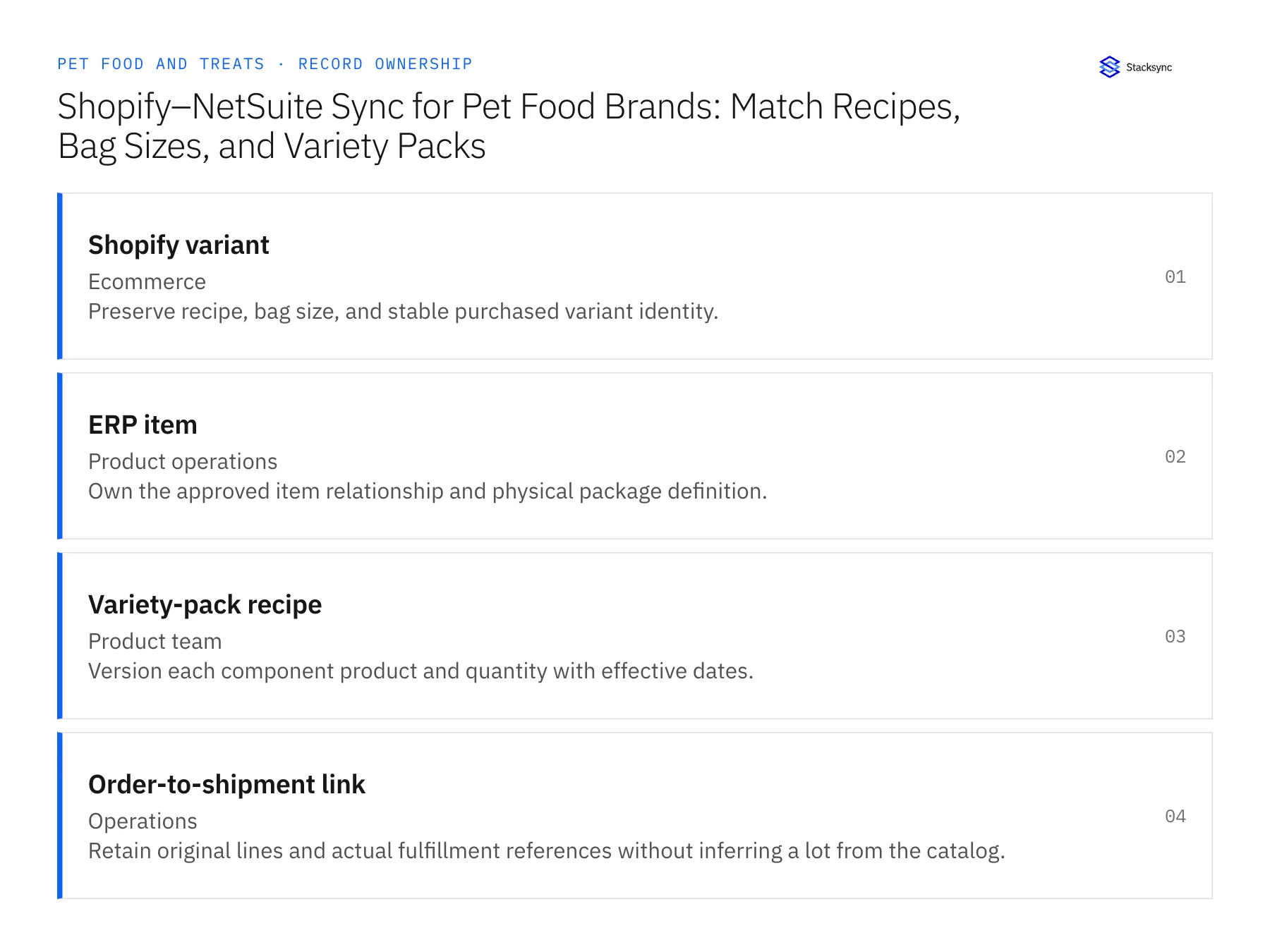
| Record | Owner | Operating rule |
|---|---|---|
| Shopify variant | Ecommerce | Preserve recipe, bag size, and stable purchased variant identity. |
| ERP item | Product operations | Own the approved item relationship and physical package definition. |
| Variety-pack recipe | Product team | Version each component product and quantity with effective dates. |
| Order-to-shipment link | Operations | Retain original lines and actual fulfillment references without inferring a lot from the catalog. |
Work through the process
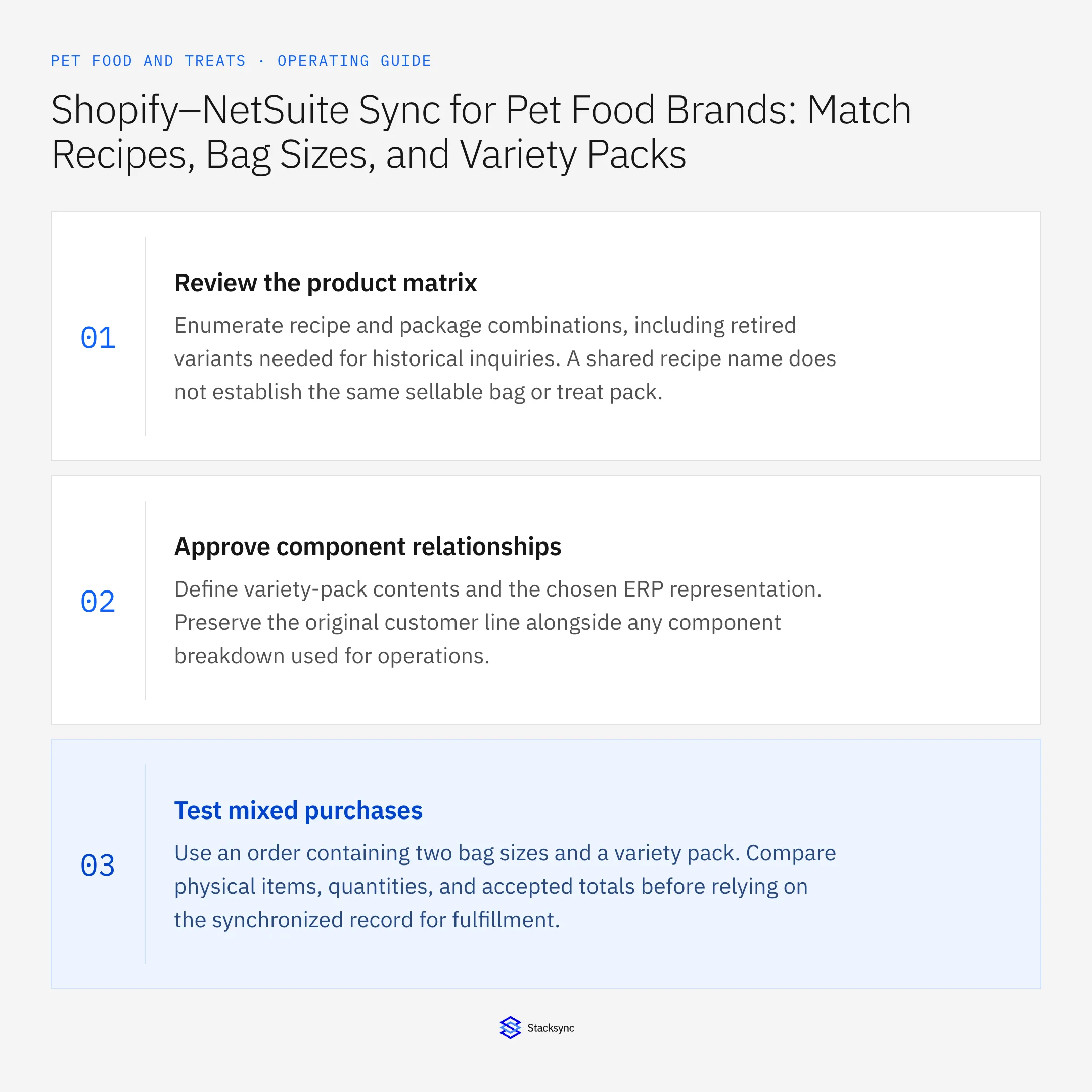
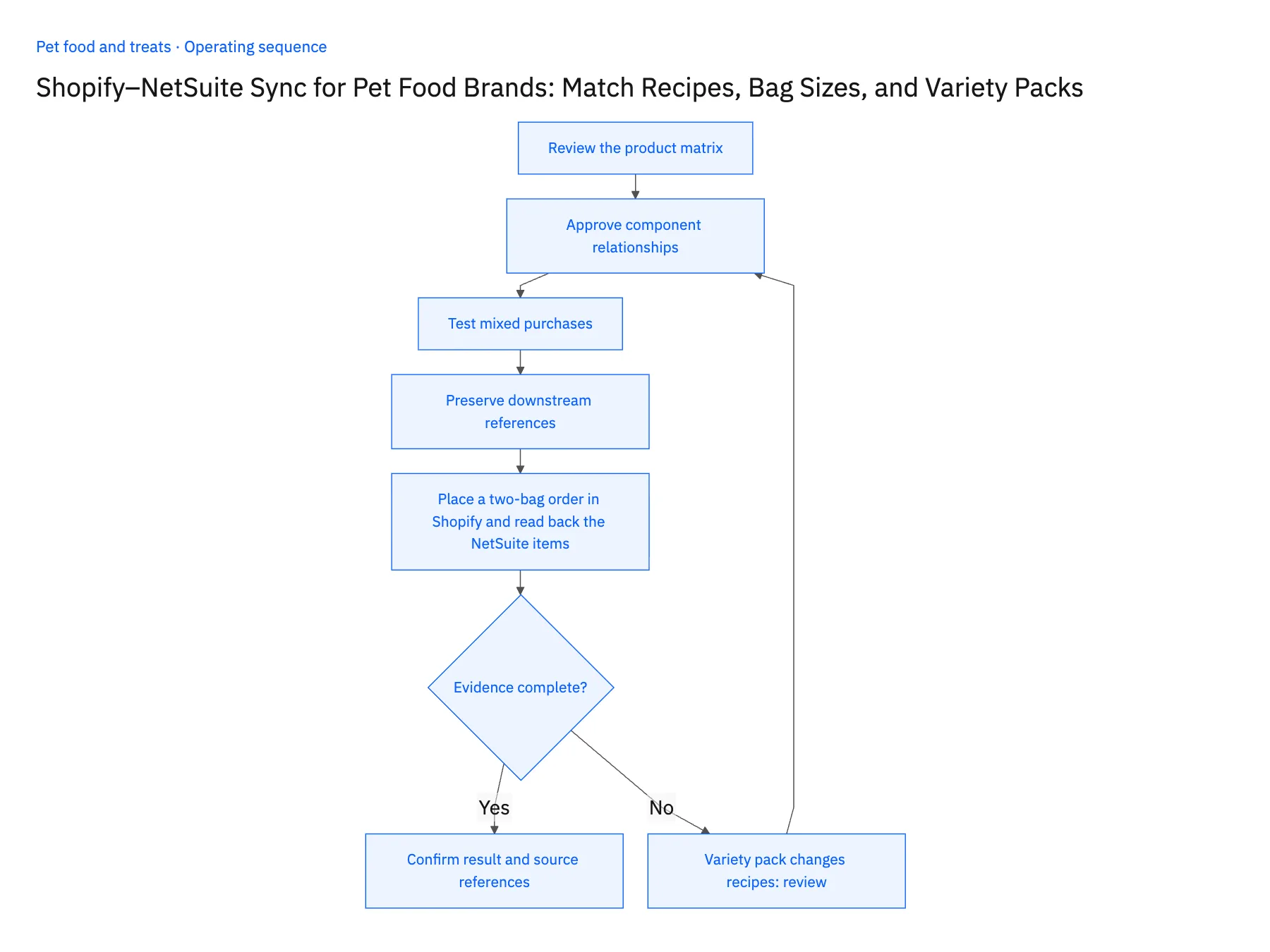
- 01Review the product matrixEnumerate recipe and package combinations, including retired variants needed for historical inquiries. A shared recipe name does not establish the same sellable bag or treat pack.
- 02Approve component relationshipsDefine variety-pack contents and the chosen ERP representation. Preserve the original customer line alongside any component breakdown used for operations.
- 03Test mixed purchasesUse an order containing two bag sizes and a variety pack. Compare physical items, quantities, and accepted totals before relying on the synchronized record for fulfillment.
- 04Preserve downstream referencesKeep order and shipment identities available for later support work. Any lot association must come from approved fulfillment or production evidence rather than the product’s current catalog record.
- 05Place a two-bag order in Shopify and read back the NetSuite itemsCreate a Shopify test order with the small bag, the large bag of the same recipe, and one trial variety pack. Open the synced sales order in NetSuite and confirm three separate lines: each bag maps to its own ERP item, and the trial pack keeps its component recipes on the line. Then change the variety pack's composition on the ERP item record and reopen the earlier order. The original components must still be there. If the two bags collapse into one item, or the old order now shows the new composition, stop the rollout and fix the item mapping before enabling any further object.
Handle the exceptions explicitly
Variety pack changes recipes
Version the composition and preserve the purchased definition.
Bag size is renamed
Retain stable identity and review whether the physical package actually changed.
Customer asks for a lot after purchase
Follow the shipment evidence; do not infer the lot from the order date alone.
What to verify before expanding
- Two bag sizes of one recipe remain distinct operational products.
- A variety-pack order retains its original component recipes.
- Changing a variety-pack recipe does not alter the component relationship retained for previously purchased orders.
- A later lot inquiry follows the actual order-to-shipment evidence rather than selecting a batch from the order date.

Connect this process to the rest of your operation
Explore Stacksync two-way sync and scope the records and actions against your actual systems. Book a demo with a real shopify variant example and the exception your team handles most often, for example variety pack changes recipes.
- Shopify–NetSuite Integration for Pet Food and Treat Brands
- Amazon–NetSuite Integration for Pet Product Returns
- Amazon–NetSuite Sync for Pet Brands: Reconcile Marketplace Returns and Original Orders
- HubSpot–NetSuite Sync for Pet Food Brands: Connect Independent Retailers and Reorder Status
- Pet Food Wholesale Workflows: Route Minimum-Order and Freight Exceptions
- NetSuite Ecommerce Integration: Boost Efficiency & Sales
- Two-Way Sync Field Mapping Workbook
The shared architecture guide covers record matching, ownership, and recovery across systems.
Technical references
FAQ
Frequently asked questions










Explore these integrations and topics
- integrationNetSuite and Shopify integration
- connectorShopify integrations
- connectorNetSuite integrations
- platformTwo-way sync
- platformCRM synchronization
- platformCRM and ERP integration
- Two-way sync guidesUnderstand two-way sync, record matching, field ownership, and production readiness.
- CRM synchronization guidesConnect customer records across sales, marketing, and operational systems.
Related articles






