






















Pet Food Wholesale Workflows: Route Minimum-Order and Freight Exceptions
Under-minimum and free-freight requests from independent stores go to the person with authority, and the approved terms stay attached to the NetSuite order.
- Author
- Ignacio Malpartida · GTM Engineer
- Published
- Read time
- 5 min read

The operating decision
Use a pet-food wholesale workflow to check retailer minimums, freight conditions, and approved exceptions before creating or releasing an order. Keep requested quantities and approved terms explicit, including the recipe and bag-size mix. A salesperson’s promise should become an operational commitment only through the authorized decision path.
Explore the complete pet food and treats integration and automation hub for the systems and processes around this guide.
What this looks like in pet food and treats
An independent store requests several small quantities across recipes and asks for free freight. The total bag count meets one informal rule but not the customer’s actual case or value threshold. The workflow should evaluate the applicable agreement and route any exception before operations receives a conflicting instruction.
Records, ownership, and update rules
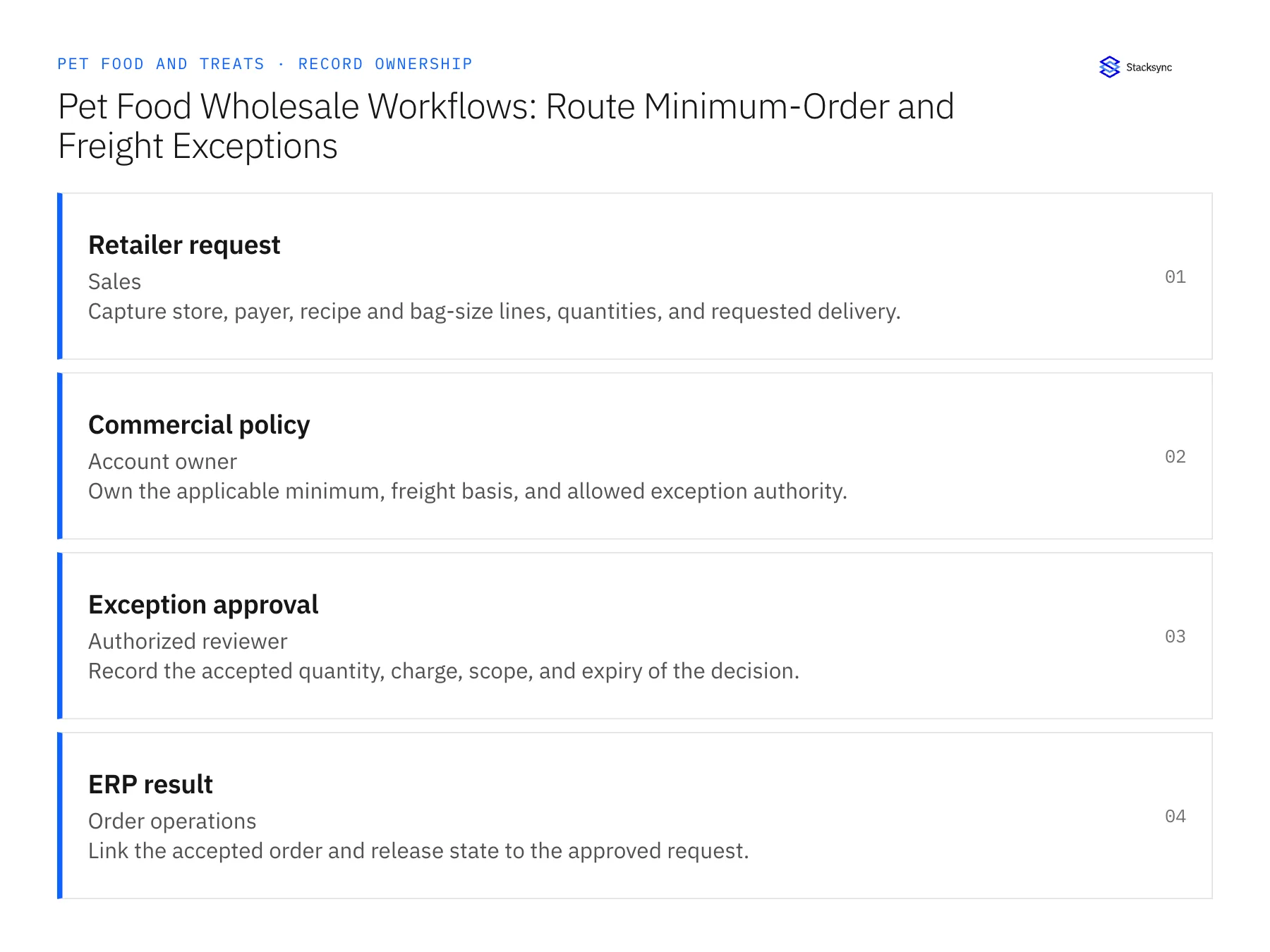
| Record | Owner | Operating rule |
|---|---|---|
| Retailer request | Sales | Capture store, payer, recipe and bag-size lines, quantities, and requested delivery. |
| Commercial policy | Account owner | Own the applicable minimum, freight basis, and allowed exception authority. |
| Exception approval | Authorized reviewer | Record the accepted quantity, charge, scope, and expiry of the decision. |
| ERP result | Order operations | Link the accepted order and release state to the approved request. |
Work through the process
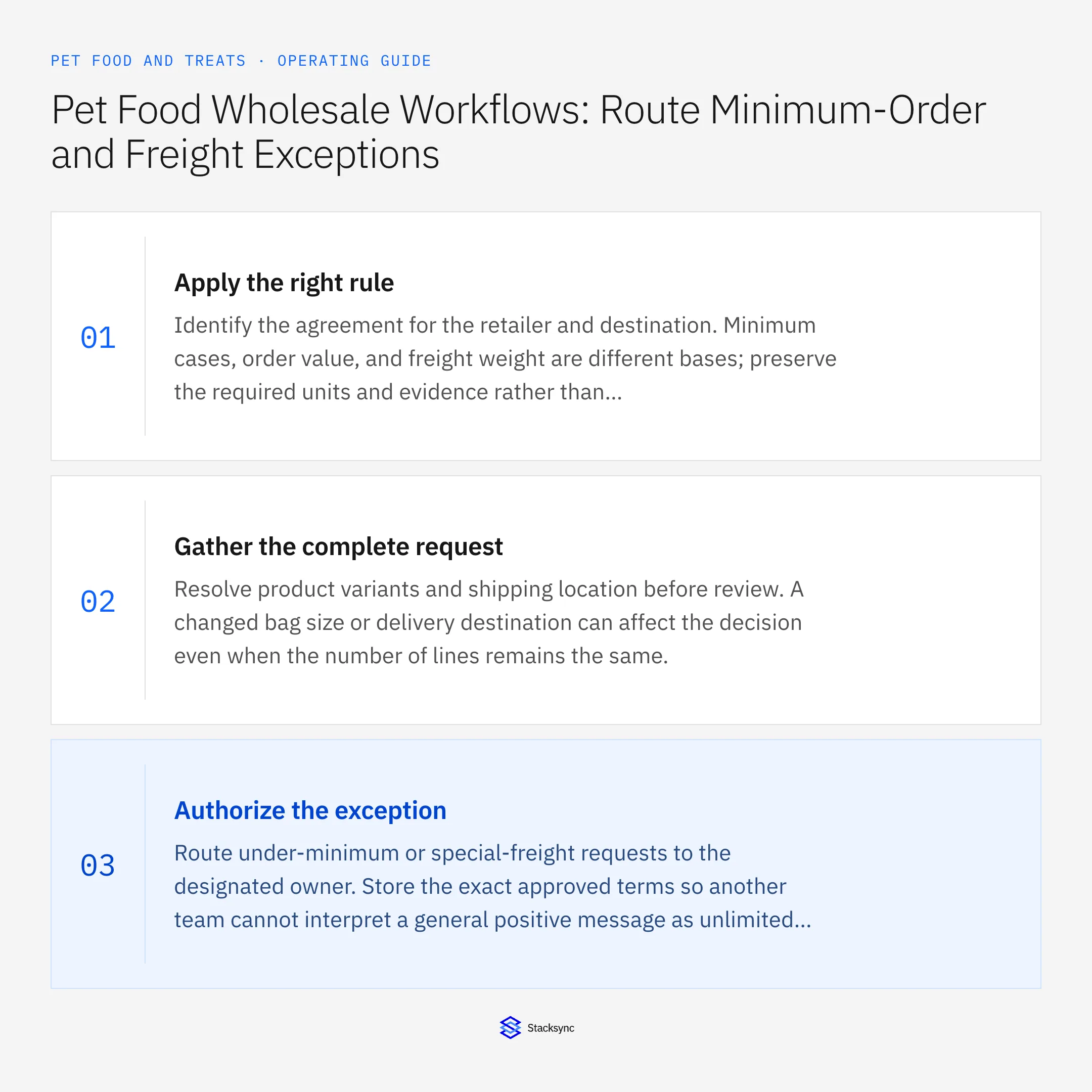
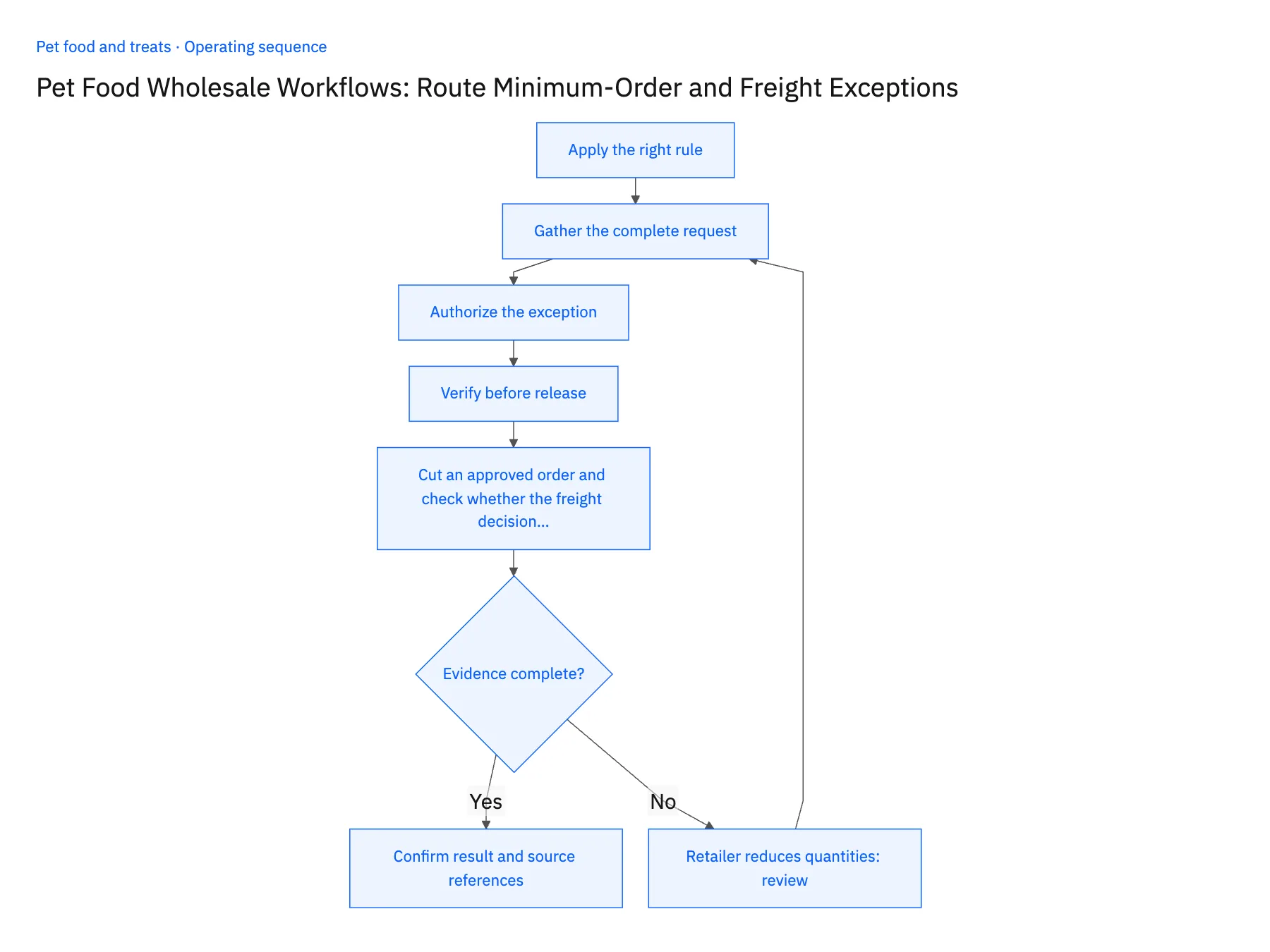
- 01Apply the right ruleIdentify the agreement for the retailer and destination. Minimum cases, order value, and freight weight are different bases; preserve the required units and evidence rather than applying a universal bag-count threshold.
- 02Gather the complete requestResolve product variants and shipping location before review. A changed bag size or delivery destination can affect the decision even when the number of lines remains the same.
- 03Authorize the exceptionRoute under-minimum or special-freight requests to the designated owner. Store the exact approved terms so another team cannot interpret a general positive message as unlimited authorization.
- 04Verify before releaseCompare the final order with the approved scope. If quantities or terms change, obtain the required review and preserve the accepted destination reference after execution.
- 05Cut an approved order and check whether the freight decision reopensTake an under-minimum request that an authorized reviewer approved with free freight, and confirm the approval record in NetSuite names the basis it was judged on: case count, order value, or freight weight, together with the quantity and charge the reviewer accepted. Then, before release, reduce one recipe line so the order falls below the quantity that approval covers. The workflow should move the order back to awaiting decision and post a new Slack request, marking the earlier approval superseded. Attempt the release without answering that request. If the order releases with free freight applied, the approval reads only approved with no basis, or the old exception carries over to the smaller order, stop the rollout.
Handle the exceptions explicitly
Retailer reduces quantities
Re-evaluate the threshold before release rather than retaining the old approval.
Request includes an unknown bag size
Resolve product identity before calculating the commercial rule.
Free freight was already approved for another order
Do not reuse an order-specific exception without explicit authority.
What to verify before expanding
- The approval records the actual minimum or freight basis reviewed.
- A changed order cannot silently inherit an unrelated exception.
- Reducing a retailer order below the approved threshold reopens the minimum-order or freight decision before release.
- A free-freight exception approved for one order cannot authorize another request without explicit review of its scope.

Connect this process to the rest of your operation
Explore Stacksync workflows and scope the records and actions against your actual systems. Book a demo with a real retailer request example and the exception your team handles most often, for example retailer reduces quantities.
- Approved Lot-Hold Automation for Pet Food Operations
- Pet Food Lot-Hold Workflows: Carry Approved Quality Decisions Into Order Operations
- AI Agents for Pet Food Brands: Trace Customer Complaints to Orders and Production Lots
- Incomplete Lot Codes and Mixed Recipes: Exception Handling for Pet Food Agents
- Two-Way Sync Field Mapping Workbook
- Give Support Agents Full Customer Context in the Helpdesk (No Tab-Switching)
The shared architecture guide covers record matching, ownership, and recovery across systems.
Technical references
FAQ
Frequently asked questions










Related articles






