






















HubSpot–NetSuite Sync for Pet Food Brands: Connect Independent Retailers and Reorder Status
Reps see which store already has an accepted NetSuite order on the way, while the retailer's central payer and each location stay separate records in HubSpot.
- Author
- Ruben Burdin · Founder & CEO
- Published
- Read time
- 5 min read

The operating decision
Connect independent pet retailers to the correct NetSuite payer, store locations, and approved order-status visibility. HubSpot can own account relationships and reorder outreach while finance and operations own accepted transactions. A requested reorder should remain distinct from an approved order or confirmed shipment.
Explore the complete pet food and treats integration and automation hub for the systems and processes around this guide.
What this looks like in pet food and treats
A retailer has two stores and one central payer. A rep follows up because one location appears overdue for a reorder, but an accepted order is already in transit to that store. Shared account and status references can prevent an unnecessary duplicate request without merging the two locations’ buying patterns.
Records, ownership, and update rules
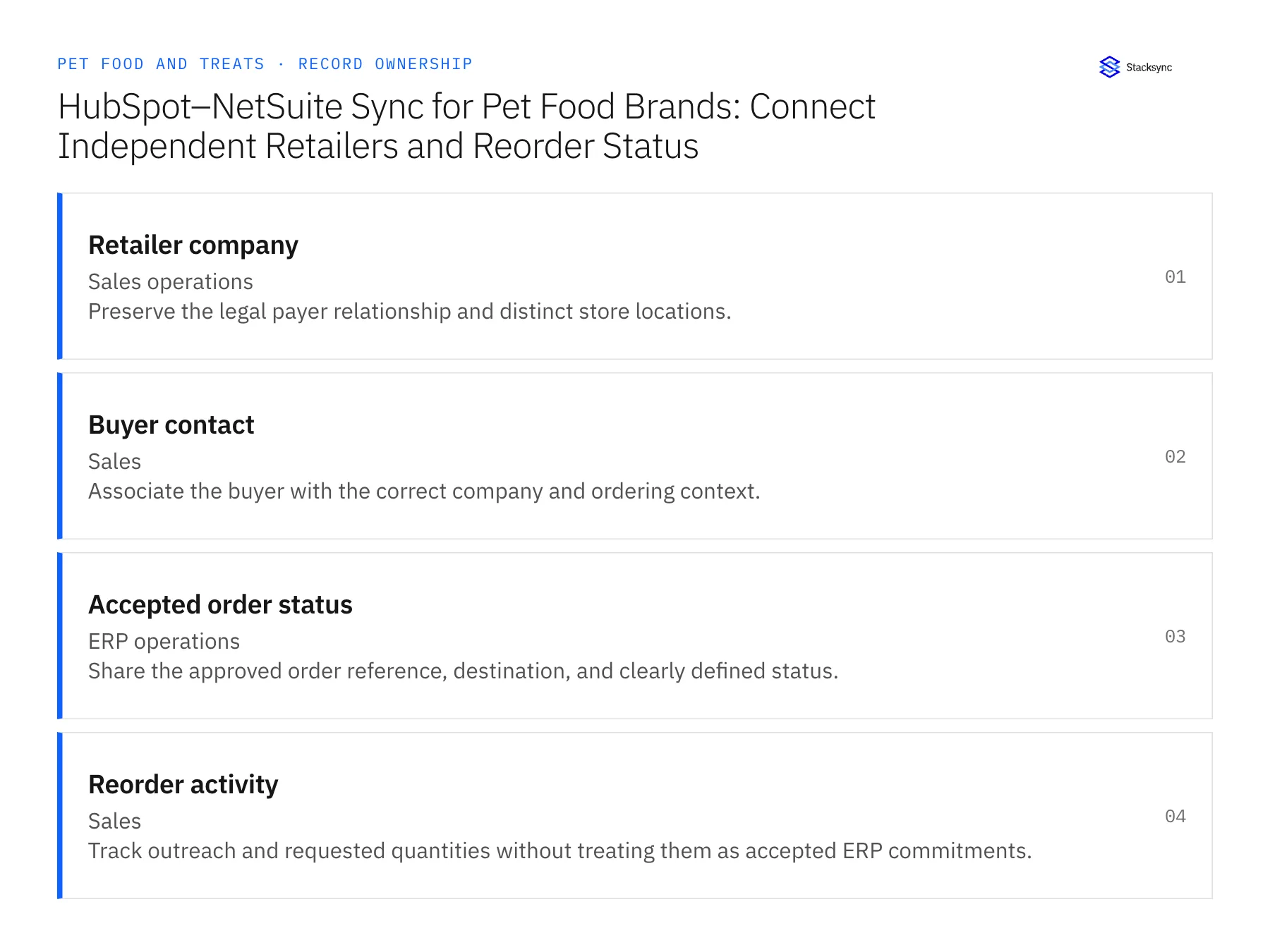
| Record | Owner | Operating rule |
|---|---|---|
| Retailer company | Sales operations | Preserve the legal payer relationship and distinct store locations. |
| Buyer contact | Sales | Associate the buyer with the correct company and ordering context. |
| Accepted order status | ERP operations | Share the approved order reference, destination, and clearly defined status. |
| Reorder activity | Sales | Track outreach and requested quantities without treating them as accepted ERP commitments. |
Work through the process
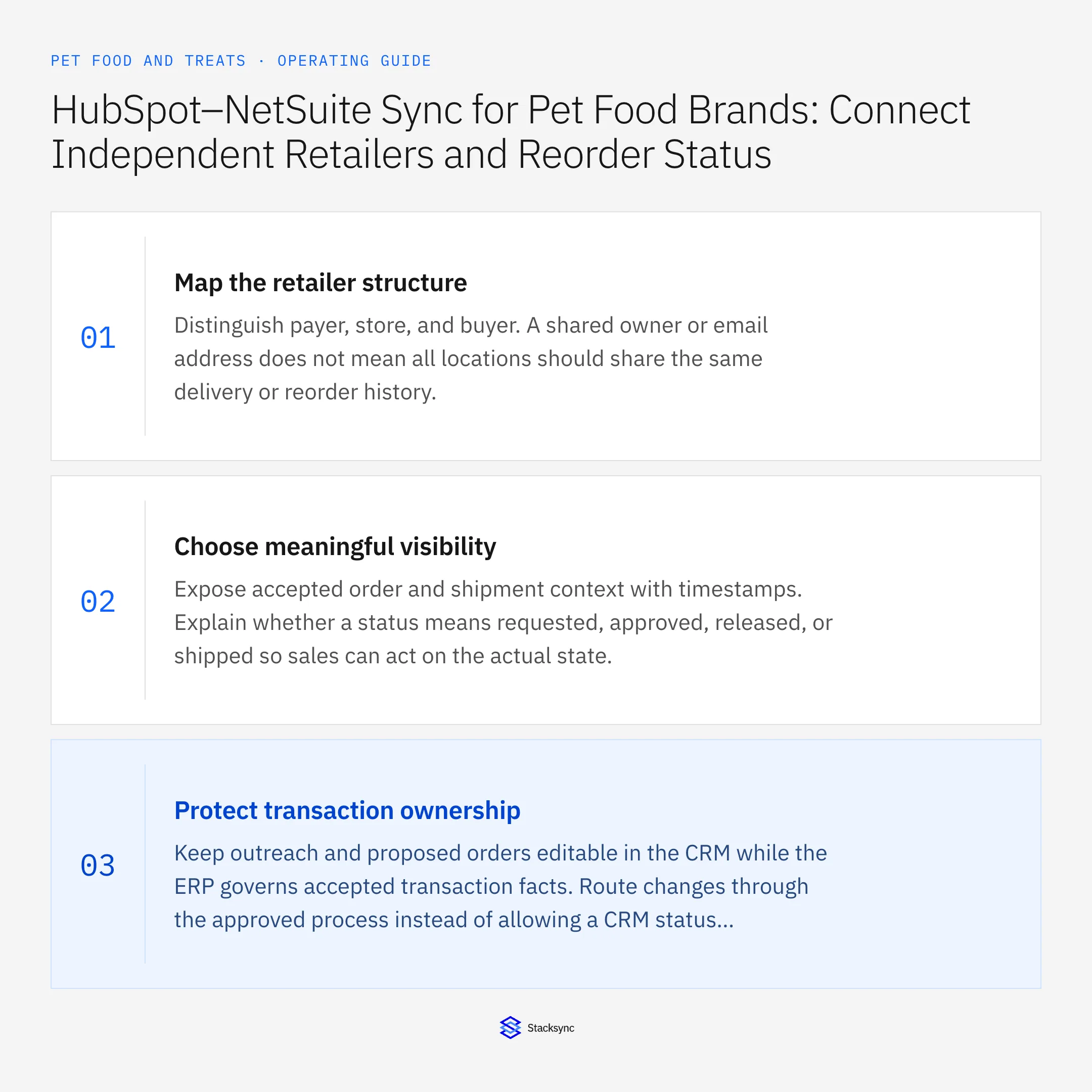
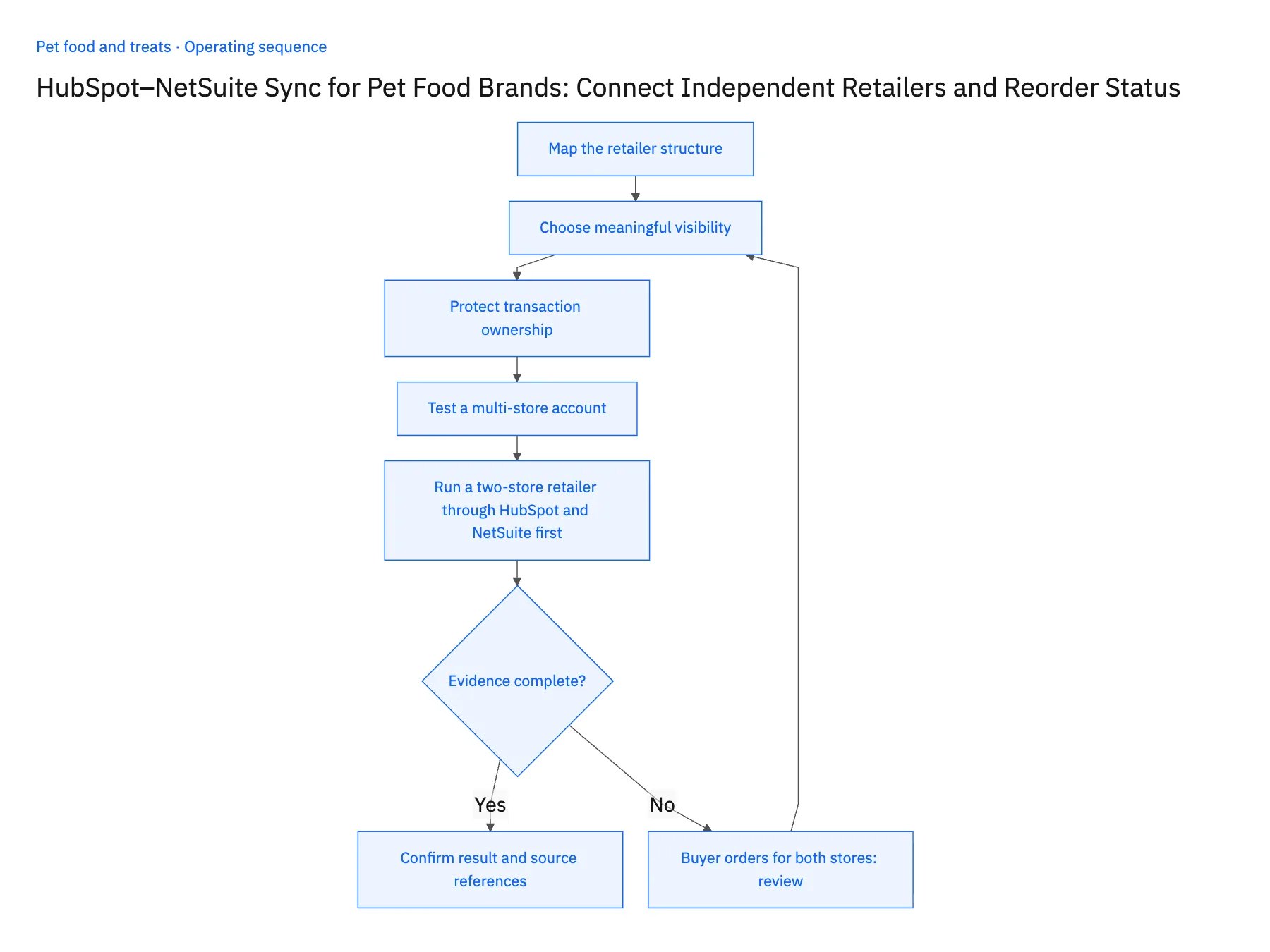
- 01Map the retailer structureDistinguish payer, store, and buyer. A shared owner or email address does not mean all locations should share the same delivery or reorder history.
- 02Choose meaningful visibilityExpose accepted order and shipment context with timestamps. Explain whether a status means requested, approved, released, or shipped so sales can act on the actual state.
- 03Protect transaction ownershipKeep outreach and proposed orders editable in the CRM while the ERP governs accepted transaction facts. Route changes through the approved process instead of allowing a CRM status edit to rewrite an order.
- 04Test a multi-store accountConfirm that the rep can see an incoming delivery for one location while separately assessing another store’s needs. Preserve location-specific history when contacts or account owners change.
- 05Run a two-store retailer through HubSpot and NetSuite firstChoose a retailer with one payer and two stores, plus an accepted NetSuite order already released to one of them. In HubSpot, confirm the in-transit order shows against the receiving store only, with its NetSuite order number and status timestamp. Then log a reorder request from the buyer contact without naming a destination; the field must stay empty rather than defaulting to the contact's usual store. Finally, mark that request as won in the CRM and check NetSuite: no sales order should appear. An order on the wrong store, a silent default destination, or a CRM stage change that creates an ERP order stops the rollout.
Handle the exceptions explicitly
Buyer orders for both stores
Require an explicit destination for each request rather than using the contact’s default location.
Store changes ownership
Review the legal customer and historical relationship before merging or moving records.
Order status is stale
Show the timestamp and route urgent questions to operations.
What to verify before expanding
- Reorder outreach can identify accepted incoming supply for the correct store.
- CRM activity cannot masquerade as a completed ERP order.
- One buyer ordering for two stores must specify the destination; the contact's default location cannot silently receive both orders.
- A store ownership change preserves historical payer and order relationships until the approved account transition is applied.

Connect this process to the rest of your operation
Explore Stacksync two-way sync and scope the records and actions against your actual systems. Book a demo with a real retailer company example and the exception your team handles most often, for example buyer orders for both stores.
- Shopify–NetSuite Integration for Pet Food and Treat Brands
- Amazon–NetSuite Integration for Pet Product Returns
- Shopify–NetSuite Sync for Pet Food Brands: Match Recipes, Bag Sizes, and Variety Packs
- Pet Food Wholesale Workflows: Route Minimum-Order and Freight Exceptions
- Pet Food Lot-Hold Workflows: Carry Approved Quality Decisions Into Order Operations
- NetSuite Ecommerce Integration: Boost Efficiency & Sales
- Two-Way Sync Field Mapping Workbook
The shared architecture guide covers record matching, ownership, and recovery across systems.
Technical references
FAQ
Frequently asked questions










Explore these integrations and topics
- integrationHubSpot and NetSuite integration
- connectorHubSpot integrations
- connectorNetSuite integrations
- platformTwo-way sync
- platformCRM synchronization
- platformCRM and ERP integration
- Two-way sync guidesUnderstand two-way sync, record matching, field ownership, and production readiness.
- CRM synchronization guidesConnect customer records across sales, marketing, and operational systems.
Related articles





