






















Salesforce–NetSuite Sync for Household Brands Serving Janitorial Distributors
Janitorial distributors stay the paying customer in NetSuite while Salesforce tracks the schools and offices they serve, so no facility turns into an accidental billing account.
- Author
- Ruben Burdin · Founder & CEO
- Published
- Read time
- 5 min read

The operating decision
Connect janitorial distributor relationships to the finance-owned customer and the correct delivery locations. Salesforce can maintain account activity and commercial context while NetSuite remains authoritative for accepted customer terms and financial status. Distinguish a distributor from the end facility it serves before assigning orders or balances.
Explore the complete household consumables integration and automation hub for the systems and processes around this guide.
What this looks like in household consumables
A household-product manufacturer sells through a janitorial distributor that supplies schools and office facilities. Sales tracks those end facilities as opportunities, but the distributor is the payer. A naive account sync could create financial customers for every facility and move order history away from the actual buying relationship.
Records, ownership, and update rules
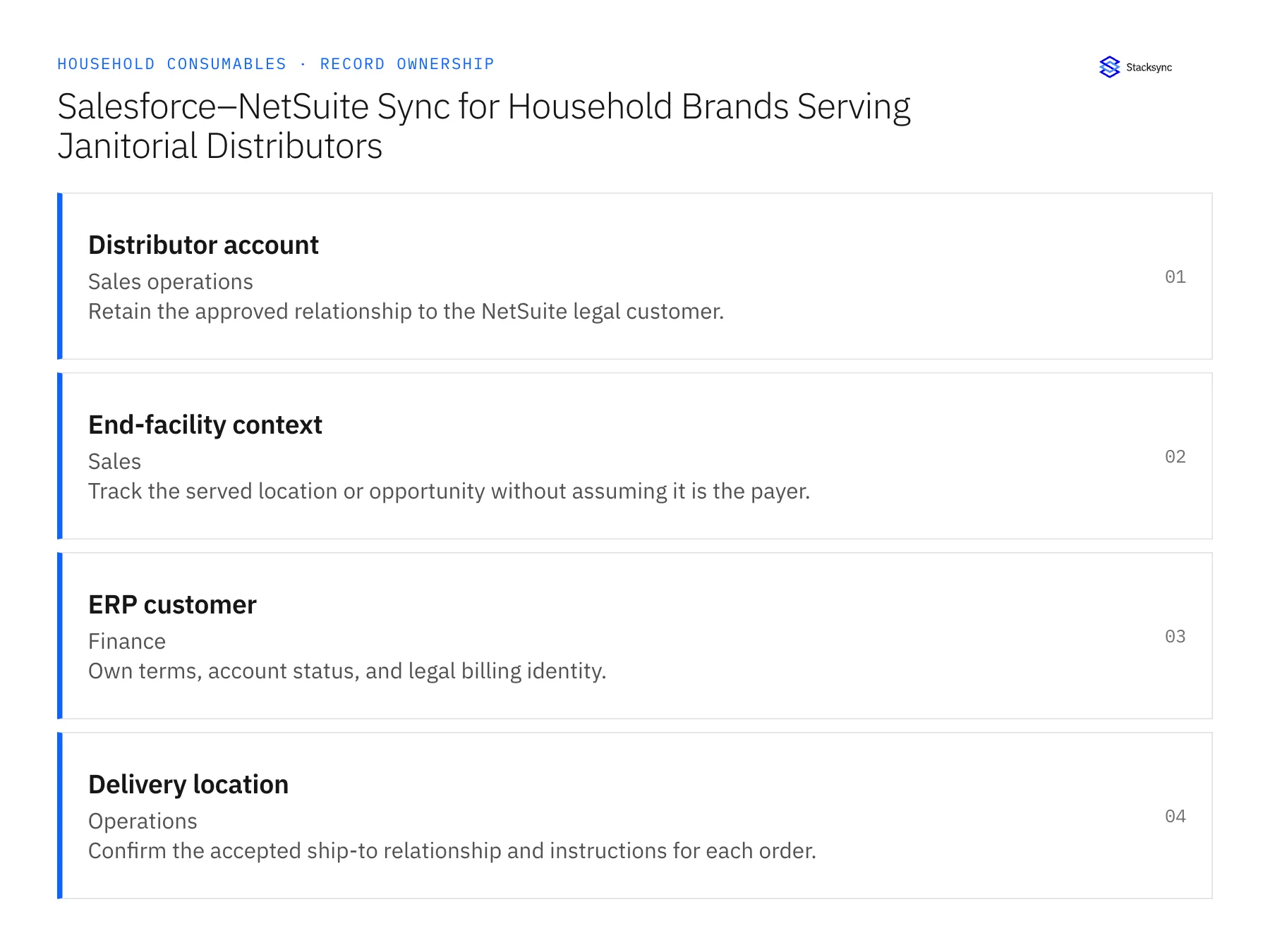
| Record | Owner | Operating rule |
|---|---|---|
| Distributor account | Sales operations | Retain the approved relationship to the NetSuite legal customer. |
| End-facility context | Sales | Track the served location or opportunity without assuming it is the payer. |
| ERP customer | Finance | Own terms, account status, and legal billing identity. |
| Delivery location | Operations | Confirm the accepted ship-to relationship and instructions for each order. |
Work through the process
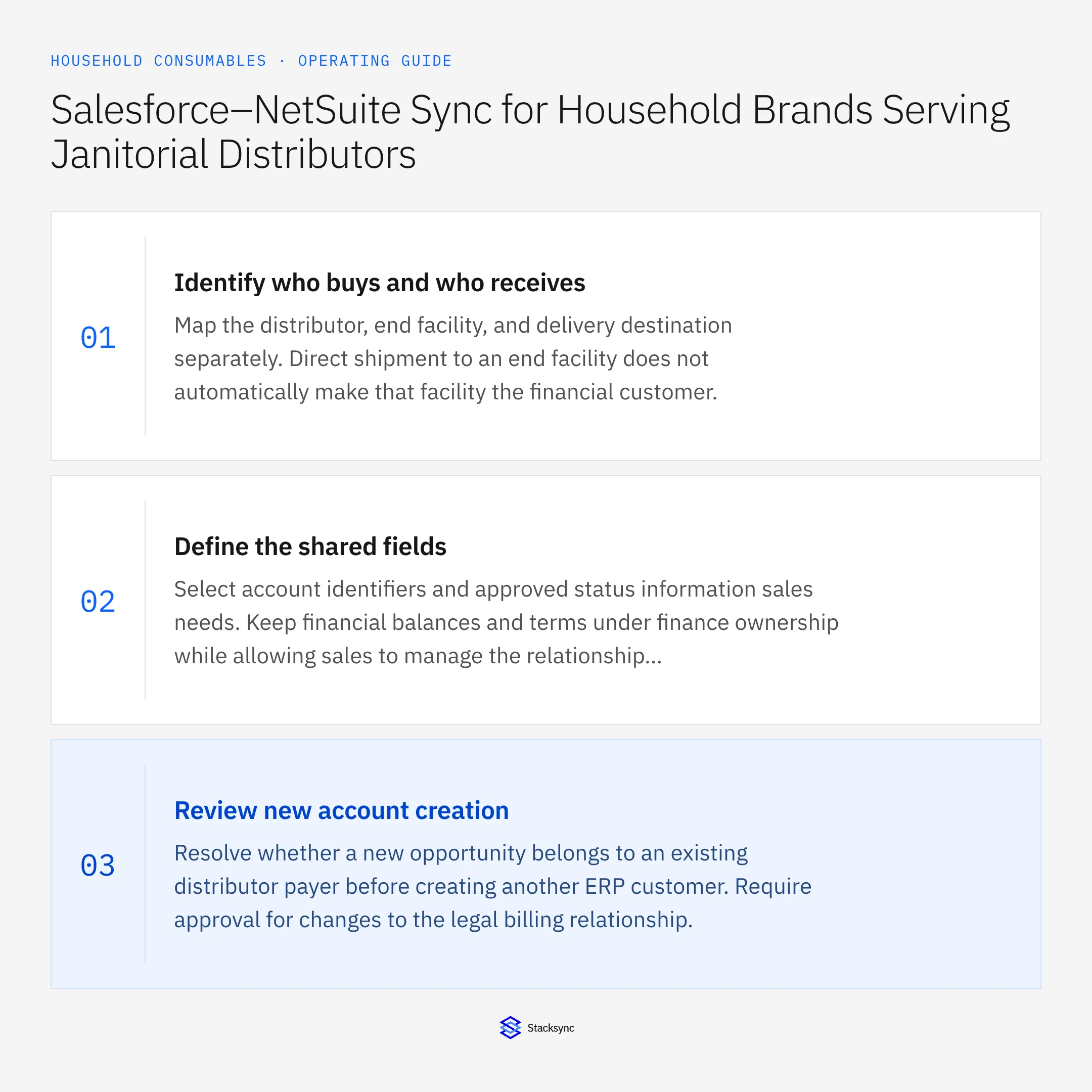
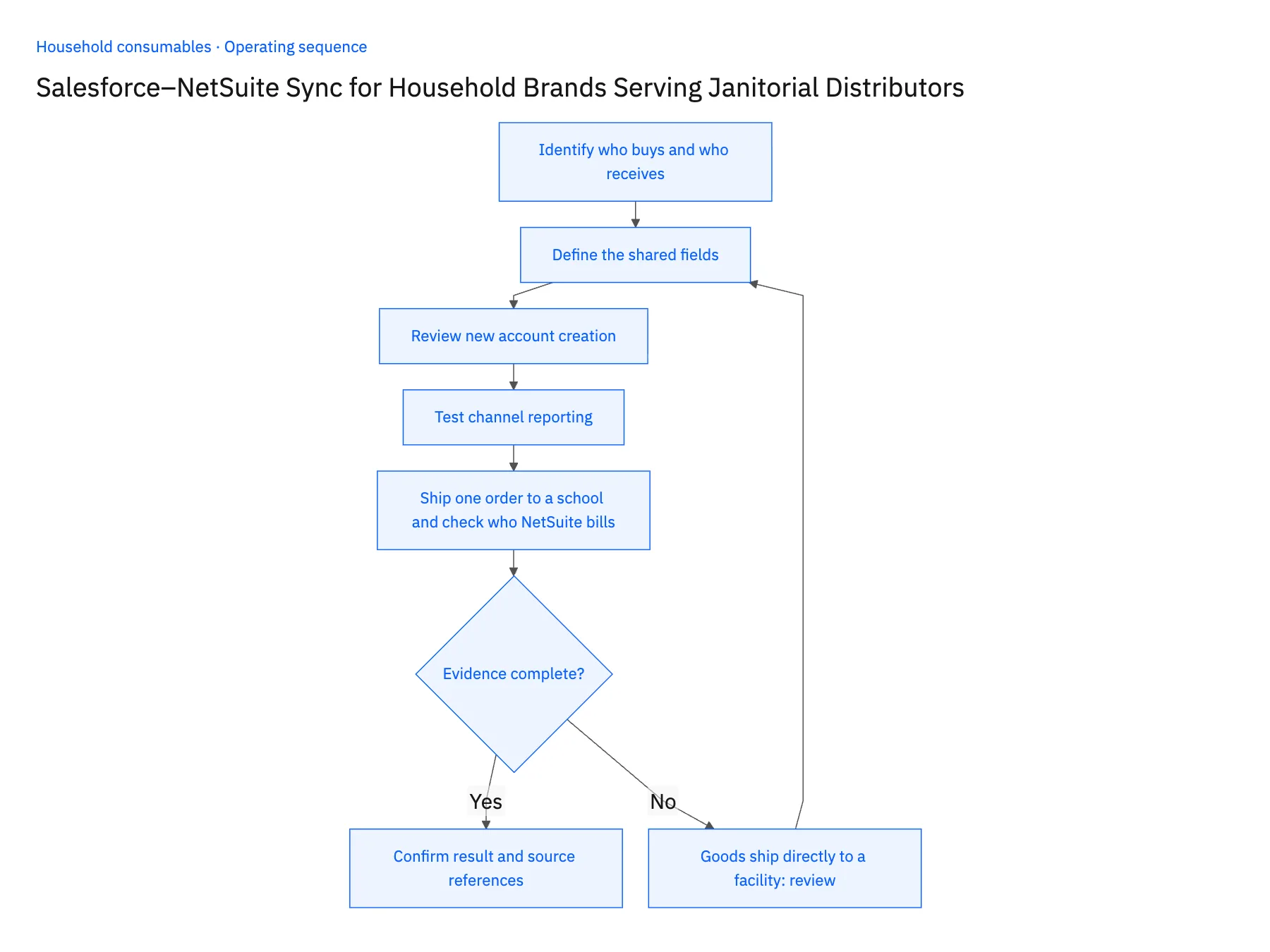
- 01Identify who buys and who receivesMap the distributor, end facility, and delivery destination separately. Direct shipment to an end facility does not automatically make that facility the financial customer.
- 02Define the shared fieldsSelect account identifiers and approved status information sales needs. Keep financial balances and terms under finance ownership while allowing sales to manage the relationship context.
- 03Review new account creationResolve whether a new opportunity belongs to an existing distributor payer before creating another ERP customer. Require approval for changes to the legal billing relationship.
- 04Test channel reportingCheck that sales can see the end-facility opportunity while finance still attributes the order and payment to the correct distributor. Preserve both relationships in reconciliation.
- 05Ship one order to a school and check who NetSuite billsTake a real order where the distributor buys but the goods go straight to a school it serves. In Salesforce, log the school as end-facility context on the distributor account and let the records sync. Then open NetSuite: the customer list should hold no new entry for the school, the sales order should name the distributor as the customer, and the ship-to address should be the school. Repeat with an opportunity created for a second facility under the same distributor. A school appearing as a NetSuite customer, or a sales order billed to the facility, stops the rollout until the account-creation review is fixed.
Handle the exceptions explicitly
Goods ship directly to a facility
Keep the distributor payer and actual destination explicit.
Distributor changes its billing entity
Require finance review and preserve historical transaction ownership.
Facility name matches an existing customer
Use approved identifiers and relationship evidence rather than a name-only merge.
What to verify before expanding
- End-facility activity does not become an unintended legal customer.
- Orders retain both the correct payer and actual receiving destination.
- A direct-to-facility order preserves the distributor payer and actual ship-to as separate relationships.
- A facility sharing a name with an existing customer cannot merge accounts without approved identifier and relationship evidence.

Connect this process to the rest of your operation
Explore Stacksync two-way sync and scope the records and actions against your actual systems. Book a demo with a real distributor account example and the exception your team handles most often, for example goods ship directly to a facility.
- Shopify–NetSuite Integration for Household Consumable Brands
- Amazon–NetSuite Integration for Household Marketplace Quantities
- Shopify–NetSuite Sync for Household Brands: Map Refills, Concentrates, and Multipacks
- Household Product Replenishment Workflows: Prevent Duplicate Wholesale Orders
- Household Product Return Workflows: Route Damaged and Unsellable Goods for Review
- Beat Shopify API Rate Limits with Stacksync Real‑Time Sync
- Common EDI Errors in Supply Chain Integrations and How to Fix Them
The shared architecture guide covers record matching, ownership, and recovery across systems.
Technical references
FAQ
Frequently asked questions










Explore these integrations and topics
- integrationSalesforce and NetSuite integration
- connectorSalesforce integrations
- connectorNetSuite integrations
- platformTwo-way sync
- platformCRM synchronization
- platformCRM and ERP integration
- Two-way sync guidesUnderstand two-way sync, record matching, field ownership, and production readiness.
- CRM synchronization guidesConnect customer records across sales, marketing, and operational systems.
Related articles






