






















HubSpot–NetSuite Sync for CPG Brands: Distributor Accounts, Contacts, and Payment Visibility
Sales works the distributor relationship in HubSpot while NetSuite owns the legal customer, terms and ledger, and a timestamped snapshot tells reps whether a hold is current.
- Author
- Ruben Burdin · Founder & CEO
- Published
- Read time
- 5 min read

The operating decision
Sync the distributor account identity and approved ERP status fields so CPG sales teams can understand the customer before promising another order. HubSpot can hold relationship activity while NetSuite owns the legal customer, credit policy, and financial transactions. Match companies to the correct bill-to and ship-to structure rather than treating every contact as a new ERP customer.
Explore the complete consumer packaged goods integration and automation hub for the systems and processes around this guide.
What this looks like in consumer packaged goods
A regional distributor has one billing entity, several warehouses, and buyers using different email domains. Sales creates separate HubSpot companies during expansion. NetSuite still recognizes one legal customer with several delivery locations. Without a governed crosswalk, the next order can inherit the wrong terms or appear to belong to a customer with no balance.
Records, ownership, and update rules
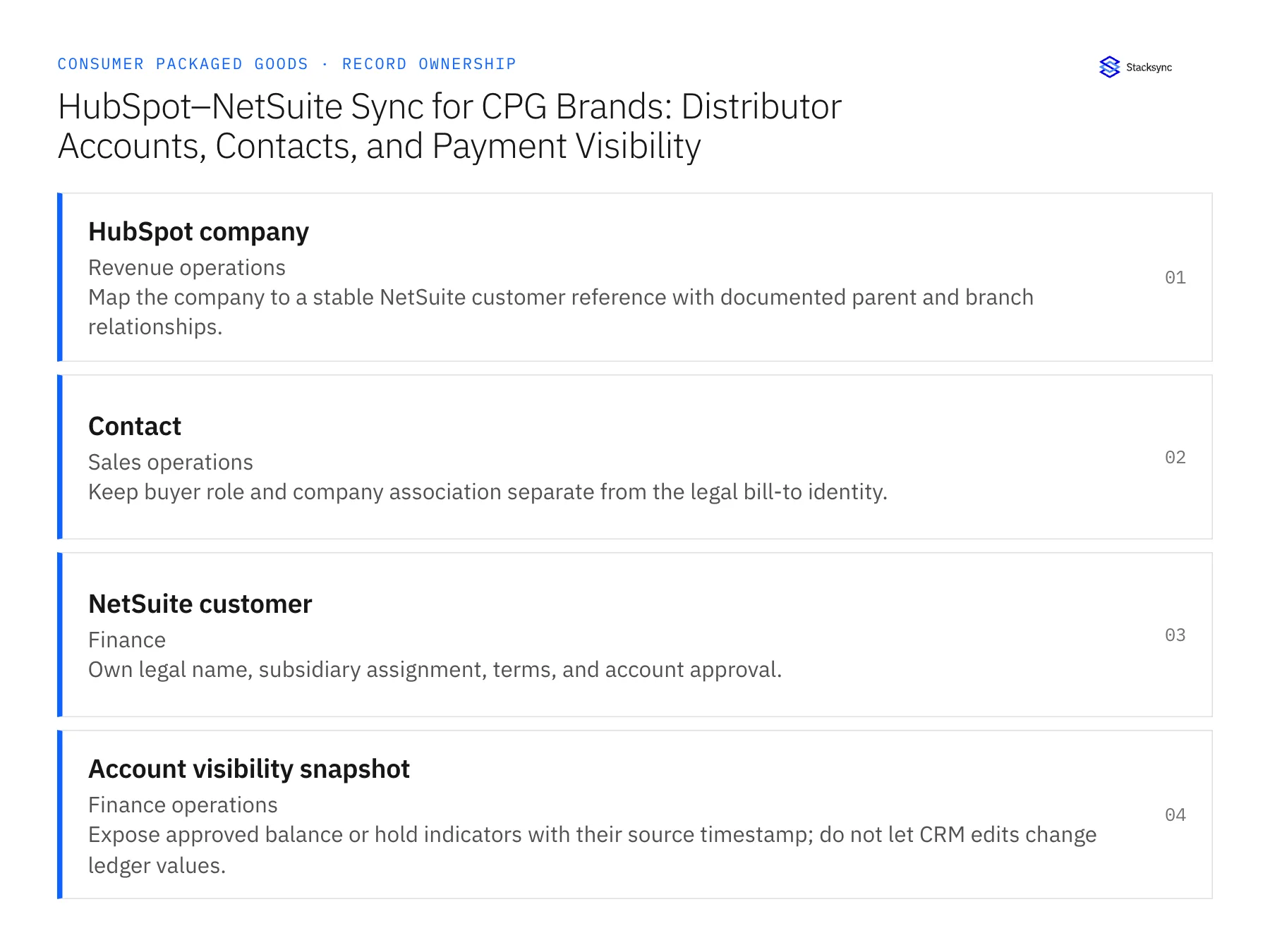
| Record | Owner | Operating rule |
|---|---|---|
| HubSpot company | Revenue operations | Map the company to a stable NetSuite customer reference with documented parent and branch relationships. |
| Contact | Sales operations | Keep buyer role and company association separate from the legal bill-to identity. |
| NetSuite customer | Finance | Own legal name, subsidiary assignment, terms, and account approval. |
| Account visibility snapshot | Finance operations | Expose approved balance or hold indicators with their source timestamp; do not let CRM edits change ledger values. |
Work through the process
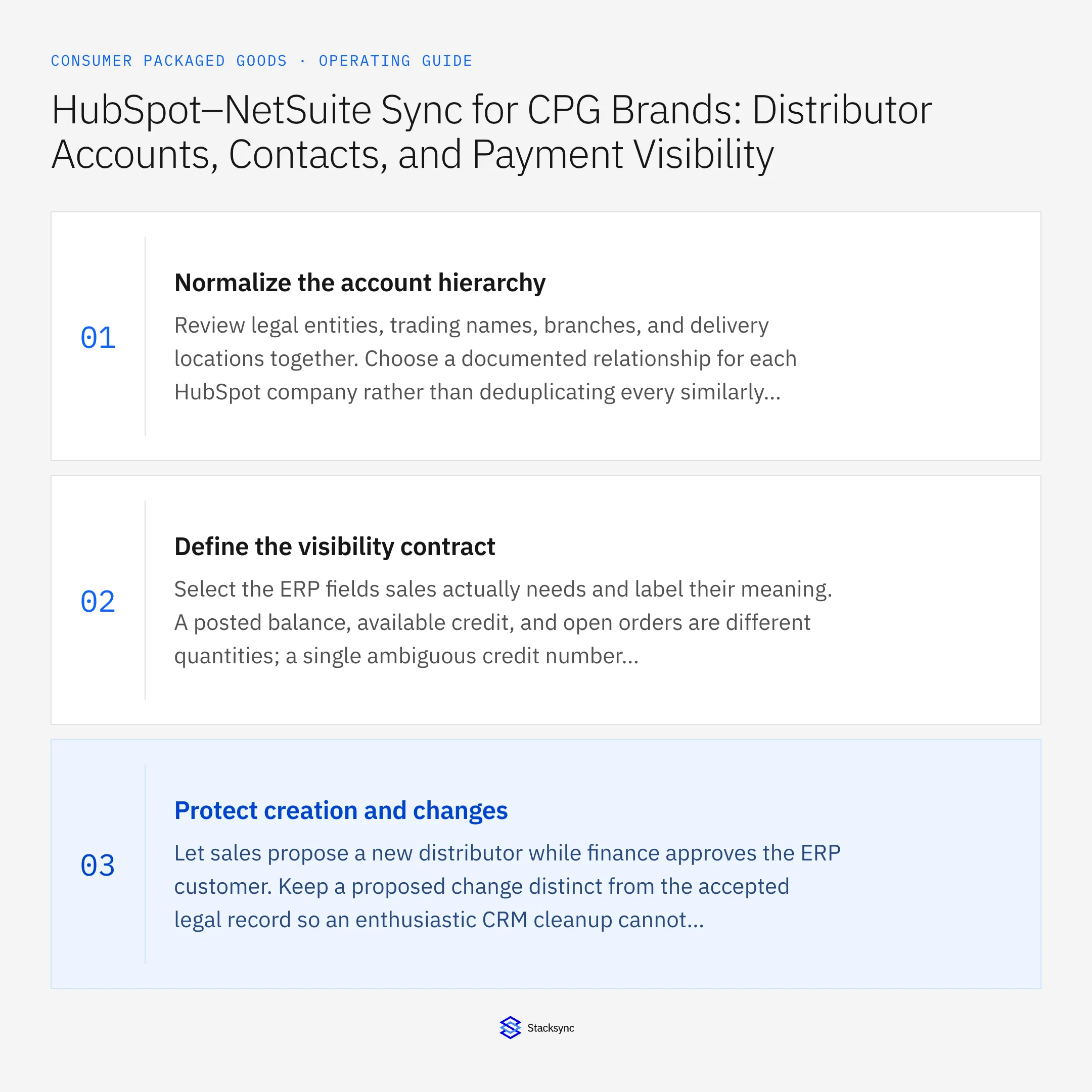
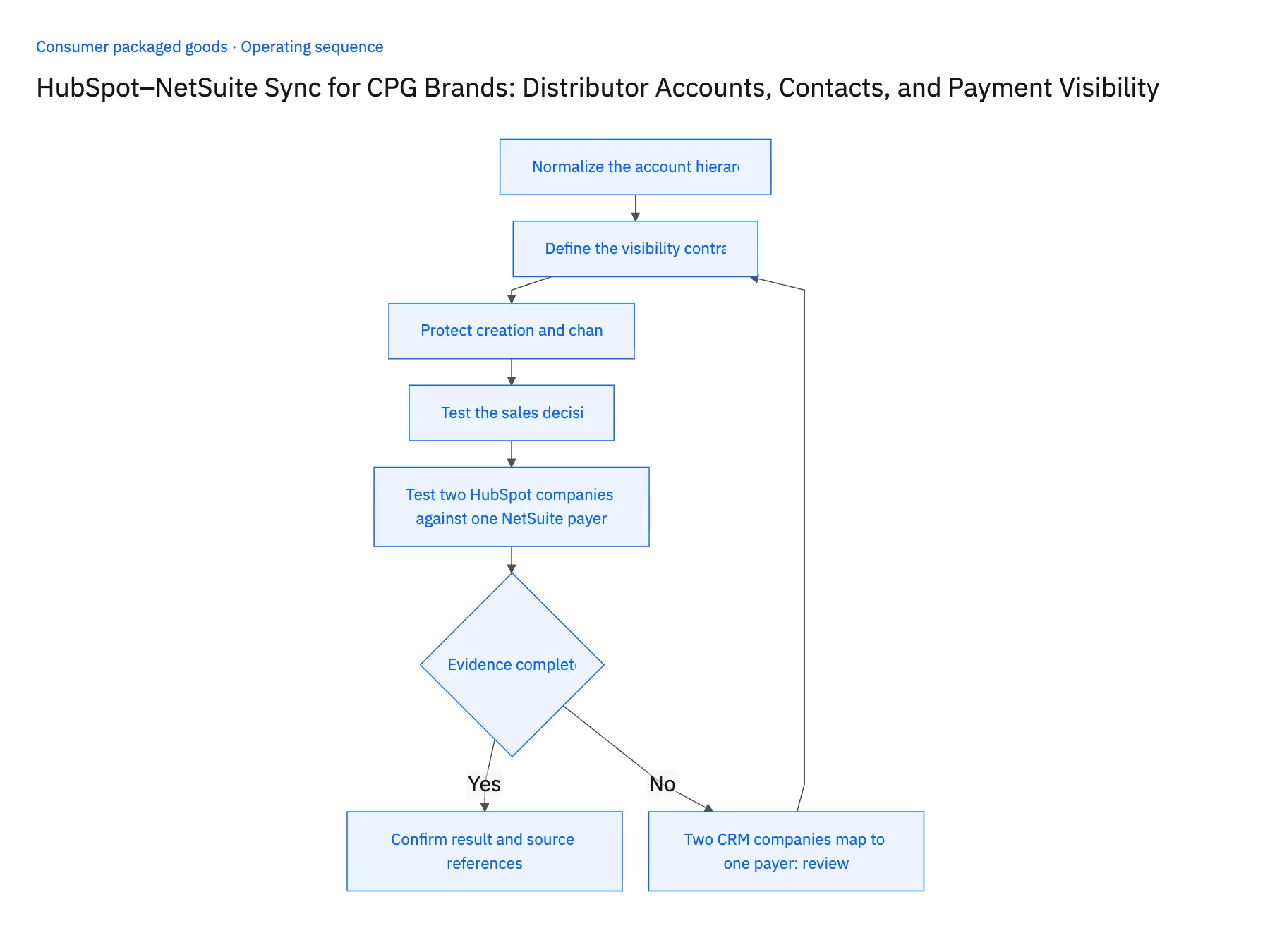
- 01Normalize the account hierarchyReview legal entities, trading names, branches, and delivery locations together. Choose a documented relationship for each HubSpot company rather than deduplicating every similarly named distributor.
- 02Define the visibility contractSelect the ERP fields sales actually needs and label their meaning. A posted balance, available credit, and open orders are different quantities; a single ambiguous credit number invites bad decisions.
- 03Protect creation and changesLet sales propose a new distributor while finance approves the ERP customer. Keep a proposed change distinct from the accepted legal record so an enthusiastic CRM cleanup cannot silently alter billing data.
- 04Test the sales decisionAsk a rep to assess an account with multiple branches and a held order. They should find the right legal customer and current status without being able to override the finance decision.
- 05Test two HubSpot companies against one NetSuite payerSelect a distributor that appears twice in HubSpot, as headquarters and as a regional branch, and that NetSuite bills as one customer. Open both HubSpot companies and confirm each shows the same approved NetSuite customer reference, with the parent and branch relationship written on the record, not implied by a name. In NetSuite, confirm one customer entry exists for that payer. Then place that customer on credit hold in NetSuite and let the sync run; the HubSpot snapshot must show the hold with a fresh timestamp. Stop the rollout if a second NetSuite customer appears, or if a rep cannot tell whether a hold indicator is current or stale.
Handle the exceptions explicitly
Two CRM companies map to one payer
Keep the relationship explicit and reconcile reporting; do not create duplicate ERP customers.
Buyer changes employers
Update the contact association without moving the former company’s orders or balance.
Status is stale
Display the timestamp and route urgent release decisions to finance rather than interpreting old data as permission.
What to verify before expanding
- Each distributor company has an approved legal-customer mapping.
- Sales can distinguish a finance hold from an overdue integration update.
- Moving a buyer to another company leaves the former payer's orders and balance attached to their original legal customer.
- The CRM exposes the finance snapshot's timestamp, and an expired snapshot cannot authorize an order release.

Connect this process to the rest of your operation
Explore Stacksync two-way sync and scope the records and actions against your actual systems. Book a demo with a real hubSpot company example and the exception your team handles most often, for example two CRM companies map to one payer.
- Acumatica–Shopify Two-Way Sync for CPG Manufacturers Expanding Into Ecommerce
- Dynamics 365 F&O–Salesforce Sync for CPG Sales and Finance Teams
- Two-Way Sync for CPG Master Data: NetSuite, Postgres, and Field Ownership
- HubSpot and NetSuite Integration Guide: Connect in Minutes
- Shopify to ERP Connector: Real-Time Sync Guide in Minutes
The shared architecture guide covers record matching, ownership, and recovery across systems.
Technical references
FAQ
Frequently asked questions










Explore these integrations and topics
- integrationHubSpot and NetSuite integration
- connectorHubSpot integrations
- connectorNetSuite integrations
- platformTwo-way sync
- platformCRM synchronization
- platformCRM and ERP integration
- Two-way sync guidesUnderstand two-way sync, record matching, field ownership, and production readiness.
- CRM synchronization guidesConnect customer records across sales, marketing, and operational systems.
Related articles





