






















Coordinate Closed-Won Onboarding Across Salesforce and NetSuite
Closed-won onboarding should validate the sold entity, billing contact, package, and required purchase order before creating downstream records.
- Author
- Ignacio Malpartida · GTM Engineer
- Published
- Updated
- Read time
- 8 min read

Treat Closed Won as the start of a handoff
Closed-won onboarding should validate the sold entity, billing contact, package, and required purchase order before creating downstream records. A Salesforce stage change signals that coordination can begin; it does not guarantee that every legal, billing, and provisioning input is complete. The automation should expose those gaps and keep the customer’s response connected to the opportunity.
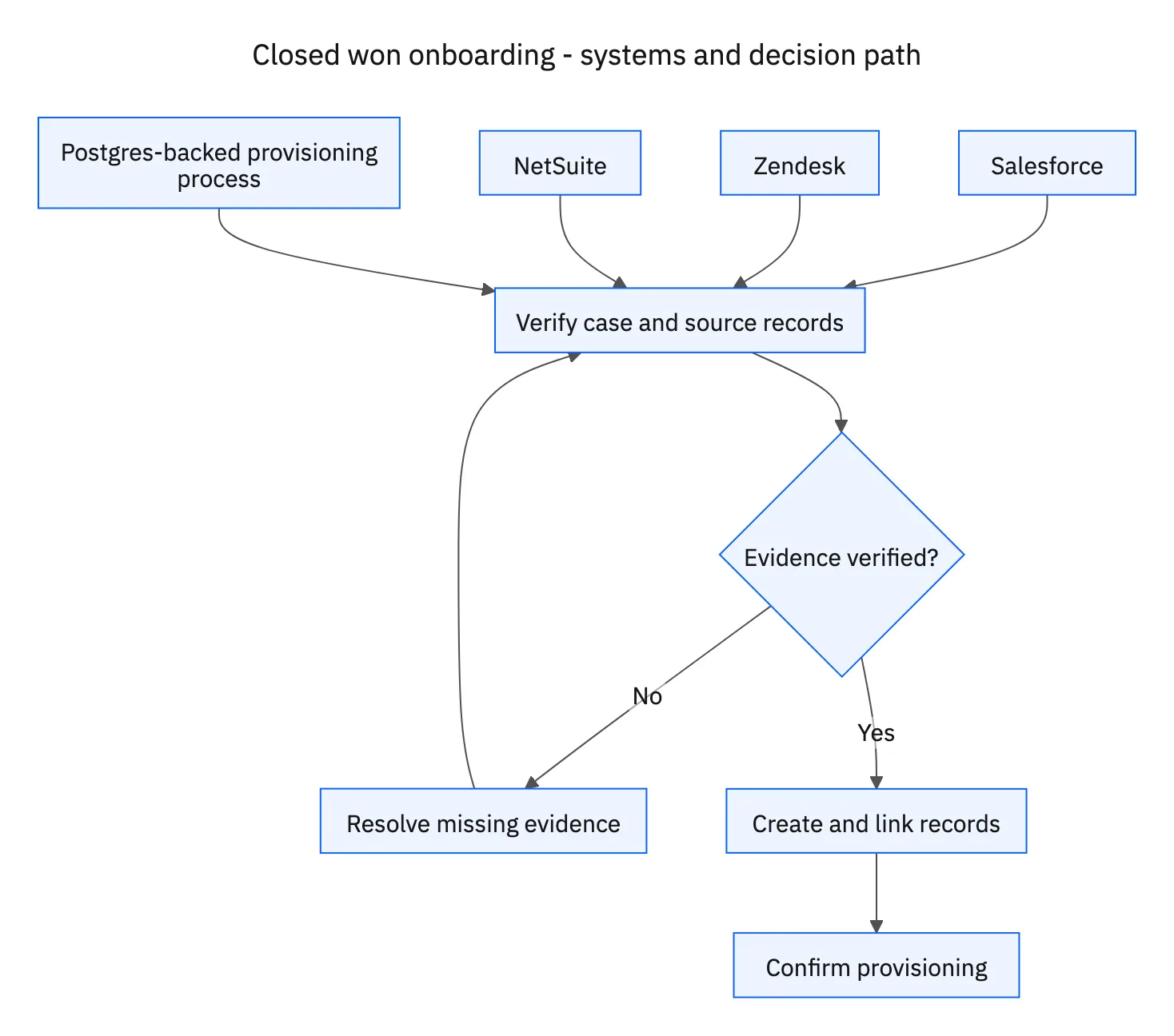
Use the opportunity ID as the durable handoff reference. Search for existing onboarding tickets, NetSuite customer links, sales orders, and provisioning requests before starting a new chain. The same opportunity can be edited or its event delivered more than once without representing a new sale.
Systems and prerequisites
This is a workflow design to configure with Stacksync Genies and your existing systems. Connecting an application does not by itself establish the permissions, record mappings, approval routing, or operational process described here. Before enabling the job, confirm which records the Genie can read, which actions it can take, and who receives clarification or approval requests.
| System or owner | Evidence and responsibility |
|---|---|
| Salesforce | Closed Won event, legal and commercial handoff, and resulting record IDs. |
| Zendesk | Onboarding case, missing-information requests, and customer responses. |
| NetSuite | Approved customer match or creation and sales order. |
| Postgres-backed provisioning process | Provisioning request, progress, and explicit completion confirmation. |
| Setup approver | Approval of the validated customer setup before downstream creation. |
Required context for this workflow design.
Collect missing information and resume the same case
Create or link a Zendesk onboarding ticket and request the specific missing fields. Explain what is needed in ordinary business language: the billing contact, legal entity, or required purchase-order reference. Keep the setup pending until the response resolves those requirements. A customer reply is a reason to revalidate, not automatic evidence that every gap is closed.
Prepare the complete setup for approval, including the purchased package and the proposed match to any existing NetSuite customer. A trading name alone may not establish the legal entity. If the proposed customer link is ambiguous, obtain clarification before asking the reviewer to approve a downstream order against the wrong business.
Create approved records and track provisioning separately
After setup approval, create or link the NetSuite customer and sales order, then submit the provisioning request through the configured Postgres-backed process. Record each resulting identifier in Salesforce as it is confirmed. The implementation depends on the organization’s actual provisioning interface; Postgres is not a universal standard API for account activation.
Distinguish request submission from provisioning success. Wait for the process to confirm completion for the approved package and customer. If one step fails after another succeeds, resume the missing step using the confirmed IDs. Mark onboarding complete only after provisioning confirmation, leaving unresolved failures and customer-information requests visible on the same onboarding case.
A five-step operating sequence
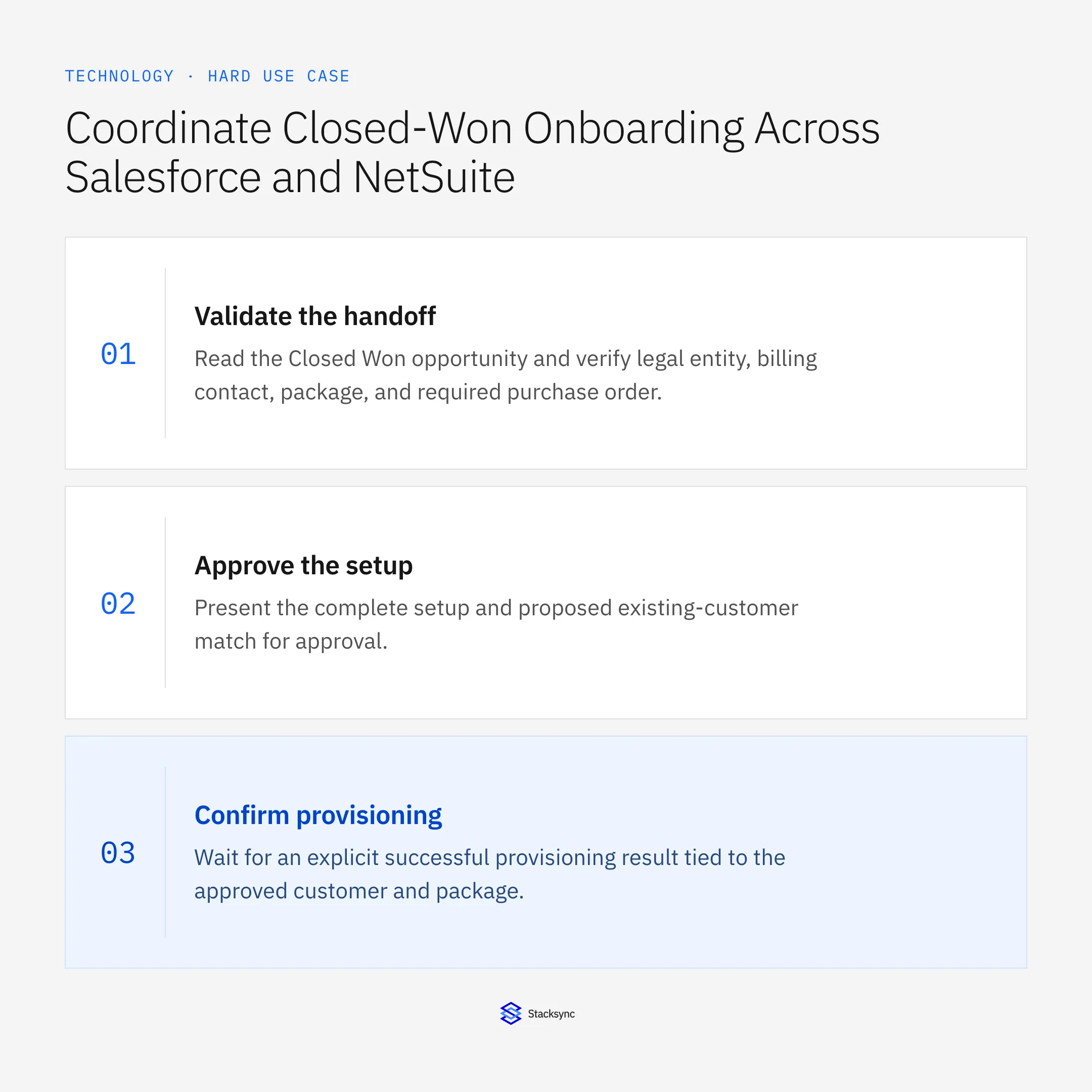
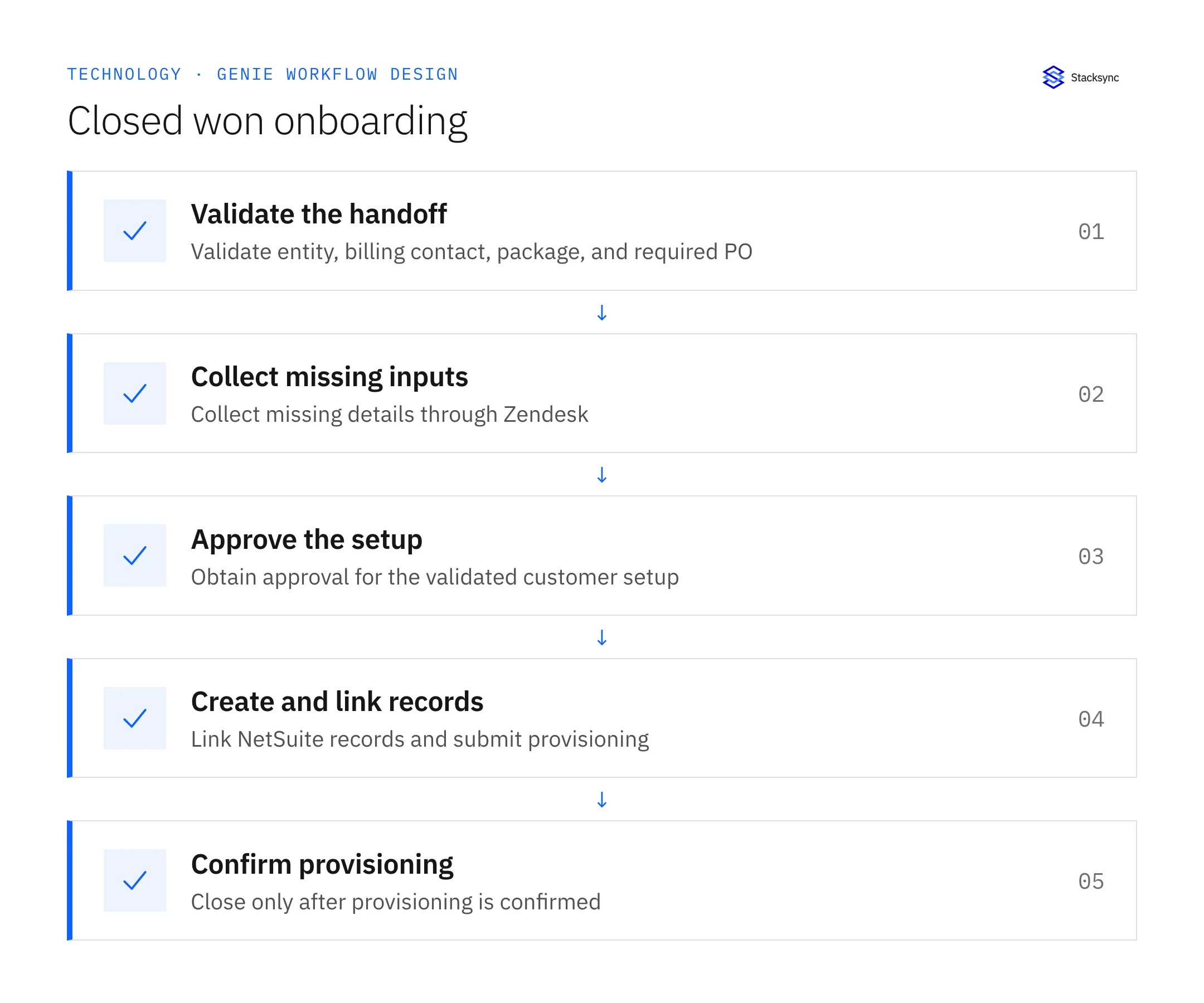
- 01Validate the handoffRead the Closed Won opportunity and verify legal entity, billing contact, package, and required purchase order. Search existing downstream references. A repeated stage event should resume the same onboarding, not create another sales order.
- 02Collect missing inputsUse a Zendesk onboarding ticket to request the specific missing information and wait for the customer’s response. Revalidate the returned details against the setup requirements. An unrelated reply should not release the blocked provisioning action.
- 03Approve the setupPresent the complete setup and proposed existing-customer match for approval. Resolve entity ambiguity before creation. If the customer changes the package or legal entity afterward, return the changed proposal for the relevant approval.
- 04Create and link recordsAfter approval, create or link the NetSuite customer and sales order and submit the configured provisioning request. Persist each confirmed ID back to Salesforce. Check destination records after an ambiguous timeout before retrying a potentially successful write.
- 05Confirm provisioningWait for an explicit successful provisioning result tied to the approved customer and package. Record partial or failed outcomes and follow them through the existing process. Only mark onboarding complete after confirmation, retaining the linked evidence for the account team.
Illustrative workflow example
A Closed Won opportunity has a valid package but no required purchase order. The Zendesk ticket requests the PO. After the customer supplies it, the setup is revalidated and approved, NetSuite records are linked, and onboarding stays pending until provisioning confirms completion.
This example uses fictional records to show the decision logic. It is not a customer case study or a claim of measured results. In a live case, retain the actual record IDs and evidence behind each statement, and replace all illustrative quantities or timing assumptions with the approved operational inputs.
What the handoff should contain
A Salesforce handoff record linked to the Zendesk onboarding case, approved setup, NetSuite customer and sales order, provisioning request, and explicit provisioning confirmation.
Keep the evidence reference, observation time, current owner, and outstanding decision with the case. A colleague taking over should be able to distinguish a proposal from a confirmed result without reading every previous message. If a source value changes while the case is waiting, recheck the affected decision before proceeding.
Approval and completion checklist
- Validate legal entity, billing contact, purchased package, and any required purchase order.
- Collect missing information in Zendesk and resume on the customer’s response.
- Require setup approval before NetSuite records and provisioning submission.
- Write confirmed IDs to Salesforce, prevent duplicates, and close only after provisioning confirmation.
Validate the job before enabling it
Start with a small reviewed set of cases from the systems above. Include a complete case, an ambiguous match, a missing source record, and an interrupted action where the result is uncertain. Use a draft or test environment for validation and compare the output with the source records before allowing the configured production actions.
For this job, the most important checks are validate legal entity, billing contact, purchased package, and any required purchase order. Write confirmed IDs to Salesforce, prevent duplicates, and close only after provisioning confirmation. Record the expected result before the trial, then compare both the proposed action and the final evidence. A fluent message is not a passing result if it skips one of these conditions.
- Closed-won handoffs with complete approved setup
- Duplicate customer, sales-order, or provisioning records
- Onboardings closed with explicit provisioning confirmation
Use these as operating measures, not promised performance improvements. Establish the current baseline and review exceptions with the team that owns the process. Investigate an increase in incorrect matches, unauthorized actions, or premature closure before expanding the job’s scope.

Give your Genie a job description
Copy the job description below. It preserves the scope and decision boundaries of this use case. Configure the referenced systems, record relationships, policies, and approval owners in your workspace before enabling the job.
Paste this into “Give your Genie a job description.” Explore Stacksync Genies.
Apply this in industrial equipment and machinery: accepted configuration and commercial order line
An equipment sale extends the Salesforce–NetSuite closed-won handoff into an approved machine configuration and commissioning prerequisites. Preserve the accepted order while coordinating site readiness and service dispatch; a won opportunity alone does not establish that the machine or site is ready.
| Record to reconcile | Responsible owner | Rule to preserve |
|---|---|---|
| Accepted configuration | Application engineering | Retain the approved option set and revision with its customer approval evidence. |
| Commercial order line | Sales operations | Identify equipment, optional components and services separately even when sold in one deal. |
| ERP transaction link | Order management | Preserve the destination order and line references for reconciliation and later change requests. |
An exception to plan for: The customer adds an option after procurement. Route its cost and schedule effect for approval before updating accepted scope. Acceptance check for the pilot: the order retains the exact configuration version the customer accepted.
The industrial equipment and machinery hub connects the broader operating context. These guides develop the specific record mappings and decisions for this application:
- Equipment manufacturers: connect Salesforce configurations to NetSuite orders
- Equipment commissioning readiness: connect sales promises, site prerequisites and service dispatch
- Salesforce and NetSuite two-way sync for equipment manufacturers
- Commissioning-readiness automation for equipment manufacturers
Implementation references
These first-party references document the underlying records and interfaces. The cross-system sequence, approvals, and completion rules in this article are a proposed operational configuration; validate them against your connected workspace before enabling it.

FAQ
Frequently asked questions










Explore these integrations and topics
Related articles





