






















Equipment manufacturers: connect Salesforce configurations to NetSuite orders
Equipment builders can tie a sold machine's accepted option set to its NetSuite order lines and route later option changes for review instead of overwriting the build.
- Author
- Ruben Burdin · Founder & CEO
- Published
- Read time
- 4 min read

The operating decision
Equipment manufacturers need a Salesforce–NetSuite handoff that preserves the configuration the customer approved. Connect the commercial order to the accepted equipment specification and return production milestones without letting a later sales edit rewrite engineering scope. Two-way sync should carry selected records in their permitted directions, with separate ownership for customer requests, approved options and financial treatment. Confirm the exact destination record and operation before making configured-order creation part of the automated process.
Explore the complete industrial equipment and machinery integration and automation hub for the systems and processes around this guide.
What this looks like in industrial equipment and machinery
An equipment builder sells a packaging machine with several options and a commissioning service. Sales records a single opportunity amount, while engineering maintains the approved configuration and order management creates the ERP lines. A customer then asks to replace an option after long-lead components have been ordered. If the integration treats the current opportunity description as the entire specification, it can conceal the approved build and purchasing commitments. A useful handoff retains the accepted configuration version, links its commercial lines and routes later changes for review.
Records, ownership, and update rules
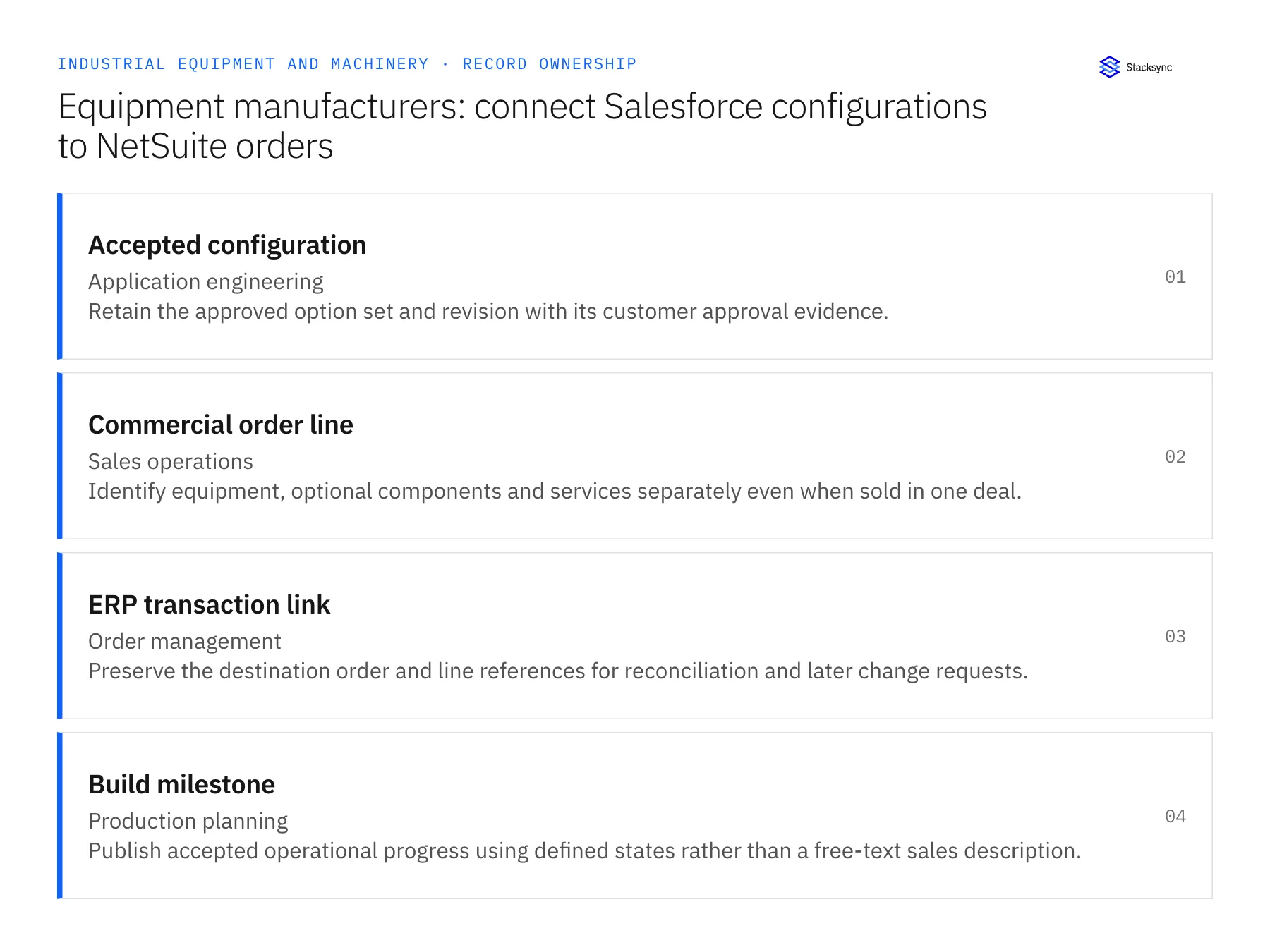
| Record | Owner | Operating rule |
|---|---|---|
| Accepted configuration | Application engineering | Retain the approved option set and revision with its customer approval evidence. |
| Commercial order line | Sales operations | Identify equipment, optional components and services separately even when sold in one deal. |
| ERP transaction link | Order management | Preserve the destination order and line references for reconciliation and later change requests. |
| Build milestone | Production planning | Publish accepted operational progress using defined states rather than a free-text sales description. |
Work through the process
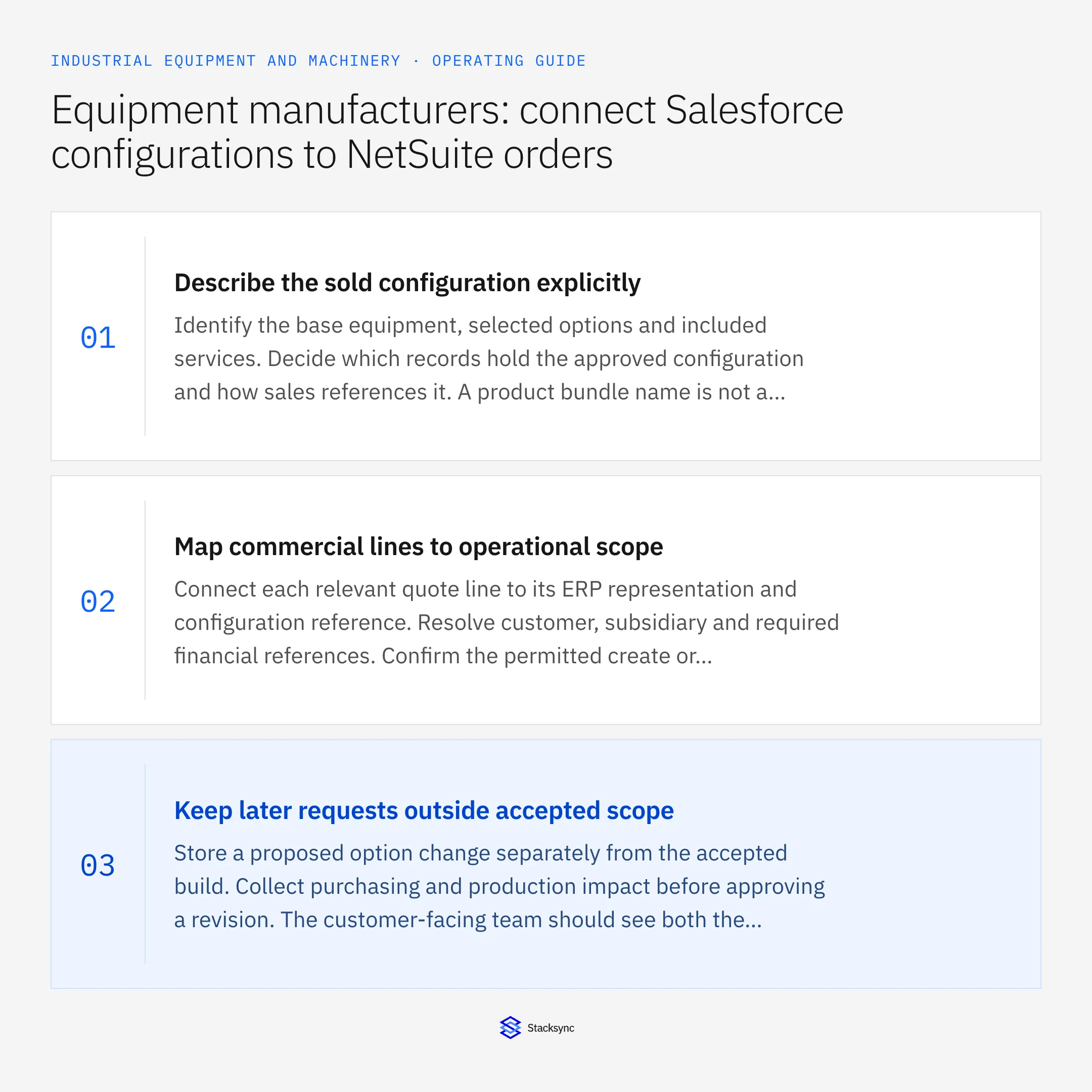
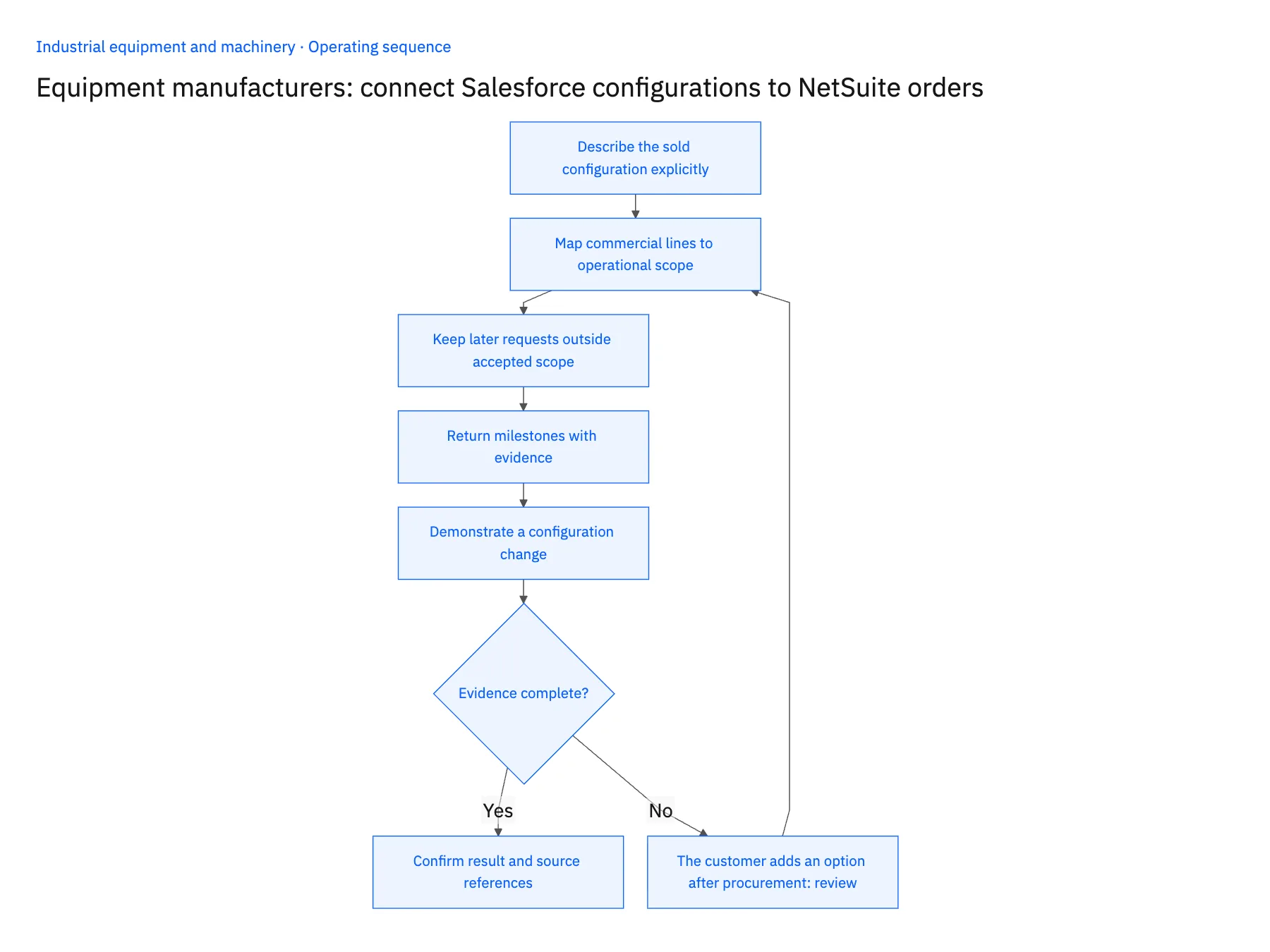
- 01Describe the sold configuration explicitlyIdentify the base equipment, selected options and included services. Decide which records hold the approved configuration and how sales references it. A product bundle name is not a substitute for the version that engineering accepted for this customer.
- 02Map commercial lines to operational scopeConnect each relevant quote line to its ERP representation and configuration reference. Resolve customer, subsidiary and required financial references. Confirm the permitted create or update operation rather than assuming a synchronized item list can execute a configured order.
- 03Keep later requests outside accepted scopeStore a proposed option change separately from the accepted build. Collect purchasing and production impact before approving a revision. The customer-facing team should see both the pending request and the current commitment.
- 04Return milestones with evidenceExpose order accepted, engineering released and other approved build milestones with their source time. Keep incomplete prerequisites visible. A milestone should describe a recorded operational decision, not an agent’s interpretation of a recent note.
- 05Demonstrate a configuration changeUse a test order with an option already purchased and another not yet committed. Revise one option, replay the original handoff and inspect the resulting records. The test should show stable order identity and a review-required change rather than another equipment order.
Handle the exceptions explicitly
The customer adds an option after procurement
Route its cost and schedule effect for approval before updating accepted scope.
One machine includes several service visits
Represent the visits or obligations separately from equipment quantity so a service update cannot duplicate the machine.
The configuration document is superseded
Preserve the accepted version on the existing order until the approved cutover specifies otherwise.
What to verify before expanding
- The order retains the exact configuration version the customer accepted.
- Equipment and service lines keep separate operational meaning.
- A repeated handoff resolves the existing ERP order without duplicate demand.
- A pending option change remains visible without silently replacing the approved build.

Connect this process to the rest of your operation
Explore Stacksync two-way sync and scope the records and actions against your actual systems. Book a demo with a real accepted configuration example and the exception your team handles most often, for example the customer adds an option after procurement.
- Salesforce and NetSuite two-way sync for equipment manufacturers
- Salesforce and Acumatica two-way sync for equipment aftermarket teams
- Equipment manufacturers: connect NetSuite and Postgres machine serial history
- Equipment aftermarket: connect Salesforce parts quotes to Acumatica order status
- Equipment commissioning readiness: connect sales promises, site prerequisites and service dispatch
- Coordinate Closed-Won Onboarding Across Salesforce and NetSuite
- Bi-Directional Sync for Salesforce and Beyond: Ensuring Operational Efficiency
The shared architecture guide covers record matching, ownership, and recovery across systems.
Technical references
FAQ
Frequently asked questions










Related articles




