






















Research and Route HubSpot Demo Requests with AI Agents
Inbound lead research should establish who the company is, whether the business already has a relationship with it, and which owner should respond.
- Author
- Ignacio Malpartida · GTM Engineer
- Published
- Read time
- 6 min read

Turn the demo request into a useful account briefing
Inbound lead research should establish who the company is, whether the business already has a relationship with it, and which owner should respond. A new HubSpot demo request is an event to investigate, not evidence that a new account needs to be created. The useful output is an enriched, correctly routed request and a short briefing grounded in sources.
Start with the submitted business domain and the identity information supplied on the form. Search existing customers and prospects before creating a company or duplicate lead. Use approved domain and account relationships where available. A parent company, subsidiary, and regional brand may share a name while requiring different ownership.
Systems and prerequisites
This is a workflow design to configure with Stacksync Genies and your existing systems. Connecting an application does not by itself establish the permissions, record mappings, approval routing, or operational process described here. Before enabling the job, confirm which records the Genie can read, which actions it can take, and who receives clarification or approval requests.
| System or owner | Evidence and responsibility |
|---|---|
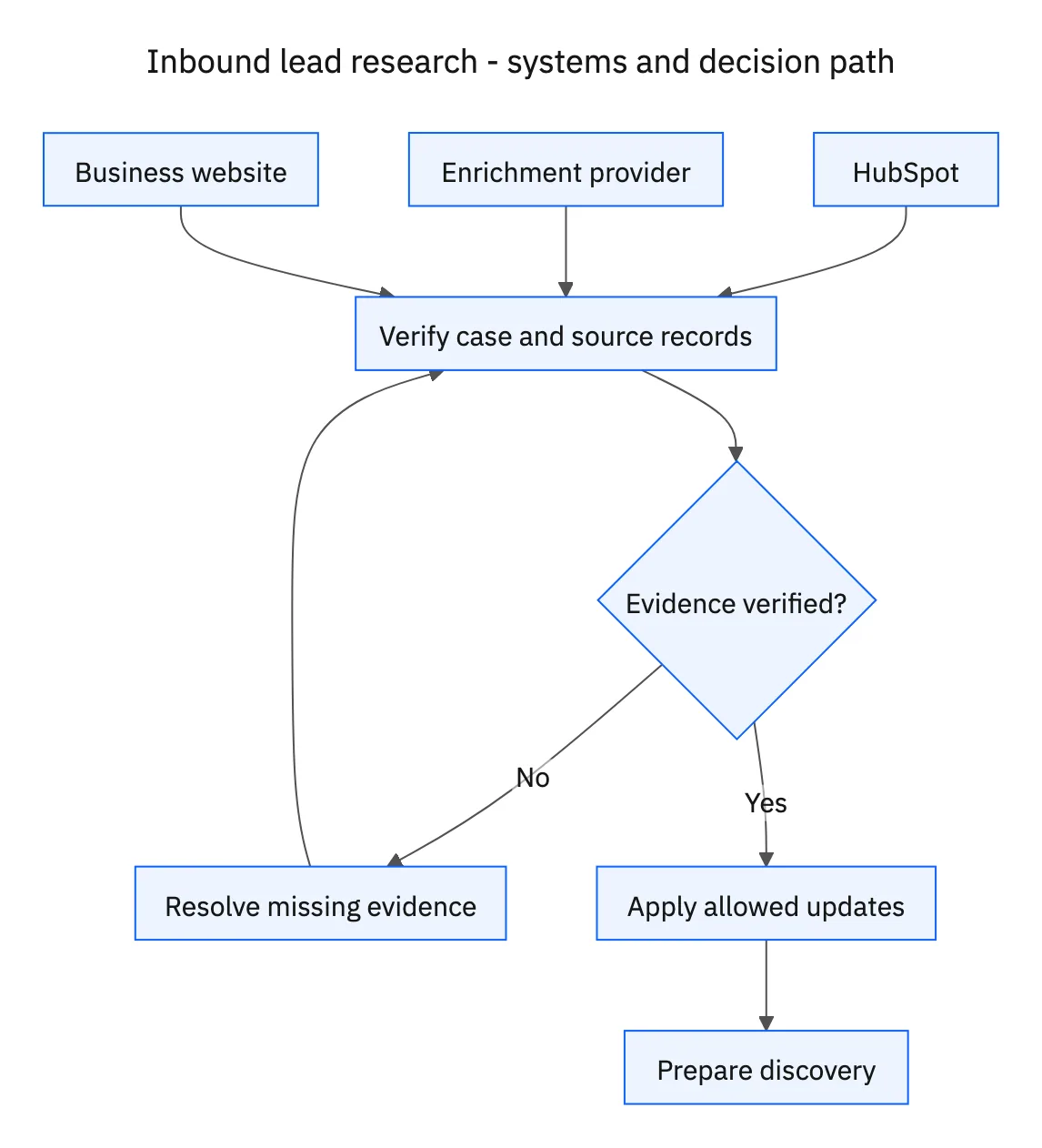
| HubSpot | Demo request, existing customer or prospect relationships, verified properties, and owner assignment. |
| Enrichment provider | Sourced company attributes with observation dates. |
| Business website | Public first-party context for the company and discovery briefing. |
Required context for this workflow design.
Add evidence without erasing established knowledge
Use the configured enrichment provider and the company’s business website to collect relevant attributes, such as the business model, operating regions, and public product offering. Record where each proposed value came from and when it was observed. Distinguish a statement on the company’s own site from an estimate returned by a provider.
Fill missing fields that the enrichment process is allowed to own. When a source conflicts with a verified CRM value, preserve the verified value and flag the discrepancy for review. A newer crawl does not automatically make an inferred employee count more trustworthy than an account owner’s confirmed information.
Route and brief using the existing relationship
Apply the organization’s assignment rules, including established account ownership before any new-lead routing policy. An existing customer requesting a demo may need an expansion conversation or support from their account team. Do not create a new prospect simply because the request came through an acquisition form.
Prepare a briefing that separates known facts from discovery questions. Include the request’s stated need, sourced company context, existing relationship, assigned owner, and two or three questions that test relevant unknowns. A public hiring page may suggest growth; it does not prove budget, urgency, or an internal technology stack. Frame those points as questions rather than invented intelligence.
A five-step operating sequence
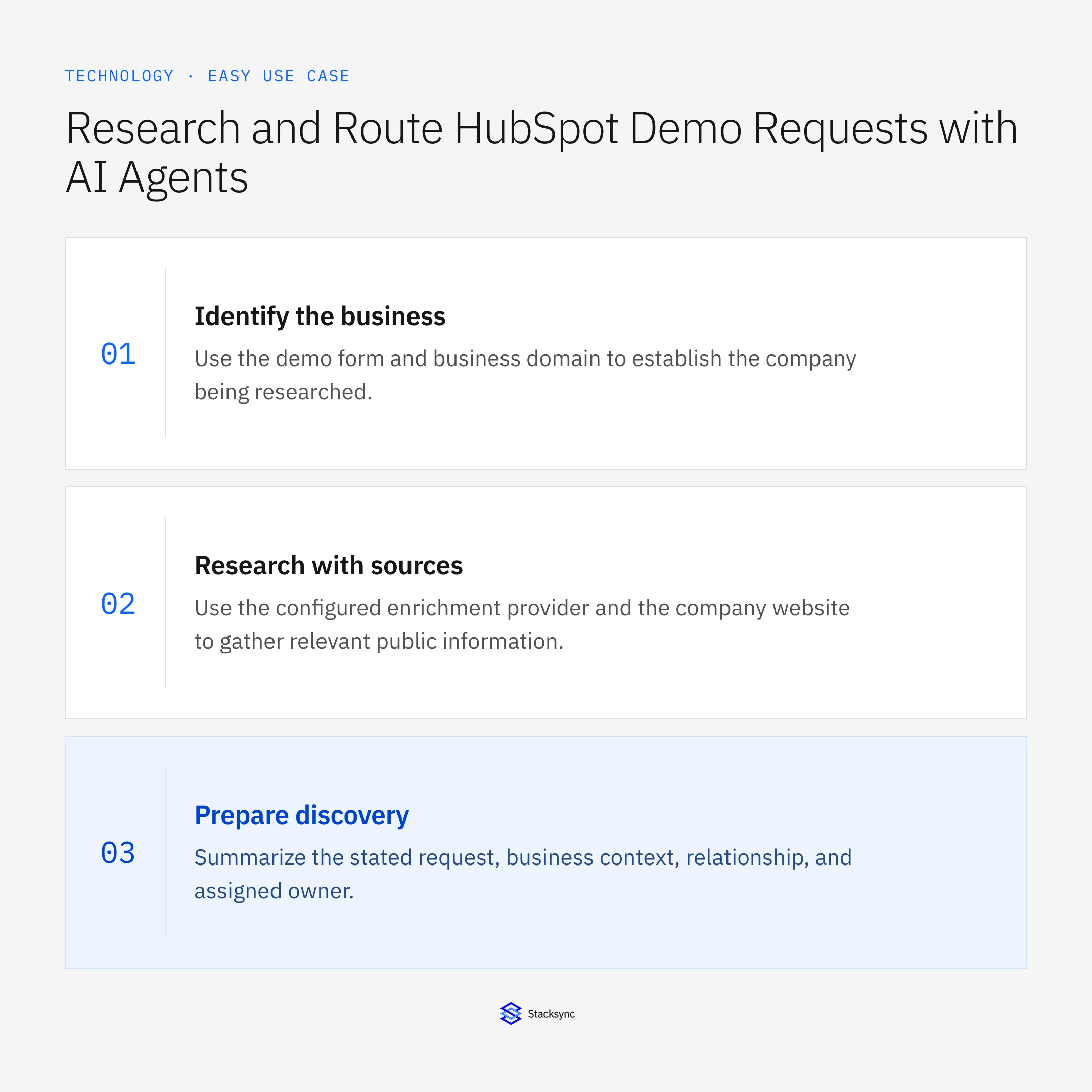
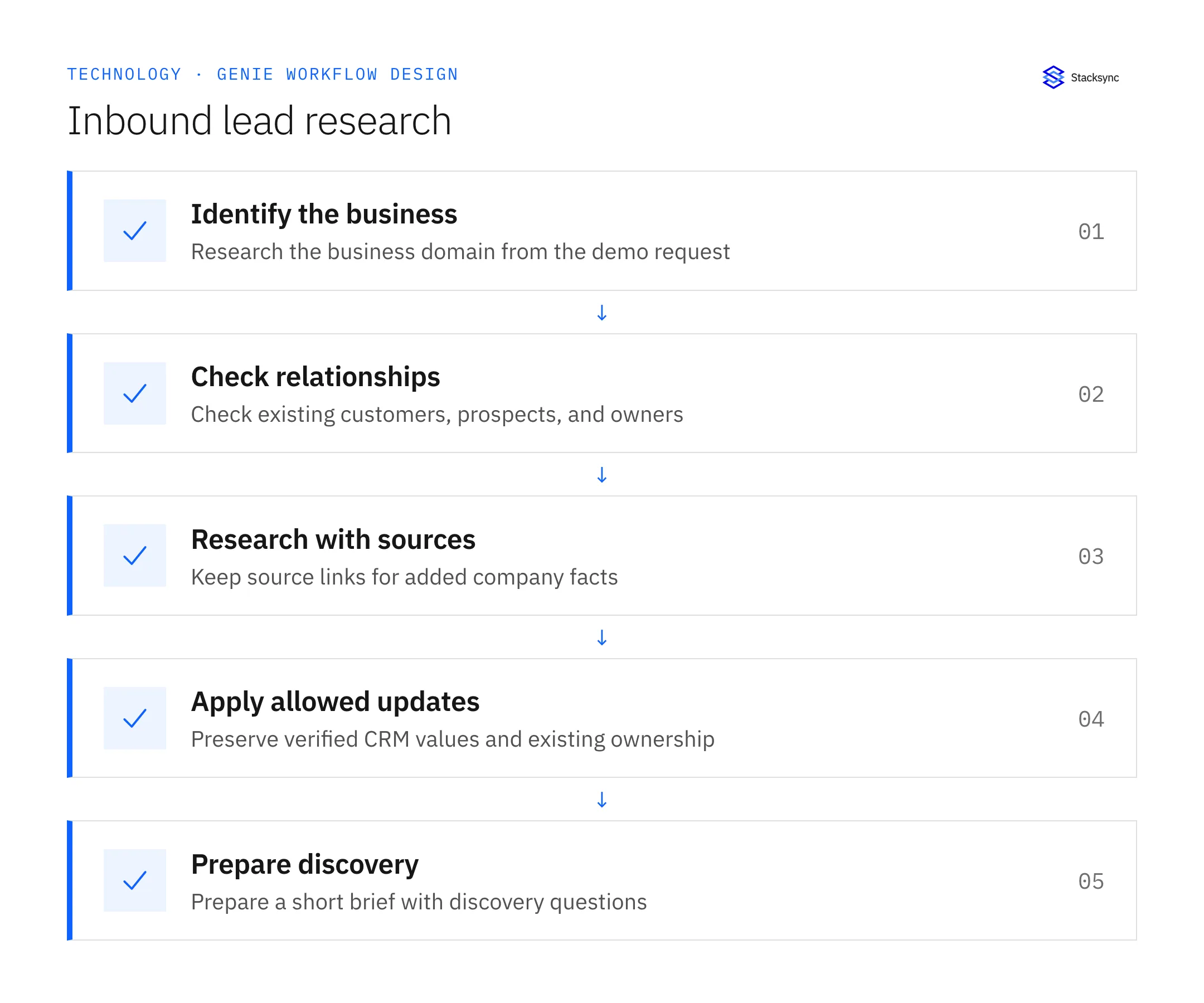
- 01Identify the businessUse the demo form and business domain to establish the company being researched. Treat personal email providers and ambiguous subsidiaries as identity questions. Do not create a business account from a free-email domain merely to satisfy a required field.
- 02Check relationshipsSearch existing customer and prospect records, domain aliases, and linked contacts. Reuse verified account relationships and preserve established ownership. A new form submission can belong to an existing customer and should not restart account creation.
- 03Research with sourcesUse the configured enrichment provider and the company website to gather relevant public information. Record the source and observation date. Keep inferred size or growth signals distinct from verified information supplied by the account team.
- 04Apply allowed updatesPopulate permitted empty fields and retain verified values when a source disagrees. Route entity or factual conflicts for review with both references attached. Apply the organization’s routing policy rather than inventing an owner from the company’s name or industry.
- 05Prepare discoverySummarize the stated request, business context, relationship, and assigned owner. Ask questions that resolve meaningful unknowns about the use case. Do not turn a public signal into a claim about budget, purchase intent, or the company’s internal systems.
Illustrative workflow example
A new demo request uses the domain of an existing customer. The workflow links the request to that customer, preserves its verified company size, routes it to the account owner, and asks whether the requested use case is an expansion of the current deployment.
This example uses fictional records to show the decision logic. It is not a customer case study or a claim of measured results. In a live case, retain the actual record IDs and evidence behind each statement, and replace all illustrative quantities or timing assumptions with the approved operational inputs.
What the handoff should contain
A HubSpot request linked to the correct company and owner, plus a briefing that separates sourced business facts, existing relationships, and unanswered discovery questions.
Keep the evidence reference, observation time, current owner, and outstanding decision with the case. A colleague taking over should be able to distinguish a proposal from a confirmed result without reading every previous message. If a source value changes while the case is waiting, recheck the affected decision before proceeding.
Approval and completion checklist
- Check existing customers and prospects before creating records.
- Attach source references to added company information.
- Preserve verified values and surface conflicting enrichment as a review item.
- Apply existing account ownership and prepare grounded discovery questions.

Validate the job before enabling it
Start with a small reviewed set of cases from the systems above. Include a complete case, an ambiguous match, a missing source record, and an interrupted action where the result is uncertain. Use a draft or test environment for validation and compare the output with the source records before allowing the configured production actions.
For this job, the most important checks are check existing customers and prospects before creating records. Apply existing account ownership and prepare grounded discovery questions. Record the expected result before the trial, then compare both the proposed action and the final evidence. A fluent message is not a passing result if it skips one of these conditions.
- Requests linked to the correct existing account
- Added attributes with a recorded source
- Duplicate records or verified-field overwrites
Use these as operating measures, not promised performance improvements. Establish the current baseline and review exceptions with the team that owns the process. Investigate an increase in incorrect matches, unauthorized actions, or premature closure before expanding the job’s scope.
Give your Genie a job description
Copy the job description below. It preserves the scope and decision boundaries of this use case. Configure the referenced systems, record relationships, policies, and approval owners in your workspace before enabling the job.
Paste this into “Give your Genie a job description.” Explore Stacksync Genies.
Implementation references
These first-party references document the underlying records and interfaces. The cross-system sequence, approvals, and completion rules in this article are a proposed operational configuration; validate them against your connected workspace before enabling it.

FAQ
Frequently asked questions










Related articles





