






















Detect Renewal Risk Using Salesforce, Product Usage, and Zendesk
Renewal-risk detection combines the renewal date in Salesforce with product engagement in Postgres and unresolved support issues in Zendesk.
- Author
- Ignacio Malpartida · GTM Engineer
- Published
- Read time
- 6 min read

Review the renewal window with comparable evidence
Renewal-risk detection combines the renewal date in Salesforce with product engagement in Postgres and unresolved support issues in Zendesk. Every Monday, review accounts renewing within the next ninety days. The result should explain which account needs attention, what evidence supports the flag, and which owner can address the specific issue.
Use the business timezone and the organization’s renewal-date field to select the window. Map the Salesforce account to the product tenant and Zendesk organization explicitly. Comparing one subsidiary’s support tickets with another subsidiary’s usage creates a risk story that looks coherent but is attached to the wrong customer.
Systems and prerequisites
This is a workflow design to configure with Stacksync Genies and your existing systems. Connecting an application does not by itself establish the permissions, record mappings, approval routing, or operational process described here. Before enabling the job, confirm which records the Genie can read, which actions it can take, and who receives clarification or approval requests.
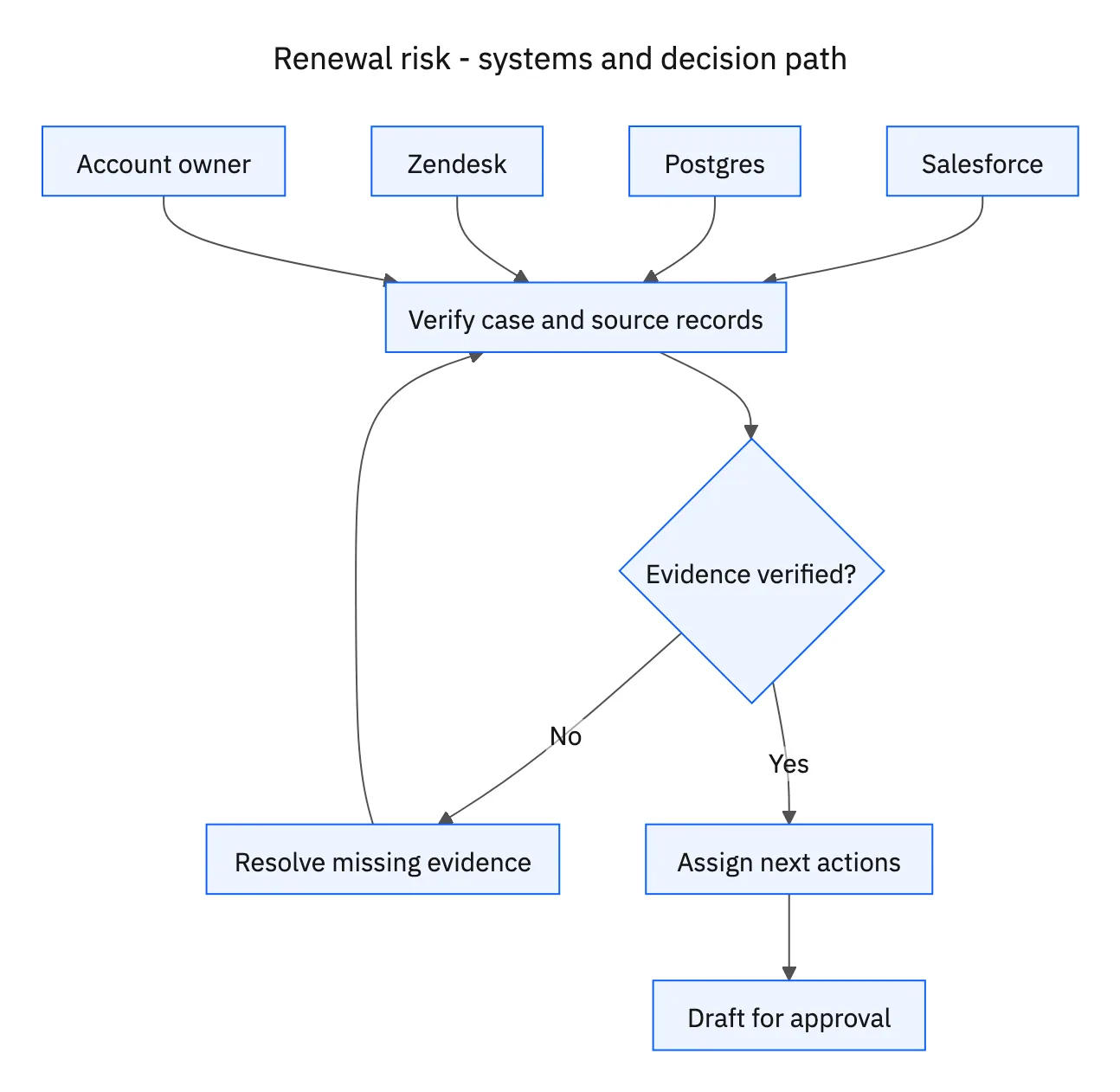
| System or owner | Evidence and responsibility |
|---|---|
| Salesforce | Accounts and renewal records due within ninety days, account owners, and follow-up tasks. |
| Postgres | Account-linked product usage and comparison-period completeness. |
| Zendesk | Unresolved support tickets, blocker evidence, and support ownership. |
| Account owner | Approval of the prepared customer follow-up. |
Required context for this workflow design.
Distinguish engagement decline from missing data
Compare equivalent complete periods using the organization’s meaningful usage measures. Active users, completion of a key workflow, or relevant feature activity can be useful depending on the product. The team should choose the comparison period and escalation thresholds during setup, rather than allowing the agent to invent a universal churn formula.
Review unresolved Zendesk tickets for the affected workflow, severity, age, next action, and owner. A declining usage measure and a blocker on that same workflow are stronger operational evidence than a generic negative sentiment label. If product telemetry is delayed, classify the evidence as incomplete rather than describing the customer as disengaged.
Turn the finding into owned follow-up
Update the renewal record with the comparison dates, metric values, ticket references, and a short explanation of the risk. Create or update tasks for the account owner and support team, each with a concrete next action. Check existing tasks so the next Monday’s run updates the same unresolved issue rather than opening another duplicate.
Prepare a customer follow-up for approval. It should acknowledge the relevant issue and seek the information or coordination needed to unblock value. Do not automatically offer a discount, promise a fix date, or declare that the customer will churn. Continue tracking the evidence and task progress while the account remains in the review window.
A five-step operating sequence
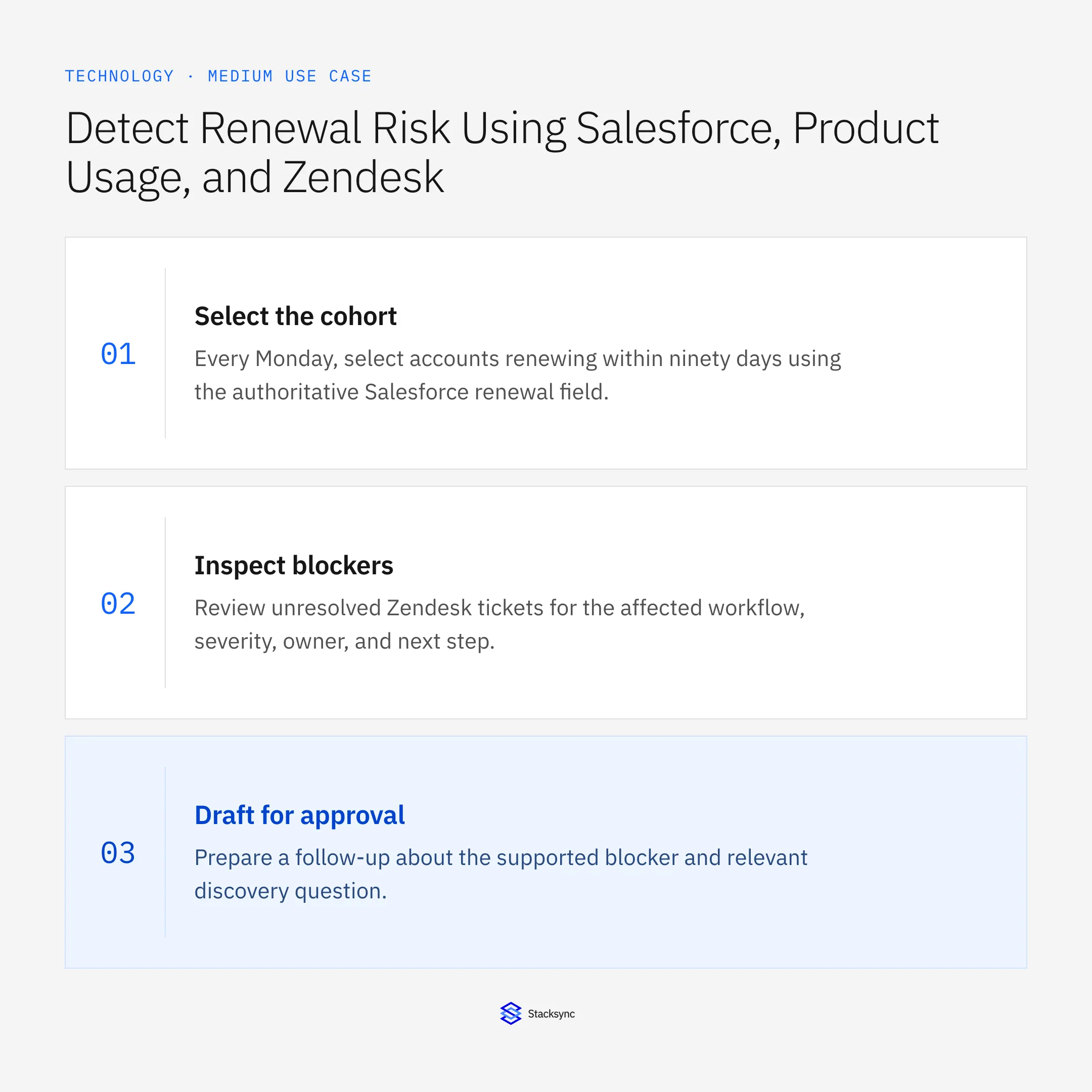
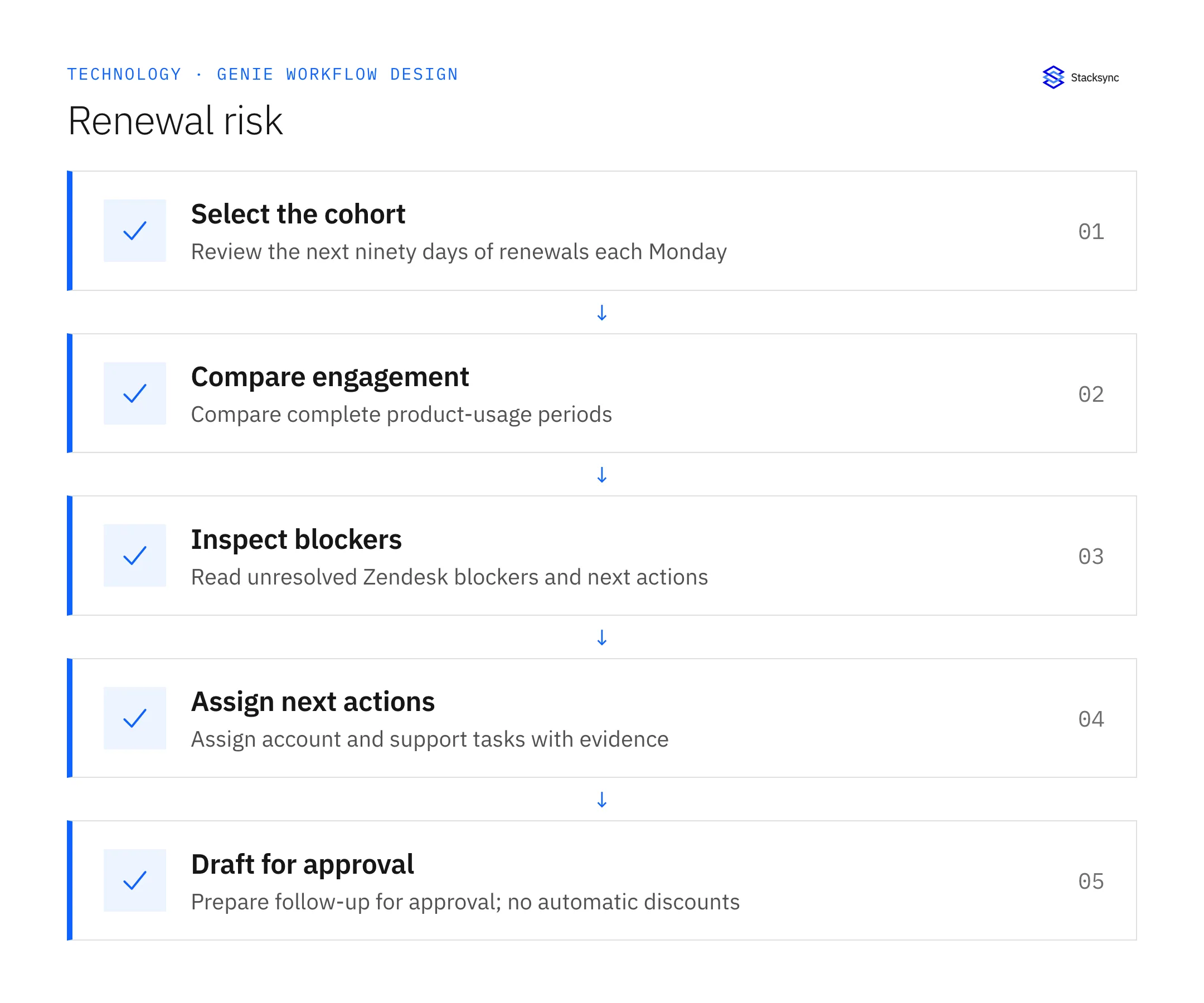
- 01Select the cohortEvery Monday, select accounts renewing within ninety days using the authoritative Salesforce renewal field. Preserve the account-to-tenant and Zendesk-organization mapping. Do not mix a parent’s support history with a subsidiary’s usage unless that relationship is explicitly intended.
- 02Compare engagementRead complete, comparable usage periods from Postgres using agreed product-value measures. Check freshness before interpreting a decline. Missing telemetry belongs in an evidence-gap finding rather than an automatic disengagement score.
- 03Inspect blockersReview unresolved Zendesk tickets for the affected workflow, severity, owner, and next step. Connect the issue to the renewal only when account and product context support it. Record uncertainty where the customer impact has not yet been validated.
- 04Assign next actionsUpdate the renewal with the metric comparison and ticket evidence, then create or refresh distinct account and support tasks. Use existing task references to prevent weekly duplicates. Each owner should receive an action that matches their role.
- 05Draft for approvalPrepare a follow-up about the supported blocker and relevant discovery question. Wait for approval before customer outreach. Do not offer discounts automatically, claim churn is certain, or promise a support resolution date absent from the authorized record.
Illustrative workflow example
An account renews in sixty days. Its completed core workflows decline across two comparable periods, and a Zendesk integration blocker remains unresolved. The renewal receives the metric comparison and ticket link, with separate account and support tasks and a draft follow-up awaiting approval.
This example uses fictional records to show the decision logic. It is not a customer case study or a claim of measured results. In a live case, retain the actual record IDs and evidence behind each statement, and replace all illustrative quantities or timing assumptions with the approved operational inputs.
What the handoff should contain
An evidence-backed Salesforce renewal update, linked tasks for account and support owners, and a customer follow-up draft awaiting approval.
Keep the evidence reference, observation time, current owner, and outstanding decision with the case. A colleague taking over should be able to distinguish a proposal from a confirmed result without reading every previous message. If a source value changes while the case is waiting, recheck the affected decision before proceeding.
Approval and completion checklist
- Run every Monday and select Salesforce renewals within ninety days.
- Compare complete product-usage periods and unresolved Zendesk blockers.
- Write evidence to the renewal and create owned account/support tasks.
- Prepare customer follow-up for approval; never offer discounts automatically.

Validate the job before enabling it
Start with a small reviewed set of cases from the systems above. Include a complete case, an ambiguous match, a missing source record, and an interrupted action where the result is uncertain. Use a draft or test environment for validation and compare the output with the source records before allowing the configured production actions.
For this job, the most important checks are run every Monday and select Salesforce renewals within ninety days. Prepare customer follow-up for approval; never offer discounts automatically. Record the expected result before the trial, then compare both the proposed action and the final evidence. A fluent message is not a passing result if it skips one of these conditions.
- Flagged renewals with dated usage and ticket evidence
- Open blockers with both account and support ownership
- Follow-ups sent only after approval
Use these as operating measures, not promised performance improvements. Establish the current baseline and review exceptions with the team that owns the process. Investigate an increase in incorrect matches, unauthorized actions, or premature closure before expanding the job’s scope.
Give your Genie a job description
Copy the job description below. It preserves the scope and decision boundaries of this use case. Configure the referenced systems, record relationships, policies, and approval owners in your workspace before enabling the job.
Paste this into “Give your Genie a job description.” Explore Stacksync Genies.
Implementation references
These first-party references document the underlying records and interfaces. The cross-system sequence, approvals, and completion rules in this article are a proposed operational configuration; validate them against your connected workspace before enabling it.

FAQ
Frequently asked questions










Related articles






