






















Custom Gate Orders: Route Approved Drawings Through Fabrication Release and Installation Scheduling
Coordinate custom-gate drawing approval, production release and installation scheduling through separate controlled decisions.
- Author
- Ignacio Malpartida · GTM Engineer
- Published
- Read time
- 5 min read

The operating decision
A custom-gate workflow should connect the approved drawing revision to material review, fabrication release, production completion and installation scheduling. Keep customer acceptance of scope distinct from the technical decision to release fabrication. The workflow assembles the required records and routes each decision to its owner. It should not manufacture approval from a salesperson's note or treat an updated drawing attachment as permission to change work already in progress.
Explore the complete fencing fabrication and installation integration and automation hub for the systems and processes around this guide.
What this looks like in fencing fabrication and installation
A fabricator supplies and installs a pair of custom commercial gates. The customer approves the appearance, but the fabrication team still needs a final dimension confirmation. Materials are available, while the installation team is waiting for the site opening to be released. A single approved status would collapse these different dependencies. The workflow should show exactly which version is accepted and which production or site decision remains outstanding.
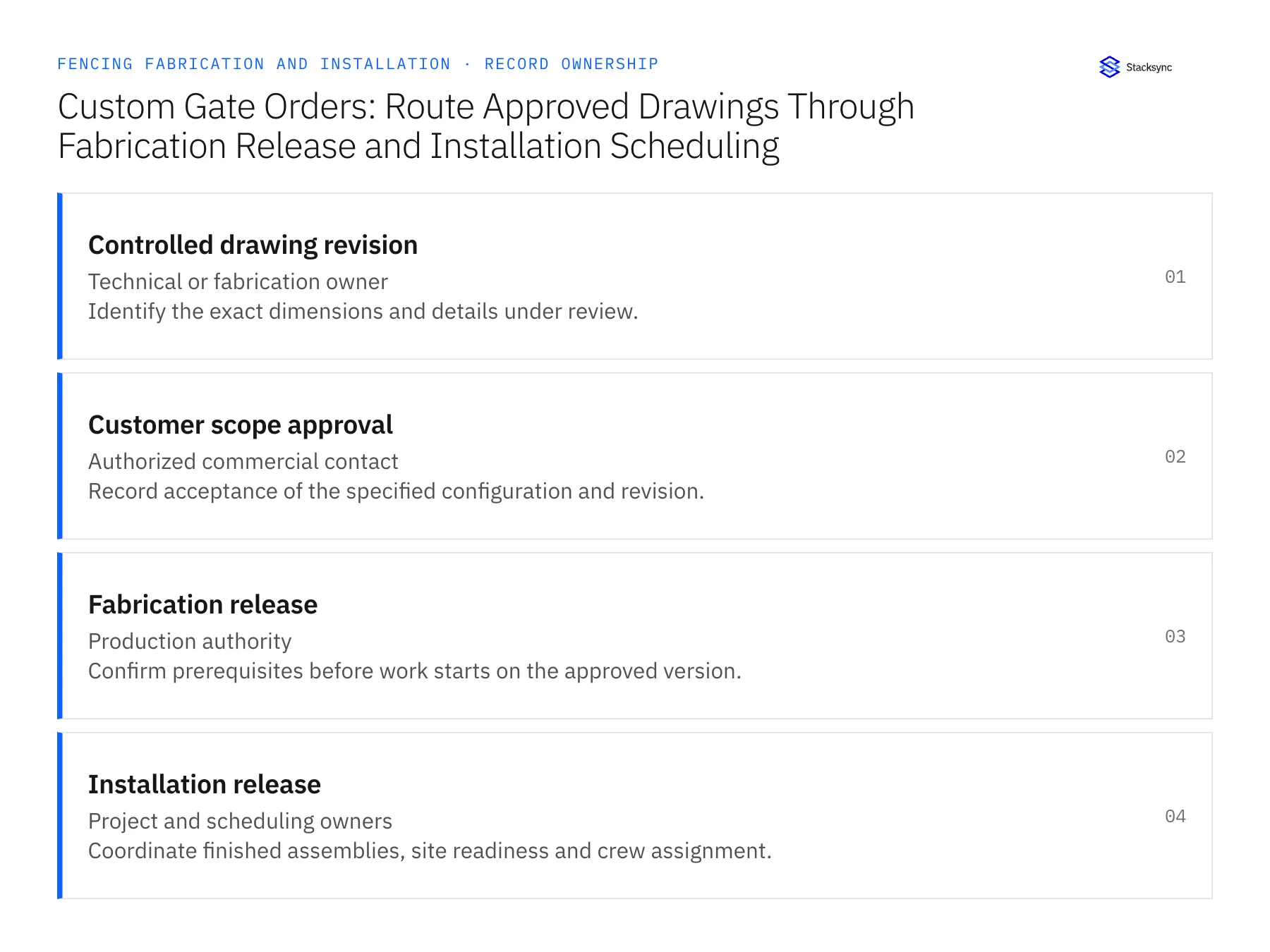
Records, ownership, and update rules
| Record | Owner | Operating rule |
|---|---|---|
| Controlled drawing revision | Technical or fabrication owner | Identify the exact dimensions and details under review. |
| Customer scope approval | Authorized commercial contact | Record acceptance of the specified configuration and revision. |
| Fabrication release | Production authority | Confirm prerequisites before work starts on the approved version. |
| Installation release | Project and scheduling owners | Coordinate finished assemblies, site readiness and crew assignment. |
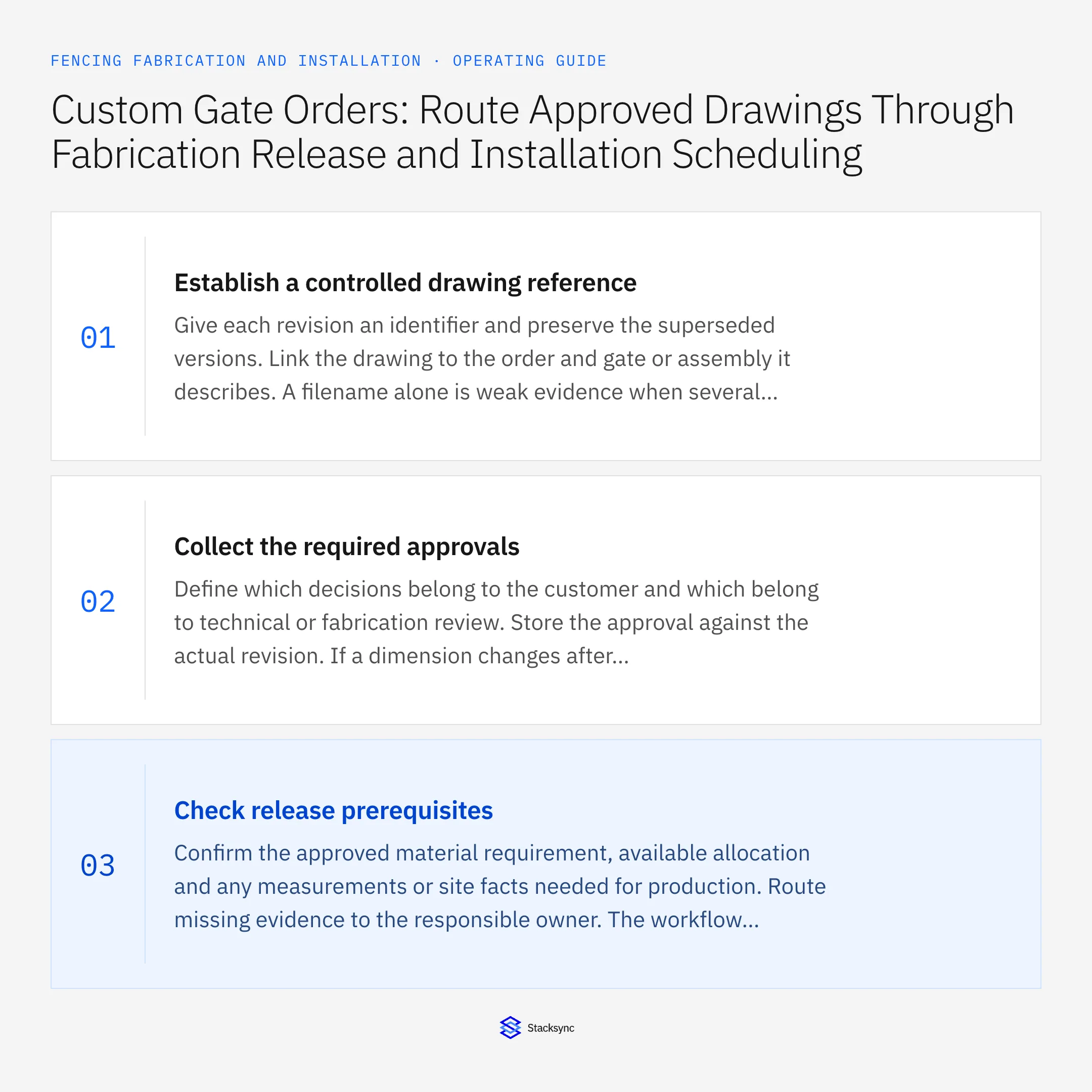
Work through the process
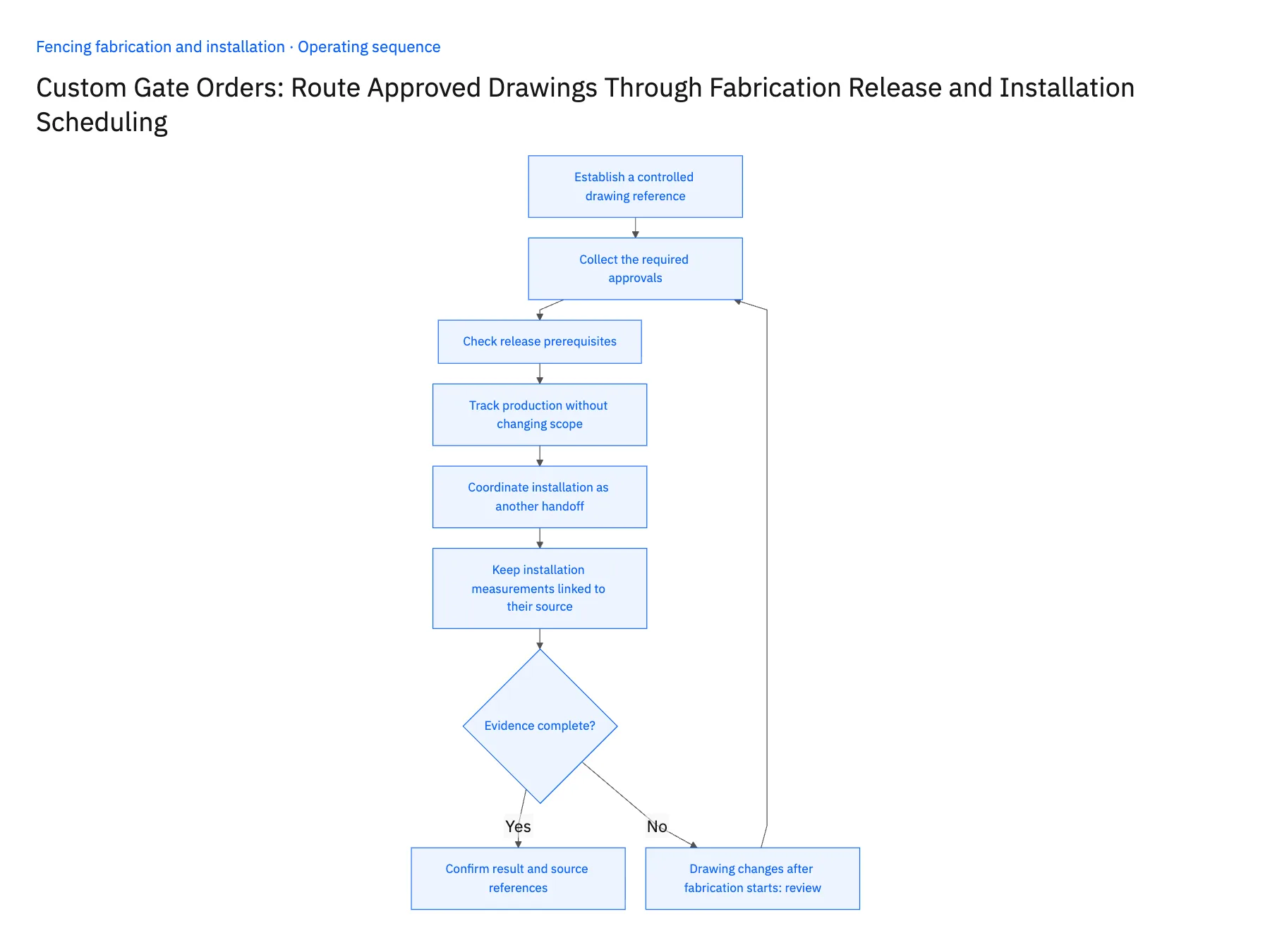
- 01Establish a controlled drawing referenceGive each revision an identifier and preserve the superseded versions. Link the drawing to the order and gate or assembly it describes. A filename alone is weak evidence when several attachments contain similar names or are uploaded out of sequence.
- 02Collect the required approvalsDefine which decisions belong to the customer and which belong to technical or fabrication review. Store the approval against the actual revision. If a dimension changes after approval, reopen the affected review rather than carrying forward a signature from an earlier configuration.
- 03Check release prerequisitesConfirm the approved material requirement, available allocation and any measurements or site facts needed for production. Route missing evidence to the responsible owner. The workflow should not decide engineering suitability; it should make the qualified release decision visible and traceable.
- 04Track production without changing scopeReturn fabrication status and completion evidence to the project view. Keep production updates separate from configuration edits. If the shop discovers a discrepancy, create a controlled change request that shows work already performed and the decision needed before proceeding.
- 05Coordinate installation as another handoffOnce the assembly is complete, verify staging, transport and the site-release decision under the operating process. Route scheduling through the authorized team and store the confirmed assignment. A completed shop task does not prove that the site is ready or that a crew has been booked.
- 06Keep installation measurements linked to their sourceWhere a final site measurement is a release prerequisite, record who verified it, when and for which opening or assembly. A value copied from an early estimate should not appear as a final field verification. The workflow can compare the references and request the missing confirmation, while the responsible technical or field person makes the measurement decision. This prevents a clean approval trail from hiding an obsolete input.
Handle the exceptions explicitly
Drawing changes after fabrication starts
Hold the affected work and route a revision decision with work-in-progress evidence.
Customer approved appearance but dimensions remain open
Keep technical release blocked until the required dimensional review is complete.
Gate is complete but site opening is unavailable
Preserve fabrication completion and route the installation blocker separately.
What to verify before expanding
- Fabrication uses the explicitly released drawing revision.
- Customer and technical approvals remain distinguishable.
- A revised drawing invalidates only the affected release decisions.
- Shop completion cannot automatically create site readiness.

Connect this process to the rest of your operation
Explore Stacksync workflows and scope the records and actions against your actual systems. Book a demo with a real controlled drawing revision example and the exception your team handles most often, for example drawing changes after fabrication starts.
- Custom Gate Fabrication-to-Installation Workflows
- Fence-Installation Scope Changes: Reconcile Linear Footage, Gate Counts, and Approved Billing
- Genies for Fence Material Purchasing: Compare Supplier Quotes Against the Approved Bill of Materials
- Fence Material Quote Exceptions: Gauge, Coating, Length, Freight, and Minimum-Order Differences
- Build vs. Buy: Should You Develop Custom Code or Use a Platform to Sync CRM Data?
- How Stacksync Manages Schema Changes: Ensuring Continuous Data Flow Between CRM and Databases
The shared architecture guide covers record matching, ownership, and recovery across systems.
Technical references
FAQ
Frequently asked questions










Related articles






