






















Fence-Installation Scope Changes: Reconcile Linear Footage, Gate Counts, and Approved Billing
Turn fencing field changes into reviewed quantities and billable revisions without losing measurement or approval evidence.
- Author
- Ignacio Malpartida · GTM Engineer
- Published
- Read time
- 5 min read

The operating decision
A fencing scope-change workflow should compare the approved baseline with measured changes in fence length, gate quantities and other priced components. Preserve units, location or section references, reason and customer authorization. Field observations should start a review, not automatically revise the contract. Estimating or project management validates the quantity change, the authorized customer approves the commercial revision, and finance receives the accepted billing basis.
Explore the complete fencing fabrication and installation integration and automation hub for the systems and processes around this guide.
What this looks like in fencing fabrication and installation
A commercial fence installation encounters a revised site layout. The perimeter length increases, one gate moves and a second gate is removed. The field team records the changes in notes and photographs. Simply adding the extra footage to the deal amount misses the removed gate and may use the wrong rate. The workflow should create a clear comparison of the original and proposed scope, then route the net commercial decision with supporting evidence.
Records, ownership, and update rules
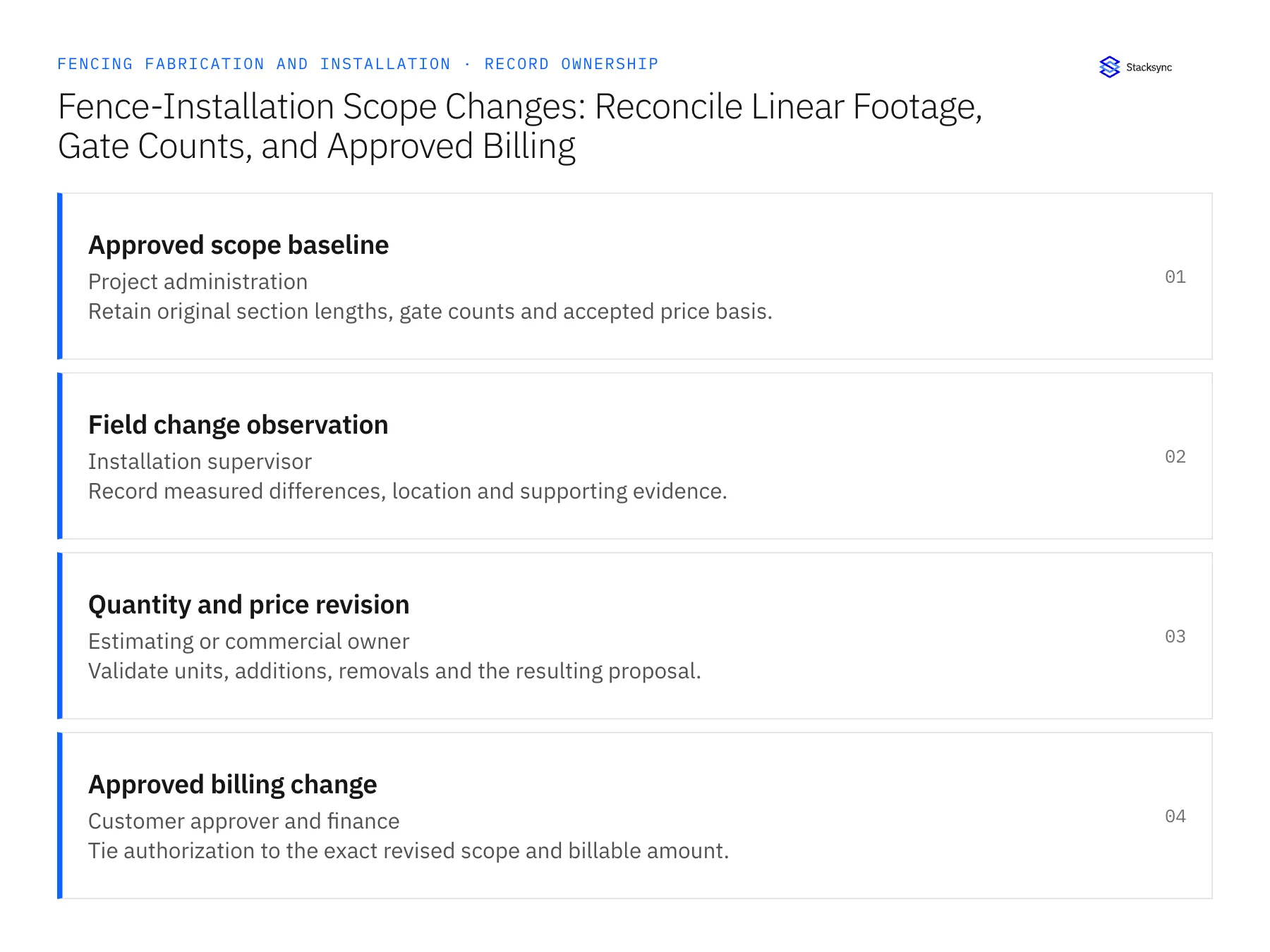
| Record | Owner | Operating rule |
|---|---|---|
| Approved scope baseline | Project administration | Retain original section lengths, gate counts and accepted price basis. |
| Field change observation | Installation supervisor | Record measured differences, location and supporting evidence. |
| Quantity and price revision | Estimating or commercial owner | Validate units, additions, removals and the resulting proposal. |
| Approved billing change | Customer approver and finance | Tie authorization to the exact revised scope and billable amount. |
Work through the process
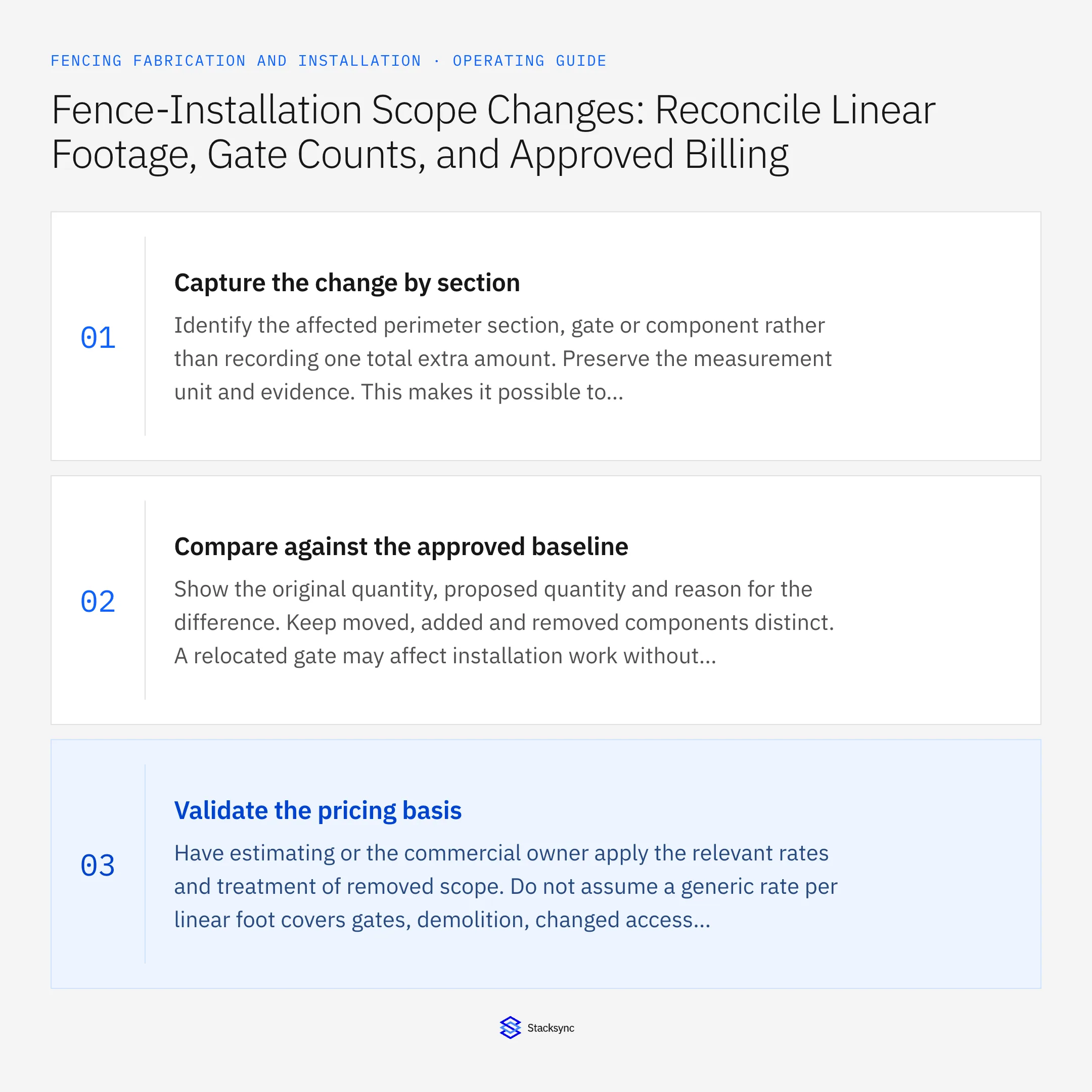
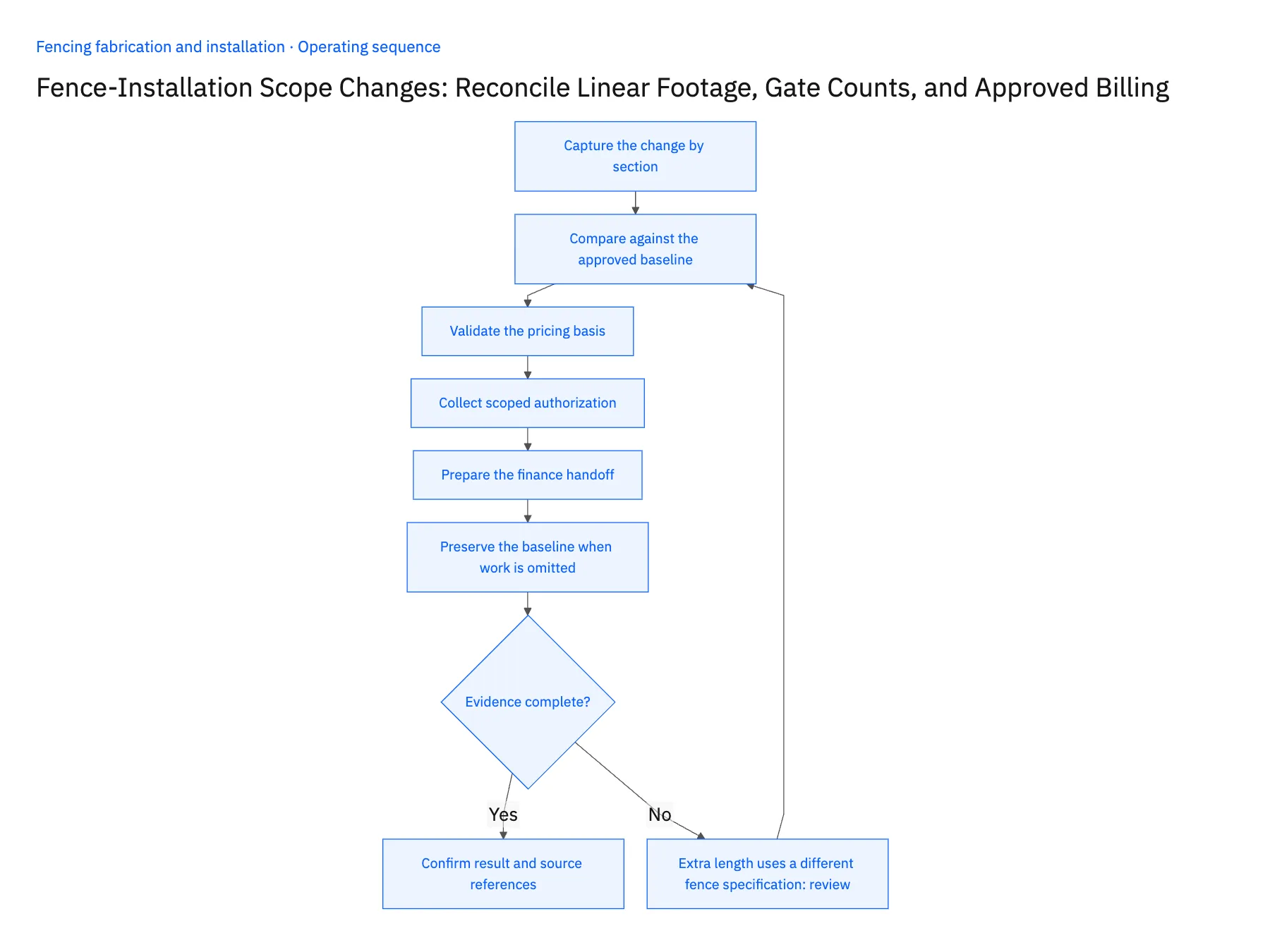
- 01Capture the change by sectionIdentify the affected perimeter section, gate or component rather than recording one total extra amount. Preserve the measurement unit and evidence. This makes it possible to reconcile additions and removals and avoids applying a change to every similar item on the project.
- 02Compare against the approved baselineShow the original quantity, proposed quantity and reason for the difference. Keep moved, added and removed components distinct. A relocated gate may affect installation work without changing the gate count, so quantity alone may not describe the full commercial consequence.
- 03Validate the pricing basisHave estimating or the commercial owner apply the relevant rates and treatment of removed scope. Do not assume a generic rate per linear foot covers gates, demolition, changed access or other separately priced work. Keep the calculation and assumptions attached to the proposed revision.
- 04Collect scoped authorizationObtain the required approval for the actual revised work and amount. Preserve partial acceptance when only some changes are authorized. If field conditions require an immediate operational decision, record that under the applicable policy while keeping the commercial authorization gap visible.
- 05Prepare the finance handoffSend the approved revision, quantity comparison and evidence to billing through the permitted workflow. Record the resulting reference and compare later changes with amounts already handed off. A retry or revised field note should not create a second charge for the same approved quantity change.
- 06Preserve the baseline when work is omittedA removed fence section or gate should create a reviewed scope reduction rather than disappear from history. Keep its original quantity and price basis with the approved removal decision. Finance can then determine the appropriate billing treatment, and procurement or fabrication can review material or work already committed. Deleting the line would hide why the final installation and invoice differ from the customer's original accepted proposal.
Handle the exceptions explicitly
Extra length uses a different fence specification
Price and review it as the correct scope rather than applying the original rate automatically.
Gate is moved but not added
Separate relocation work from a new gate quantity to avoid double counting.
Customer approves only part of the change
Release only the accepted components and retain the remaining decision in the queue.
What to verify before expanding
- Every change identifies its section or component and unit.
- Additions and removals reconcile to the approved baseline.
- Price approval covers the actual scope revision.
- A repeated handoff cannot bill the same change twice.

Connect this process to the rest of your operation
Explore Stacksync workflows and scope the records and actions against your actual systems. Book a demo with a real approved scope baseline example and the exception your team handles most often, for example extra length uses a different fence specification.
- Custom Gate Fabrication-to-Installation Workflows
- Custom Gate Orders: Route Approved Drawings Through Fabrication Release and Installation Scheduling
- Genies for Fence Material Purchasing: Compare Supplier Quotes Against the Approved Bill of Materials
- Fence Material Quote Exceptions: Gauge, Coating, Length, Freight, and Minimum-Order Differences
- Build vs. Buy: Should You Develop Custom Code or Use a Platform to Sync CRM Data?
- How Stacksync Manages Schema Changes: Ensuring Continuous Data Flow Between CRM and Databases
The shared architecture guide covers record matching, ownership, and recovery across systems.
Technical references
FAQ
Frequently asked questions










Related articles






