






















Multi-Trade Service Contracts: Keep HubSpot Renewal Dates and Acumatica Contract Status Aligned
Keep MEP renewal opportunities aligned with the actual contract term, covered sites and approved service status.
- Author
- Ruben Burdin · Founder & CEO
- Published
- Read time
- 5 min read

The operating decision
HubSpot–Acumatica two-way sync for multi-trade service contracts should distinguish a sales renewal opportunity from an active service agreement. Acumatica-owned contract status and dates can inform HubSpot renewal work; sales-owned contacts and negotiation context can inform the approved handoff. Preserve the contract identifier and term version so a future renewal does not overwrite current coverage. Validate the actual contract entities and fields in the Acumatica environment before enabling their writes.
Explore the complete commercial HVAC, plumbing and electrical contractors integration and automation hub for the systems and processes around this guide.
What this looks like in commercial HVAC, plumbing and electrical contractors
A contractor maintains HVAC equipment and provides electrical callouts for a commercial campus. The HVAC agreement renews in December, while electrical work is billed separately. A salesperson creates a combined renewal opportunity in HubSpot, but operations must continue honoring the current agreement until the new terms are accepted. The integration needs to show current coverage, proposed changes and the future effective date without telling dispatch that negotiations have already changed the contract.
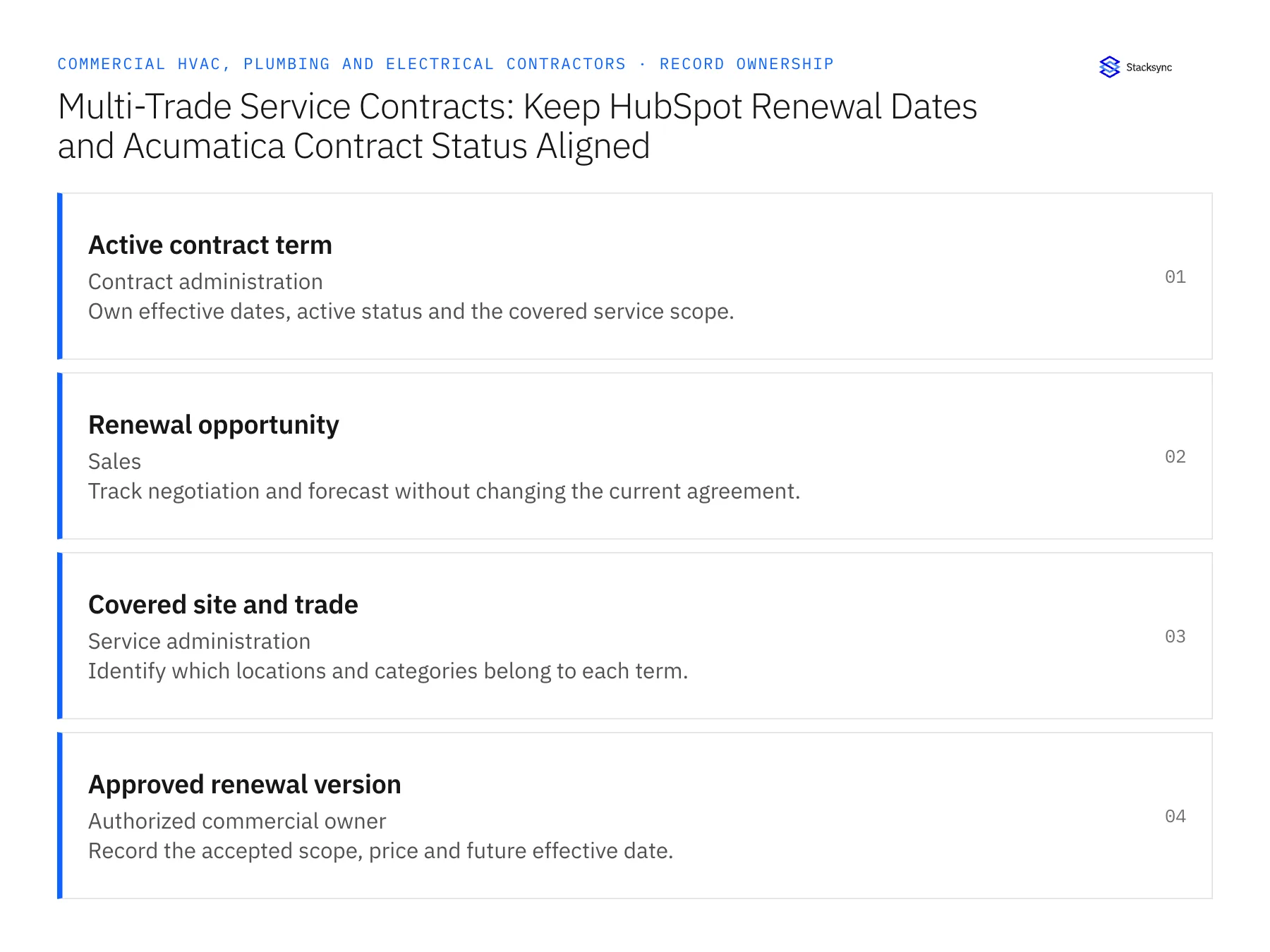
Records, ownership, and update rules
| Record | Owner | Operating rule |
|---|---|---|
| Active contract term | Contract administration | Own effective dates, active status and the covered service scope. |
| Renewal opportunity | Sales | Track negotiation and forecast without changing the current agreement. |
| Covered site and trade | Service administration | Identify which locations and categories belong to each term. |
| Approved renewal version | Authorized commercial owner | Record the accepted scope, price and future effective date. |
Work through the process
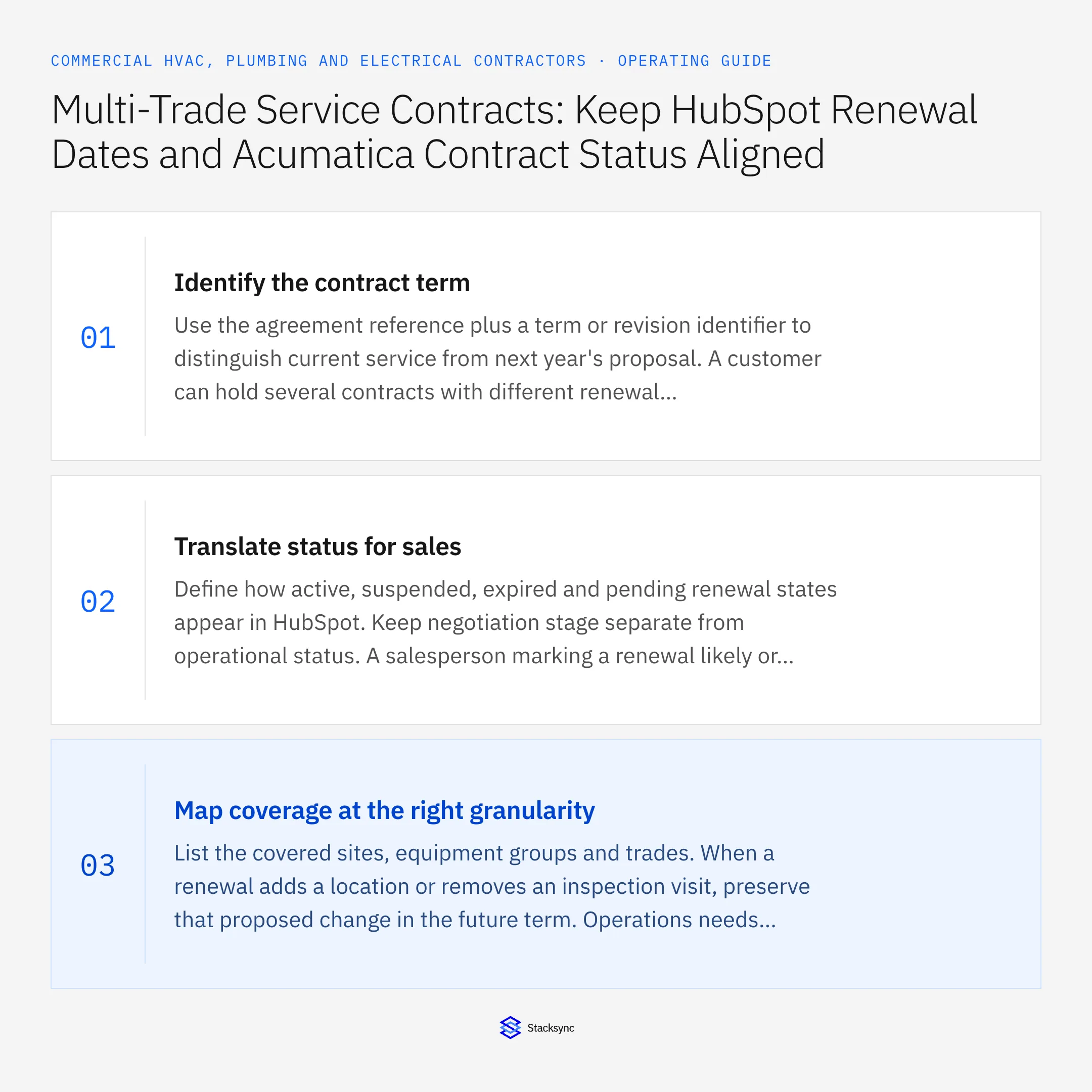
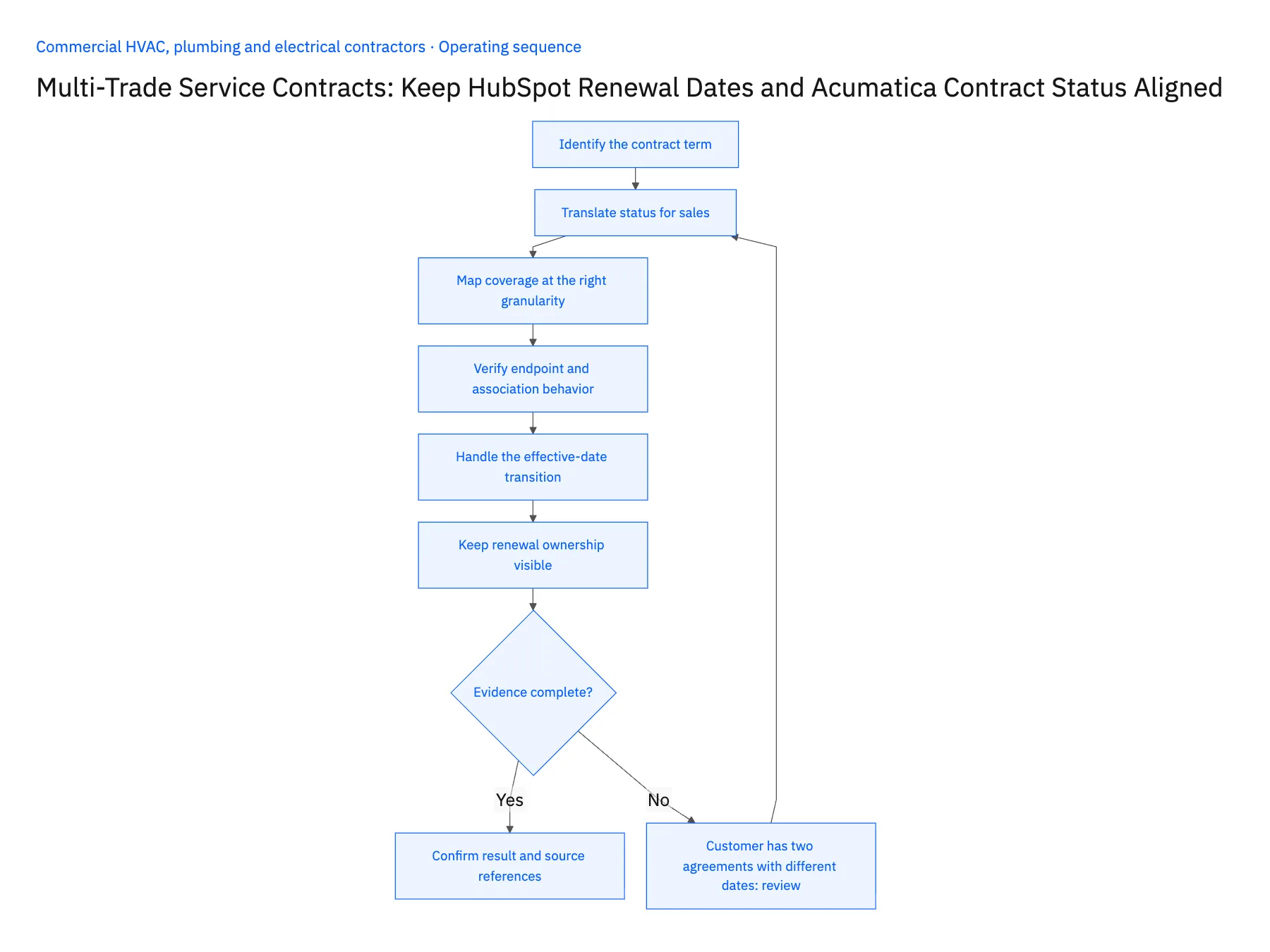
- 01Identify the contract termUse the agreement reference plus a term or revision identifier to distinguish current service from next year's proposal. A customer can hold several contracts with different renewal dates. Map each relevant term to the correct opportunity rather than storing one misleading renewal date on the company record.
- 02Translate status for salesDefine how active, suspended, expired and pending renewal states appear in HubSpot. Keep negotiation stage separate from operational status. A salesperson marking a renewal likely or closed-won should not reactivate an agreement that finance or service administration has suspended.
- 03Map coverage at the right granularityList the covered sites, equipment groups and trades. When a renewal adds a location or removes an inspection visit, preserve that proposed change in the future term. Operations needs a clear comparison against existing coverage before it accepts the new service obligation.
- 04Verify endpoint and association behaviorConfirm the required Acumatica entities and field operations under the production role. In HubSpot, choose a supported representation for contract summaries and associations, checking plan requirements for custom objects. Test records and their relationships together so the renewal date never appears on an unrelated company.
- 05Handle the effective-date transitionAt the agreed start date, confirm the approved renewal is activated through the owning process. Return the resulting status to sales and retain the previous term. If approval or activation is delayed, keep the gap visible instead of assuming a successful opportunity update means service coverage has begun.
- 06Keep renewal ownership visibleAssign a renewal owner for each agreement term and define who resolves missing scope before a proposal is sent. When several trades share the account, a company-wide sales owner may not know which service team can confirm coverage. The synchronized view should make the operational reviewer visible beside the renewal opportunity. That lets sales ask a precise question about a covered site or service frequency instead of circulating a generic contract export.
Handle the exceptions explicitly
Customer has two agreements with different dates
Create distinct term relationships and avoid overwriting a company-wide renewal field.
Negotiated renewal is not yet signed
Keep it proposed and retain current coverage until the required approval exists.
Contract is suspended during renewal
Route the conflict to the contract owner before presenting the agreement as active.
What to verify before expanding
- Current and proposed terms remain visible separately.
- A won renewal opportunity cannot silently activate service.
- Covered sites are attached to the correct agreement.
- The effective-date transition preserves the previous contract term.

Connect this process to the rest of your operation
Explore Stacksync two-way sync and scope the records and actions against your actual systems. Book a demo with a real active contract term example and the exception your team handles most often, for example customer has two agreements with different dates.
- Salesforce–NetSuite Two-Way Sync for Commercial MEP Contractors
- HubSpot–Acumatica Two-Way Sync for MEP Service Contracts
- Truck Stock and Service Parts: Connect a Supabase Field App With NetSuite Item and Location Records
- Emergency MEP Service Calls: Route Dispatch, Rate Approval, and Billable Work
- Service Agreement Renewals for MEP Contractors: Coordinate Price Review and Customer Approval
- Verify Warranty Coverage and Customer Acceptance Before Closing Repairs
- NetSuite Field Service Management: Boost Efficiency & Accuracy
The shared architecture guide covers record matching, ownership, and recovery across systems.
Technical references
FAQ
Frequently asked questions










Related articles




