






















Fence Fabricators and Installers: Align Salesforce Approved Configurations With NetSuite Sales Orders
Keep approved fence and gate configurations linked to the correct NetSuite order revision.
- Author
- Ruben Burdin · Founder & CEO
- Published
- Read time
- 5 min read

The operating decision
Fence fabricators and installers should connect Salesforce's approved commercial configuration to NetSuite order and project records through a versioned handoff. Preserve dimensions, material, finish, gate requirements and the approved drawing reference at the level needed for production. Sales can manage the proposal, while engineering or fabrication review owns technical release and finance owns the commercial order. Two-way sync should expose the accepted state without letting a late CRM edit silently change released work.
Explore the complete fencing fabrication and installation integration and automation hub for the systems and processes around this guide.
What this looks like in fencing fabrication and installation
A commercial fencing company sells a perimeter package with custom gates. Salesforce contains the opportunity and customer discussions; NetSuite contains the accepted order. After approval, the customer asks to widen one gate. That change affects material and fabrication work but not every fence section. The integration must show the requested configuration separately from the approved order revision, then return the accepted result once the relevant reviewers authorize it.
Records, ownership, and update rules
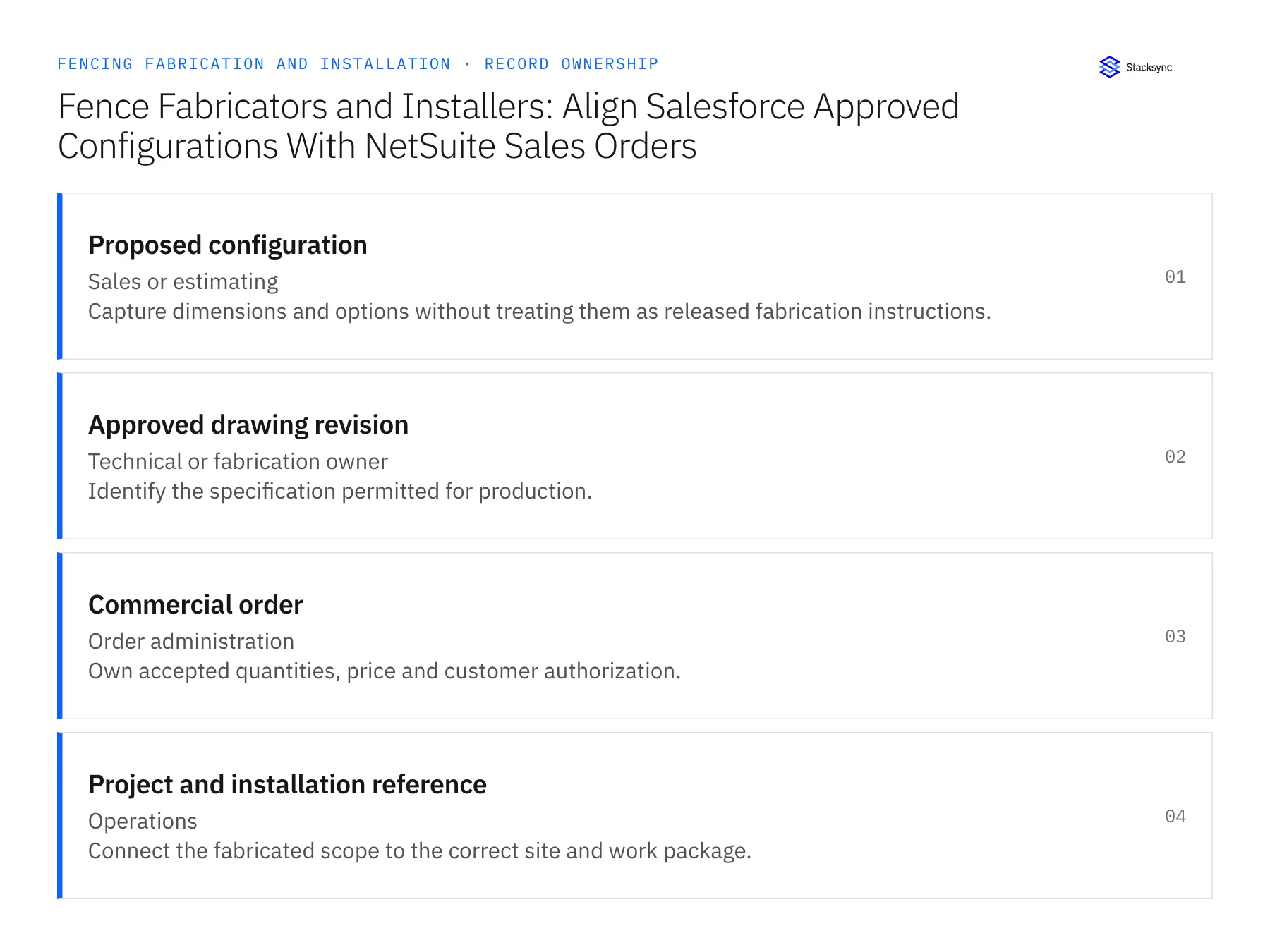
| Record | Owner | Operating rule |
|---|---|---|
| Proposed configuration | Sales or estimating | Capture dimensions and options without treating them as released fabrication instructions. |
| Approved drawing revision | Technical or fabrication owner | Identify the specification permitted for production. |
| Commercial order | Order administration | Own accepted quantities, price and customer authorization. |
| Project and installation reference | Operations | Connect the fabricated scope to the correct site and work package. |
Work through the process
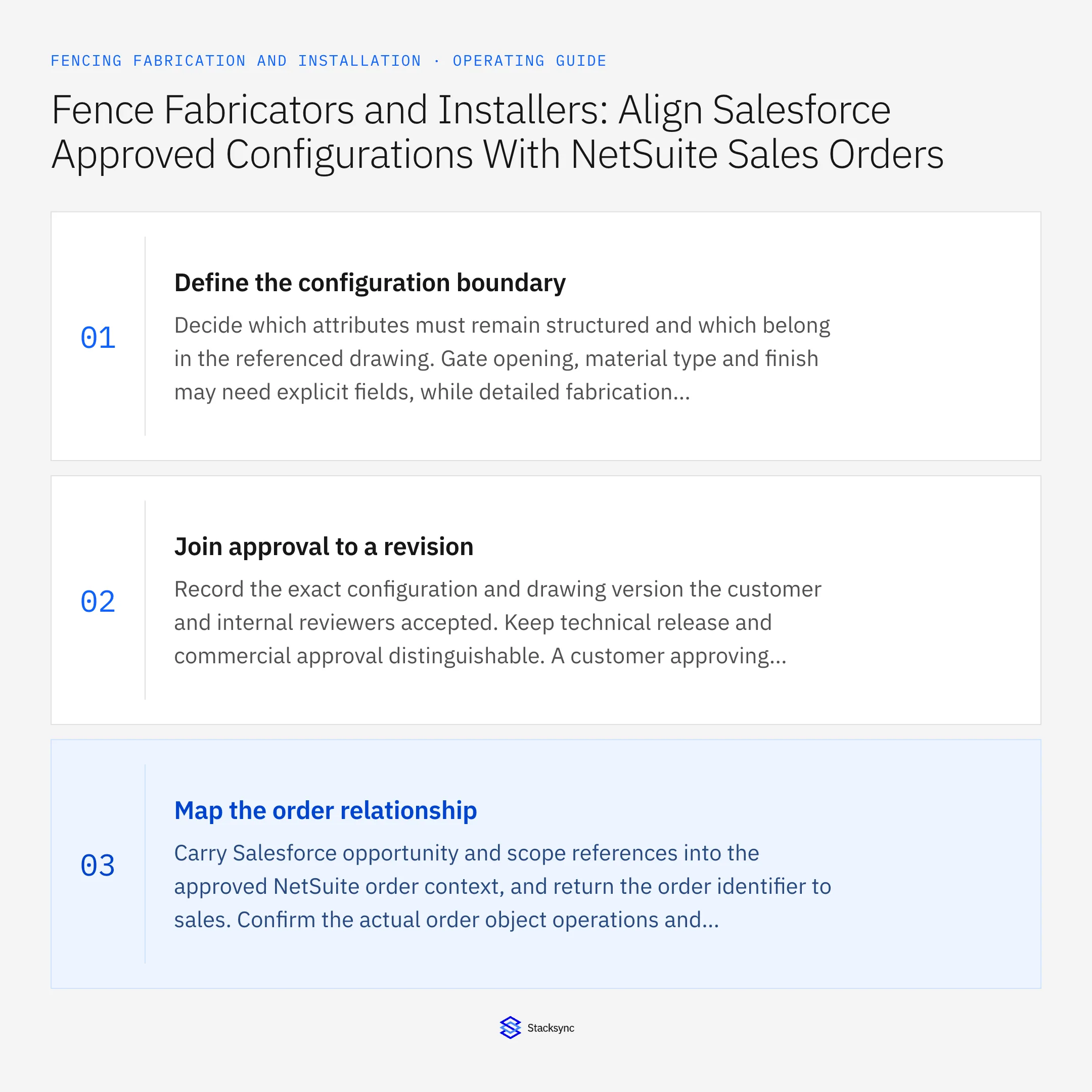
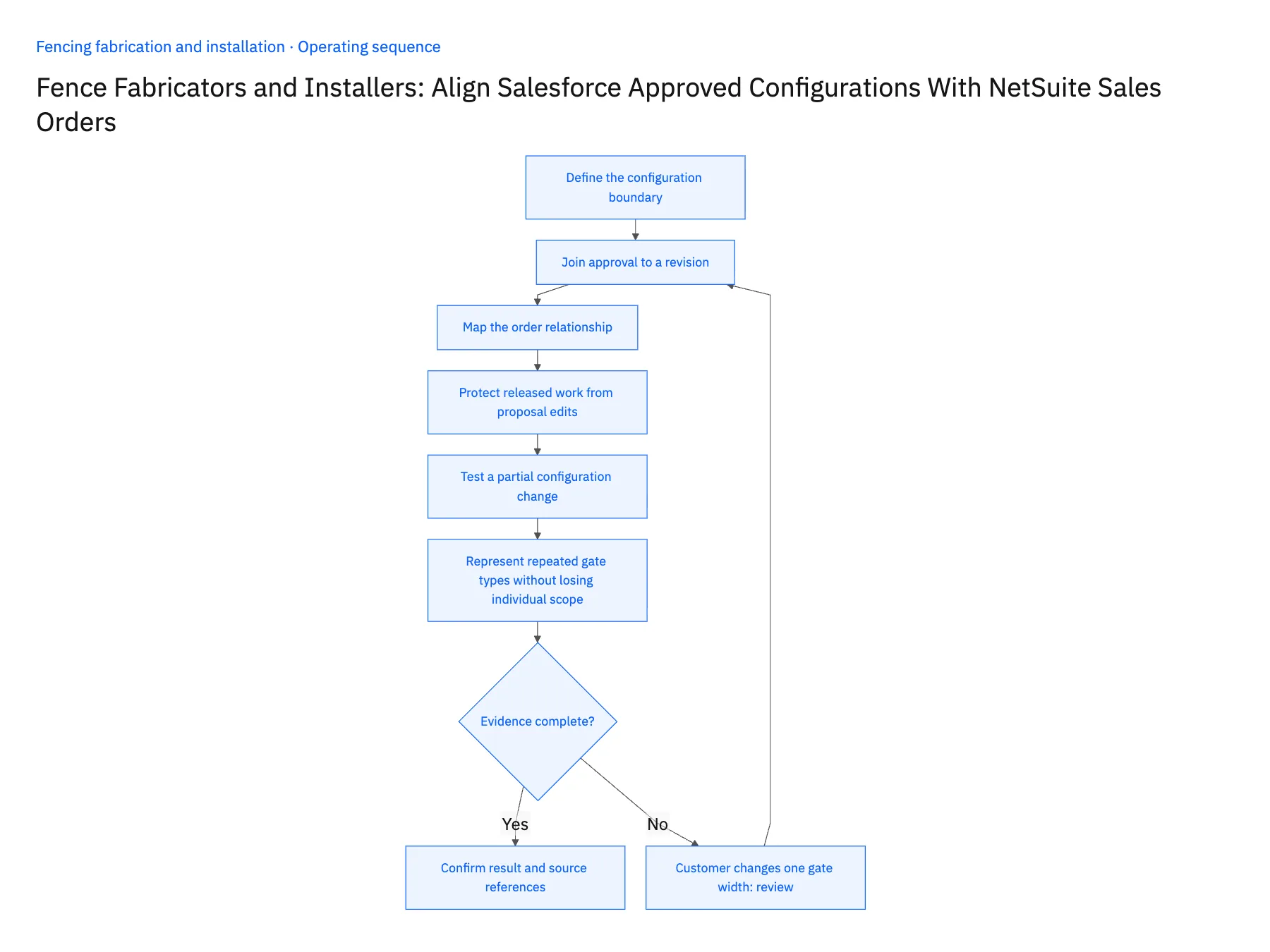
- 01Define the configuration boundaryDecide which attributes must remain structured and which belong in the referenced drawing. Gate opening, material type and finish may need explicit fields, while detailed fabrication instructions remain in controlled documents. Avoid burying all configuration in a deal description that cannot be reliably compared.
- 02Join approval to a revisionRecord the exact configuration and drawing version the customer and internal reviewers accepted. Keep technical release and commercial approval distinguishable. A customer approving appearance does not necessarily establish that fabrication reviewed every production detail.
- 03Map the order relationshipCarry Salesforce opportunity and scope references into the approved NetSuite order context, and return the order identifier to sales. Confirm the actual order object operations and any custom configuration fields. Do not assume every writable customer field implies support for every transaction or custom record action.
- 04Protect released work from proposal editsAfter release, treat a configuration change as a new proposed revision. Compare the changed attributes with the released baseline and show the affected order lines. Keep the current production version stable until the authorized change process approves and applies the revision.
- 05Test a partial configuration changeUse an example where one gate changes and the remaining perimeter stays the same. Verify quantity, price and drawing relationships before and after approval. Confirm that a retried handoff updates the existing revision reference instead of creating a duplicate order.
- 06Represent repeated gate types without losing individual scopeSeveral gates may share a configuration but have different opening dimensions or site positions. Reuse an approved configuration reference where appropriate while retaining the instance or line that identifies each delivered assembly. A revision to one opening should not change every similar gate on the order. Test that the customer-facing summary can explain both the common specification and the location-specific differences the fabrication team must honor.
Handle the exceptions explicitly
Customer changes one gate width
Scope the revision to that gate and preserve unaffected fence sections.
Finish description differs between CRM and drawing
Route the discrepancy to the configuration owner before release.
Fabrication has already started
Attach work-in-progress context to the change review rather than overwriting the original specification.
What to verify before expanding
- Released configuration identifies its approved drawing version.
- Late CRM edits remain proposed until reviewed.
- Every commercial line resolves to the correct order reference.
- A partial change leaves unrelated scope intact.

Connect this process to the rest of your operation
Explore Stacksync two-way sync and scope the records and actions against your actual systems. Book a demo with a real proposed configuration example and the exception your team handles most often, for example customer changes one gate width.
- Salesforce–NetSuite for Fence Fabricators and Installers
- NetSuite–Supabase for Fencing Production and Installation Boards
- Fence Material Reservations: Connect NetSuite Stock With a Supabase Fabrication and Installation Board
- Commercial Fencing Accounts: Align HubSpot Site Contacts With Acumatica Customer and Project Records
- Custom Gate Orders: Route Approved Drawings Through Fabrication Release and Installation Scheduling
- NetSuite Two-Way Sync Solutions: Enterprise Integration Guide
- Build vs. Buy: Should You Develop Custom Code or Use a Platform to Sync CRM Data?
The shared architecture guide covers record matching, ownership, and recovery across systems.
Technical references
FAQ
Frequently asked questions










Related articles






