






















Two-Way Sync for Construction Service Companies: Which Records to Connect First
Start construction two-way sync with customer, site, job and billing-status records that prevent repeated office handoffs.
- Author
- Ruben Burdin · Founder & CEO
- Published
- Read time
- 5 min read

The operating decision
Construction service companies should start two-way sync with the records that identify who ordered the work, where it happens, which job owns it, and whether finance can bill it. Connect customer and site identities before automating financial transactions. Give each field an owner: sales maintains relationship information, operations maintains work status, and finance controls accounting status. Stacksync provides the data foundation; your mapping determines which changes may travel in each direction.
Explore the complete construction services and installation integration and automation hub for the systems and processes around this guide.
What this looks like in construction services and installation
Consider a US contractor with several branches and separate service and installation teams. A facility manager requests electrical repairs through sales, dispatch schedules the visit, and the billing office sees a different customer name. Staff spend the afternoon matching addresses and forwarding completion notes. The first useful sync does not need every historical attachment. It needs a stable customer identifier, a site identifier, the originating request, and a shared job reference so each team can recognize the same work.
Records, ownership, and update rules
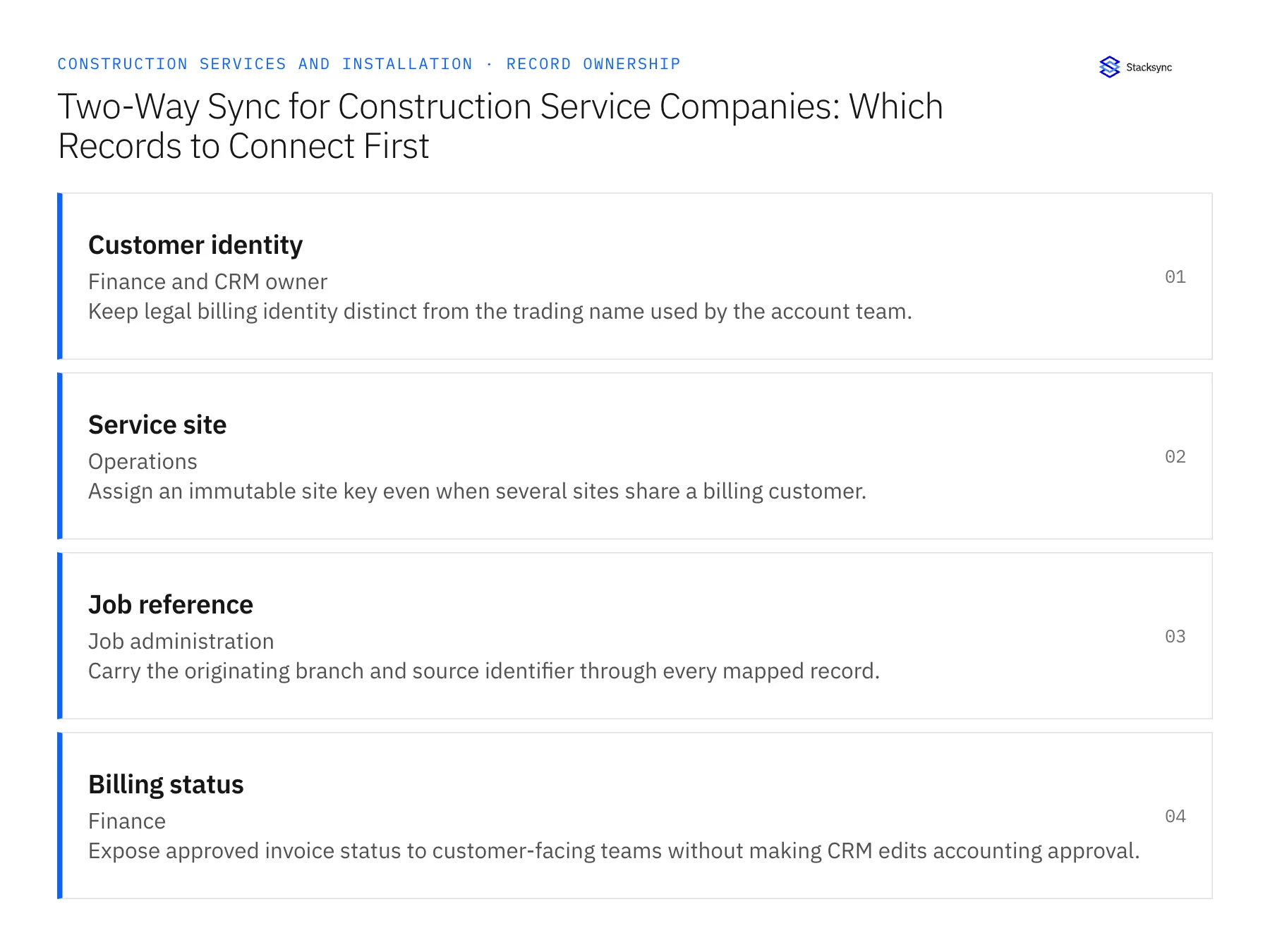
| Record | Owner | Operating rule |
|---|---|---|
| Customer identity | Finance and CRM owner | Keep legal billing identity distinct from the trading name used by the account team. |
| Service site | Operations | Assign an immutable site key even when several sites share a billing customer. |
| Job reference | Job administration | Carry the originating branch and source identifier through every mapped record. |
| Billing status | Finance | Expose approved invoice status to customer-facing teams without making CRM edits accounting approval. |
Work through the process
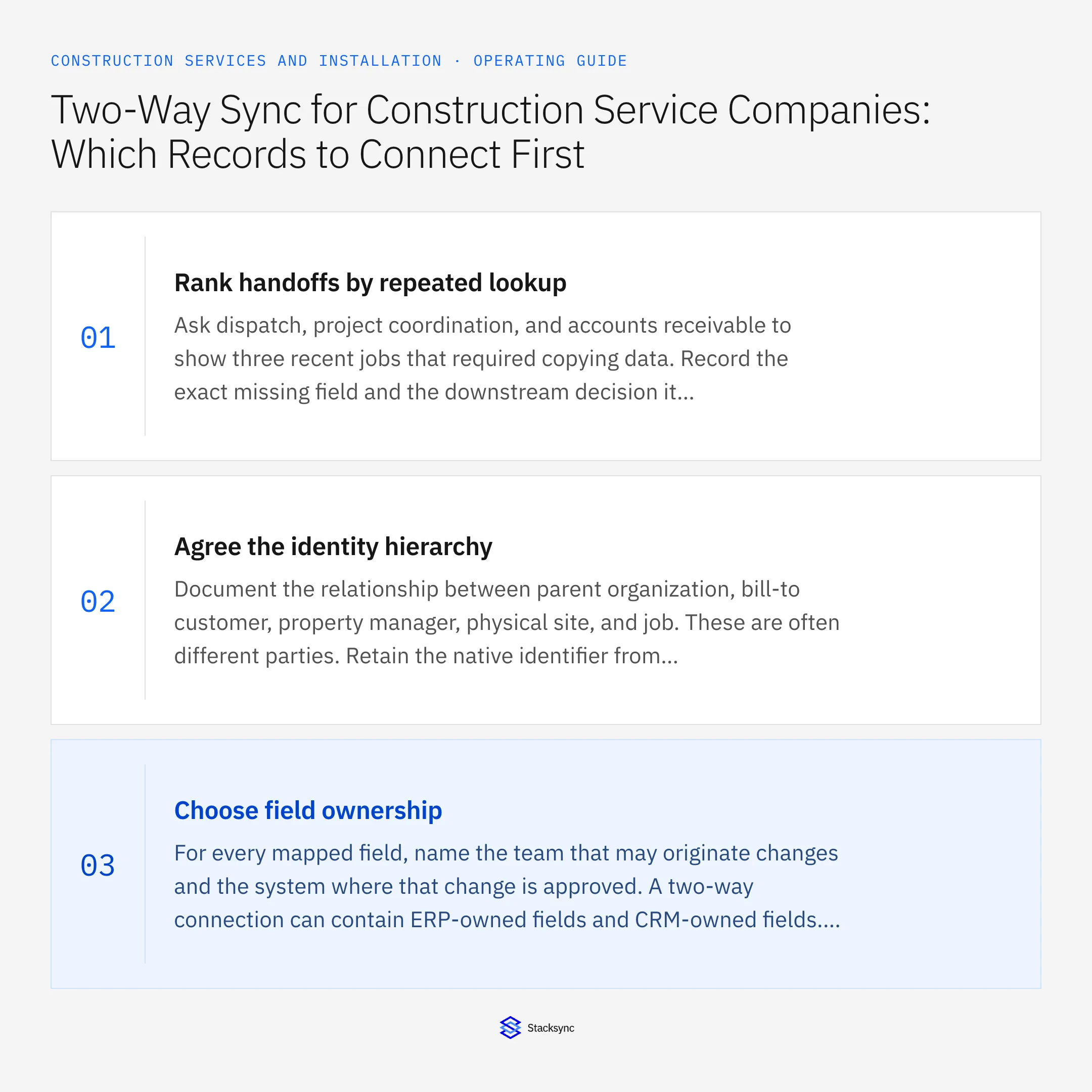
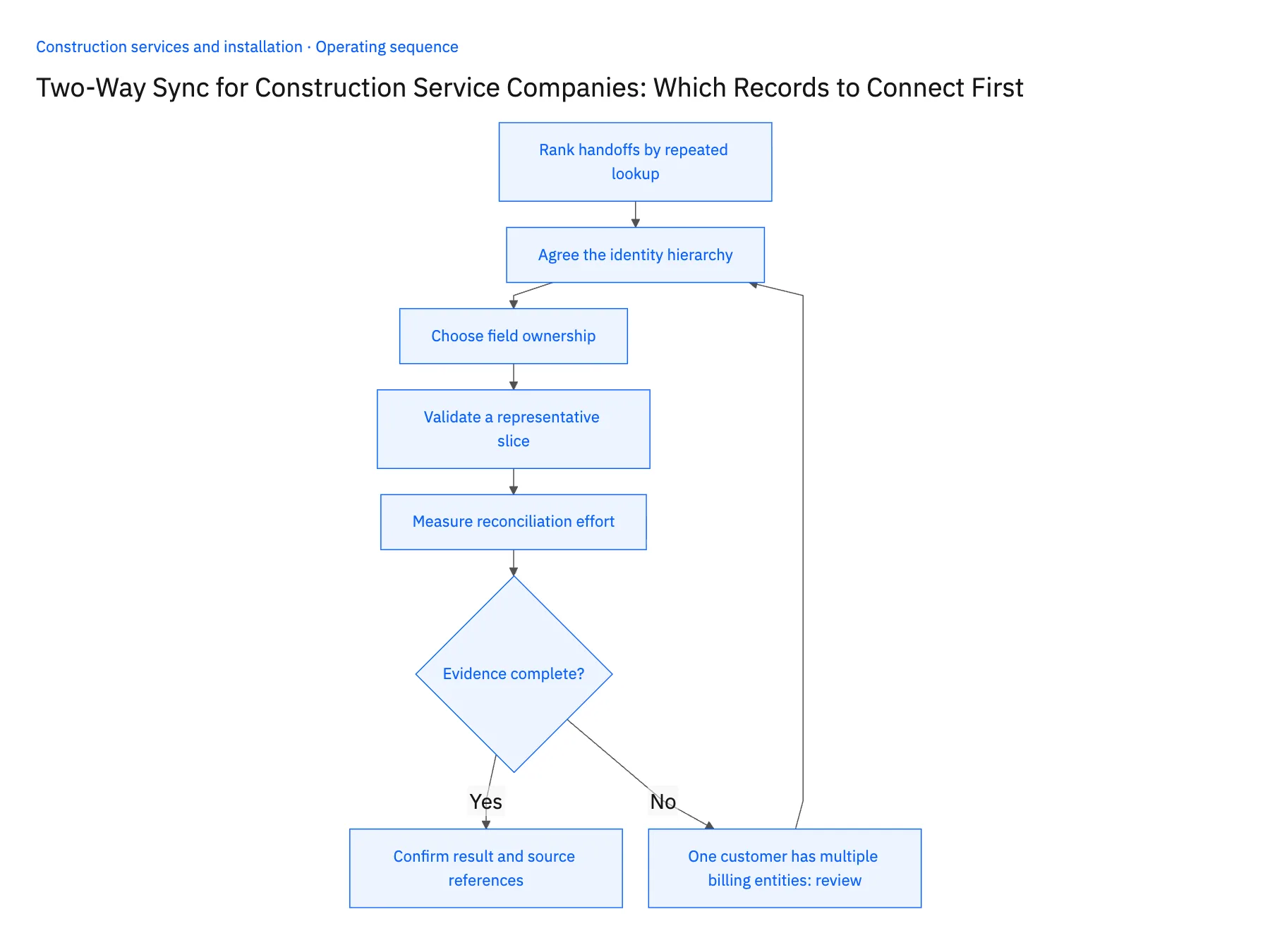
- 01Rank handoffs by repeated lookupAsk dispatch, project coordination, and accounts receivable to show three recent jobs that required copying data. Record the exact missing field and the downstream decision it blocked. Prefer a bounded flow such as customer-to-site matching over a vague request to connect the entire ERP. This produces a first release that business users can actually inspect.
- 02Agree the identity hierarchyDocument the relationship between parent organization, bill-to customer, property manager, physical site, and job. These are often different parties. Retain the native identifier from each system in a cross-reference rather than matching every update by company name. Have finance resolve ambiguous bill-to relationships before automatic creation begins.
- 03Choose field ownershipFor every mapped field, name the team that may originate changes and the system where that change is approved. A two-way connection can contain ERP-owned fields and CRM-owned fields. Do not use a last-update timestamp to settle a disagreement about payment terms, credit holds, or whether additional work was authorized.
- 04Validate a representative sliceUse jobs covering a repeat customer, a new site, an inactive account, and a branch transfer. Confirm the selected objects and writes against the connector documentation and account permissions. NetSuite object access varies; Salesforce eligibility also depends on the selected change-detection approach. Test the intended record operations, not only a successful login.
- 05Measure reconciliation effortAt the end of the pilot, compare source and destination counts and inspect unmatched identifiers. Track the number of jobs needing manual customer lookup, the age of unresolved mapping errors, and whether a correction travels to the intended system. Expand to work-order and invoice evidence only after the identity layer holds up.
Handle the exceptions explicitly
One customer has multiple billing entities
Retain separate legal customers and link them to the relationship account; do not merge them because their brand is shared.
A branch reuses a job number
Qualify the key with its source and branch so another office cannot attach costs to the wrong job.
An invoice status arrives before its job
Hold the relationship for reconciliation and avoid creating a second placeholder job.
What to verify before expanding
- A repeat customer maps to one approved billing identity.
- Two sites at the same street address remain distinguishable.
- Finance changes appear in the correct customer-facing record.
- A retried update does not create another customer or job.

Connect this process to the rest of your operation
Explore Stacksync two-way sync and scope the records and actions against your actual systems. Book a demo with a real customer identity example and the exception your team handles most often, for example one customer has multiple billing entities.
- HubSpot–Acumatica for Construction Services: Customers, Projects, and Invoice Status
- Salesforce–NetSuite for Construction Service Groups: Accounts, Jobs, and Approved Commercial Data
- HubSpot–Supabase for Construction Service Portals: Customers, Sites, and Request Status
- Acumatica to Salesforce & HubSpot Integration
- How to Sync HubSpot and Supabase in minutes with Stacksync
The shared architecture guide covers record matching, ownership, and recovery across systems.
Technical references
FAQ
Frequently asked questions










Explore these integrations and topics
- integrationSalesforce and NetSuite integration
- connectorSalesforce integrations
- connectorNetSuite integrations
- platformTwo-way sync
- platformCRM synchronization
- platformCRM and ERP integration
- Two-way sync guidesUnderstand two-way sync, record matching, field ownership, and production readiness.
- CRM synchronization guidesConnect customer records across sales, marketing, and operational systems.
Related articles






