






















Service Agreement Renewals for MEP Contractors: Coordinate Price Review and Customer Approval
Route multi-trade service renewals through scope, pricing and customer approval before activating the next contract term.
- Author
- Ignacio Malpartida · GTM Engineer
- Published
- Read time
- 5 min read

The operating decision
Automating MEP service renewals means coordinating decisions about the next term, not simply copying an expiration date into a reminder. Bring together the current agreement, covered equipment and sites, service history, proposed pricing and authorized customer acceptance. Use a workflow to route the reviews and preserve the approved version. Sales can manage the conversation while contract administration controls activation and finance validates the billing terms for the new service obligation.
Explore the complete commercial HVAC, plumbing and electrical contractors integration and automation hub for the systems and processes around this guide.
What this looks like in commercial HVAC, plumbing and electrical contractors
An HVAC and electrical contractor renews an agreement for a property group that added two buildings during the year. Sales wants one combined proposal, service management needs to revise visit frequency, and finance wants to review the billing arrangement. A reminder alone sends an incomplete quote too early. A coordinated workflow produces a proposal with the right sites and work categories, then tracks acceptance and activation as separate events.
Records, ownership, and update rules
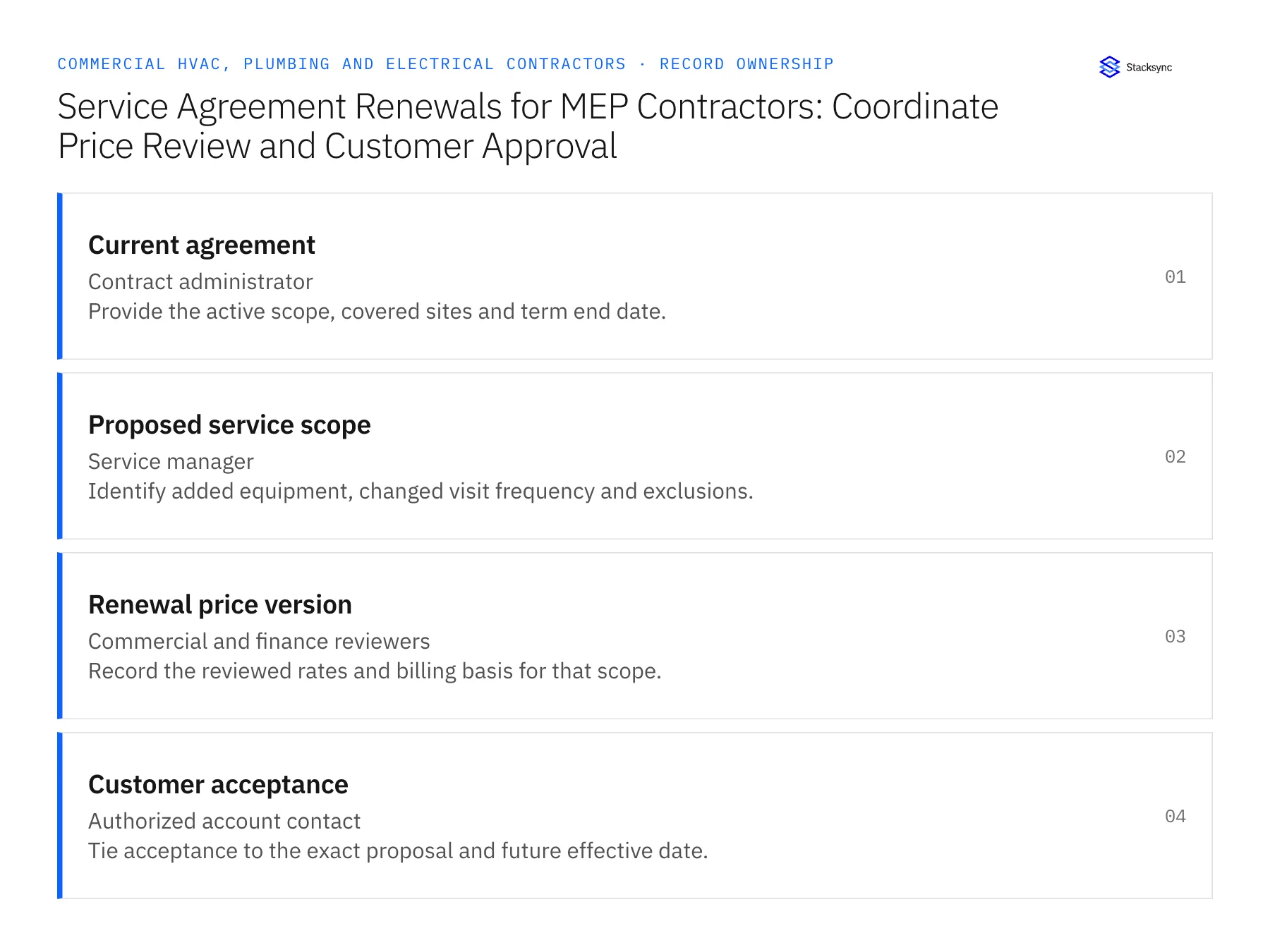
| Record | Owner | Operating rule |
|---|---|---|
| Current agreement | Contract administrator | Provide the active scope, covered sites and term end date. |
| Proposed service scope | Service manager | Identify added equipment, changed visit frequency and exclusions. |
| Renewal price version | Commercial and finance reviewers | Record the reviewed rates and billing basis for that scope. |
| Customer acceptance | Authorized account contact | Tie acceptance to the exact proposal and future effective date. |
Work through the process
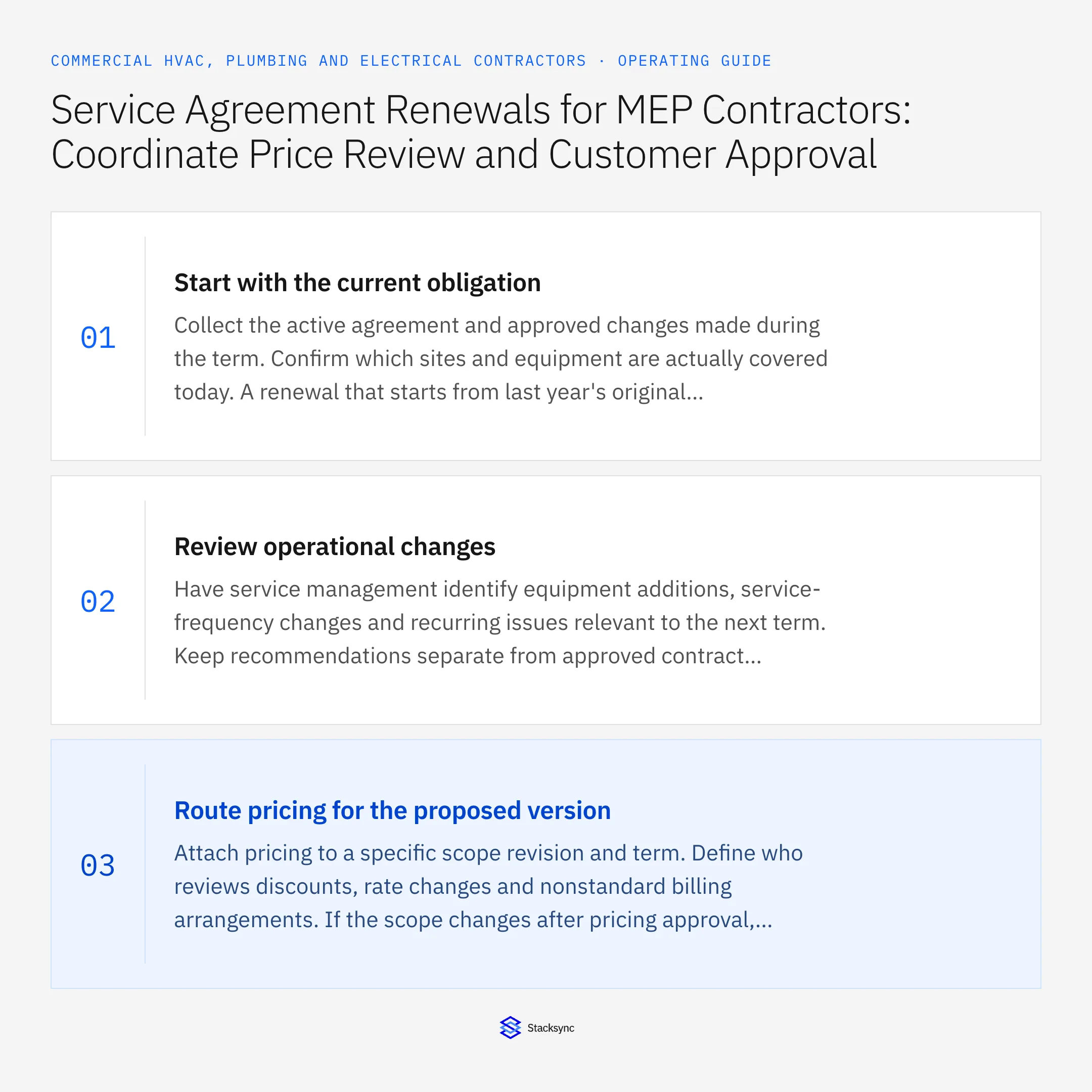
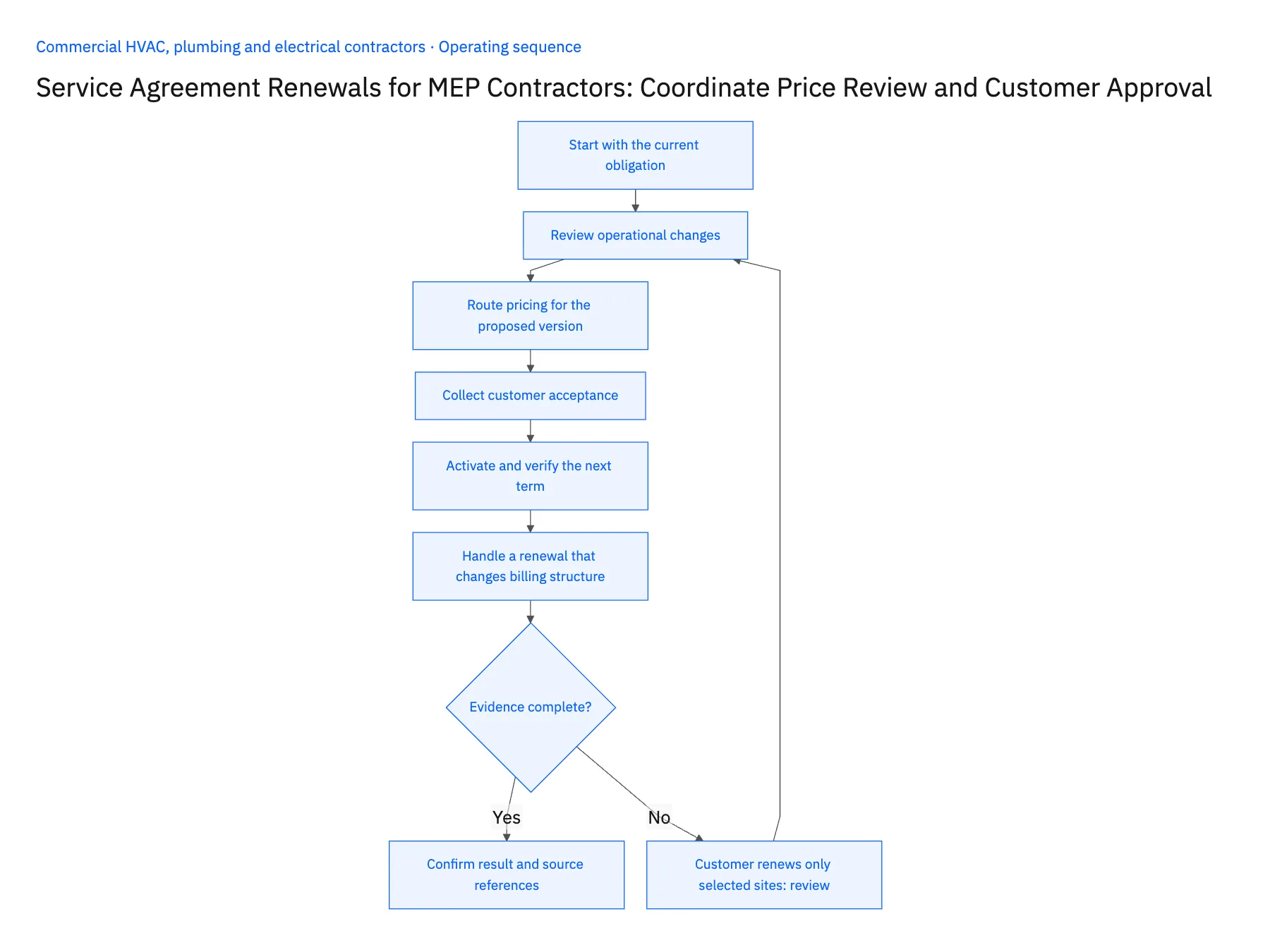
- 01Start with the current obligationCollect the active agreement and approved changes made during the term. Confirm which sites and equipment are actually covered today. A renewal that starts from last year's original quote can omit additions or perpetuate a service obligation that the team already changed.
- 02Review operational changesHave service management identify equipment additions, service-frequency changes and recurring issues relevant to the next term. Keep recommendations separate from approved contract scope. The workflow should capture a decision on each material change rather than passing a long unstructured service-history export to sales.
- 03Route pricing for the proposed versionAttach pricing to a specific scope revision and term. Define who reviews discounts, rate changes and nonstandard billing arrangements. If the scope changes after pricing approval, return the affected proposal for review instead of preserving an approval that applied to a different obligation.
- 04Collect customer acceptanceRecord the accepted proposal version and the authority of the accepting contact. A positive email about renewal discussions does not necessarily accept all proposed terms. Where the customer requests revisions, create a new proposal version and keep the earlier one available for comparison.
- 05Activate and verify the next termAfter the required acceptance and internal review, route activation through the contract owner and supported system action. Return the resulting contract status to HubSpot. Check for an unintended coverage gap or overlap, especially when only some sites renew or the effective date moves.
- 06Handle a renewal that changes billing structureA customer may accept the service scope while asking to move from site-level invoices to a consolidated bill. Route that request to finance with the affected agreements and proposed effective date. Do not collapse the service-site relationships merely to simplify invoicing. Service teams still need to know what each site receives, even when finance approves a different presentation of the charges for the next term.
Handle the exceptions explicitly
Customer renews only selected sites
Create the accepted scope explicitly and leave excluded sites outside the activated term.
Price approval predates a service-frequency change
Reopen the affected review because the underlying obligation changed.
Acceptance arrives after expiration
Route the gap to contract administration rather than assuming continuous coverage.
What to verify before expanding
- Every price approval names the scope revision it covers.
- Partial renewals preserve site-level coverage decisions.
- Customer acceptance and contract activation remain distinct.
- The CRM reflects the verified active term after the handoff.

Connect this process to the rest of your operation
Explore Stacksync workflows and scope the records and actions against your actual systems. Book a demo with a real current agreement example and the exception your team handles most often, for example customer renews only selected sites.
- Emergency MEP Service-to-Billing Workflows
- Emergency MEP Service Calls: Route Dispatch, Rate Approval, and Billable Work
- Genies for Commercial MEP Service Closeout: Turn Technician Notes Into an Invoice-Ready Packet
- MEP Service Closeout Exceptions: Warranty Work, Callbacks, Missing Parts, and Customer Sign-Off
- Coordinate Equipment Repairs Across Service, Inventory, and Scheduling
- Verify Warranty Coverage and Customer Acceptance Before Closing Repairs
The shared architecture guide covers record matching, ownership, and recovery across systems.
Technical references
FAQ
Frequently asked questions










Related articles





