






















Multi-Location Interior Contractors: Align Salesforce Project Sites With Acumatica Billing Contacts
Keep interior-installation sites, general-contractor contacts and billing recipients distinct across Salesforce and Acumatica.
- Author
- Ruben Burdin · Founder & CEO
- Published
- Read time
- 5 min read

The operating decision
Interior contractors should separate the installation site, general contractor, property owner and billing recipient when connecting Salesforce with Acumatica. Use stable project and site identifiers, then map each contact's role and effective dates. Sales can maintain relationship context while project administration controls site coordination and finance owns bill-to instructions. A site superintendent changing should not redirect invoices, and a new billing contact should not remove access instructions for the installation crew.
Explore the complete commercial flooring and interior installation integration and automation hub for the systems and processes around this guide.
What this looks like in commercial flooring and interior installation
A flooring and interiors contractor works on several retail locations for one general contractor. Each location has a different superintendent, while invoices go to a central project-accounting team with location-specific references. Salesforce groups the relationship under the contractor account; Acumatica holds the approved projects and billing details. The integration must connect the right contacts to each job so a superintendent's phone update does not overwrite the accounts-payable recipient.
Records, ownership, and update rules
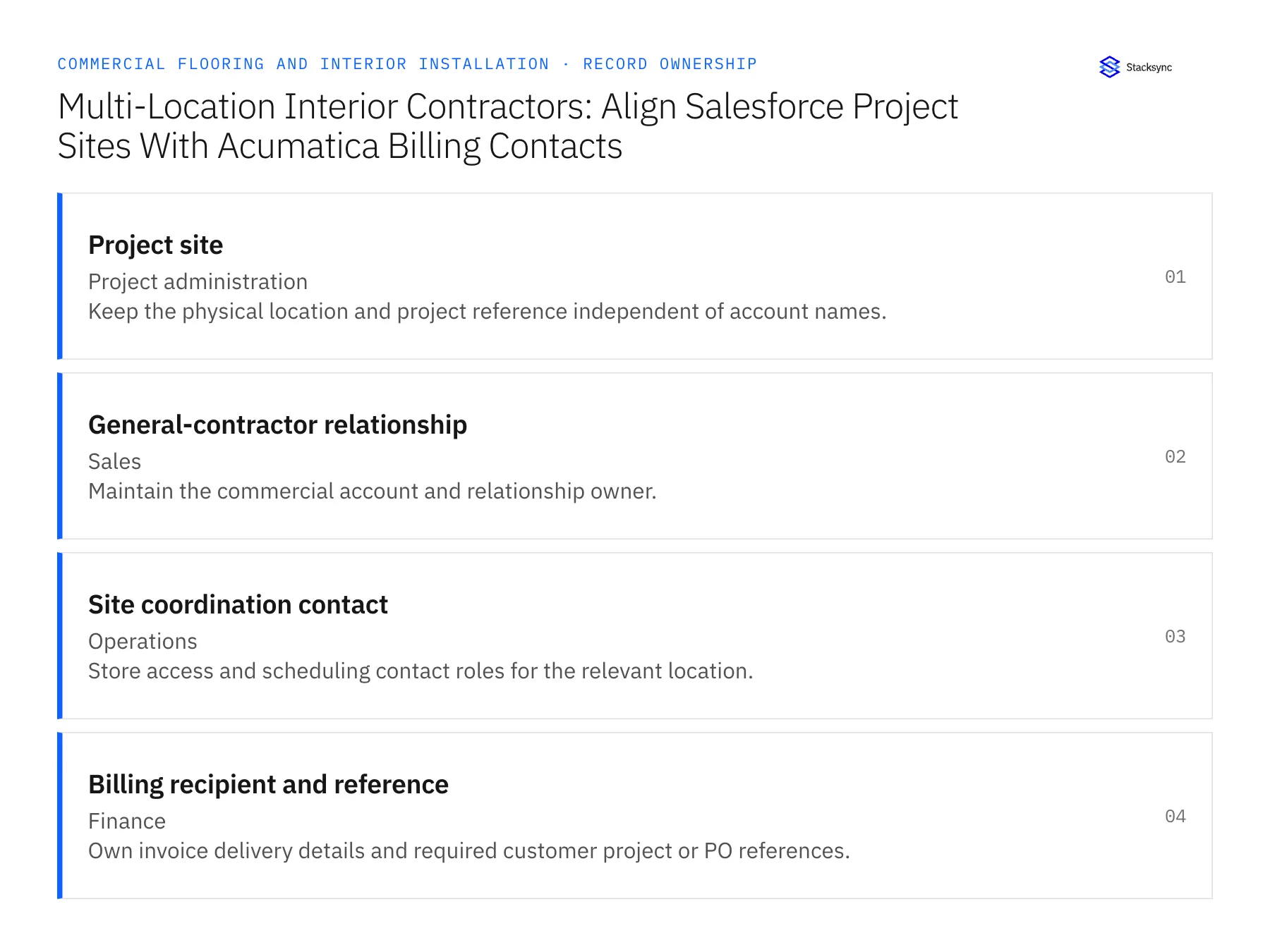
| Record | Owner | Operating rule |
|---|---|---|
| Project site | Project administration | Keep the physical location and project reference independent of account names. |
| General-contractor relationship | Sales | Maintain the commercial account and relationship owner. |
| Site coordination contact | Operations | Store access and scheduling contact roles for the relevant location. |
| Billing recipient and reference | Finance | Own invoice delivery details and required customer project or PO references. |
Work through the process
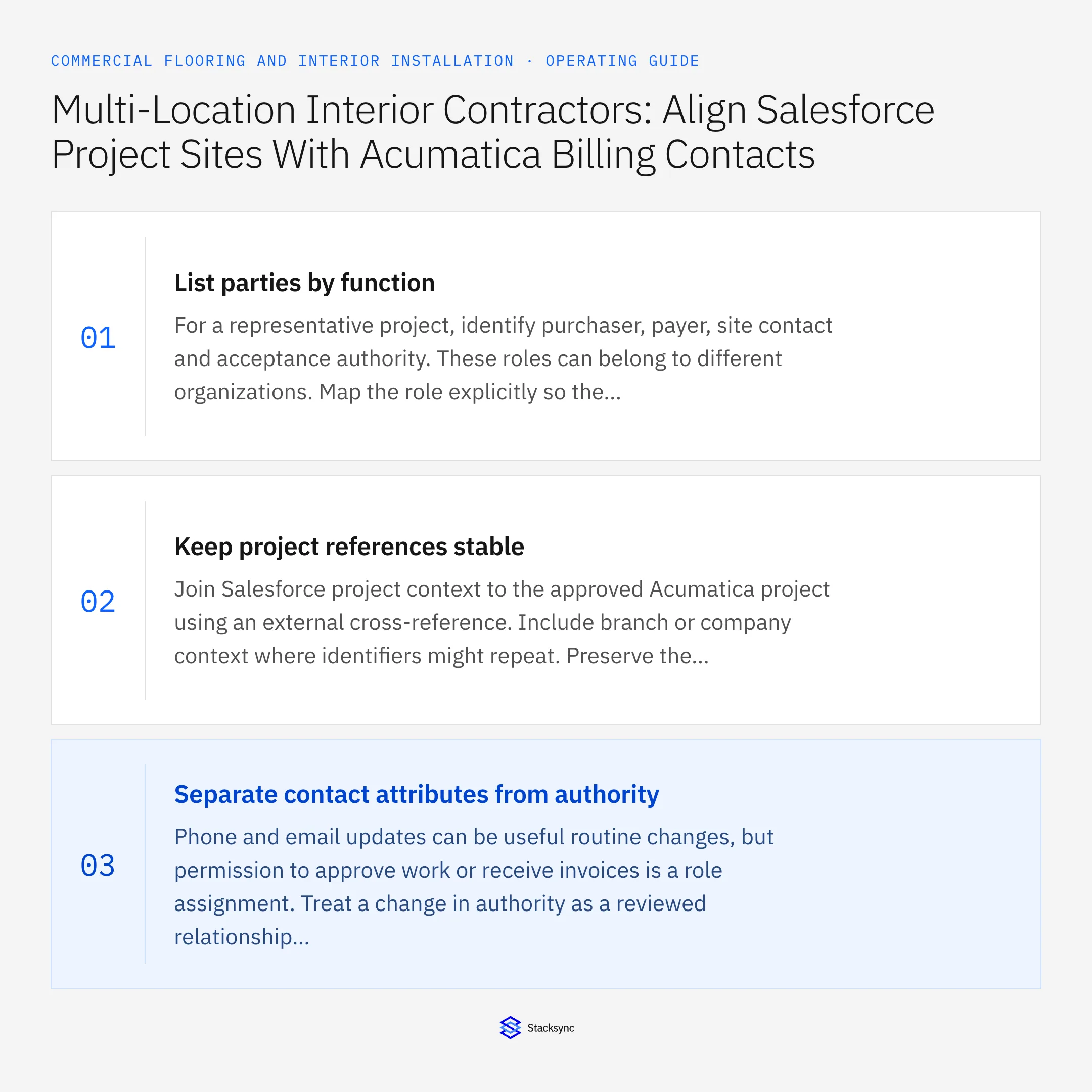
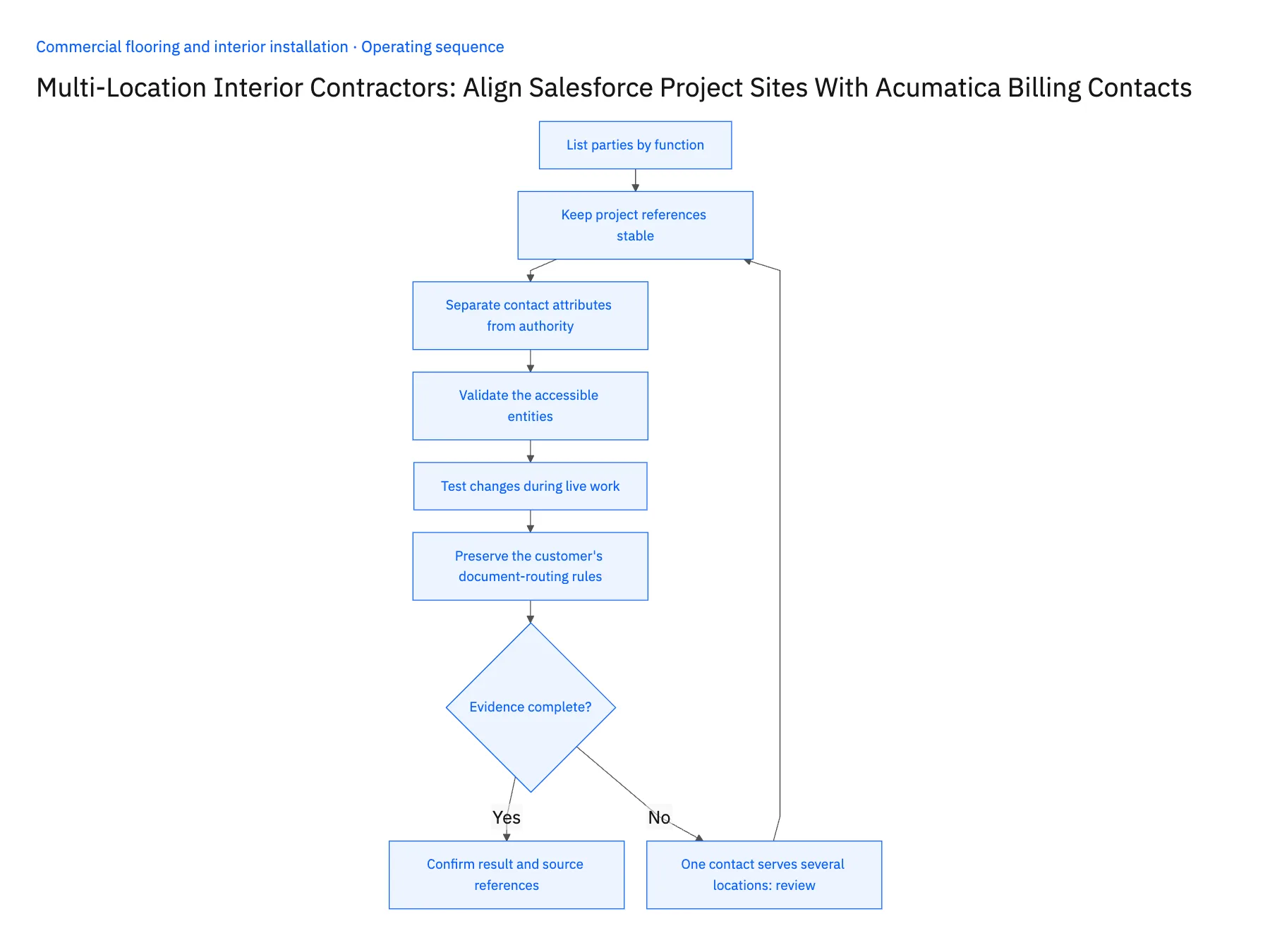
- 01List parties by functionFor a representative project, identify purchaser, payer, site contact and acceptance authority. These roles can belong to different organizations. Map the role explicitly so the integration does not choose an invoice recipient from whichever contact was most recently edited in the CRM.
- 02Keep project references stableJoin Salesforce project context to the approved Acumatica project using an external cross-reference. Include branch or company context where identifiers might repeat. Preserve the customer's project number separately from your internal job number so customer-facing documents can use the required reference without changing internal identity.
- 03Separate contact attributes from authorityPhone and email updates can be useful routine changes, but permission to approve work or receive invoices is a role assignment. Treat a change in authority as a reviewed relationship update. Do not infer it from a contact title or the fact that a person appears on recent correspondence.
- 04Validate the accessible entitiesConfirm the Salesforce representation for project sites and contact roles, including any custom objects. Inspect the Acumatica endpoint and permissions for the intended project and contact fields. Use a limited pilot to verify updates and associations, not only record availability in the connection screen.
- 05Test changes during live workSimulate a new superintendent, a changed billing recipient and a site moving to another project manager. Check which current records should update and which historical documents must preserve the original recipient. Ask field coordination and accounts receivable to review the results separately.
- 06Preserve the customer's document-routing rulesSome customers require invoices or supporting evidence to reference a particular location, contract or project code. Store that requirement at the level where it applies and have finance verify it. A central billing email is not enough when each project uses a different reference. The synchronized summary should help the account team answer routing questions while the original approved instructions remain available to the people preparing the financial documents.
Handle the exceptions explicitly
One contact serves several locations
Keep separate role associations so a change at one site does not remove the others.
Customer requires different PO references by site
Retain the reference at project or billing scope rather than one account-wide field.
Billing email changes after an invoice is issued
Update future delivery instructions while finance controls any resend or document correction.
What to verify before expanding
- Site-contact changes do not redirect financial documents.
- Every location resolves to the correct internal and customer project references.
- A contact can hold different roles on different jobs.
- Historical invoice recipients remain traceable after a contact update.

Connect this process to the rest of your operation
Explore Stacksync two-way sync and scope the records and actions against your actual systems. Book a demo with a real project site example and the exception your team handles most often, for example one contact serves several locations.
- HubSpot–NetSuite Two-Way Sync for Commercial Flooring
- NetSuite–Supabase for Flooring Material Allocations
- Commercial Flooring Estimates: Align HubSpot Project Scope With NetSuite Approved Quotes
- Approved Finish Schedule to Material Purchase: Automate Commercial Flooring Procurement Handoffs
- Flooring Delivery to Installation: Coordinate Site Release, Staged Materials, and Crew Tasks
- EDI Integration with NetSuite for Wholesale Distributors
- Two-Way Sync Error Handling: Retries and Replay
The shared architecture guide covers record matching, ownership, and recovery across systems.
Technical references
FAQ
Frequently asked questions










Related articles





