






















Electrical manufacturers: connect Salesforce assembly quotes to Acumatica orders
Keep the accepted configuration version on the Acumatica order and treat an option changed after approval as a separate decision that sales can see.
- Author
- Ruben Burdin · Founder & CEO
- Published
- Read time
- 4 min read

The operating decision
Electrical manufacturers connecting Salesforce and Acumatica should preserve the approved assembly configuration, customer requirements and accepted commercial scope. Two-way sync should link the quote to its ERP order and return operational status while engineering retains authority over configuration changes. A selected catalog family or sales description does not establish every component and option needed for the build. Confirm the actual destination entities and operations before automating configured-order creation.
Explore the complete electrical and electronic components integration and automation hub for the systems and processes around this guide.
What this looks like in electrical and electronic components
A manufacturer quotes a control assembly with optional enclosures and customer-specific connection requirements. The customer accepts the quote but changes one option in an email after the technical review. If order entry copies the opportunity’s latest description without its approved configuration version, production can receive a mixture of old engineering scope and new commercial text. A connected handoff keeps the accepted configuration, requested change and final order distinct, allowing the account manager to see what is confirmed and which decision still blocks release.
Records, ownership, and update rules
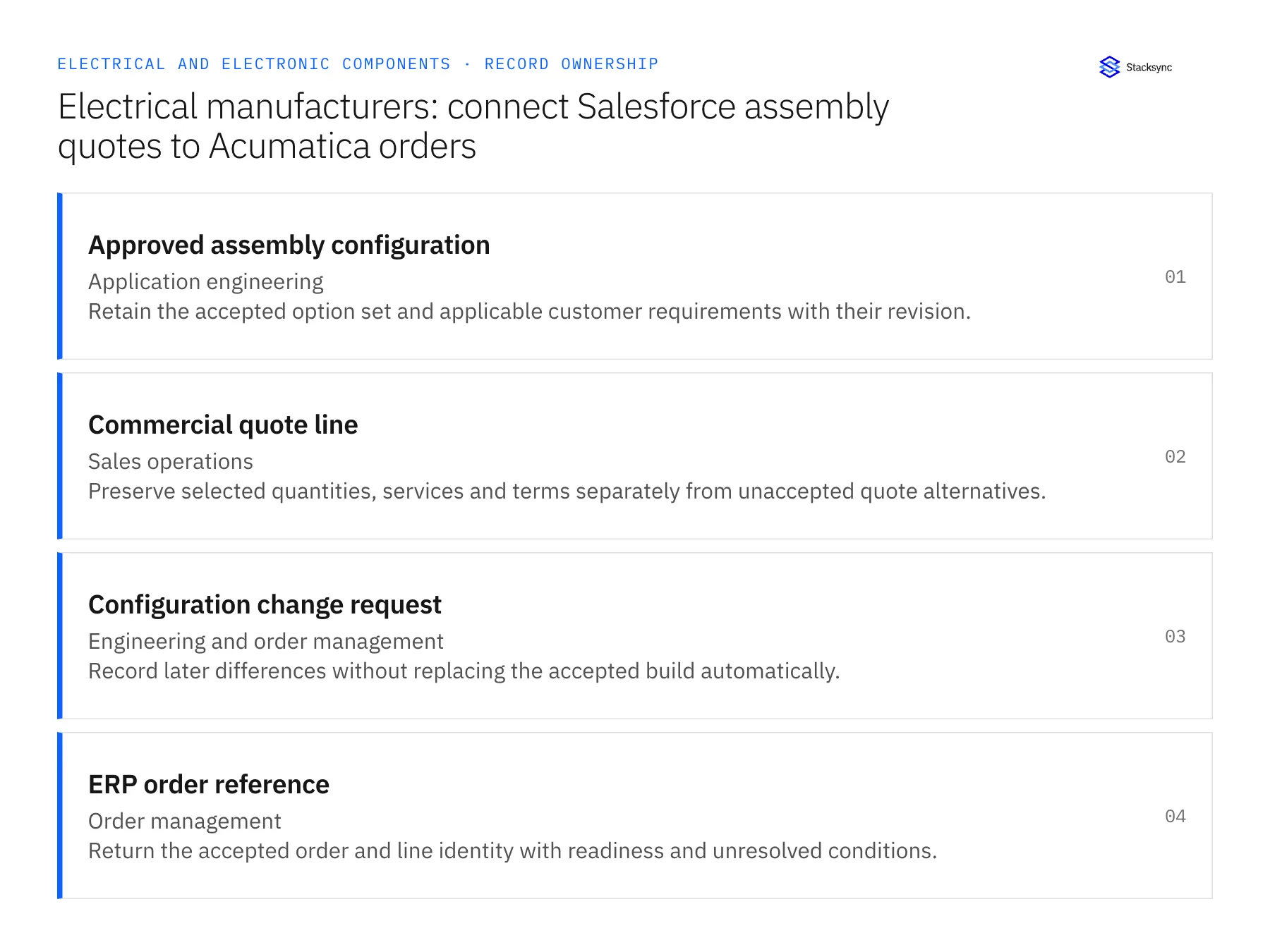
| Record | Owner | Operating rule |
|---|---|---|
| Approved assembly configuration | Application engineering | Retain the accepted option set and applicable customer requirements with their revision. |
| Commercial quote line | Sales operations | Preserve selected quantities, services and terms separately from unaccepted quote alternatives. |
| Configuration change request | Engineering and order management | Record later differences without replacing the accepted build automatically. |
| ERP order reference | Order management | Return the accepted order and line identity with readiness and unresolved conditions. |
Work through the process
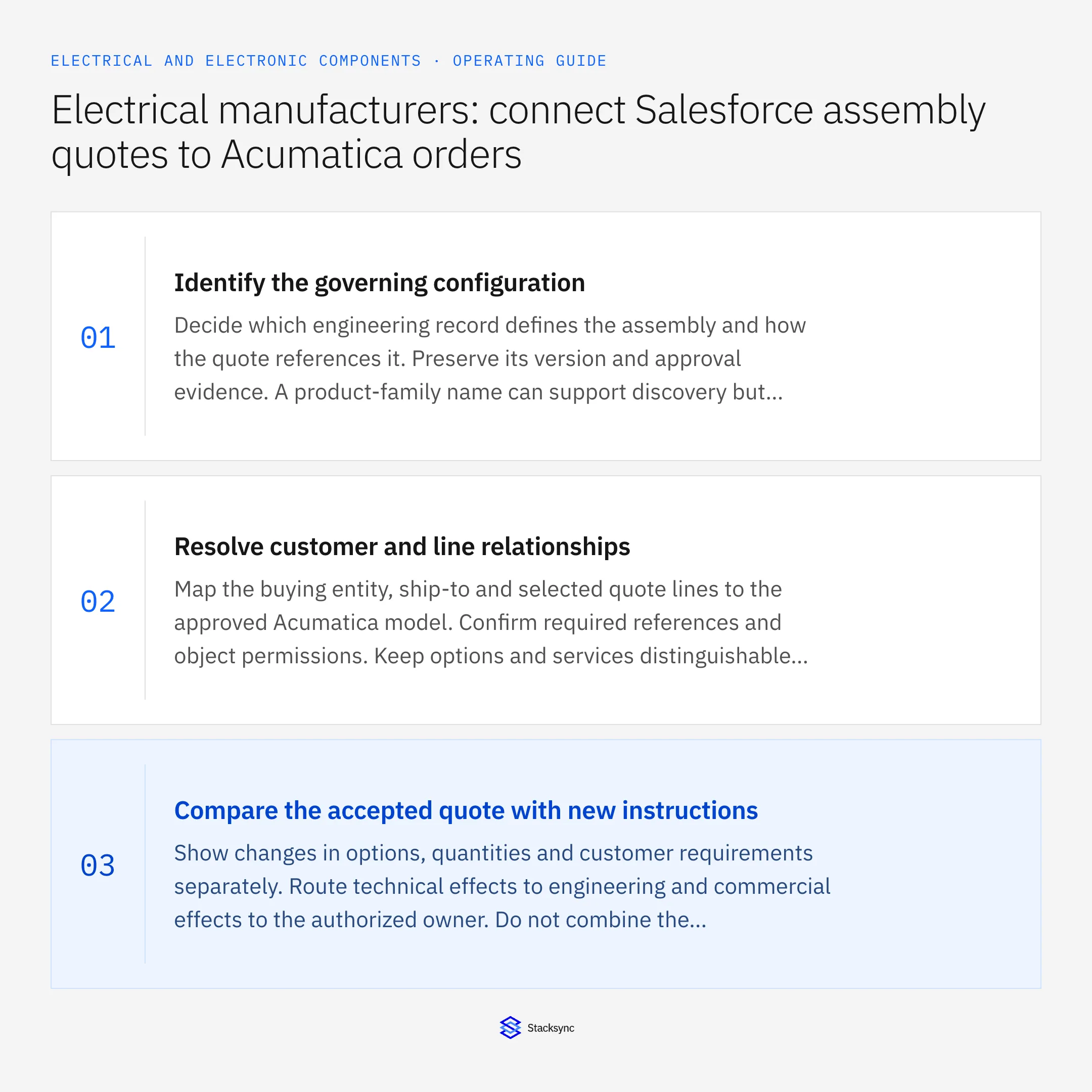
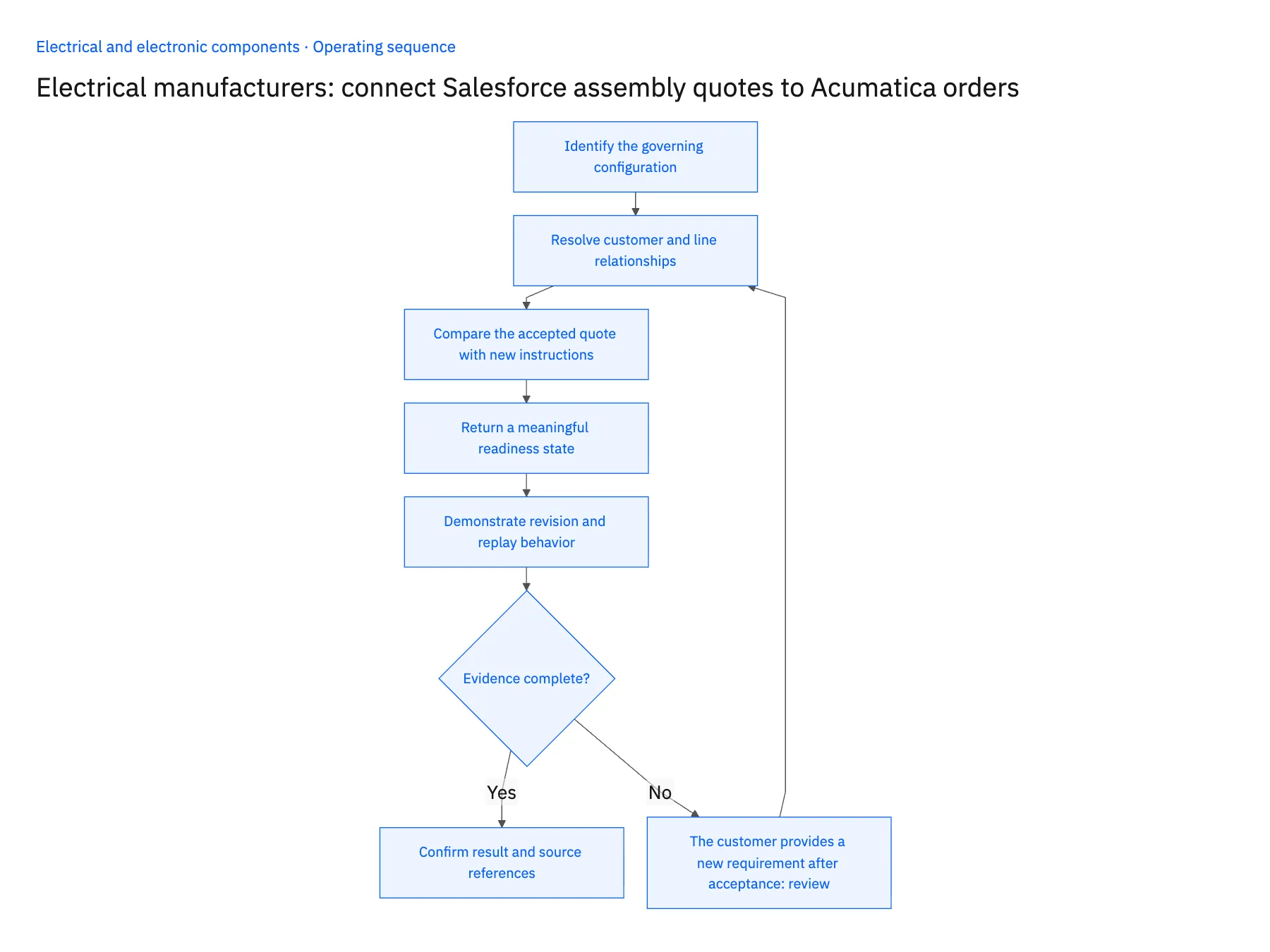
- 01Identify the governing configurationDecide which engineering record defines the assembly and how the quote references it. Preserve its version and approval evidence. A product-family name can support discovery but should not be treated as the complete build specification.
- 02Resolve customer and line relationshipsMap the buying entity, ship-to and selected quote lines to the approved Acumatica model. Confirm required references and object permissions. Keep options and services distinguishable where their operational treatment differs.
- 03Compare the accepted quote with new instructionsShow changes in options, quantities and customer requirements separately. Route technical effects to engineering and commercial effects to the authorized owner. Do not combine the price of one quote version with the specification of another silently.
- 04Return a meaningful readiness stateExpose accepted, pending engineering and other defined states to sales. Preserve the requested delivery date separately from the operational commitment. A won opportunity should not conceal a configuration awaiting review.
- 05Demonstrate revision and replay behaviorUse a configured quote with an option changed after approval. Apply the reviewed handoff, replay it and inspect the destination references. The demonstration should retain one order and one explicit change process rather than duplicating the assembly or rewriting its scope.
Handle the exceptions explicitly
The customer provides a new requirement after acceptance
Retain it as a scoped change request and obtain the required technical and commercial decisions.
Two options appear mutually inconsistent
Ask application engineering to resolve the configuration; do not let the integration select one based on position or recency.
A required component becomes unavailable
Route the shortage or substitution separately. Order synchronization should not silently redesign the accepted assembly.
What to verify before expanding
- The ERP order identifies the exact approved assembly configuration.
- Unaccepted quote alternatives do not become production demand.
- A later technical request remains distinct from accepted scope.
- Replay preserves the existing order and its configuration relationship.

Connect this process to the rest of your operation
Explore Stacksync two-way sync and scope the records and actions against your actual systems. Book a demo with a real approved assembly configuration example and the exception your team handles most often, for example the customer provides a new requirement after acceptance.
- Salesforce and Acumatica two-way sync for electrical manufacturers
- NetSuite and Postgres two-way sync for electronic-component operations
- Electronic components: connect NetSuite and Postgres revision-aware stock allocation
- Electrical components on Shopify: map NetSuite variants, packs and order quantities
- Electronic component substitutions: route evidence to engineering before changing supply
- Acumatica Integrations: The Complete Guide
- Field-Level Change Detection: The Key to Efficient Real-Time Bidirectional CRM Sync
The shared architecture guide covers record matching, ownership, and recovery across systems.
Technical references
FAQ
Frequently asked questions










Related articles






