






















Approved Finish Schedule to Material Purchase: Automate Commercial Flooring Procurement Handoffs
Route approved flooring finishes and takeoff revisions into purchasing with explicit units, quantities and substitution rules.
- Author
- Ignacio Malpartida · GTM Engineer
- Published
- Read time
- 5 min read

The operating decision
A flooring procurement workflow should turn an approved finish schedule and takeoff revision into a reviewable material requirement, then route purchasing through the authorized process. Preserve room or phase references, finish codes, units, package conversions and required dates. Customer approval of a visual finish is not necessarily approval of quantity, price or substitution. The handoff should show which decisions are complete and which still belong to estimating, project management or procurement.
Explore the complete commercial flooring and interior installation integration and automation hub for the systems and processes around this guide.
What this looks like in commercial flooring and interior installation
A contractor receives an approved finish schedule for a tenant improvement. The architect selects the product and color, estimating updates the takeoff, and purchasing needs boxes plus adhesive and transition materials. One area remains subject to a later design choice. The workflow should prepare the approved areas for procurement without buying the unresolved finish or assuming that a square-foot takeoff already includes package rounding and waste.
Records, ownership, and update rules
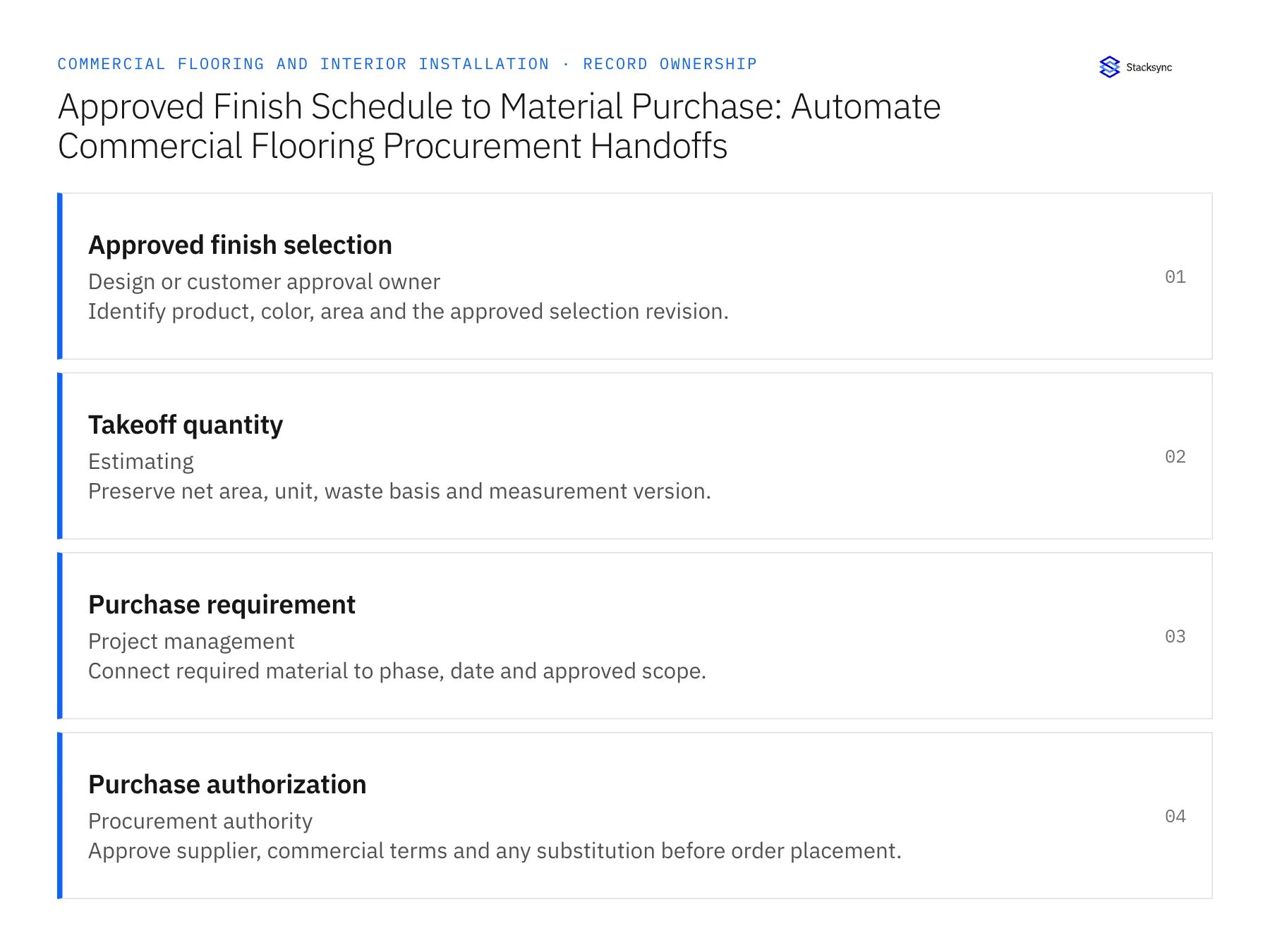
| Record | Owner | Operating rule |
|---|---|---|
| Approved finish selection | Design or customer approval owner | Identify product, color, area and the approved selection revision. |
| Takeoff quantity | Estimating | Preserve net area, unit, waste basis and measurement version. |
| Purchase requirement | Project management | Connect required material to phase, date and approved scope. |
| Purchase authorization | Procurement authority | Approve supplier, commercial terms and any substitution before order placement. |
Work through the process
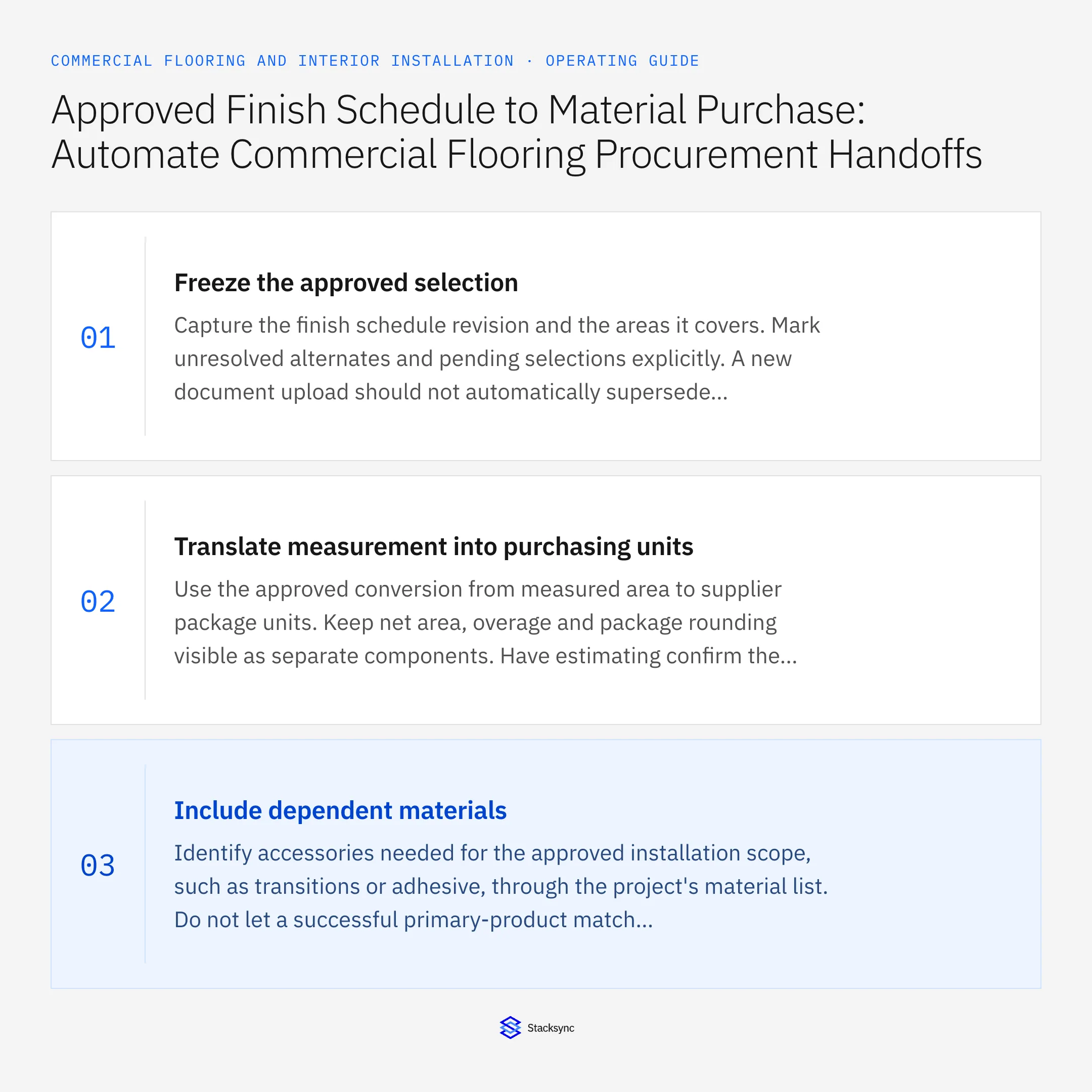
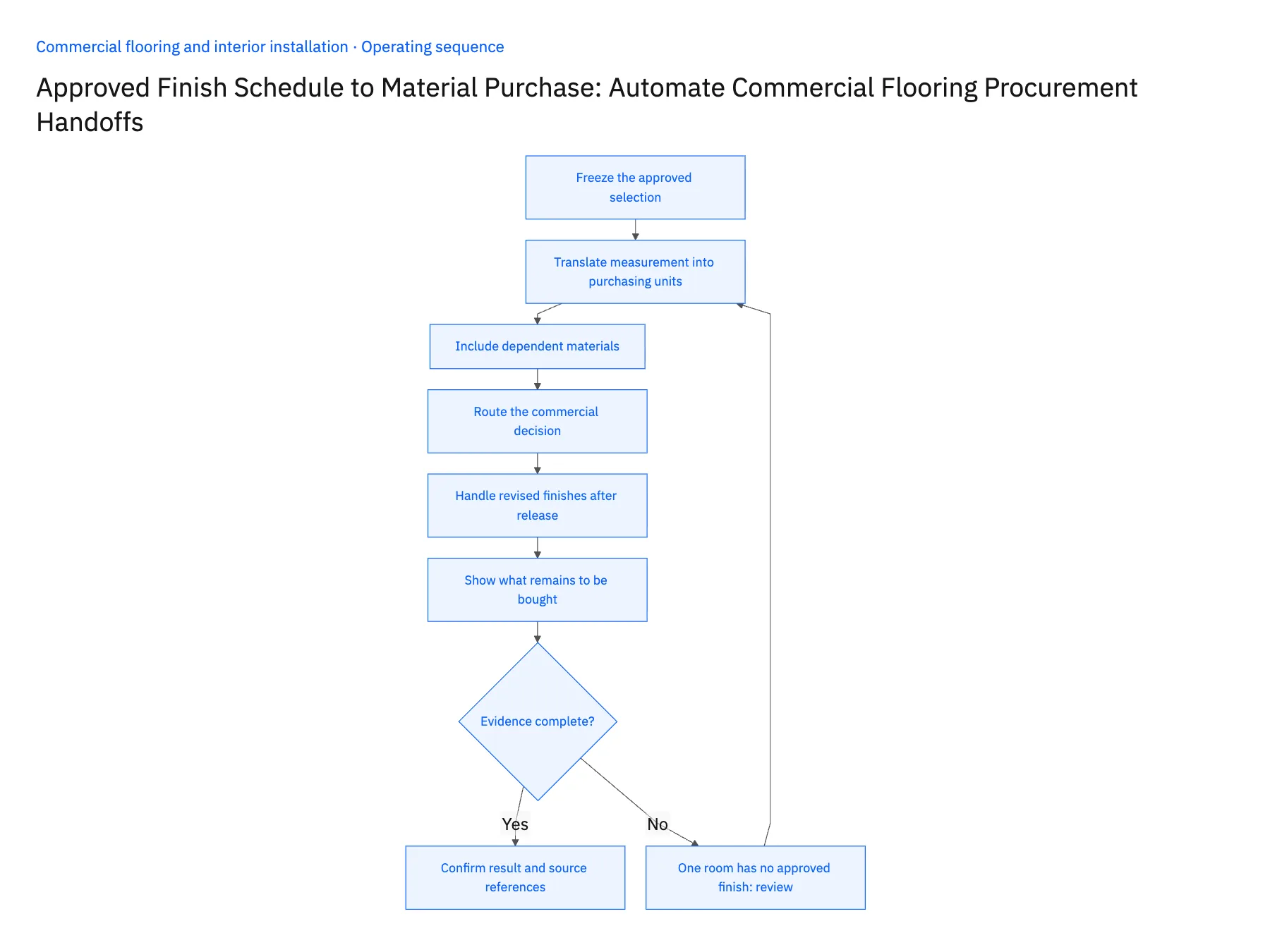
- 01Freeze the approved selectionCapture the finish schedule revision and the areas it covers. Mark unresolved alternates and pending selections explicitly. A new document upload should not automatically supersede approved purchasing scope unless the project owner confirms that the revision is the governing one.
- 02Translate measurement into purchasing unitsUse the approved conversion from measured area to supplier package units. Keep net area, overage and package rounding visible as separate components. Have estimating confirm the result for irregular layouts or phased work so the workflow does not hide a material decision inside a formula.
- 03Include dependent materialsIdentify accessories needed for the approved installation scope, such as transitions or adhesive, through the project's material list. Do not let a successful primary-product match imply that the complete purchasing package exists. Route missing or incompatible accessory selections to the appropriate reviewer.
- 04Route the commercial decisionProvide procurement with the approved material requirement, phase date and supplier options. Purchasing should control the final supplier and order terms. A workflow can prepare the handoff or invoke a verified order action after approval, but it should not interpret design approval as authority to spend.
- 05Handle revised finishes after releaseCompare a new finish revision with materials already ordered, delivered or allocated. Show the affected purchase lines and require a decision on cancellation, return or substitution. Preserve the original approval and order references so the team can understand the financial and scheduling consequences of the change.
- 06Show what remains to be boughtAfter a purchasing handoff succeeds, compare the approved requirement with the resulting order lines and quantities. Keep unresolved accessories or unplaced portions visible rather than marking the entire finish schedule purchased. The project manager should be able to distinguish approved to buy, ordered and received. This matters when a buyer splits procurement across suppliers or releases materials by phase to match the actual installation plan.
Handle the exceptions explicitly
One room has no approved finish
Hold that room's requirement while allowing clearly approved scope to proceed under policy.
Takeoff uses a different area unit
Convert with the reviewed rule and retain the original value for reconciliation.
Customer changes color after ordering
Route the existing order and proposed revision to procurement instead of replacing the ordered item silently.
What to verify before expanding
- Every purchase requirement identifies the finish and takeoff revisions.
- Package rounding and overage remain visible.
- Unresolved selections cannot enter an approved purchase request.
- A later finish change identifies the affected existing order lines.

Connect this process to the rest of your operation
Explore Stacksync workflows and scope the records and actions against your actual systems. Book a demo with a real approved finish selection example and the exception your team handles most often, for example one room has no approved finish.
- Flooring Procurement and Installation Handoff Workflows
- Flooring Delivery to Installation: Coordinate Site Release, Staged Materials, and Crew Tasks
- Genies for Flooring Shortage Reviews: Reconcile Takeoffs, Delivered Materials, and Installation Phases
- Flooring Shortage Exceptions: Unit Conversions, Waste Allowances, Dye Lots, and Damaged Deliveries
- Reconcile Contractor Quotes, Approved Work, and Maintenance Invoices
- Connect NetSuite with Supabase in Real-Time Using Stacksync
The shared architecture guide covers record matching, ownership, and recovery across systems.
Technical references
FAQ
Frequently asked questions










Related articles





