






















Commercial Flooring Estimates: Align HubSpot Project Scope With NetSuite Approved Quotes
Keep flooring sales scope, approved quote revisions and installation phases aligned across HubSpot and NetSuite.
- Author
- Ruben Burdin · Founder & CEO
- Published
- Read time
- 5 min read

The operating decision
Commercial flooring contractors should connect HubSpot project context to the approved NetSuite quote or order reference without allowing an evolving estimate to overwrite accepted scope. Preserve room or phase identifiers, finish selections, quantities, units and the approved revision. Sales can own the opportunity and customer conversation; estimating owns takeoff assumptions; finance and project administration own the approved commercial record. Validate the exact quote and transaction operations before enabling writes.
Explore the complete commercial flooring and interior installation integration and automation hub for the systems and processes around this guide.
What this looks like in commercial flooring and interior installation
A flooring contractor bids a commercial office renovation in three phases. HubSpot holds the customer relationship and bid stage, while the approved commercial record lives in NetSuite. The customer switches one floor from carpet tile to resilient flooring after the first phase is accepted. A single deal amount cannot explain the change. The integration must preserve the accepted phase, revised finish selection and any additional approval needed for the later phases.
Records, ownership, and update rules
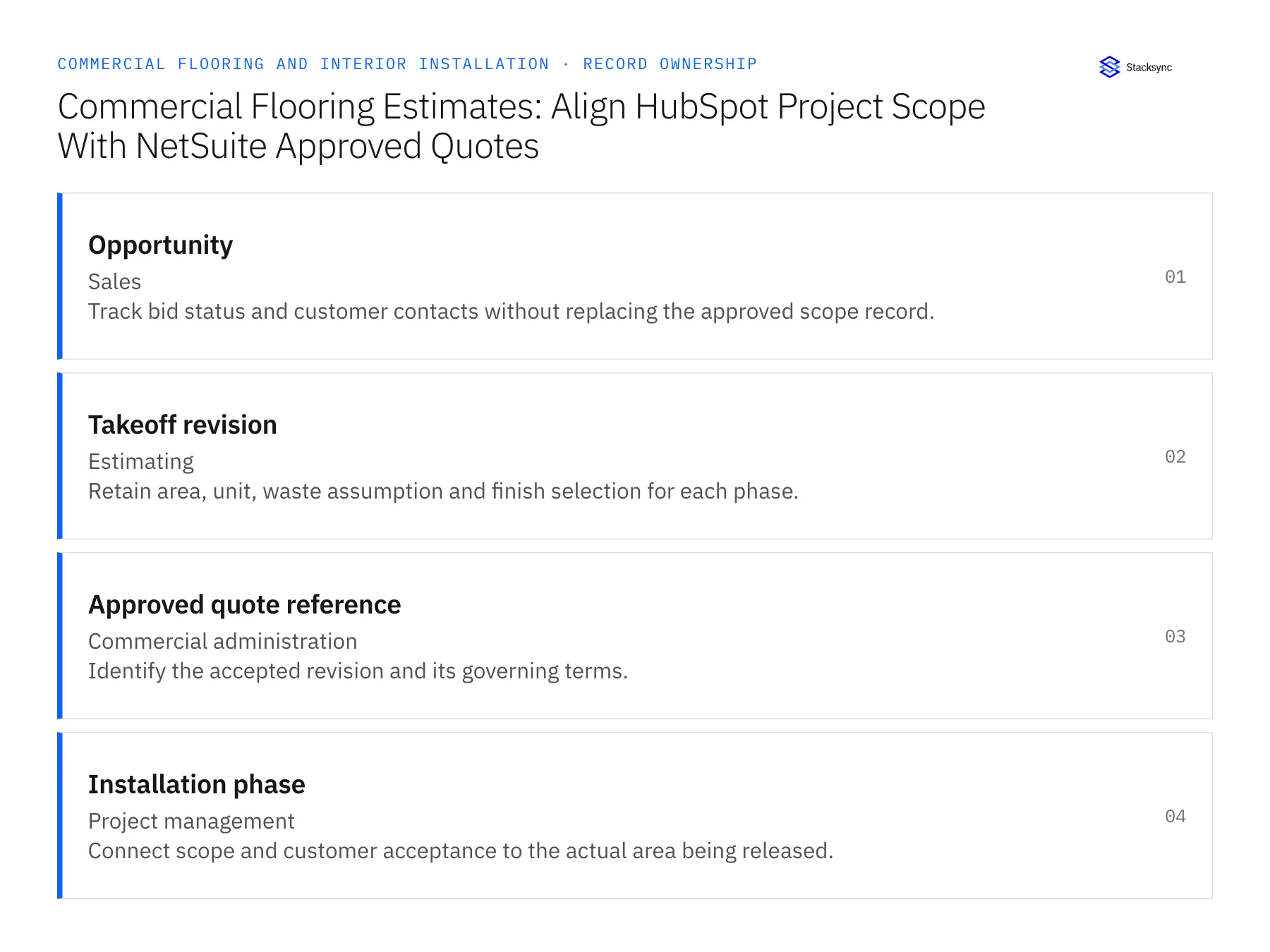
| Record | Owner | Operating rule |
|---|---|---|
| Opportunity | Sales | Track bid status and customer contacts without replacing the approved scope record. |
| Takeoff revision | Estimating | Retain area, unit, waste assumption and finish selection for each phase. |
| Approved quote reference | Commercial administration | Identify the accepted revision and its governing terms. |
| Installation phase | Project management | Connect scope and customer acceptance to the actual area being released. |
Work through the process
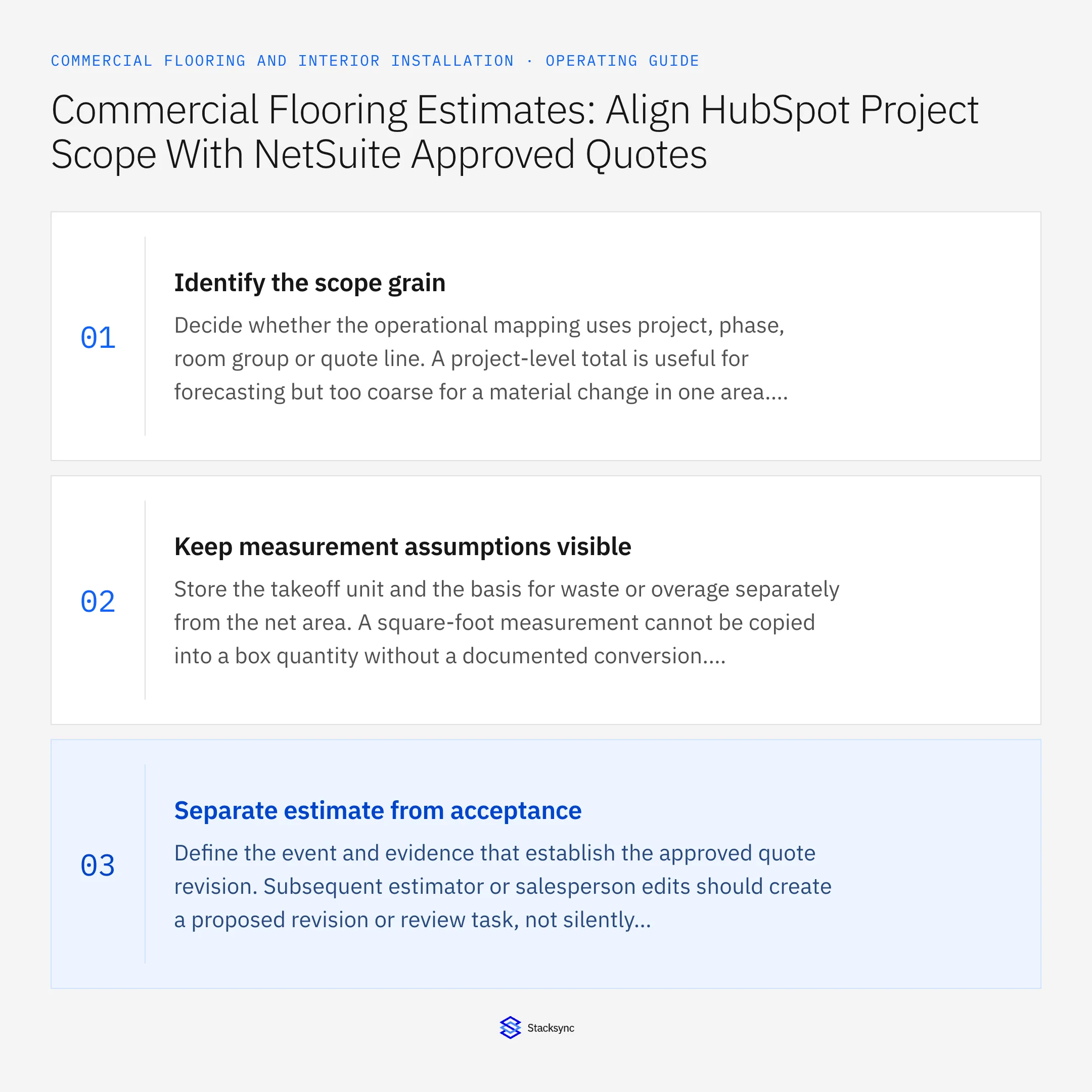
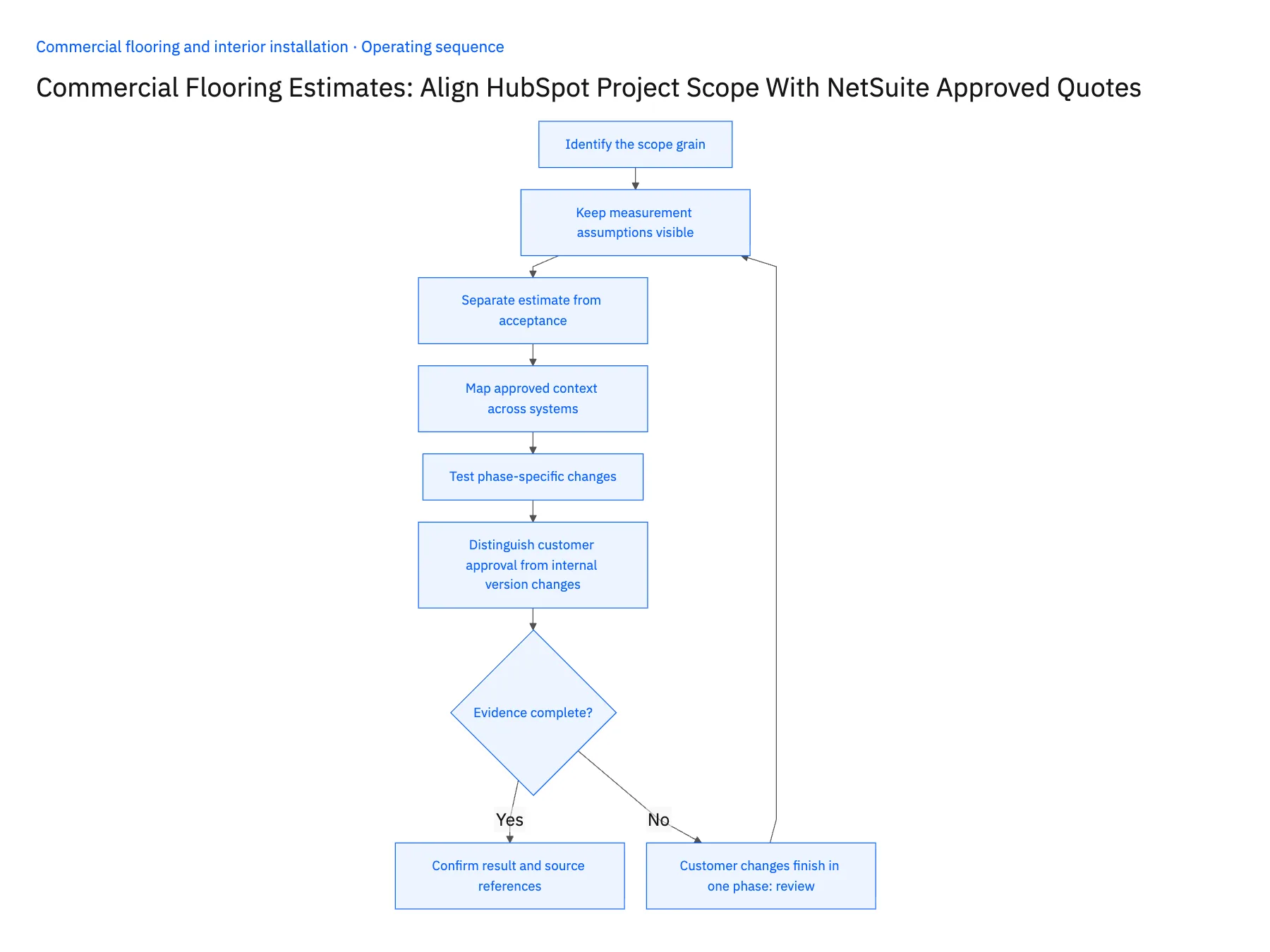
- 01Identify the scope grainDecide whether the operational mapping uses project, phase, room group or quote line. A project-level total is useful for forecasting but too coarse for a material change in one area. Preserve the lower-level references needed to show which accepted work is changing.
- 02Keep measurement assumptions visibleStore the takeoff unit and the basis for waste or overage separately from the net area. A square-foot measurement cannot be copied into a box quantity without a documented conversion. The integration should retain those assumptions for review rather than flattening them into one unexplained quantity.
- 03Separate estimate from acceptanceDefine the event and evidence that establish the approved quote revision. Subsequent estimator or salesperson edits should create a proposed revision or review task, not silently change the accepted commercial values. Retain the original scope so project managers can identify what the customer actually approved.
- 04Map approved context across systemsExpose the approved reference, amount, phase and status in HubSpot, alongside the active sales conversation. Confirm HubSpot object and association availability and the selected NetSuite transaction operation. If a required write is not verified, keep the initial scope to approved visibility and an owned handoff.
- 05Test phase-specific changesWalk through a finish substitution, added area and partial acceptance. Confirm that already accepted work remains unchanged and that the new revision reaches the correct project phase. Ask estimating and project management to reconcile a complete example before relying on the synced summary in customer conversations.
- 06Distinguish customer approval from internal version changesAn estimator may correct a formula or reorganize quote lines without changing the customer's accepted scope. Record whether a revision is an internal representation change or a new commercial proposal. This avoids unnecessarily reopening approvals while still protecting the agreed material, quantity and price. When the effect is uncertain, show the before-and-after scope to the commercial owner rather than letting the integration decide that a small amount difference is immaterial.
Handle the exceptions explicitly
Customer changes finish in one phase
Create a scoped revision and preserve accepted selections for the other phases.
Takeoff changes from square yards to square feet
Apply the documented conversion and keep both original measurement and procurement unit.
Quote is accepted with exclusions
Record the exclusions explicitly; do not map the full proposed amount as approved scope.
What to verify before expanding
- A revised estimate cannot overwrite the accepted quote.
- Every material quantity identifies its unit and phase.
- HubSpot shows the correct approved commercial reference.
- Partial acceptance remains distinct from whole-project acceptance.

Connect this process to the rest of your operation
Explore Stacksync two-way sync and scope the records and actions against your actual systems. Book a demo with a real opportunity example and the exception your team handles most often, for example customer changes finish in one phase.
- HubSpot–NetSuite Two-Way Sync for Commercial Flooring
- NetSuite–Supabase for Flooring Material Allocations
- Flooring Material Availability: Connect NetSuite Lot Records With Supabase Project Allocations
- Multi-Location Interior Contractors: Align Salesforce Project Sites With Acumatica Billing Contacts
- Approved Finish Schedule to Material Purchase: Automate Commercial Flooring Procurement Handoffs
- Reconcile Contractor Quotes, Approved Work, and Maintenance Invoices
- Connect NetSuite with Supabase in Real-Time Using Stacksync
The shared architecture guide covers record matching, ownership, and recovery across systems.
Technical references
FAQ
Frequently asked questions










Related articles






