






















Module Serial Numbers From Factory to Site: Connect NetSuite With a Supabase Delivery and Acceptance Register
Track module identity through factory release, shipment, site receipt and acceptance without treating those events as equivalent.
- Author
- Ruben Burdin · Founder & CEO
- Published
- Read time
- 5 min read

The operating decision
A modular delivery register should preserve each module's identity and record factory release, shipment, site receipt and acceptance as separate events. NetSuite–Supabase two-way sync can keep approved module and project context available to the register and return permitted updates. Physical custody and customer acceptance need their own evidence. The application also needs explicit user-to-project authorization, and any NetSuite write or custom-record action must be validated for the selected representation.
Explore the complete modular and prefab building supply and installation integration and automation hub for the systems and processes around this guide.
What this looks like in modular and prefab building supply and installation
A modular supplier ships a building in several loads. One module reaches the site, another remains at the factory, and a third arrives with a condition issue. The customer accepts only the first portion. A project-level delivered flag cannot represent this state. A useful register lets logistics, project management and finance see each module's location and evidence while preventing a shipment notice from becoming customer acceptance.
Records, ownership, and update rules
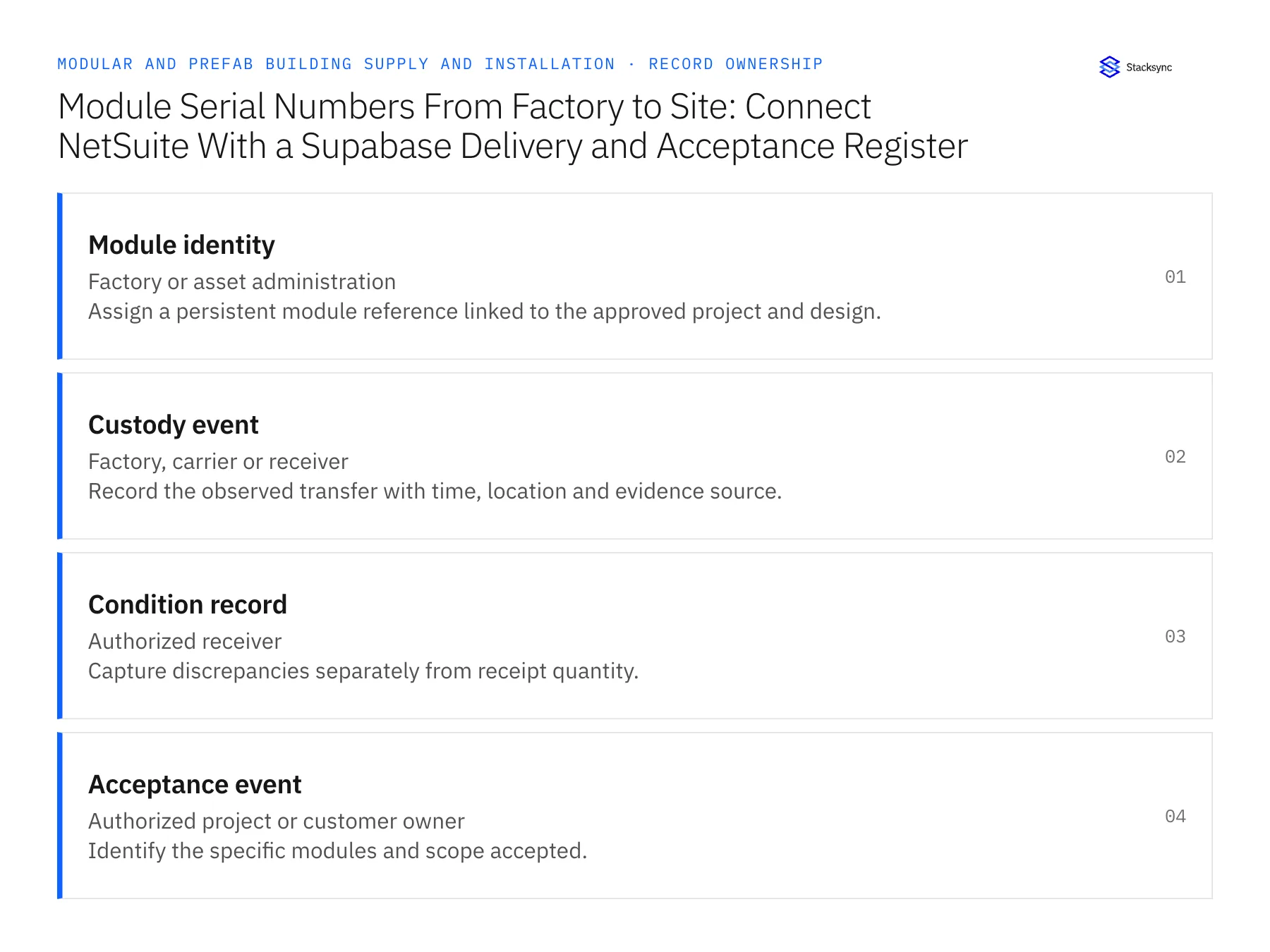
| Record | Owner | Operating rule |
|---|---|---|
| Module identity | Factory or asset administration | Assign a persistent module reference linked to the approved project and design. |
| Custody event | Factory, carrier or receiver | Record the observed transfer with time, location and evidence source. |
| Condition record | Authorized receiver | Capture discrepancies separately from receipt quantity. |
| Acceptance event | Authorized project or customer owner | Identify the specific modules and scope accepted. |
Work through the process
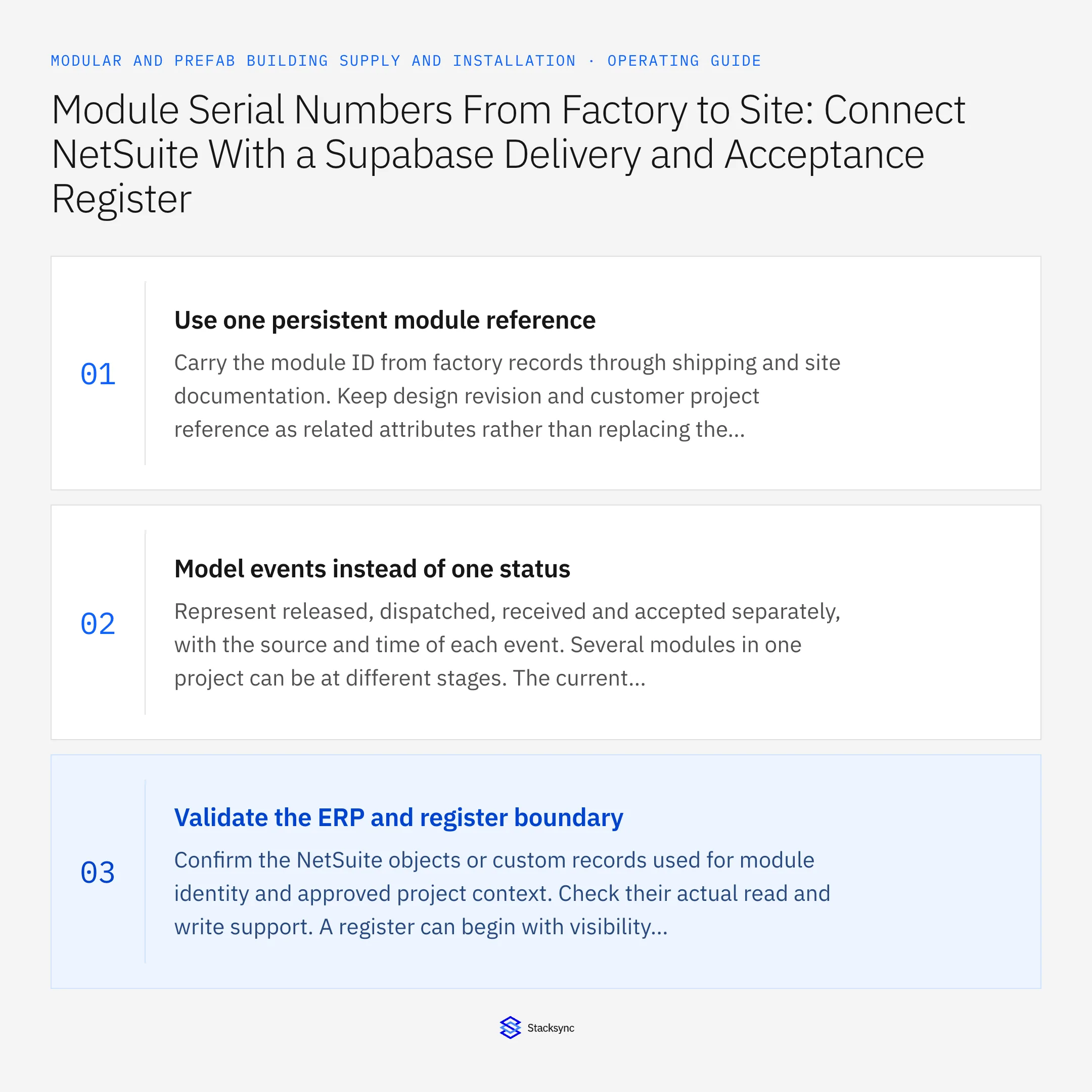
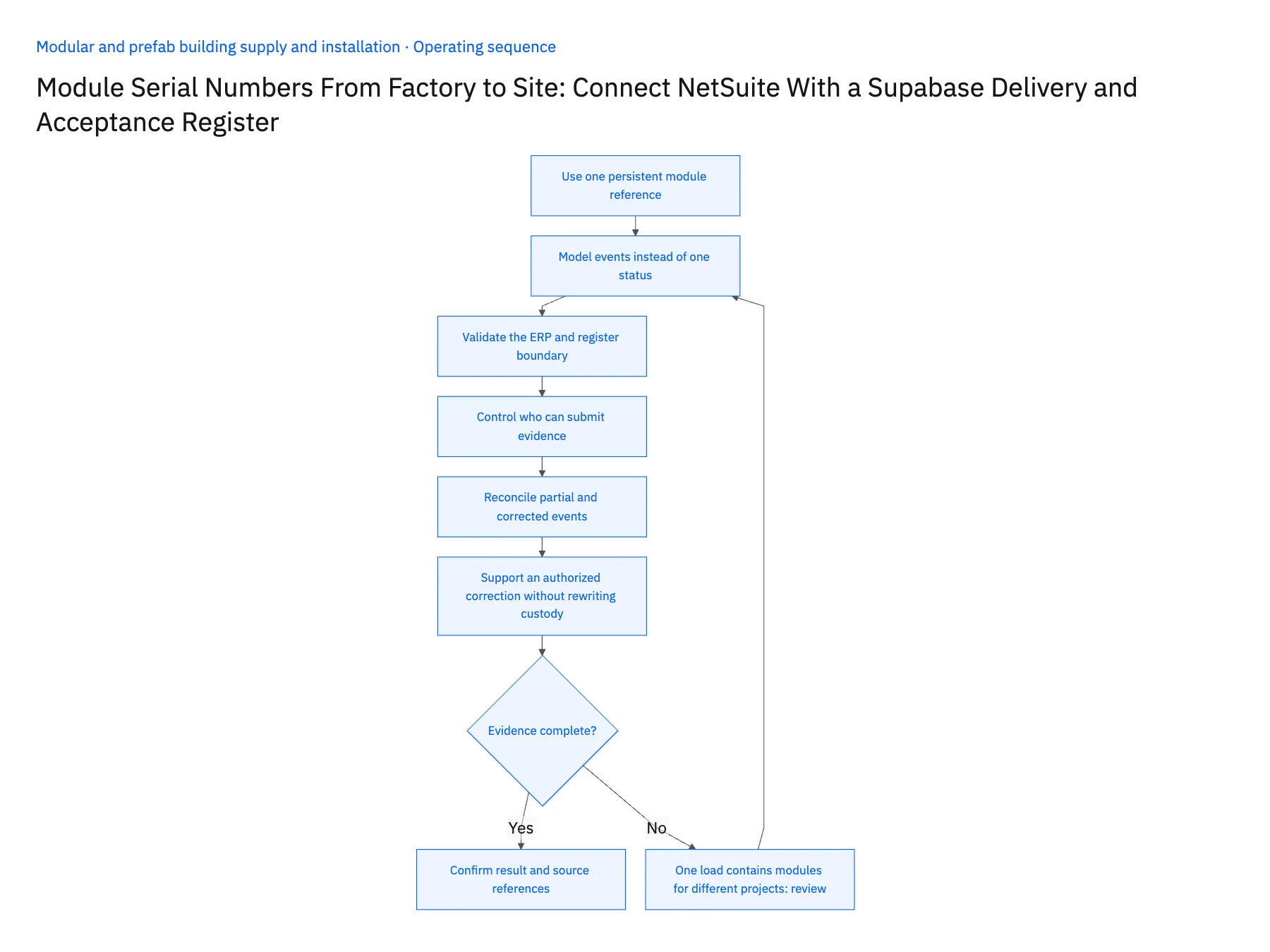
- 01Use one persistent module referenceCarry the module ID from factory records through shipping and site documentation. Keep design revision and customer project reference as related attributes rather than replacing the identity when the specification changes. Decide how labels and corrected identifiers are reviewed before the first shipment.
- 02Model events instead of one statusRepresent released, dispatched, received and accepted separately, with the source and time of each event. Several modules in one project can be at different stages. The current summary can be derived from those events, but the underlying history should remain available for reconciliation.
- 03Validate the ERP and register boundaryConfirm the NetSuite objects or custom records used for module identity and approved project context. Check their actual read and write support. A register can begin with visibility and reviewed event submissions while a particular downstream operation remains outside the automated scope.
- 04Control who can submit evidenceUse Supabase grants and row policies for factory, logistics, site and customer roles. A user permitted to record receipt should not automatically be able to approve customer acceptance. Keep integration credentials separate from client access and test project-level isolation.
- 05Reconcile partial and corrected eventsAllow receipt and acceptance to cover specific modules, not just the shipment header. If a receiver corrects an identifier or condition, retain the prior event and reviewed correction. Use stable event references so a repeated mobile submission cannot create duplicate custody or acceptance records.
- 06Support an authorized correction without rewriting custodyIf a receiver submits the wrong module ID, record a correction that points to the original event and the verified module. Preserve who reviewed the change and why. Replacing the event in place can make the transport and acceptance history impossible to reconcile. The current register should show the corrected state while logistics and finance can still trace how the original shipment was recorded and resolved.
Handle the exceptions explicitly
One load contains modules for different projects
Associate each module with its own project and authorized receiving scope.
Receiver notes damage
Record condition and the accepted or held scope separately from physical arrival.
Module label is corrected after dispatch
Preserve the cross-reference and audit trail instead of creating an unrelated replacement record.
What to verify before expanding
- Each module retains its identity from factory to site.
- Shipment, receipt and acceptance remain separate events.
- Users can act only on their authorized projects and roles.
- Duplicate submissions do not create duplicate acceptance evidence.

Connect this process to the rest of your operation
Explore Stacksync two-way sync and scope the records and actions against your actual systems. Book a demo with a real module identity example and the exception your team handles most often, for example one load contains modules for different projects.
- Salesforce–NetSuite for Modular Building Manufacturers
- NetSuite–Supabase for Modular Delivery and Acceptance
- Prefab Dealer and Contractor Portals: Align HubSpot Buyer Records With Supabase Project Access
- Prefab Design Freeze to Factory Release: Route Approved Revisions Through Procurement and Scheduling
- Modular Building Delivery Releases: Coordinate Site Readiness, Transport Booking, and Receiving Acceptance
- Eliminating Duplicate Records When You Sync CRM Systems: Best Practices for Clean Data
- Modernize Legacy EDI Without Replacing Your ERP
The shared architecture guide covers record matching, ownership, and recovery across systems.
Technical references
FAQ
Frequently asked questions










Related articles





