






















Flooring Material Availability: Connect NetSuite Lot Records With Supabase Project Allocations
Build flooring allocation visibility around lots, units and project phases while keeping reservation actions explicit.
- Author
- Ruben Burdin · Founder & CEO
- Published
- Read time
- 5 min read

The operating decision
Flooring material visibility should distinguish item, lot, quantity, location and project allocation. A Supabase operations app can present NetSuite-backed context and collect allocation requests, but a displayed balance does not reserve inventory. Keep approved allocations under the inventory owner's process and verify the NetSuite objects and actions used. For visible finish continuity, the project team also needs the relevant lot or batch evidence rather than only an aggregate quantity of the correct SKU.
Explore the complete commercial flooring and interior installation integration and automation hub for the systems and processes around this guide.
What this looks like in commercial flooring and interior installation
An interiors contractor has enough carpet tile in total for an office phase, but the available boxes come from two lots. Part of one lot is already committed to another project. A coordinator sees a sufficient aggregate balance and starts scheduling installation. The better view shows usable quantity by lot, current commitments and the phase's approved finish requirement. If an allocation needs to move, the inventory owner reviews the request before the app announces availability.
Records, ownership, and update rules
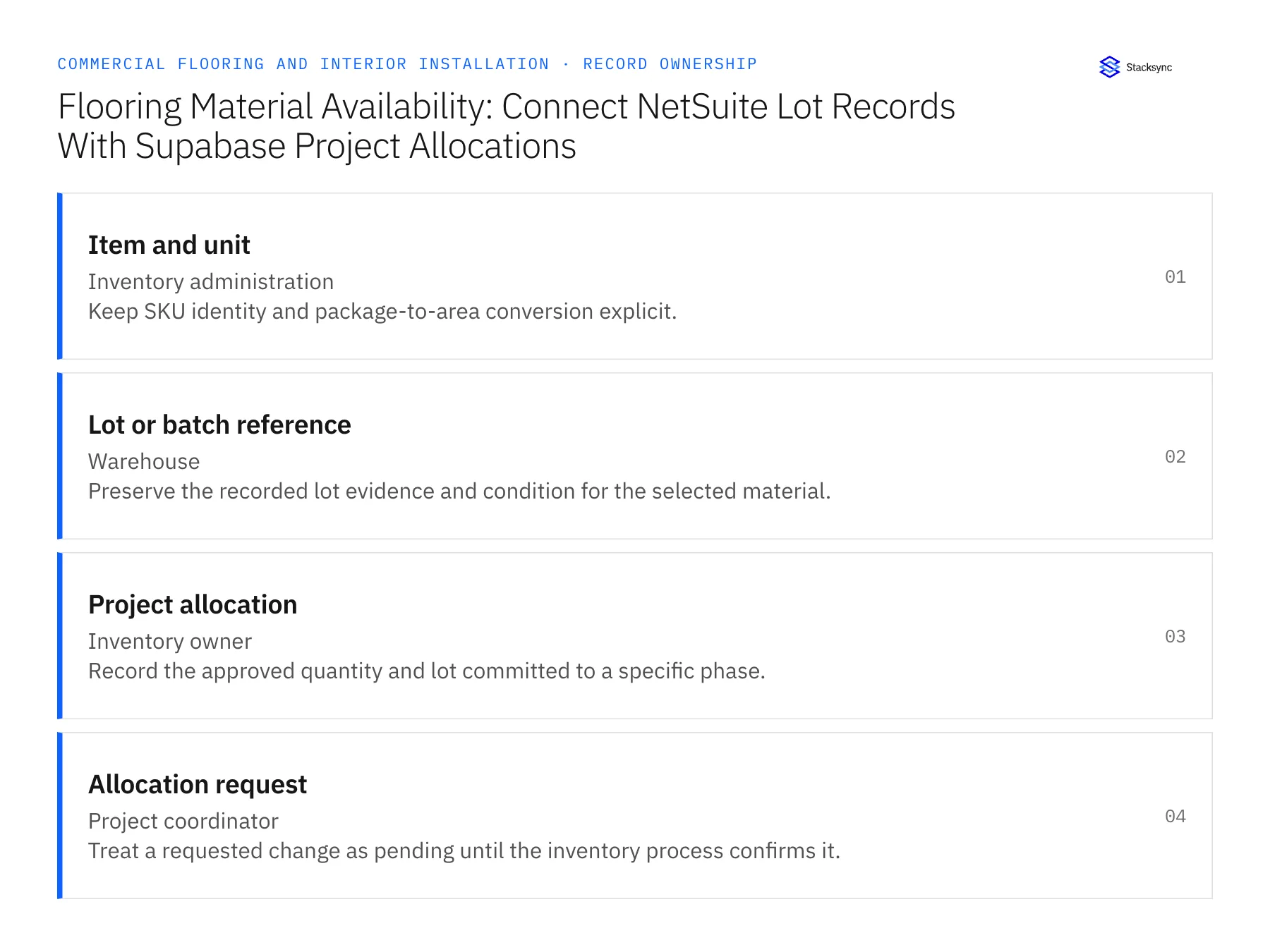
| Record | Owner | Operating rule |
|---|---|---|
| Item and unit | Inventory administration | Keep SKU identity and package-to-area conversion explicit. |
| Lot or batch reference | Warehouse | Preserve the recorded lot evidence and condition for the selected material. |
| Project allocation | Inventory owner | Record the approved quantity and lot committed to a specific phase. |
| Allocation request | Project coordinator | Treat a requested change as pending until the inventory process confirms it. |
Work through the process
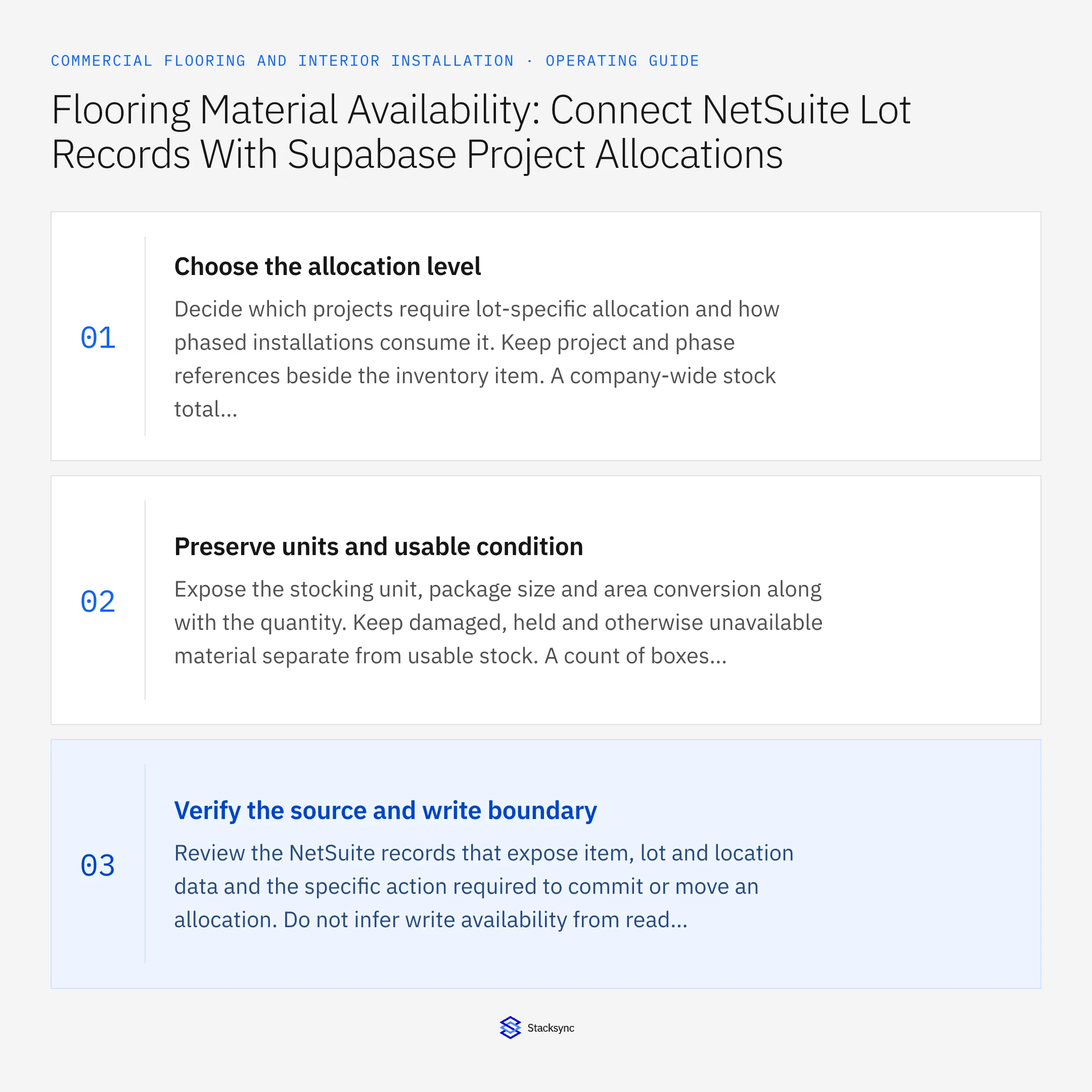
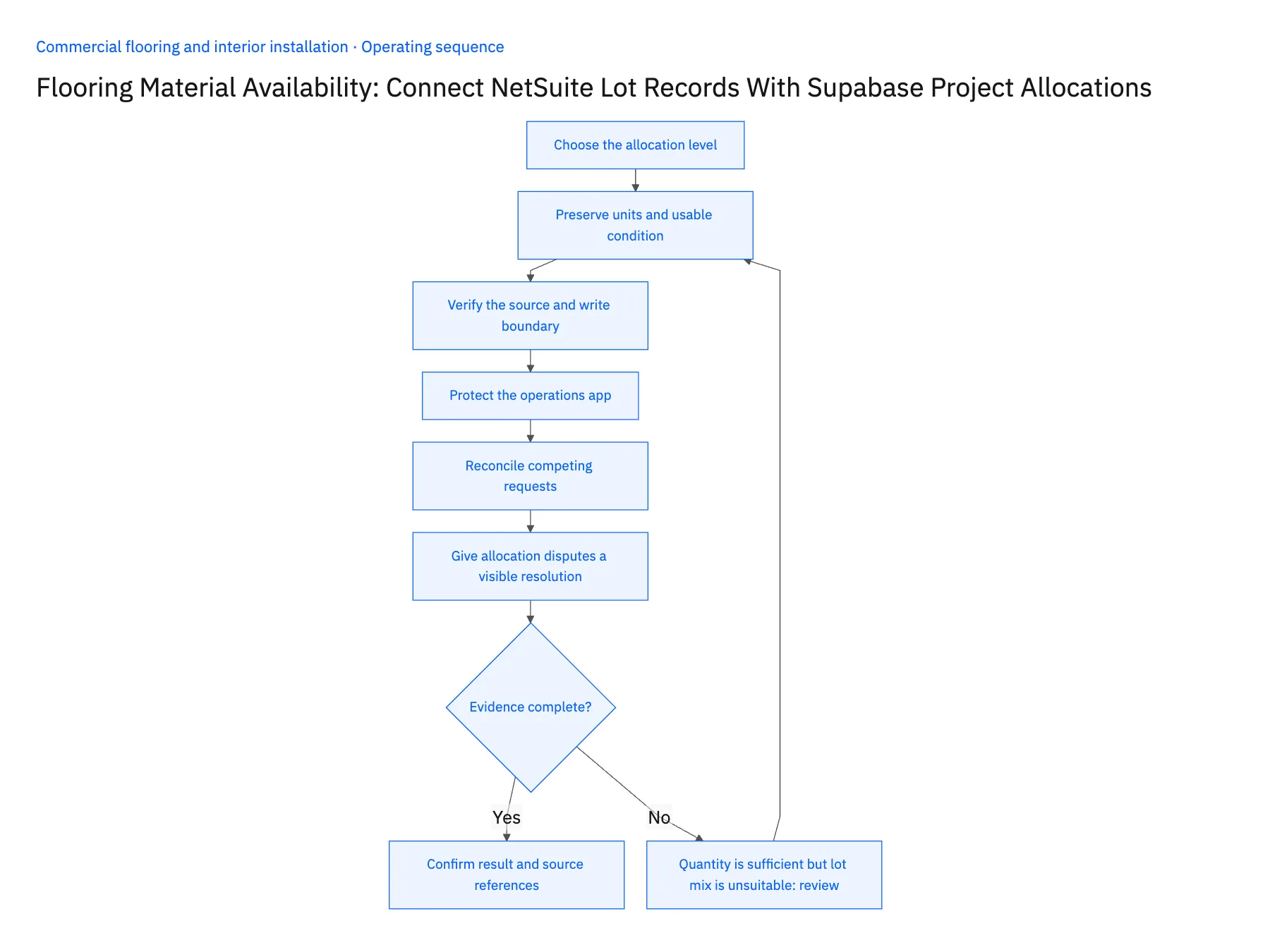
- 01Choose the allocation levelDecide which projects require lot-specific allocation and how phased installations consume it. Keep project and phase references beside the inventory item. A company-wide stock total cannot answer whether the right material is reserved for a particular floor and installation window.
- 02Preserve units and usable conditionExpose the stocking unit, package size and area conversion along with the quantity. Keep damaged, held and otherwise unavailable material separate from usable stock. A count of boxes has little planning value if the coordinator cannot tell how much approved coverage those boxes represent.
- 03Verify the source and write boundaryReview the NetSuite records that expose item, lot and location data and the specific action required to commit or move an allocation. Do not infer write availability from read visibility. Where an action is unverified, use a reviewed request and return the confirmed allocation reference afterward.
- 04Protect the operations appGive coordinators access to the projects and locations their role covers. Use Supabase grants and row policies independently of database synchronization, and keep privileged connection credentials out of clients. Test both viewing and submitting changes so a useful shared board does not become unrestricted inventory editing.
- 05Reconcile competing requestsWhen two projects request the same lot, let the inventory process decide priority and accept the resulting allocation. Show pending, approved and rejected states in the app. Refresh the planning view after the confirmed result and preserve the rejected request so coordinators can find an alternative without repeating the investigation.
- 06Give allocation disputes a visible resolutionWhen a lot must move between projects, show the giving project, receiving project, quantity and the inventory owner's decision. Both coordinators need the resulting status. Updating only the receiving project creates a false readiness signal for the project that lost the material. Keep the transfer request and confirmed result linked so the board can explain why a previously ready phase now needs replacement stock or a revised installation plan.
Handle the exceptions explicitly
Quantity is sufficient but lot mix is unsuitable
Route the finish-continuity decision to the project owner instead of declaring automatic readiness.
Two phases request the same boxes
Keep both requests pending until the inventory owner confirms allocation.
Damaged delivery enters the warehouse
Record its condition and exclude held material from the planning quantity.
What to verify before expanding
- Every planning quantity shows a unit and location.
- Pending requests are visually distinct from confirmed allocations.
- A repeated request cannot reserve the same quantity twice.
- Project users cannot access unrelated customer or inventory records.

Connect this process to the rest of your operation
Explore Stacksync two-way sync and scope the records and actions against your actual systems. Book a demo with a real item and unit example and the exception your team handles most often, for example quantity is sufficient but lot mix is unsuitable.
- HubSpot–NetSuite Two-Way Sync for Commercial Flooring
- NetSuite–Supabase for Flooring Material Allocations
- Multi-Location Interior Contractors: Align Salesforce Project Sites With Acumatica Billing Contacts
- Approved Finish Schedule to Material Purchase: Automate Commercial Flooring Procurement Handoffs
- Flooring Delivery to Installation: Coordinate Site Release, Staged Materials, and Crew Tasks
- Connect NetSuite with Supabase in Real-Time Using Stacksync
- Two-Way Sync Error Handling: Retries and Replay
The shared architecture guide covers record matching, ownership, and recovery across systems.
Technical references
FAQ
Frequently asked questions










Related articles





