






















Prefab Dealer and Contractor Portals: Align HubSpot Buyer Records With Supabase Project Access
Connect prefab buyer and project context to a portal with explicit dealer, contractor and owner access.
- Author
- Ruben Burdin · Founder & CEO
- Published
- Read time
- 5 min read

The operating decision
Prefab customer portals should connect HubSpot buyer context to Supabase project records while keeping portal permissions explicit. A dealer, installation contractor and end customer may all relate to one project but need different information and actions. Two-way sync can maintain approved relationship and status fields; it does not decide who may access commercial documents or submit acceptance. Build access around verified project roles and preserve the distinction between customer requests and approved project changes.
Explore the complete modular and prefab building supply and installation integration and automation hub for the systems and processes around this guide.
What this looks like in modular and prefab building supply and installation
A prefab supplier sells through a dealer while coordinating delivery with a local installation contractor. The end customer wants progress visibility, the contractor needs logistics documents, and the dealer owns the commercial conversation. HubSpot contains all three relationships. If the portal grants access to anyone associated with the deal, it may expose dealer pricing or permit the wrong party to approve a change. Explicit role assignments avoid that ambiguity.
Records, ownership, and update rules
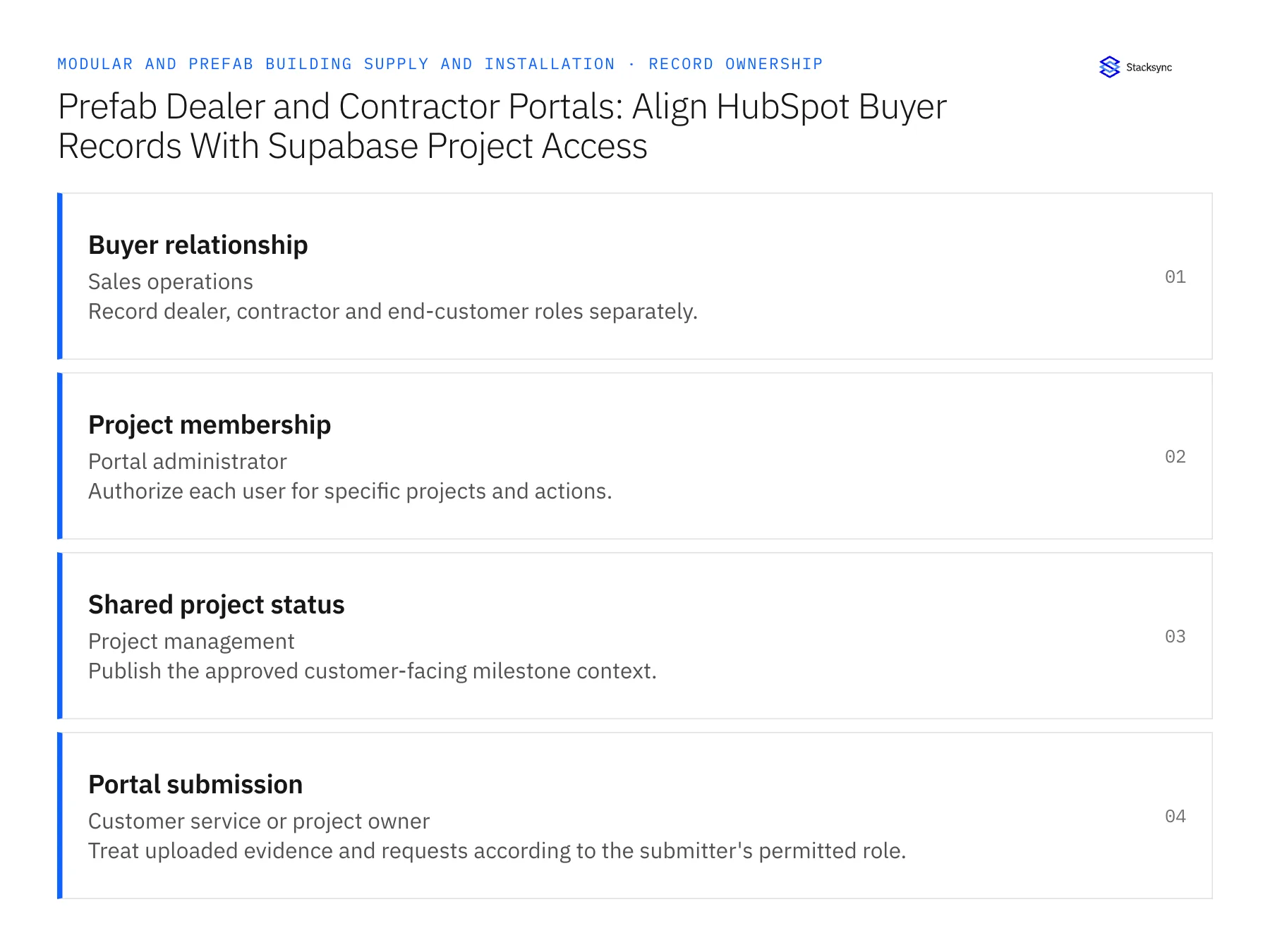
| Record | Owner | Operating rule |
|---|---|---|
| Buyer relationship | Sales operations | Record dealer, contractor and end-customer roles separately. |
| Project membership | Portal administrator | Authorize each user for specific projects and actions. |
| Shared project status | Project management | Publish the approved customer-facing milestone context. |
| Portal submission | Customer service or project owner | Treat uploaded evidence and requests according to the submitter's permitted role. |
Work through the process
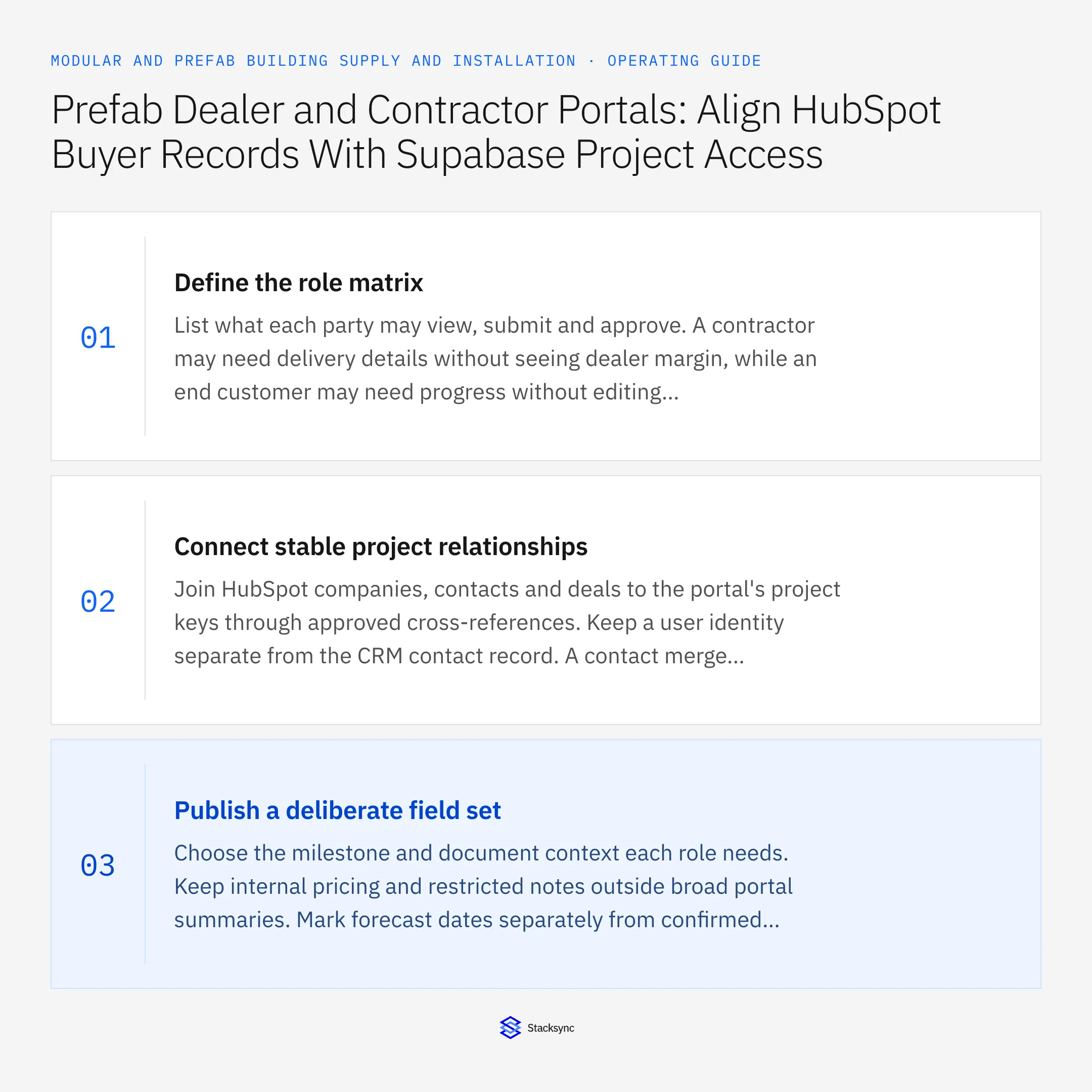
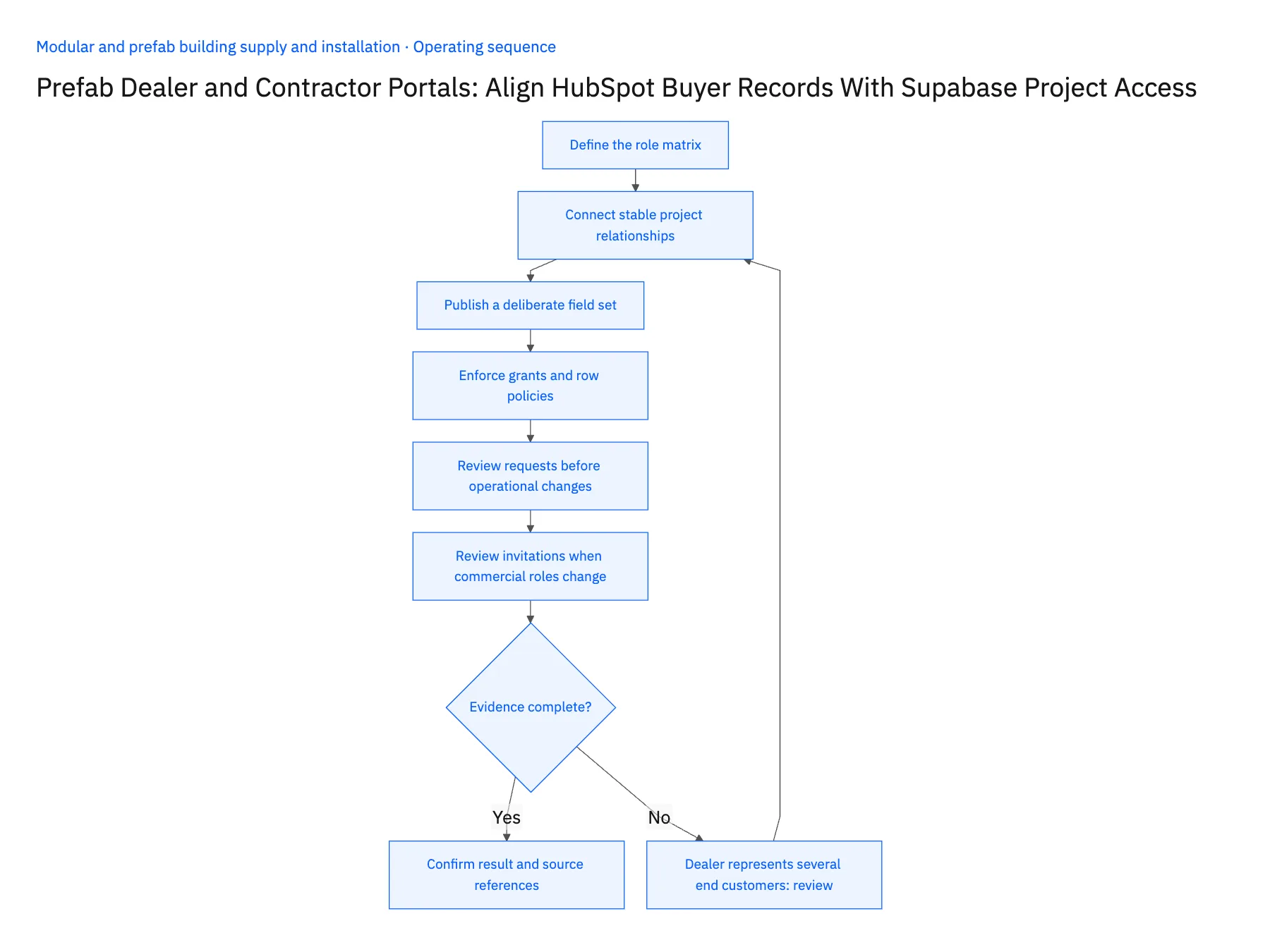
- 01Define the role matrixList what each party may view, submit and approve. A contractor may need delivery details without seeing dealer margin, while an end customer may need progress without editing logistics instructions. Use the actual commercial relationship to design permissions rather than a generic all-contacts access rule.
- 02Connect stable project relationshipsJoin HubSpot companies, contacts and deals to the portal's project keys through approved cross-references. Keep a user identity separate from the CRM contact record. A contact merge or email correction should not silently grant access to another company's projects.
- 03Publish a deliberate field setChoose the milestone and document context each role needs. Keep internal pricing and restricted notes outside broad portal summaries. Mark forecast dates separately from confirmed events so the portal does not transform a tentative factory schedule into a customer promise.
- 04Enforce grants and row policiesUse Supabase access controls for the role and project memberships, and test allowed and denied operations. Keep privileged connection credentials server-side. Verify document access as well as table rows; a hidden portal link is not sufficient authorization for the underlying resource.
- 05Review requests before operational changesA dealer or contractor may propose a date, contact or scope change through the portal. Store the submission and route it to the appropriate owner. Return a clear received, under review or accepted state, and only publish the official project change after the authorized process confirms it.
- 06Review invitations when commercial roles changeA dealer's employee leaving the project or a contractor being replaced should trigger a review of explicit portal membership. Updating the HubSpot contact owner does not by itself define the appropriate access change. Keep the invitation, role assignment and removal decision in the application process. Retain prior submissions as project history while preventing a former participant from continuing to view new documents or propose operational changes.
Handle the exceptions explicitly
Dealer represents several end customers
Keep project memberships and commercial visibility scoped to the approved relationship.
Contractor is replaced during delivery planning
Update explicit permissions and preserve the historical submissions from the prior contractor.
User requests a scope change
Route it for review rather than allowing a portal edit to change the released configuration.
What to verify before expanding
- Dealer pricing is visible only to authorized roles.
- A CRM association alone cannot grant project access.
- Portal requests remain distinct from approved changes.
- Replacing a contractor changes access without deleting history.

Connect this process to the rest of your operation
Explore Stacksync two-way sync and scope the records and actions against your actual systems. Book a demo with a real buyer relationship example and the exception your team handles most often, for example dealer represents several end customers.
- Salesforce–NetSuite for Modular Building Manufacturers
- NetSuite–Supabase for Modular Delivery and Acceptance
- Modular Building Manufacturers: Align Salesforce Project Configurations With NetSuite Orders and Milestones
- Prefab Design Freeze to Factory Release: Route Approved Revisions Through Procurement and Scheduling
- Modular Building Delivery Releases: Coordinate Site Readiness, Transport Booking, and Receiving Acceptance
- Connecting Salesforce and HubSpot to Databases with Stacksync
- Secure EDI Processing in Multi-Cloud Environments
The shared architecture guide covers record matching, ownership, and recovery across systems.
Technical references
FAQ
Frequently asked questions










Related articles





