






















Fence Material Reservations: Connect NetSuite Stock With a Supabase Fabrication and Installation Board
Show fence-material commitments by job without treating a shared planning board as an inventory reservation engine.
- Author
- Ruben Burdin · Founder & CEO
- Published
- Read time
- 5 min read

The operating decision
A fencing fabrication and installation board should distinguish material on hand, material committed to a job, cut or fabricated work, and staged installation stock. NetSuite–Supabase two-way sync can share approved inventory and job context while the app collects requests and progress evidence. Actual reservations and transfers require verified inventory actions and ownership rules. A coordinator changing a board column should not automatically consume stock or guarantee material that another job already holds.
Explore the complete fencing fabrication and installation integration and automation hub for the systems and processes around this guide.
What this looks like in fencing fabrication and installation
A fencing company uses the same steel sections for several custom gates. The planning board shows enough gross stock for a new order, but much of it is reserved for jobs already released to fabrication. Offcuts may be usable only for certain components. A useful view shows approved allocations and the actual material requirements of the new job, then routes any request to move stock through the inventory and production owners.
Records, ownership, and update rules
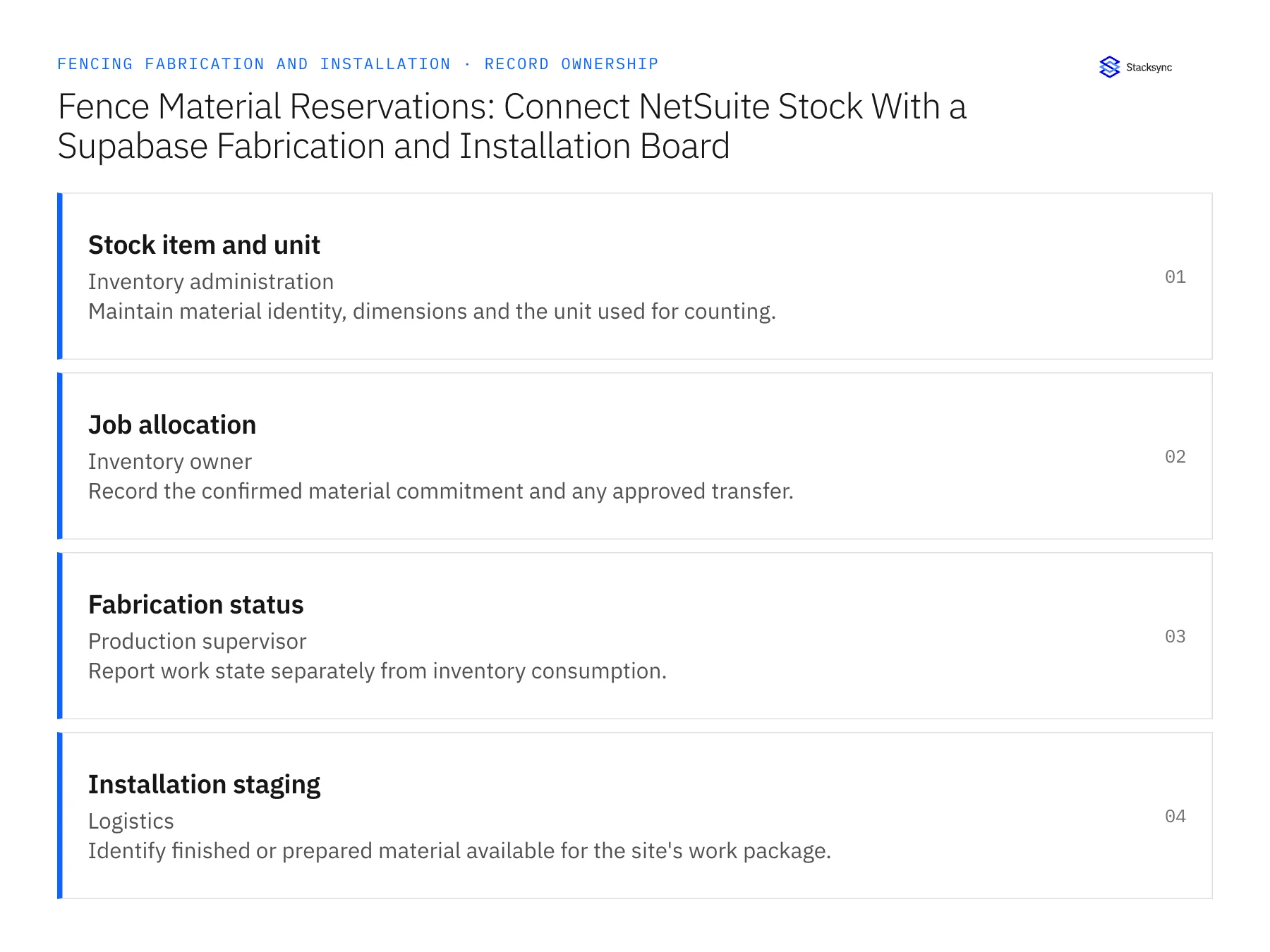
| Record | Owner | Operating rule |
|---|---|---|
| Stock item and unit | Inventory administration | Maintain material identity, dimensions and the unit used for counting. |
| Job allocation | Inventory owner | Record the confirmed material commitment and any approved transfer. |
| Fabrication status | Production supervisor | Report work state separately from inventory consumption. |
| Installation staging | Logistics | Identify finished or prepared material available for the site's work package. |
Work through the process
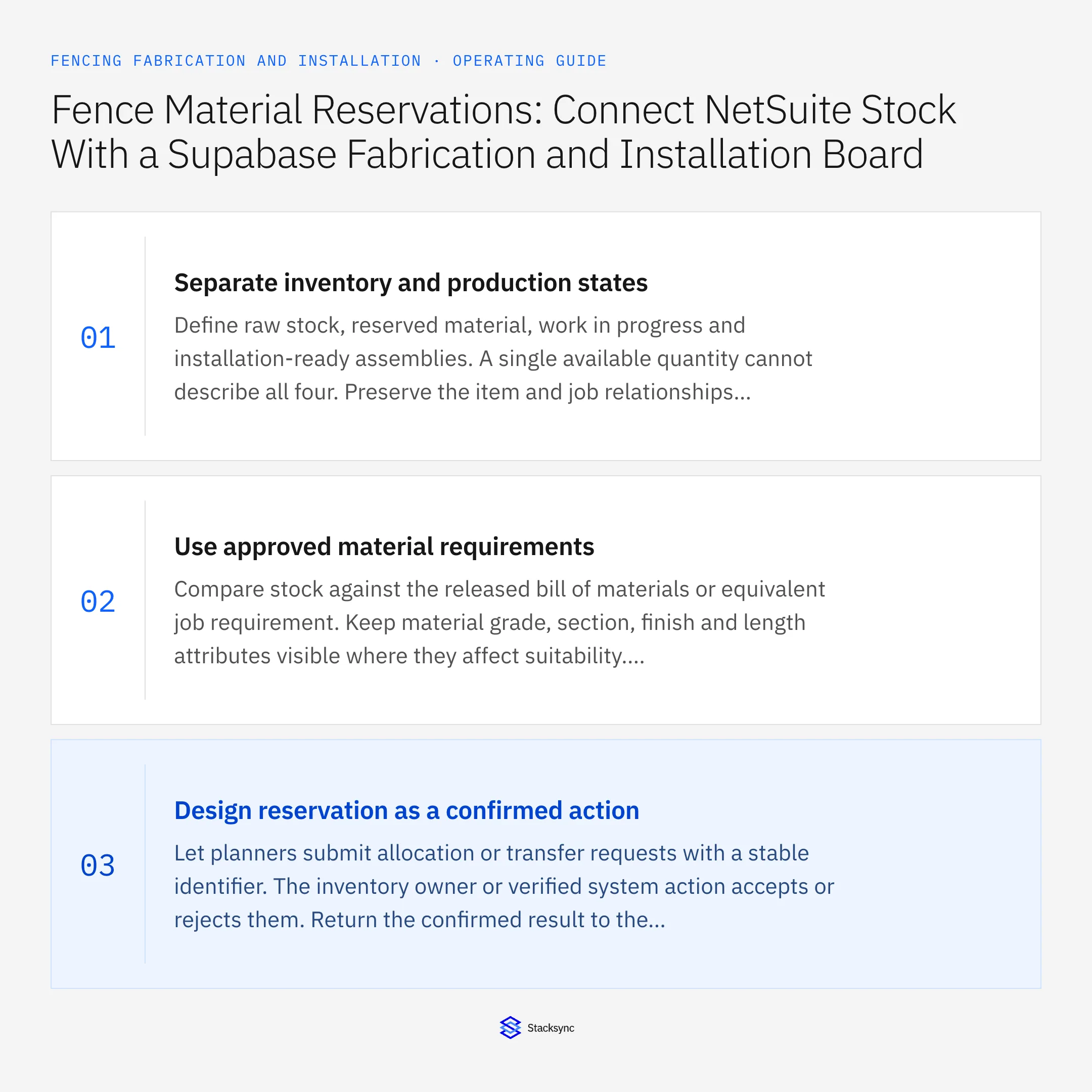
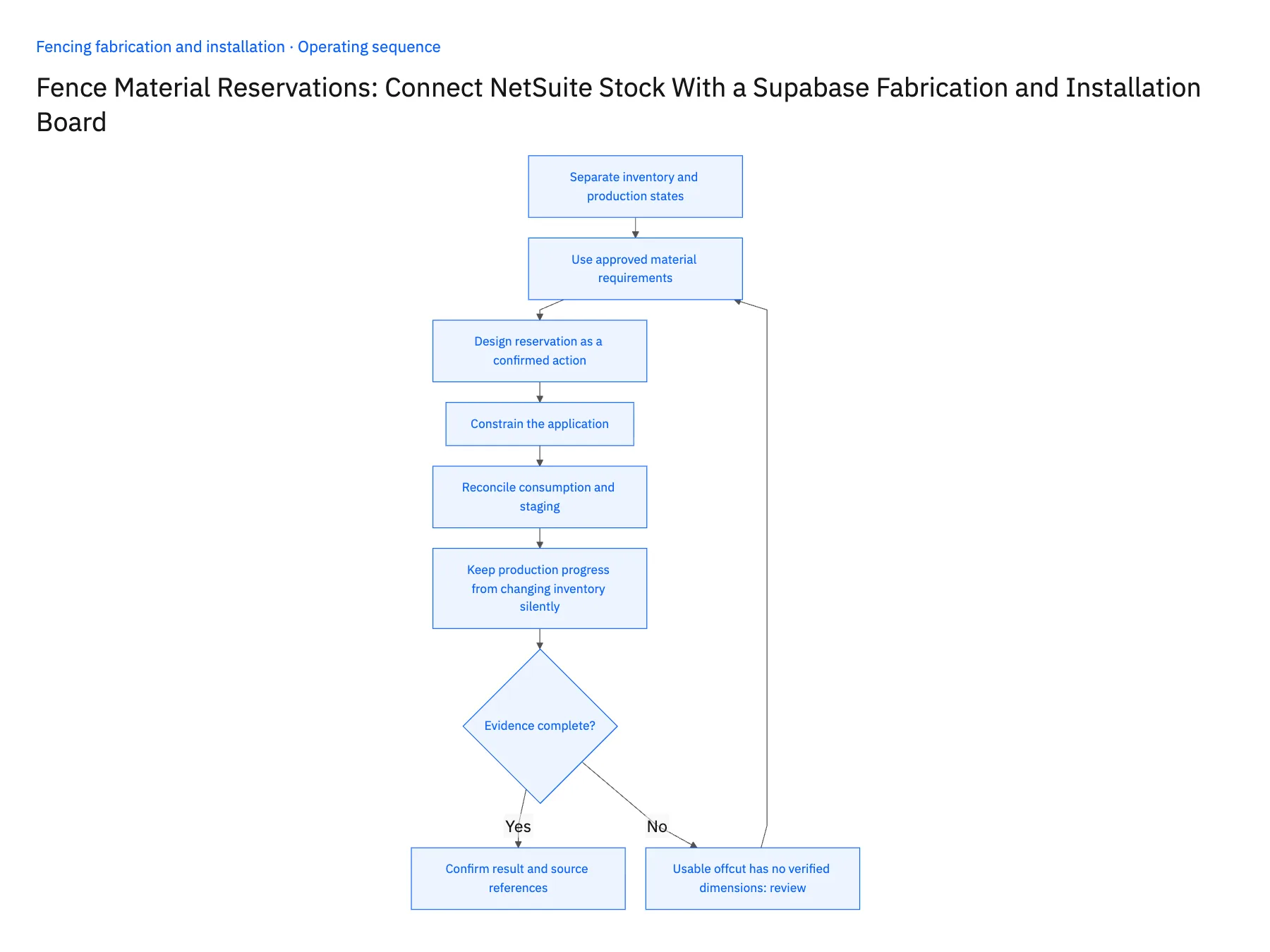
- 01Separate inventory and production statesDefine raw stock, reserved material, work in progress and installation-ready assemblies. A single available quantity cannot describe all four. Preserve the item and job relationships so planners can see whether the constraint is purchasing, fabrication capacity or physical staging.
- 02Use approved material requirementsCompare stock against the released bill of materials or equivalent job requirement. Keep material grade, section, finish and length attributes visible where they affect suitability. Do not let the board substitute a similar material simply because its generic description matches.
- 03Design reservation as a confirmed actionLet planners submit allocation or transfer requests with a stable identifier. The inventory owner or verified system action accepts or rejects them. Return the confirmed result to the board and distinguish pending requests from stock that is actually committed.
- 04Constrain the applicationAuthorize users for the branches, jobs and actions they need. Supabase row policies and grants are separate from sync configuration. Keep integration credentials server-side and test a user who may view planning context but may not approve material movement.
- 05Reconcile consumption and stagingConnect reported fabrication usage and completed assemblies to the approved inventory process. Verify the exact NetSuite operations before enabling writes. Handle delayed reports and corrections with source references so the board does not consume the same material twice or declare an assembly staged before logistics confirms it.
- 06Keep production progress from changing inventory silentlyA fabricator marking a task started may not have consumed the whole material allocation, and marking it complete may still leave unused material. Define how actual usage and returns are recorded through the inventory process. The board can show reported progress while the accepted inventory result remains a separate state. This distinction gives the production manager visibility without turning an approximate shop update into an unreviewed stock adjustment.
Handle the exceptions explicitly
Usable offcut has no verified dimensions
Keep it outside the available planning quantity until production confirms suitability.
Two jobs request the same stock
Use the owning reservation process to decide priority and return explicit accepted or rejected states.
Fabrication is complete but not staged
Show production completion separately from installation availability.
What to verify before expanding
- Gross stock and confirmed job allocation are distinct.
- A board edit cannot silently create an unsupported inventory action.
- Repeated requests cannot double reserve material.
- Installation availability requires verified staging evidence.

Connect this process to the rest of your operation
Explore Stacksync two-way sync and scope the records and actions against your actual systems. Book a demo with a real stock item and unit example and the exception your team handles most often, for example usable offcut has no verified dimensions.
- Salesforce–NetSuite for Fence Fabricators and Installers
- NetSuite–Supabase for Fencing Production and Installation Boards
- Commercial Fencing Accounts: Align HubSpot Site Contacts With Acumatica Customer and Project Records
- Custom Gate Orders: Route Approved Drawings Through Fabrication Release and Installation Scheduling
- Fence-Installation Scope Changes: Reconcile Linear Footage, Gate Counts, and Approved Billing
- How Stacksync Manages Schema Changes: Ensuring Continuous Data Flow Between CRM and Databases
- Build vs. Buy: Should You Develop Custom Code or Use a Platform to Sync CRM Data?
The shared architecture guide covers record matching, ownership, and recovery across systems.
Technical references
FAQ
Frequently asked questions










Related articles





