






















Modular Building Manufacturers: Align Salesforce Project Configurations With NetSuite Orders and Milestones
Link Salesforce module options to the released design revision and NetSuite order so sales edits cannot rewrite released scope or blur factory and site milestones.
- Author
- Ruben Burdin · Founder & CEO
- Published
- Read time
- 5 min read

The operating decision
Modular building manufacturers should connect Salesforce commercial configuration to NetSuite orders and project milestones through approved revision references. Preserve module quantities, configuration choices, factory scope and site-installation scope separately. Sales owns proposals, technical and production teams own design release, and finance owns the accepted commercial order. Two-way sync should return the approved state to customer-facing teams without allowing an evolving sales configuration to rewrite released production or billing milestones.
Explore the complete modular and prefab building supply and installation integration and automation hub for the systems and processes around this guide.
What this looks like in modular and prefab building supply and installation
A modular building supplier sells a package that includes factory production and onsite installation. Salesforce holds the opportunity and customer options, while NetSuite holds the accepted order and project context. The customer adds a module after the initial design is released. That change affects procurement, factory sequencing, transport and the commercial schedule. The integration needs a versioned comparison rather than replacing the original module count on every downstream record.
Records, ownership, and update rules
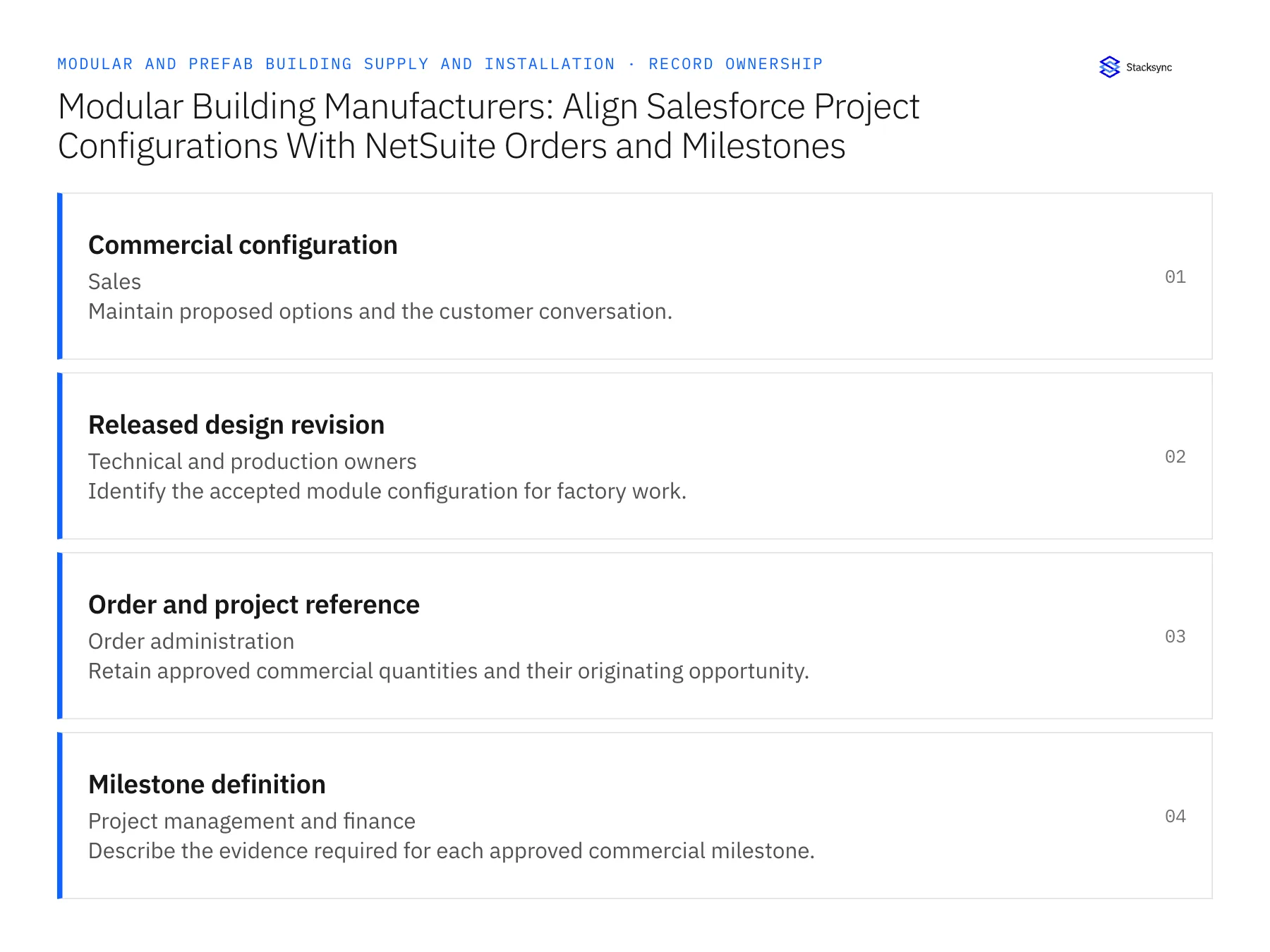
| Record | Owner | Operating rule |
|---|---|---|
| Commercial configuration | Sales | Maintain proposed options and the customer conversation. |
| Released design revision | Technical and production owners | Identify the accepted module configuration for factory work. |
| Order and project reference | Order administration | Retain approved commercial quantities and their originating opportunity. |
| Milestone definition | Project management and finance | Describe the evidence required for each approved commercial milestone. |
Work through the process
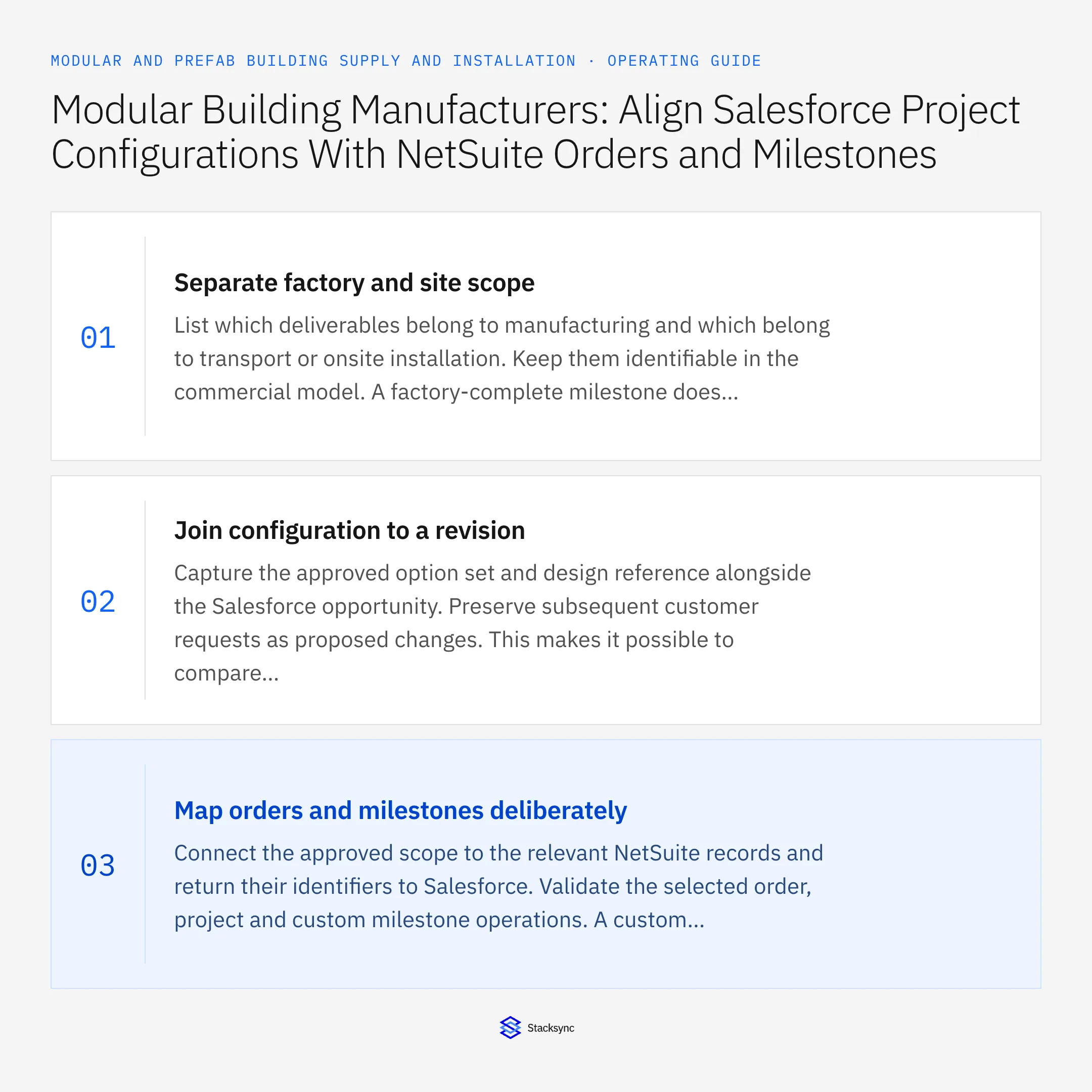
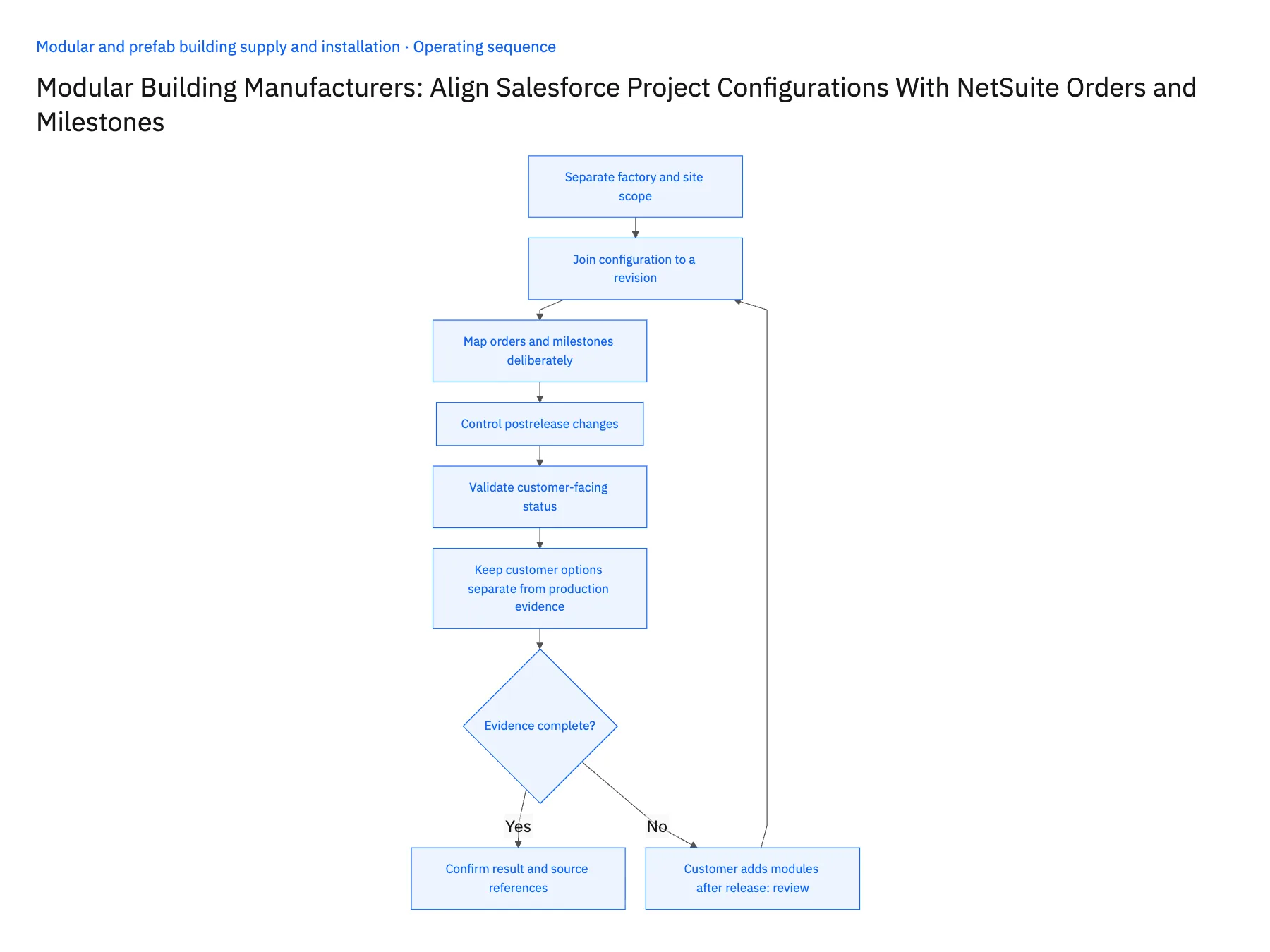
- 01Separate factory and site scopeList which deliverables belong to manufacturing and which belong to transport or onsite installation. Keep them identifiable in the commercial model. A factory-complete milestone does not mean the site has accepted the building, and the integration should not collapse those states into one completed field.
- 02Join configuration to a revisionCapture the approved option set and design reference alongside the Salesforce opportunity. Preserve subsequent customer requests as proposed changes. This makes it possible to compare a new module count or finish choice with what production was actually authorized to build.
- 03Map orders and milestones deliberatelyConnect the approved scope to the relevant NetSuite records and return their identifiers to Salesforce. Validate the selected order, project and custom milestone operations. A custom field that displays a milestone does not establish that the associated financial or production action is supported.
- 04Control postrelease changesWhen sales records a new request, route the affected design, quantity and timing differences to the project owner. Keep released work stable until the approved revision is applied. Show production and procurement commitments so reviewers understand the consequence of changing scope already in progress.
- 05Validate customer-facing statusTest whether sales can explain factory progress, transport readiness and site acceptance separately. Reconcile the same project across both systems, including a partial delivery and an approved design change. Confirm that repeated updates reuse the existing order and revision relationships.
- 06Keep customer options separate from production evidenceA selected option in the commercial configuration describes what was agreed, while the production record describes what was built. Preserve both until the responsible team confirms conformance or records an approved difference. This matters when the customer requests options that affect only certain modules. Sales needs the accepted configuration for conversations, and project management needs the actual completion evidence before presenting those options as delivered scope.
Handle the exceptions explicitly
Customer adds modules after release
Create a reviewed scope revision with downstream impact rather than overwriting the original quantity.
Factory is complete but site is delayed
Return separate milestone states and keep the customer-facing summary accurate.
Milestone definition changes
Require project and finance review before applying the new rule to existing work.
What to verify before expanding
- Approved configuration identifies the released design revision.
- Factory and site milestones remain distinct.
- Sales changes cannot silently alter released production scope.
- Order and project references remain stable across retries.

Connect this process to the rest of your operation
Explore Stacksync two-way sync and scope the records and actions against your actual systems. Book a demo with a real commercial configuration example and the exception your team handles most often, for example customer adds modules after release.
- Salesforce–NetSuite for Modular Building Manufacturers
- NetSuite–Supabase for Modular Delivery and Acceptance
- Module Serial Numbers From Factory to Site: Connect NetSuite With a Supabase Delivery and Acceptance Register
- Prefab Dealer and Contractor Portals: Align HubSpot Buyer Records With Supabase Project Access
- Prefab Design Freeze to Factory Release: Route Approved Revisions Through Procurement and Scheduling
- Eliminating Duplicate Records When You Sync CRM Systems: Best Practices for Clean Data
- Connecting Salesforce and HubSpot to Databases with Stacksync
The shared architecture guide covers record matching, ownership, and recovery across systems.
Technical references
FAQ
Frequently asked questions










Related articles






